The browser universe / 2026

All browsers, at a glance.

Meet the major web browsers before you install one. Explore their strengths, compare the details, and see how Tabbit helps with everyday work.

All browsers / 12

Selected product screenshots and official feature pages. Interfaces and availability vary by version.

12

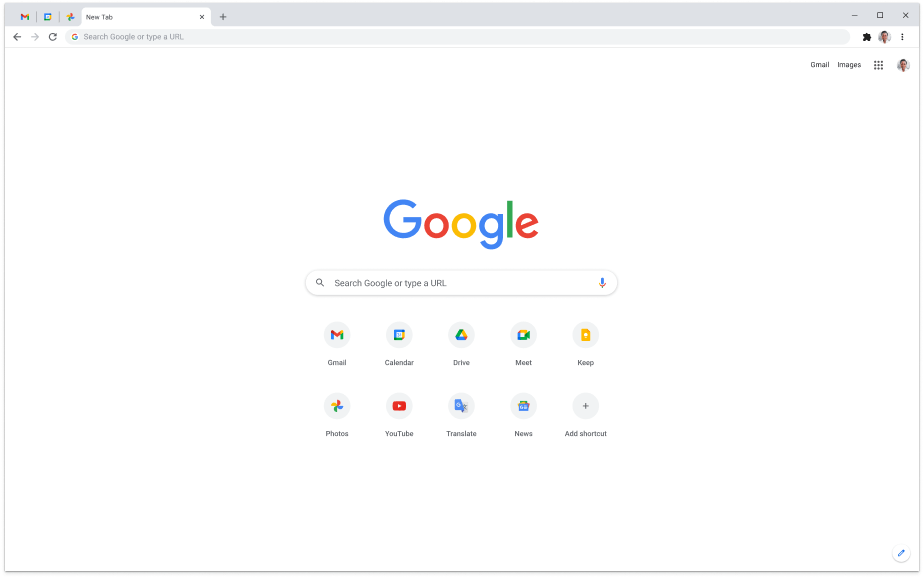
Chrome new tab with Google search and app shortcuts

Chrome new tab with Google search and app shortcuts

Familiar default

Google Chrome

Windows, macOS, Linux, ChromeOS, Android, iOS

AI & automation
Gemini in Chrome (select regions)
Privacy
Privacy controls; Safe Browsing
Trade-off
Gemini requires the latest Chrome, sign-in and a supported region/language; unavailable in Incognito
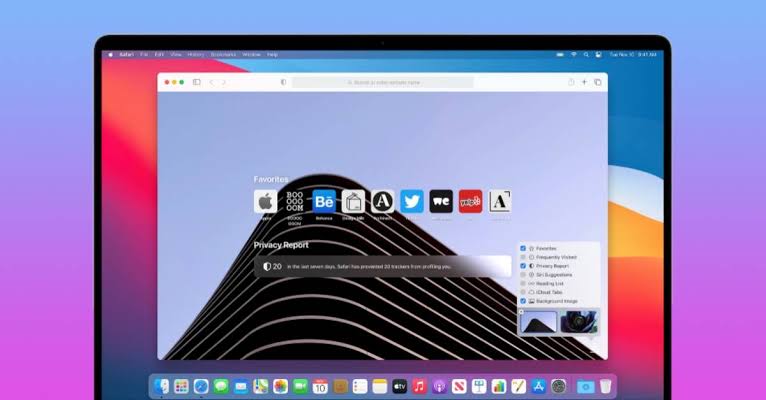
Safari start page on a Mac with Favorites and Privacy Report

Safari start page on a Mac with Favorites and Privacy Report

Apple ecosystem

Apple Safari

macOS, iOS, iPadOS, visionOS

AI & automation
Webpage summaries with Apple Intelligence (compatible devices)
Privacy
Intelligent Tracking Prevention; Private Browsing
Trade-off
Apple devices only; Apple Intelligence needs compatible hardware, the latest OS, the feature enabled and a supported language/region
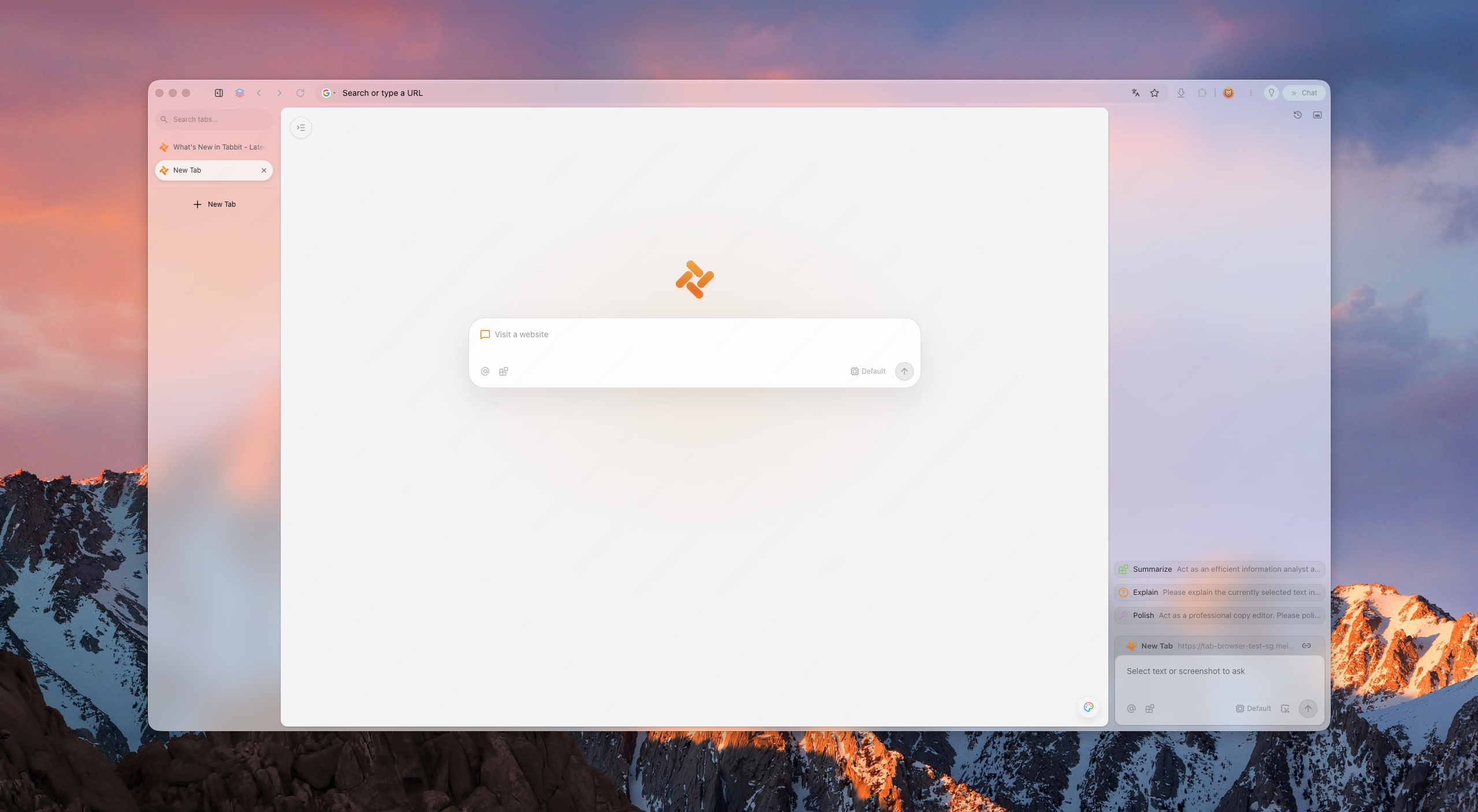
Tabbit new-tab page with vertical tabs and AI sidebar

Tabbit new-tab page with vertical tabs and AI sidebar

AI-powered work

Tabbit

macOS, Windows, iOS, Android, Harmony

AI & automation
Agent · Deep Research
Privacy
AI acts only when asked; review provider and data settings
Trade-off
Review AI output and actions before relying on them
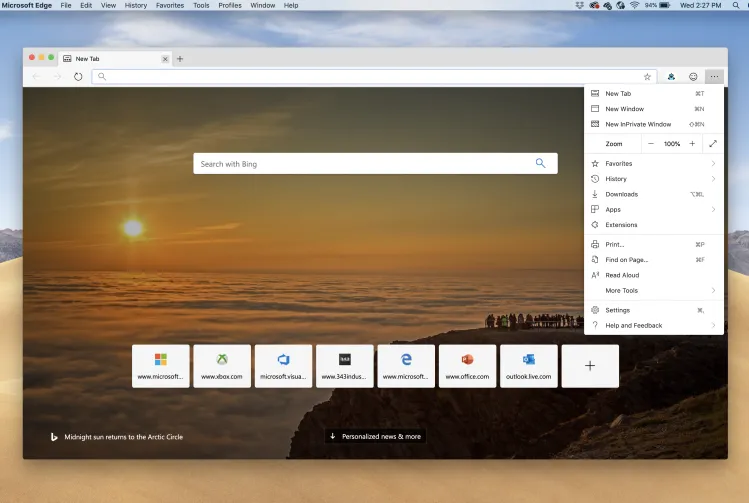
Edge new tab with Bing search and the browser menu open

Edge new tab with Bing search and the browser menu open

Windows users

Microsoft Edge

Windows, macOS, Linux, Android, iOS

AI & automation
Copilot
Privacy
Tracking prevention; Microsoft Defender SmartScreen
Trade-off
Personal Microsoft account required; availability varies by device, market, language and browser version
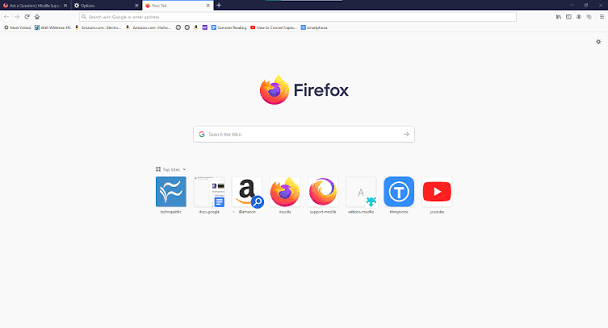
Firefox new tab with search and top sites

Firefox new tab with search and top sites

Open-source fans

Mozilla Firefox

Windows, macOS, Linux, ChromeOS, Android, iOS

AI & automation
Optional AI chatbots in sidebar
Privacy
Enhanced Tracking Protection; Total Cookie Protection
Trade-off
Some extensions differ from Chrome
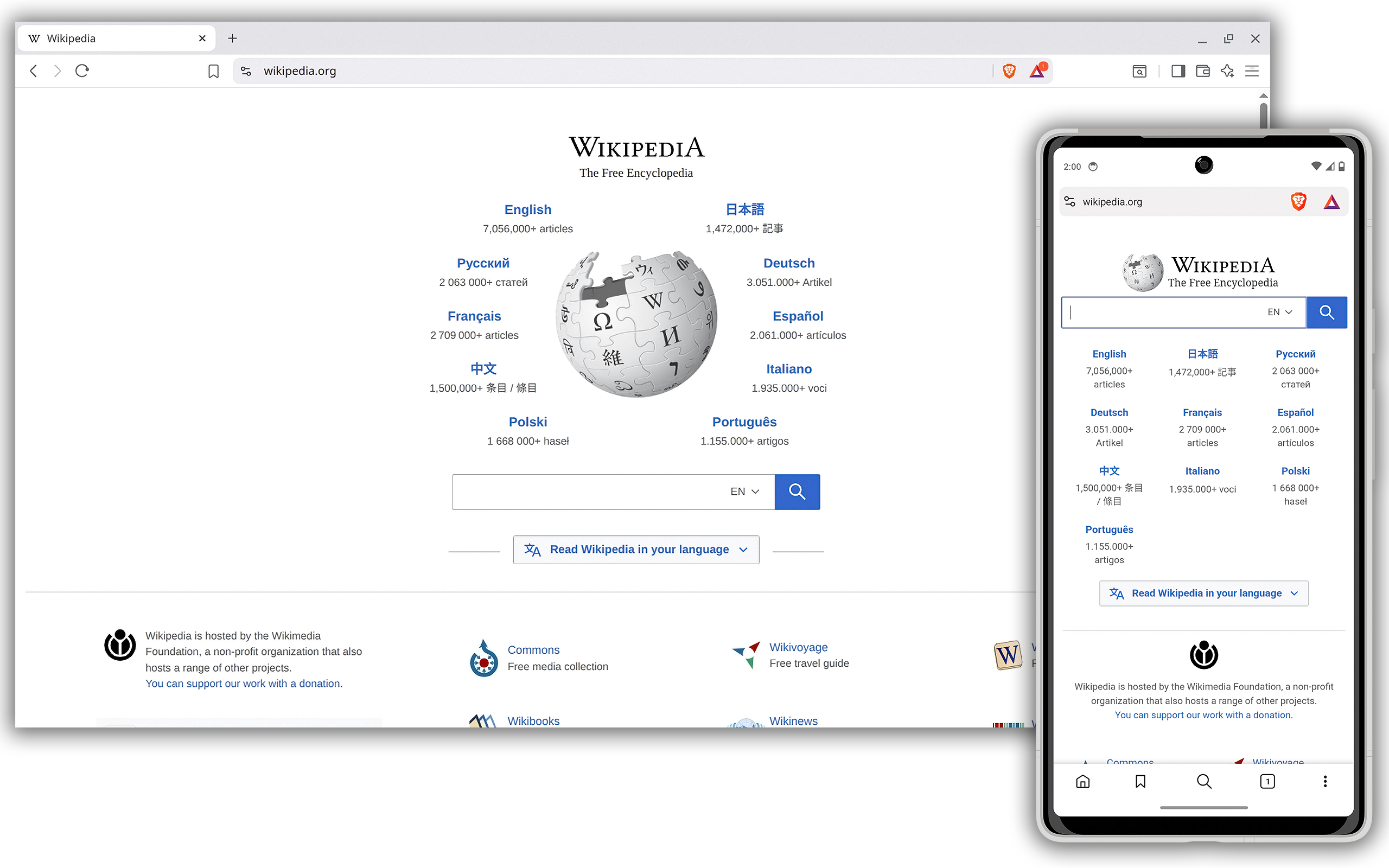
Brave desktop and mobile browsers displaying Wikipedia

Brave desktop and mobile browsers displaying Wikipedia

Default ad blocking

Brave

Windows, macOS, Linux, Android, iOS

AI & automation
Leo; multiple models; BYOM
Privacy
Shields: ad and tracker blocking
Trade-off
Shields can require per-site adjustments
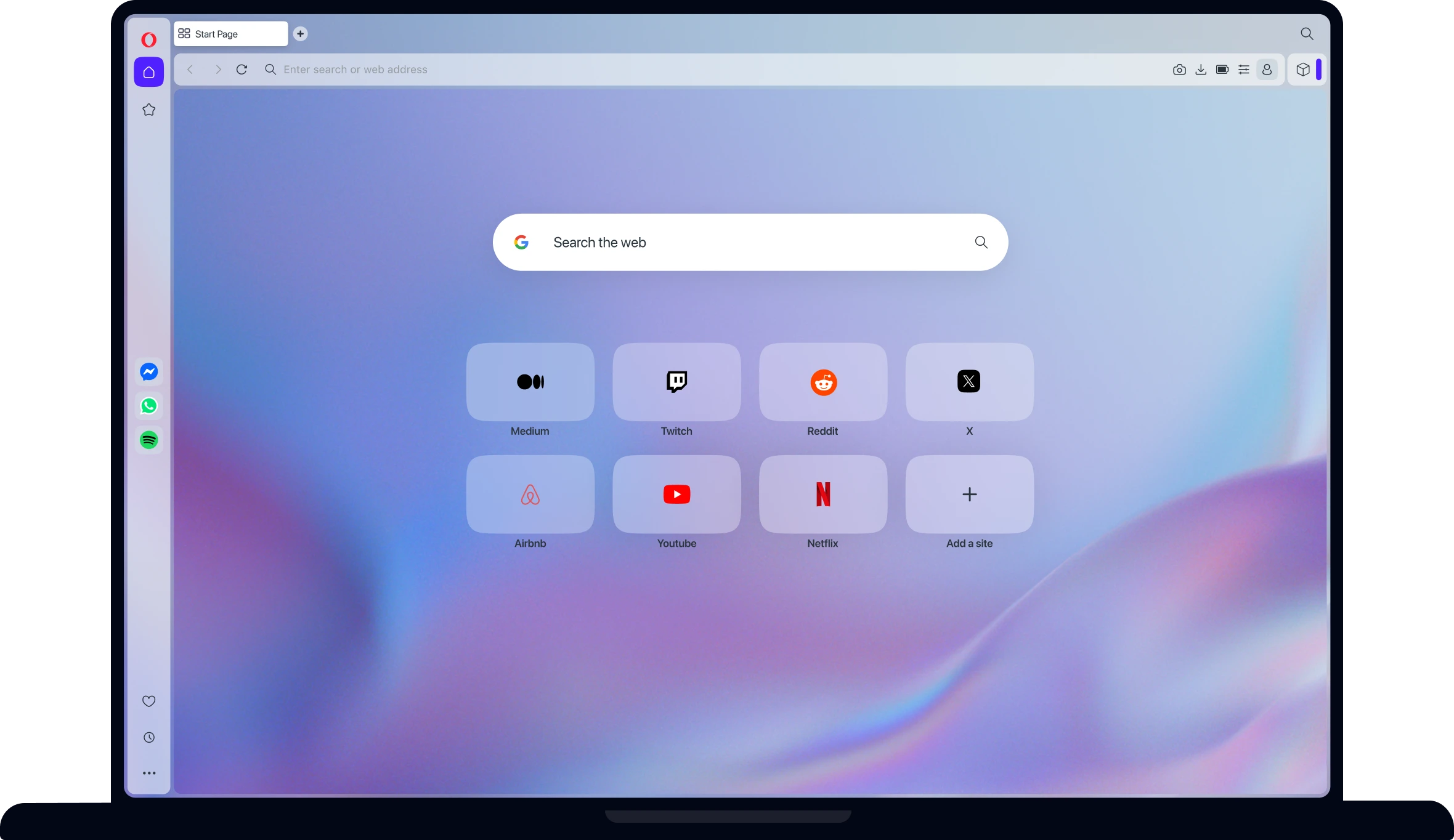
Opera start page with speed-dial shortcuts and messaging sidebar

Opera start page with speed-dial shortcuts and messaging sidebar

Feature lovers

Opera

Windows, macOS, Linux, Android, iOS

AI & automation
Opera AI (Aria)
Privacy
Built-in ad blocker (opt-in); free browser VPN
Trade-off
The free VPN is browser-only; VPN Pro is a separate paid service
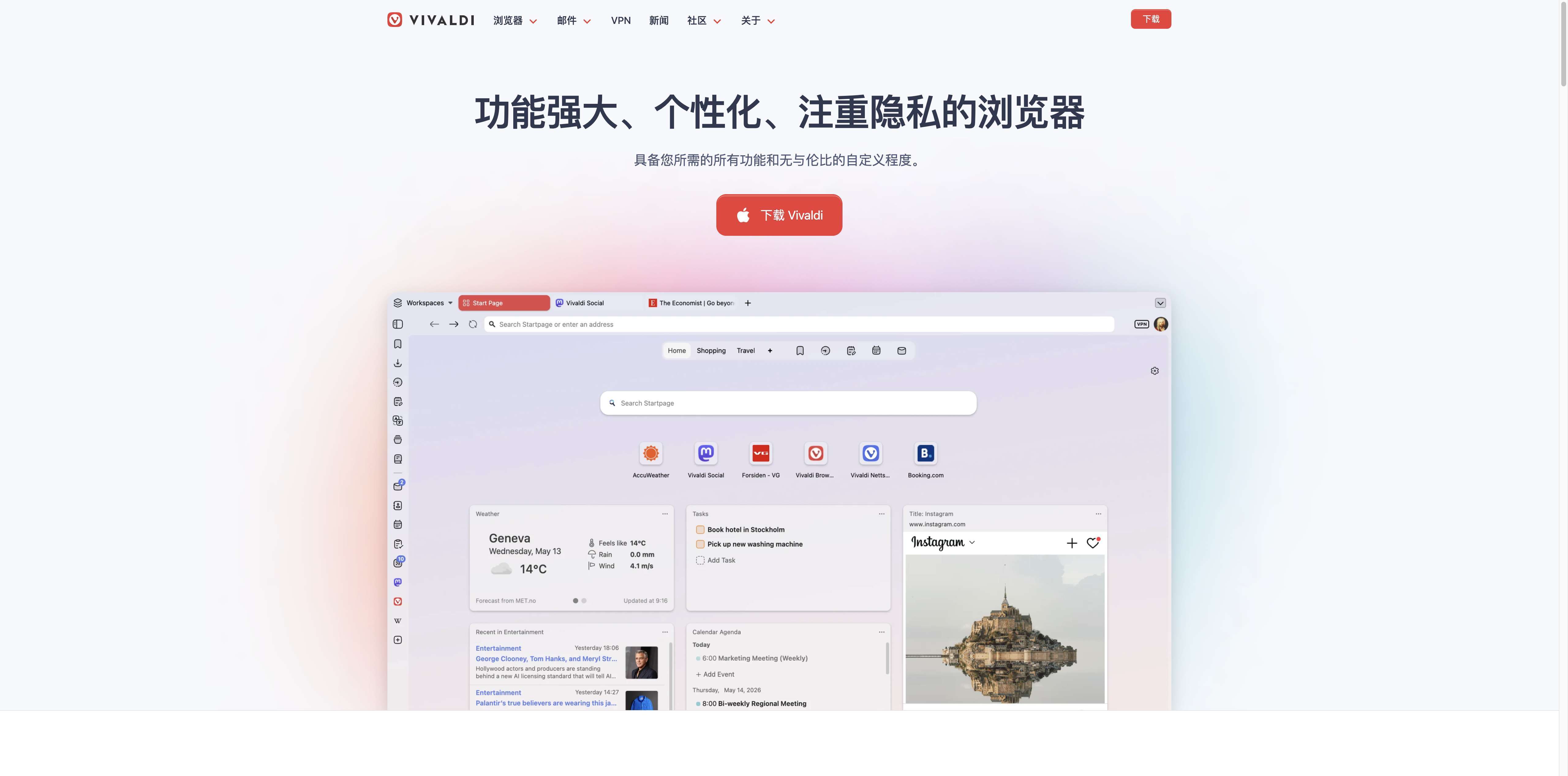
Vivaldi official page showing its desktop dashboard

Vivaldi official page showing its desktop dashboard

Power users

Vivaldi

Windows, macOS, Linux, Android, iOS

AI & automation
—
Privacy
Ad and tracker blocker
Trade-off
Many settings to learn; no built-in AI assistant
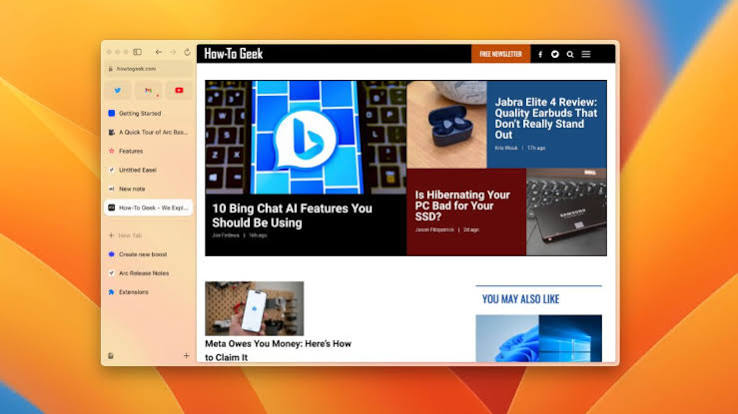
Arc browser with sidebar tabs displaying How-To Geek

Arc browser with sidebar tabs displaying How-To Geek

Workspaces

Arc Browser

macOS, Windows

AI & automation
Optional Arc Max
Privacy
Site permissions; separate profiles
Trade-off
New feature development has stopped; Arc receives Chromium updates only, and features differ between macOS and Windows
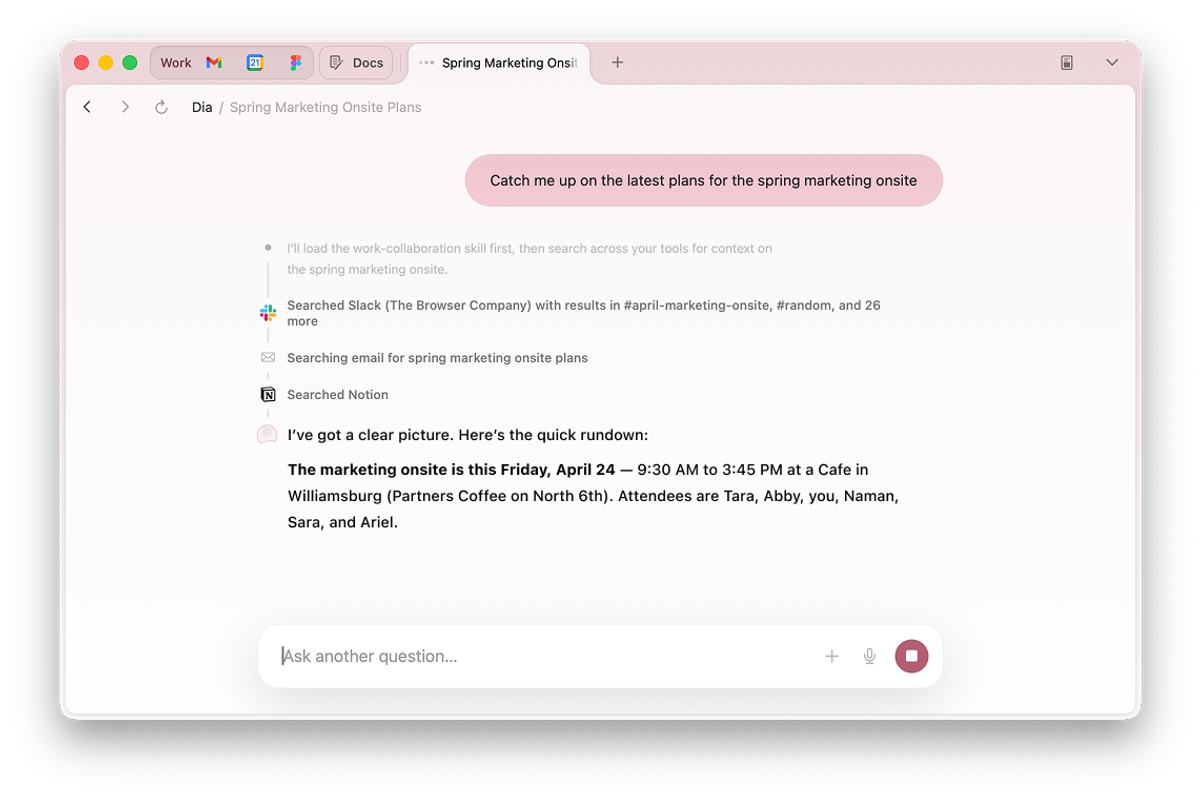
Dia browser with pinned apps, tabs and an AI conversation about work plans

Dia browser with pinned apps, tabs and an AI conversation about work plans

AI assistant

Dia

macOS 14+ (Apple silicon M1+)

AI & automation
Dia AI; plan and trial conditions apply
Privacy
Some content data shared by default; opt out in Settings
Trade-off
AI pricing and limits vary by account; Windows beta waitlist
Comet browser showing an answer in its AI sidebar

Comet browser showing an answer in its AI sidebar

AI companion

Comet

Windows, macOS, Android, iOS

AI & automation
Comet Assistant
Privacy
Assistant permissions; disable globally or per site; review data use
Trade-off
Limits vary by plan; review permissions before automated actions
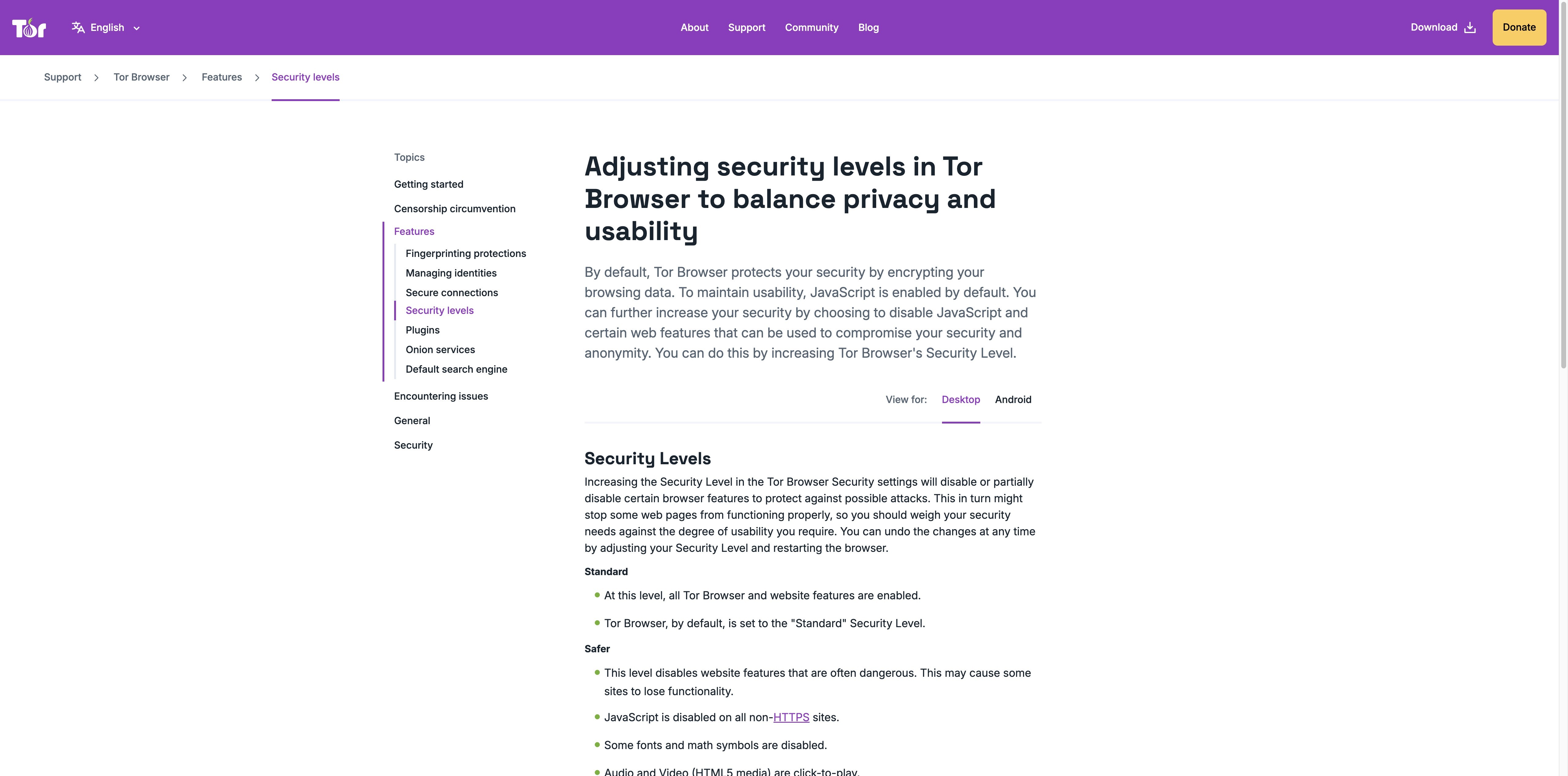
Tor official guide to security levels and usability

Tor official guide to security levels and usability

Anonymity

Tor Browser

Windows, macOS, Linux, Android

AI & automation
—
Privacy
Tor routing; fingerprinting defenses
Trade-off
Some sites block Tor; no official iOS app

Side by side

The top browsers, compared

Published by Tabbit · Reviewed September 4, 2026. Desktop features are compared; mobile editions can differ. AI access, models and quotas depend on region, account and plan.

The top browsers, compared
BrowserDesktop enginePlatformsAI & automationPrivacyTabs & workflowTrade-off
Google ChromeChromium (Blink)Windows, macOS, Linux, ChromeOS, Android, iOSGemini in Chrome (select regions)Privacy controls; Safe BrowsingTab groups; tab sync when signed inGemini requires the latest Chrome, sign-in and a supported region/language; unavailable in Incognito
Apple SafariWebKitmacOS, iOS, iPadOS, visionOSWebpage summaries with Apple Intelligence (compatible devices)Intelligent Tracking Prevention; Private BrowsingTab groups; iCloud tab sync and HandoffApple devices only; Apple Intelligence needs compatible hardware, the latest OS, the feature enabled and a supported language/region
TabbitChromium (Blink)macOS, Windows, iOS, Android, HarmonyAgent · Deep ResearchAI acts only when asked; review provider and data settingsVertical tabs; smart grouping; separate Agent tabsReview AI output and actions before relying on them
Microsoft EdgeChromium (Blink)Windows, macOS, Linux, Android, iOSCopilotTracking prevention; Microsoft Defender SmartScreenVertical tabs (Windows/macOS); sleeping tabsPersonal Microsoft account required; availability varies by device, market, language and browser version
Mozilla FirefoxGeckoWindows, macOS, Linux, ChromeOS, Android, iOSOptional AI chatbots in sidebarEnhanced Tracking Protection; Total Cookie ProtectionBuilt-in vertical tabs; native containers; add-on adds site assignmentsSome extensions differ from Chrome
BraveChromium (Blink)Windows, macOS, Linux, Android, iOSLeo; multiple models; BYOMShields: ad and tracker blockingChrome extensions; tab groupsShields can require per-site adjustments
OperaChromium (Blink)Windows, macOS, Linux, Android, iOSOpera AI (Aria)Built-in ad blocker (opt-in); free browser VPNTab Islands; integrated sidebarThe free VPN is browser-only; VPN Pro is a separate paid service
VivaldiChromium (Blink)Windows, macOS, Linux, Android, iOS—Ad and tracker blockerTab stacks; tiling; workspacesMany settings to learn; no built-in AI assistant
Arc BrowserChromium (Blink)macOS, WindowsOptional Arc MaxSite permissions; separate profilesSpaces; vertical tabs; Split ViewNew feature development has stopped; Arc receives Chromium updates only, and features differ between macOS and Windows
DiaChromium (Blink)macOS 14+ (Apple silicon M1+)Dia AI; plan and trial conditions applySome content data shared by default; opt out in SettingsSidebar conversations; grouped tabsAI pricing and limits vary by account; Windows beta waitlist
CometChromium (Blink)Windows, macOS, Android, iOSComet AssistantAssistant permissions; disable globally or per site; review data useAssistant with current-page and @tab contextLimits vary by plan; review permissions before automated actions
Tor BrowserGeckoWindows, macOS, Linux, Android—Tor routing; fingerprinting defensesSession-isolated browsing over the Tor networkSome sites block Tor; no official iOS app

Our pick for AI-assisted work: Tabbit

Why choose Tabbit ↓

Tabbit Browser

Why choose Tabbit

Our pick for AI-assisted work: Tabbit

Get Tabbit Free

01

Chat with any page

Open any article or document and the AI sidebar turns it into key points, conclusions and next steps — no copying, no tab hopping.

Get Tabbit Free
Tabbit browser open on a blog article with the AI sidebar summarizing key points and the conclusion on the right

02

Agent mode does the heavy lifting

Tell the agent what you need in plain language — fill the form, clean the sheet, generate the report — and it clicks, types and finishes in a separate tab group while you keep working.

Get Tabbit Free
Tabbit agent mode executing a task in Google Sheets, with the instruction and execution steps in the sidebar

03

Deep research in minutes

Ask a hard question and Tabbit searches, reads and cross-references the web, then delivers a structured report with sources.

Get Tabbit Free
Tabbit Deep Research searching the web, with research steps and visited sources in the sidebar

04

Import browser data

Choose which bookmarks and settings to import. Available data depends on the source browser and permissions.

Get Tabbit Free
Tabbit import screen showing bookmarks and settings being imported from Chrome with an import button

05

Switch AI models in the same workspace

Choose an available model for writing, analysis or a second perspective without moving your page context to another app. Models and quotas depend on your region and plan.

Get Tabbit Free
Tabbit model selector showing several models, Pro labels and a multi-model toggle

06

Keep research tabs organized

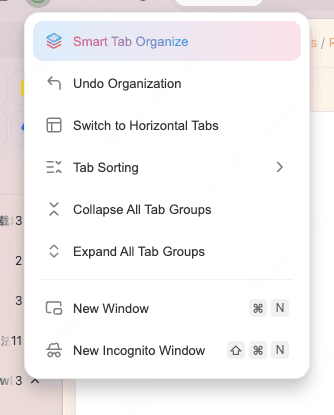
Use vertical tabs and Smart Tab Organize to group related pages. Keep a project together while the Agent works in a separate tab group.

Get Tabbit Free
Tabbit Smart Tab Organize menu with sorting and collapse or expand controls

More browsers to explore

DuckDuckGo Browser

Built-in private search and tracker blocking for everyday browsing.

Mullvad Browser

Developed with the Tor Project to minimize tracking and browser fingerprinting.

Firefox Focus

A minimal privacy browser for Android and iOS with automatic tracking protection.

SigmaOS

AI browser with workspaces for macOS.

Samsung Internet

Now Samsung Browser, for Android and Windows; Video assistant is available on Android.

Pale Moon

An independent, open-source browser built on the Goanna engine, with a classic, customizable interface.

Lynx

A terminal browser that renders pages as text.

All browsers — your questions, answered

How many web browsers are there?

There are dozens of web browsers. Most desktop browsers use Blink, WebKit or Gecko. Chromium is the open-source browser codebase used by many Blink-based browsers, including Chrome, Edge and Tabbit.

What is a Chromium-based browser?

A browser built on the open-source Chromium codebase, which uses Blink for rendering. Many support Chrome extensions, but extension support, update schedules and product features depend on the browser.

Which browsers are not Chromium?

The main non-Chromium browsers are Safari (WebKit), Firefox (Gecko) and Tor (hardened Gecko). Choosing a non-Chromium engine supports a more diverse, standards-driven web.

Get the browser that finishes your work

Our pick for AI-assisted work: Tabbit

© 2026 Tabbit Browser. The AI-native browser that understands your context.