AI-Native Arc Alternative for 2026
3 Arc Browser Alternatives for 2026, Compared
Arc for macOS and Windows stops working on December 22, 2026. On mobile, Arc Search loses AI features, sign-in, and sync on November 23. iOS keeps a basic browser. Arc Search for Android is removed on December 22. Export your links before switching.
Export Arc tabs and SpacesArc shutdown timeline
Free download · AI allowance varies by plan

AI-Native Arc Alternative for 2026
Quick answer: choose by what matters most
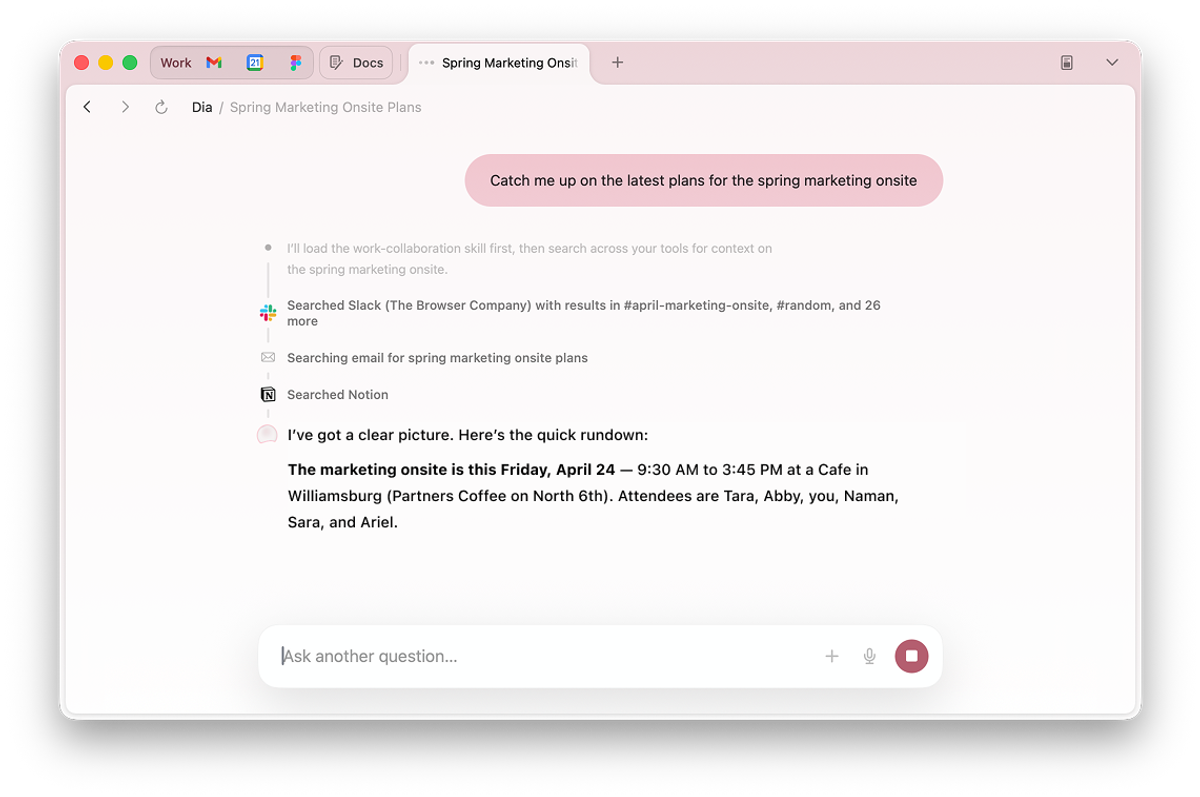
- Dia: direct Arc import. Spaces become Profiles; Folders become Tab Groups.
- Tabbit: vertical tabs and workspaces; no verified direct Arc import.
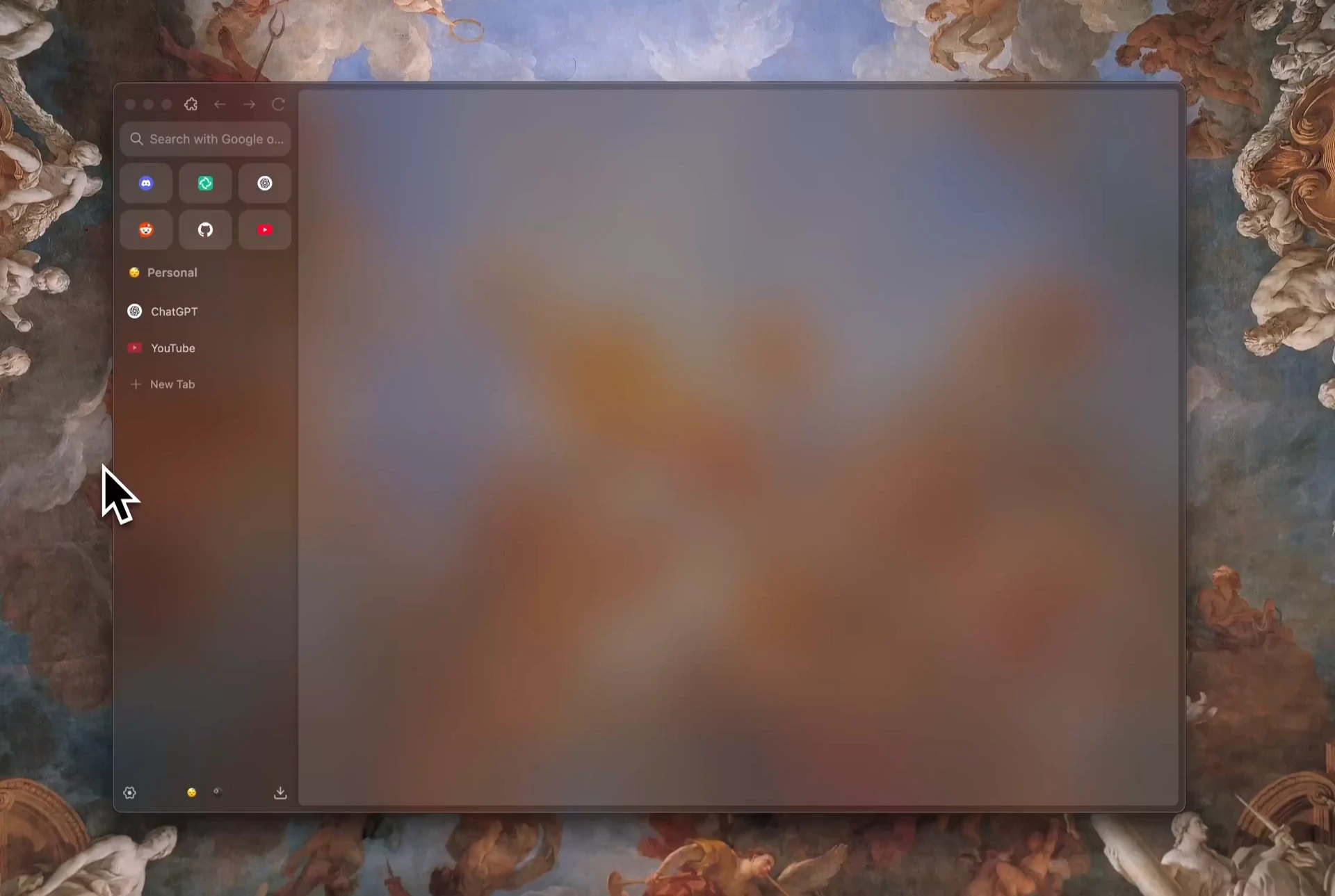
- Zen: workspaces and bookmarks; rebuild Arc organization from exported links.
- Desktop Arc stops working December 22, 2026. Export before then.
Quick shortlist
Start with the browser that fits your priority

Compare
How Tabbit compares to Arc, Dia, and Zen
Most "Arc alternative" lists stop at vertical tabs. Here is how Tabbit stacks up when you also care about AI execution, cross-platform support, and price.
| Feature | Tabbit | Arc | Dia | Zen |
|---|---|---|---|---|
| Vertical tabs & sidebar | Yes | Yes until Dec 22 | Yes | Yes |
| Bookmarks | Yes; imports Chrome, Edge & Safari | Favorites and bookmarks | Yes; imports from Arc | Firefox-style bookmarks |
| Spaces / workspaces | Workspaces; Arc mapping not verified | Spaces, Folders and Favorites | Spaces → Profiles; Folders → Tab Groups | Workspaces; rebuild from links |
| Direct Arc import | Not verified | Source browser | Yes, on macOS & Windows | Not verified |
| Arc export for other browsers | Markdown link list; rebuild | Markdown link list | Direct import is available | Markdown link list; rebuild |
| AI task execution | Agent Mode | Arc Max features | Dia Chat and paid AI plans | No built-in agent |
| macOS + Windows | Yes | Yes until Dec 22 | Yes | Yes |
Checked November 18, 2026. Arc dates and Dia import mapping follow the official Arc help center. Tabbit direct Arc import was not verified; its published bookmark importer covers Chrome, Edge and Safari. Zen workspace and bookmark details follow its user manual. · Arc · Dia
What you get
What makes Tabbit the best Arc alternative
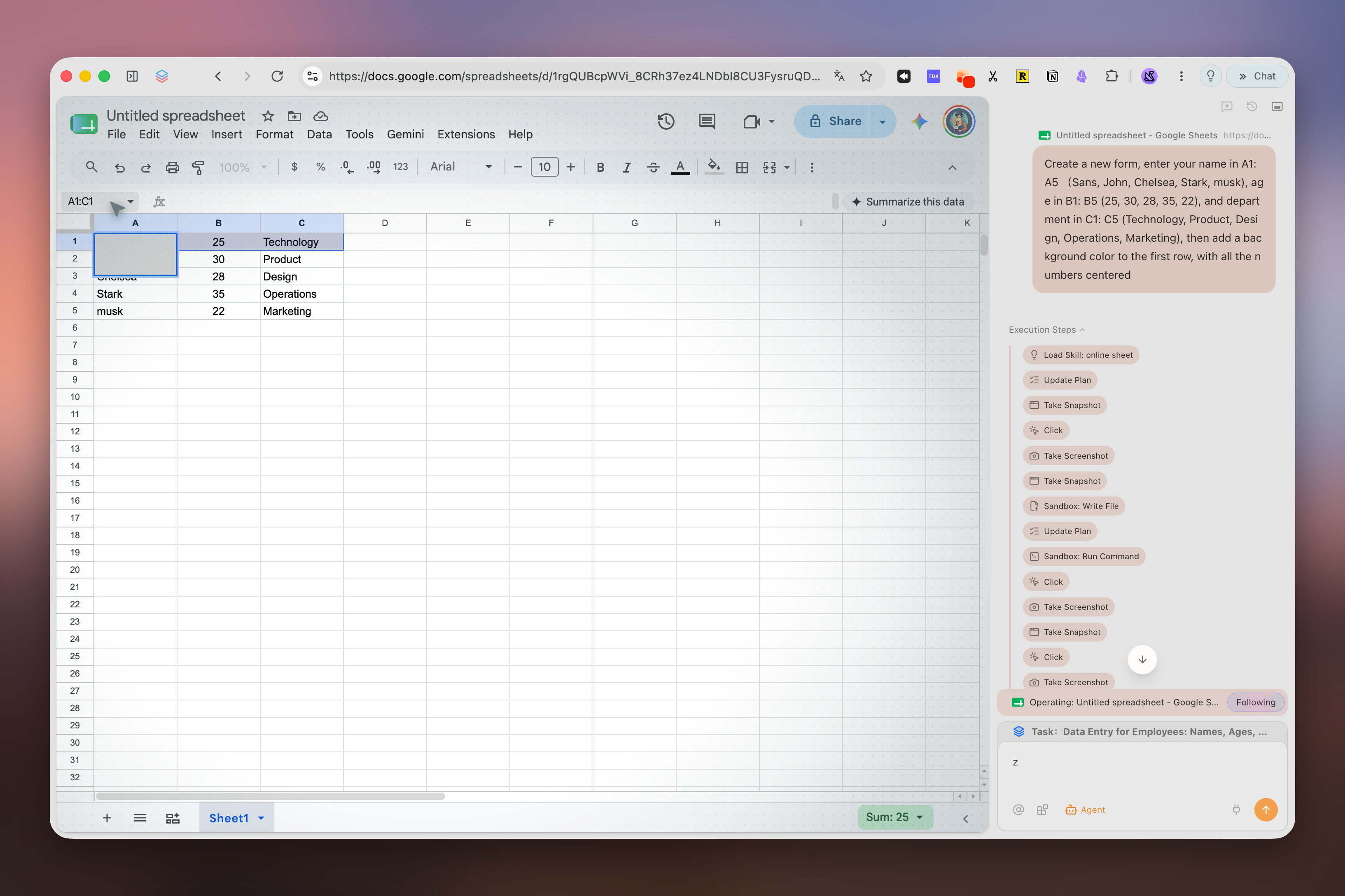
Agent Mode that does the work
Tell Tabbit what you need—research, booking, data entry—and it runs the task in its own tab group while you keep working elsewhere.
Omnibox with @ context
Type @ to reference open tabs, screenshots, PDFs, or Excel files. No more copy-paste between your browser and an AI chat window.
Skills Plaza
Save your favorite prompts and automations as Skills, or discover community-built ones. Type / to run them instantly.
Vertical tabs + smart workspaces
Keep the sidebar-driven, distraction-free layout you loved in Arc. Tabbit automatically groups tabs into topic-based workspaces.
Switch
Move from Arc without losing the links that matter
Export Arc links before the sunset
Before December 22, open Arc Settings > Advanced > Export Data. On Windows, look for Export Spaces and tabs in Advanced. This saves a list of links for use in another browser.
Choose the import route
Dia documents a direct Arc import: Spaces become Profiles, Folders become Tab Groups, and supported bookmarks, passwords, extensions, history, cookies and tabs come across. Tabbit documents bookmark import from Chrome, Edge and Safari; an Arc-specific importer is not verified here.
Rebuild and verify other browsers
Arc’s Markdown export is a list of links, not a bookmark file or working Spaces. Save the links, then recreate and check your groups, logins and extensions in Tabbit or Zen.
FAQ
Frequently asked questions
Tabbit is free to download. Free includes a basic AI allowance; setting Tabbit as the default browser unlocks Standard with 10× that allowance for free. Pro is optional and paid. Limits and model access depend on region and plan.
Ready to upgrade from Arc?
Tabbit is free to download. Free includes a basic AI allowance; setting Tabbit as the default browser unlocks Standard with 10× that allowance for free. Pro is optional and paid. Limits and model access depend on region and plan.