ANONYMITY-FOCUSED01
Use Tor Browser
Choose the official Tor Project browser when Tor routing and its purpose-built privacy protections are the requirement.
Best fit: Tor-native browsing on Windows, macOS, Linux or Android.
A DECISION GUIDE, NOT A SECURITY SCORE
For Tor-native anonymity work, start with the official Tor Browser. For iPhone, Onion Browser is the practical Tor-connected option—with iOS limits. Brave’s Tor Window is a proxy convenience, not Tor Browser.
The “best” choice changes with the task. This guide separates Tor routing, anti-fingerprinting design, platform support and ordinary AI research so a privacy feature is not mistaken for an anonymity guarantee.
Tabbit is not a Tor browser, does not provide Tor routing and does not promise anonymous browsing.

START WITH THE JOB
Pick the lane that describes your goal, then read the boundaries. A browser can be useful without being the right security tool for every situation.
Choose the official Tor Project browser when Tor routing and its purpose-built privacy protections are the requirement.
Best fit: Tor-native browsing on Windows, macOS, Linux or Android.
Onion Browser uses Tor routing and is recommended by Tor Project for iOS, but Apple’s WebKit rule limits parity with desktop Tor Browser.
Best fit: lower-risk Tor-connected browsing on iOS, with the caveats below.
Choose Tabbit when you need visible context, multi-tab organization and AI help on ordinary websites—not onion routing.
Best fit: research, synthesis and productive web work on macOS or Windows.
THE REFERENCE POINT
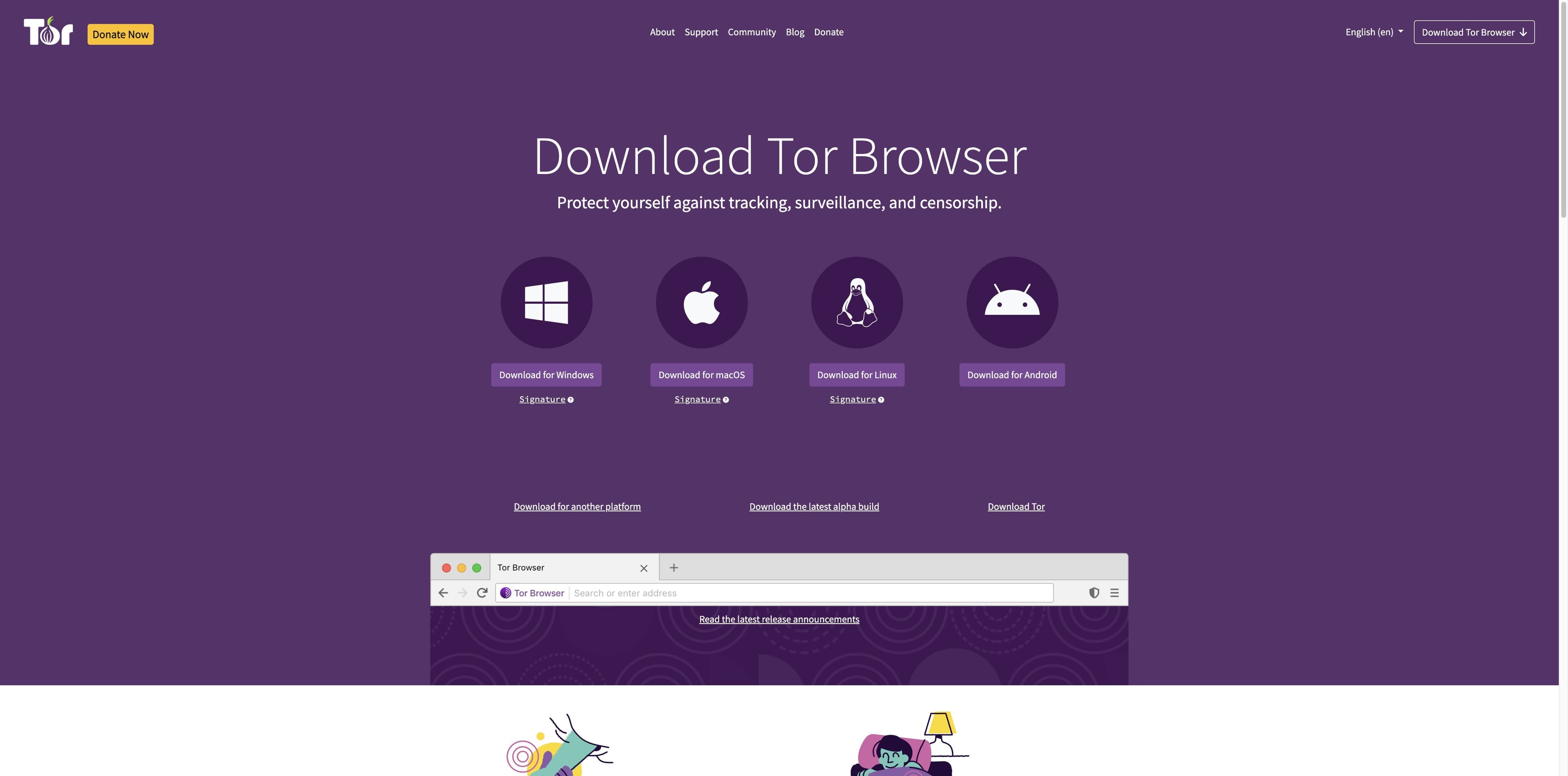
The Tor Project describes Tor Browser as a modified Firefox ESR with Tor-specific patches and anti-tracking design. Its official guidance is the right baseline for judging look-alike options.
Read Tor Project’s overview ↗Tor Browser sends its browser traffic through the Tor network, which uses three relays so a destination sees a Tor exit address rather than your normal IP.
It is based on Firefox ESR but modified for privacy and fingerprinting resistance. A normal browser routed through Tor does not gain all of these protections.
Tor Project guidance says perfect anonymity is impossible. Logins, personal details, distinctive behavior, unsafe files and device risks can still identify or harm you.
Running Tor Browser does not route every app on the computer. Bridges can help in some censorship or visibility situations, while add-ons and torrenting can undermine the model.
COMPARE THE BOUNDARIES
These labels describe product scope and intended use. They are not numeric security scores, endorsements or a promise that a particular setup is safe for your threat model.
| Product | What it is | Network path | Platforms | Best fit | Important limit |
|---|---|---|---|---|---|
| 01Tor Browser | Official Tor browser | Tor-native | Windows · macOS · Linux · Android | Anonymity-focused browsing and .onion access | No official iOS browser; careful habits still required. |
| 02Onion Browser | Open-source iOS app | Tor-connected | iPhone · iPad | Tor access on Apple devices | WebKit prevents the same privacy controls as desktop Tor Browser. |
| 03Brave Private Window with Tor | Regular private window | Tor proxy | Desktop Brave | Convenience access to some onion sites | Brave says it lacks most Tor Browser privacy protections; not a replacement. |
| 04Mullvad Browser | Anti-fingerprinting browser | Normal network by default | Desktop · Android | Open-web privacy without Tor routing | It is not a Tor browser and does not provide Tor routing by itself. |
| 05Tabbit | AI productivity browser | Normal network | macOS · Windows | Research, synthesis and multi-tab work | Not Tor, not a VPN and not an anonymity tool. |
A product can be the right fit for one lane and the wrong fit for another. Read the vendor’s current documentation before a sensitive task.
THE IOS CAVEAT
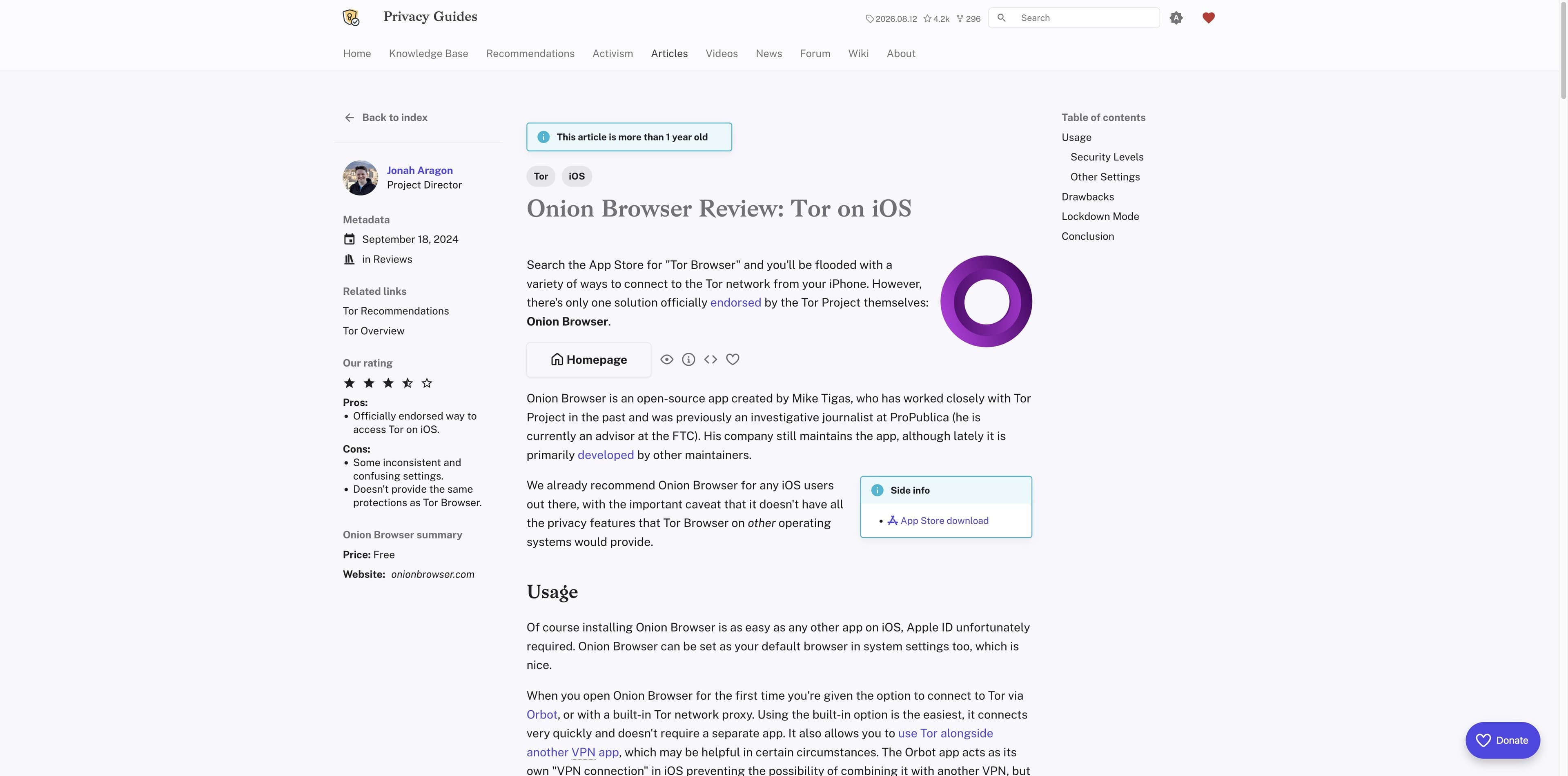
Tor Project documentation says there is no Tor Browser for iOS. It points people to Onion Browser, an open-source app that uses Tor routing, while noting that Apple’s WebKit requirement prevents the same privacy protections as Tor Browser on other platforms.
Read the iOS guidance ↗Tor Project distributes an official Tor Browser for Android. Verify the publisher and use the official project listing instead of an app with a similar name.
Onion Browser cannot reproduce every desktop Tor Browser privacy control on iOS. Treat it as an iOS-specific option, not a one-to-one replacement.
Privacy Guides describes Onion Browser as reasonable for many .onion uses, but not ready for people facing dedicated adversaries. Higher-risk work needs a different plan.
THE COMMON CONFUSION
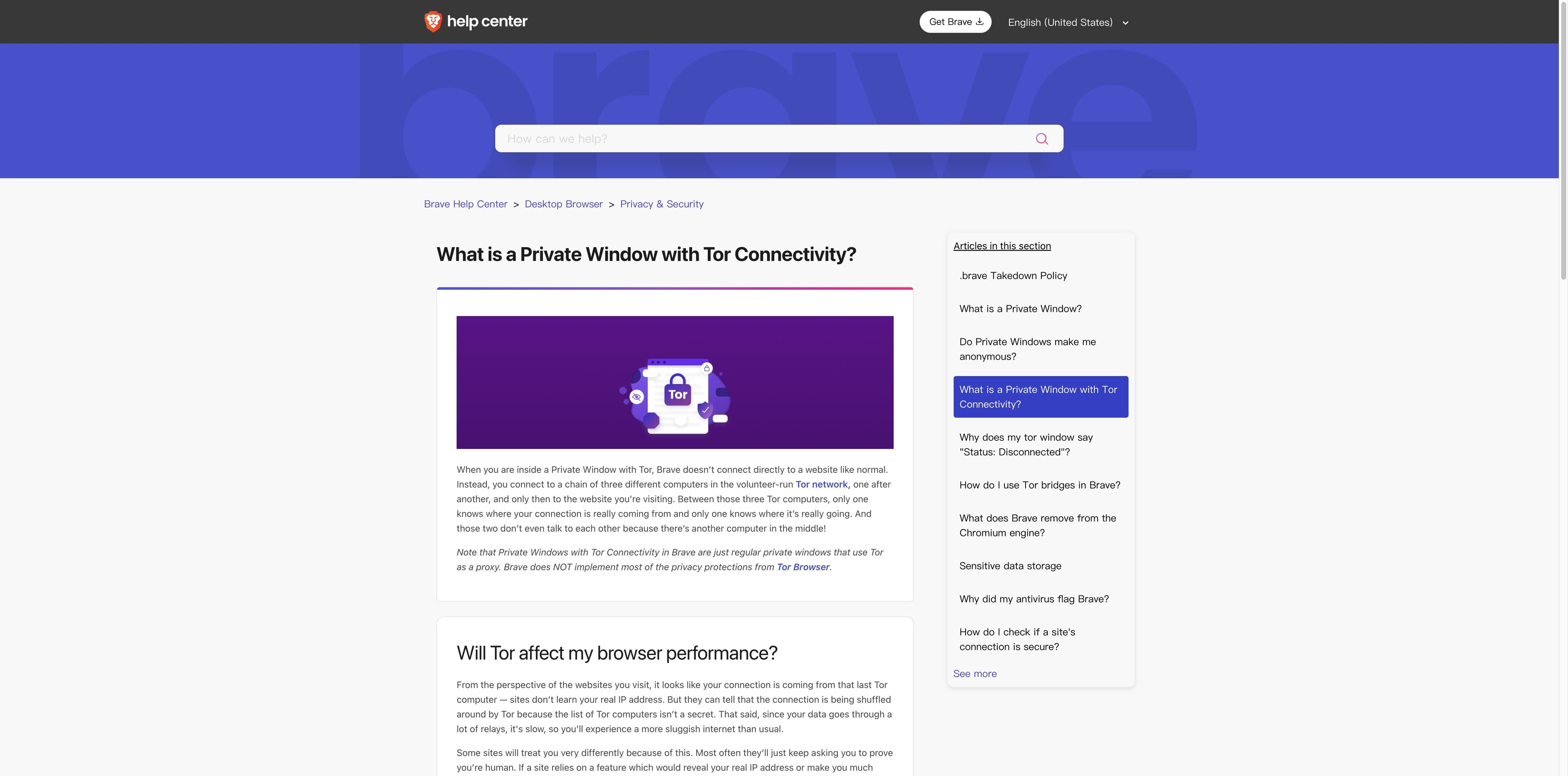
Brave’s own help page says its Private Window with Tor Connectivity is a regular private window using Tor as a proxy. That can be convenient, but it does not carry most of Tor Browser’s privacy protections.
Read Brave’s explanation ↗Routing a browser through Tor does not automatically add Tor Browser’s fingerprinting, isolation and hardening choices.
Brave notes that Tor can be slower and that sites can detect Tor. Global settings, bookmarks or other browser behavior may also carry context into the window.
Brave recommends Tor Browser for people who need stronger personal safety or anonymity. Treat its Tor Window as a bounded convenience feature.
WHEN THE JOB IS RESEARCH
Tabbit is an AI-native browser for everyday research and production work. It helps keep sources, tabs and AI actions visible in one workspace. It does not route traffic through Tor, change your IP or provide anonymity protections.
Use the sidebar to summarize, compare and turn several open pages into a next step without losing the source context.
Vertical tabs and workspace context make multi-page investigations easier to revisit on supported desktop platforms.
For anonymity-sensitive work, begin with Tor Project guidance. For normal web research, use Tabbit for speed, context and AI assistance.

BEFORE YOU PICK
A short threat-model check prevents a feature comparison from becoming a false safety promise.
If the answer is yes, start with an official Tor product or the specific iOS guidance—not a random extension.
Desktop, Android and iOS do not have identical products or privacy controls. Platform is part of the decision.
A login, personal detail, reused identity or recognizable behavior can connect activity even when traffic is routed through Tor.
External document viewers and plugins can make connections outside the browser model. Downloads need their own boundary.
Direct Tor use can be visible to an observer in some situations. Read the official bridge and local-risk guidance when that matters.
This guide is informational, not legal, operational-security or personal safety advice.
FAQ
For Tor-native browsing, the official Tor Browser is the reference choice because it combines Tor routing with browser changes built for privacy and fingerprinting resistance. “Best” still depends on your device and threat model.
No. Brave describes its feature as a regular private window using Tor as a proxy and says it does not implement most Tor Browser privacy protections.
There is no Tor Browser for iOS according to Tor Project documentation. Onion Browser is the recommended open-source iOS option, but WebKit means it cannot offer the same protections as Tor Browser on other platforms.
No. Mullvad Browser focuses on anti-fingerprinting for the open web and does not route traffic through Tor by itself.
No. Tabbit is an AI productivity browser for ordinary web research. It does not provide Tor routing, a VPN or an anonymity guarantee.
No. Tor Project says perfect anonymity is impossible. Accounts, personal information, behavior, unsafe files and other applications can still expose identity or risk.
MAKE THE TRADE-OFF EXPLICIT
Use the official Tor Browser when Tor routing and anonymity-focused protections are the requirement. Use Tabbit when the job is everyday research, visible context and AI-assisted productivity on ordinary websites.
Tabbit is not Tor Browser, a VPN or an anonymity tool.