 Tabbit
01
Observe
Read the live page, current tab and visible state before touching a control.
BROWSER TASK OPERATOR
A useful browser agent does more than click. It reads the page, makes a bounded plan, asks before consequential actions, and leaves a trail you can inspect later.

task brief
Find the three best options, compare the details, and stop before submitting.
THE OPERATOR LOOP
The phrase “browser-use AI agent” describes an interaction loop. Tabbit makes each part legible inside the browser.
Read the live page, current tab and visible state before touching a control.
Turn your instruction into the next small action, with the goal and boundary still visible.
Navigate, type, select and collect results through the same browser you already use.
Pause, hand back control or replay the run from a compact, source-linked history.
PERMISSION LEDGER
A task is easier to trust when “read” is different from “submit”. The ledger turns invisible automation into a sequence of reviewable permissions.

TASK REPLAY
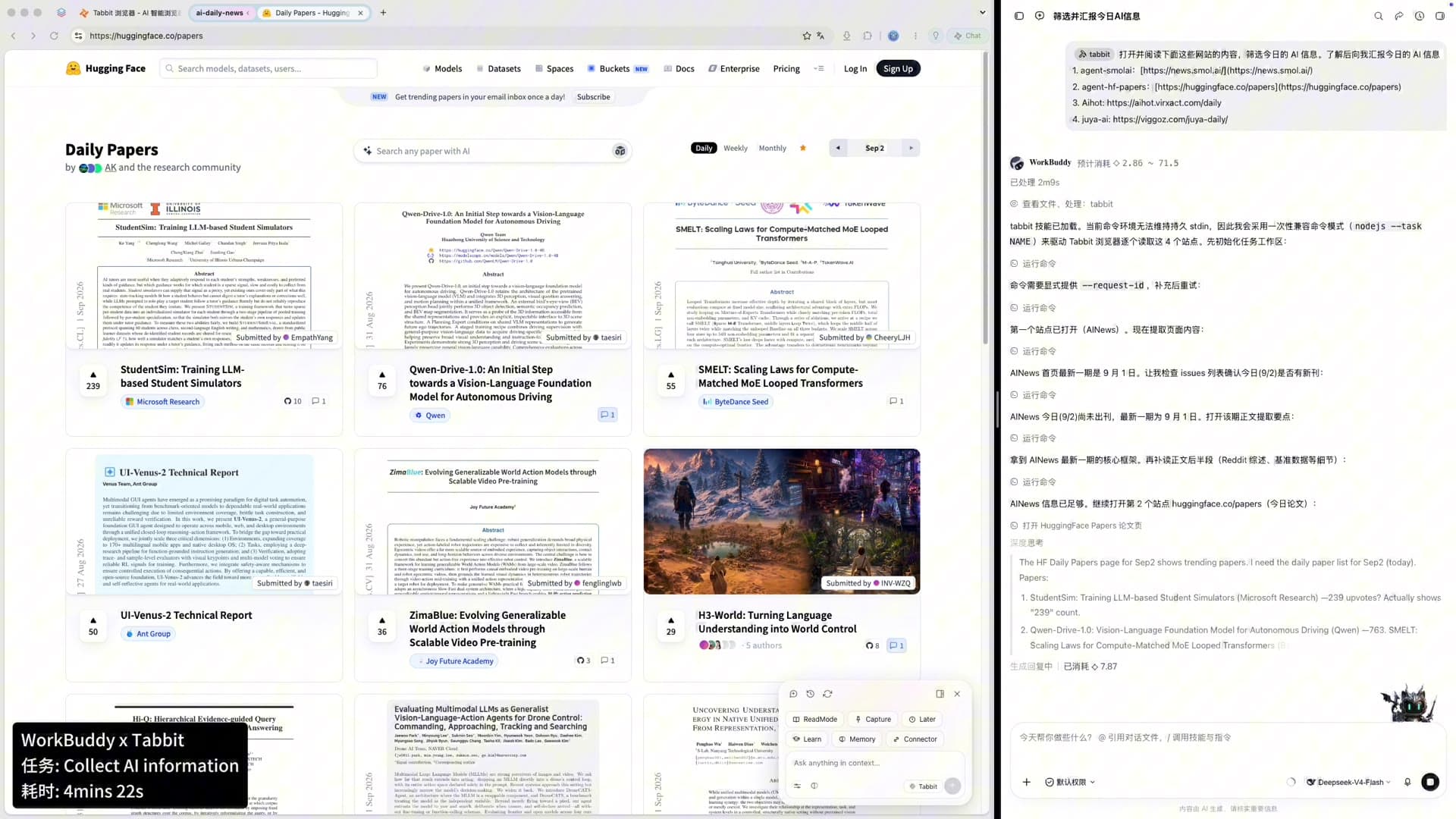
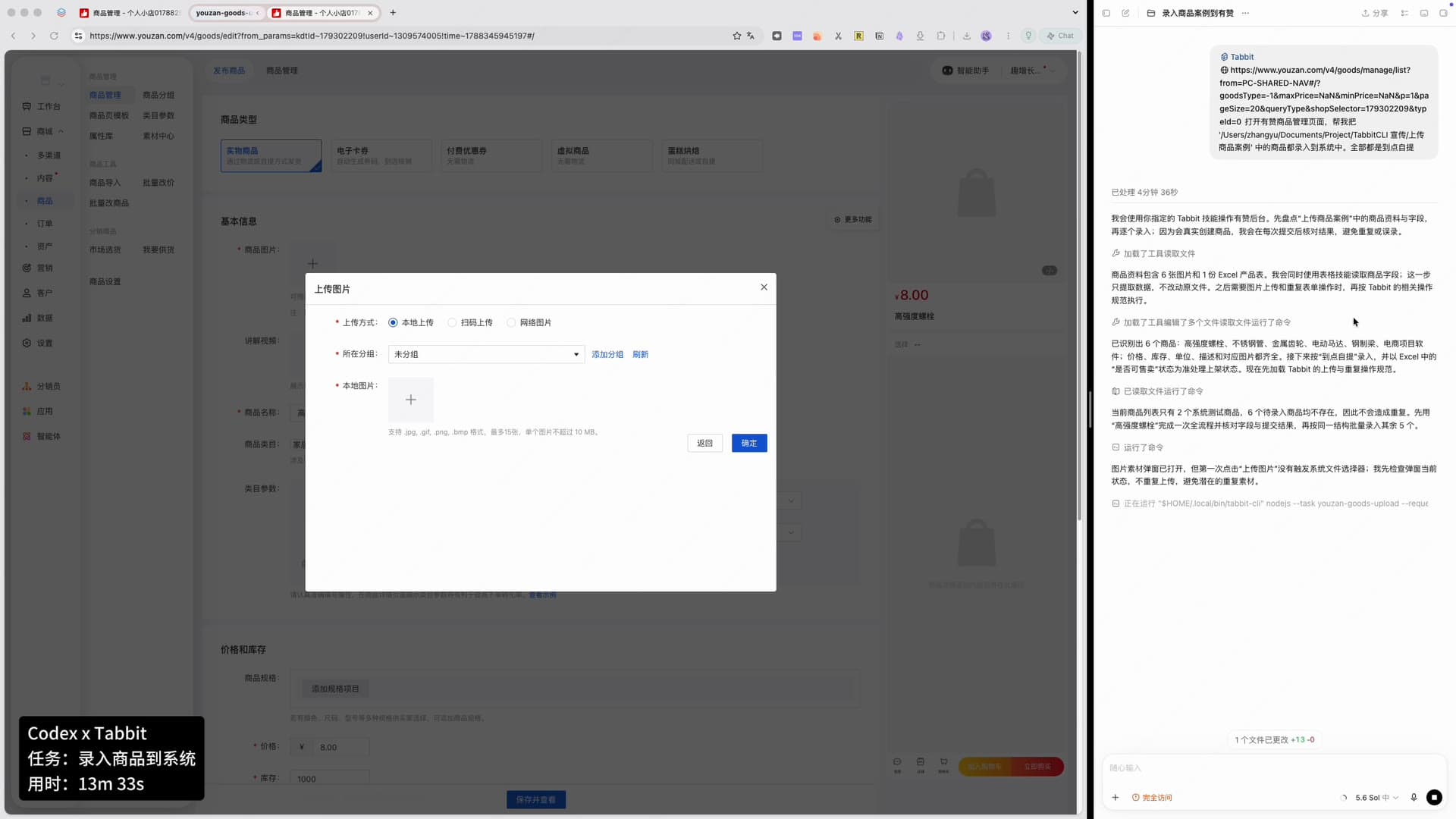
Keep the useful parts of an agent run: the page it saw, the action it took, and the result it returned. Replay is a practical answer to “how did it get there?”
Started from the task group, not a hidden session.
Captured fields and kept the original page context.
Asked for a hand-off before a consequential click.
HUMAN HAND-OFF
Logins, messages, purchases and irreversible changes deserve a person at the keyboard. Tabbit’s Agent Mode can work up to the edge, then pause for your confirmation.
Mark a boundary before sending, buying, deleting or changing account data.
Continue manually without losing the task context or source tabs.
Return to the agent when the next step is safe, or end the run with its trail intact.
IN TABBIT BROWSER
Tabbit is a downloadable AI-native browser, so the agent has a browser surface to operate in—not a detached answer box.
Give the task a tab, group, PDF or local file as context without copying everything into chat.
Let the agent work in an isolated group while you keep reading, writing or comparing elsewhere.
Save a reviewed task pattern and run it again with the same boundaries and expected output.
FAQ
It is an AI system that can perceive a live webpage and operate browser controls to complete a natural-language task. A responsible agent also shows its plan, respects permission boundaries and records what happened.
The phrase describes a category of browser-operating agents. Browser Use is a well-known open-source project and developer platform; this page explains the operator workflow and shows how Tabbit brings a visible version into a daily browser.
It can prepare the form and stop at a boundary you define. For messages, purchases, account changes or other consequential actions, review the fields and take over before submitting.
It reads the current page and its visible controls, then chooses the next action from the task goal and current state. The important part is to keep the action legible and reversible where possible.
Yes. Tabbit runs the task in a separate tab group, so you can keep the source pages or your main work visible while the operator gathers context.
Tabbit’s page analytics use stable page and action fields rather than form text, email addresses, passwords or tokens. Review the task output and your browser permissions before using any automation on a sensitive account.
Download Tabbit and try an operator that can observe, act, pause and hand control back when it matters.