Everyday Web Browsing
Casual AI Explorers
You want a clean, distraction-free browser with a helpful AI sidebar for TL;DRs, quick grammar checks, and recipe extractions without complex setups.
Verdict:
Dia is a great, simple fit.
 Tabbit
Dia lists Profiles, tab groups, split view, picture-in-picture, ad and tracking blocking, and sync in its free browser. Paid AI can find, summarize, draft and build with connected tools.
Checked October 28, 2026
Official-source review
Dia offers a free browser without AI, Better Answers at $10/month and Better Days at $100/month. Better Days includes 20× more asks; usage limits apply to both paid plans. Paid plans begin with most new Mac users. Existing users keep their current access for now and receive at least 30 days’ email notice before paid plans apply. Windows stays as it is for now; Dia will notify users before changes. Dia
Quick Jump
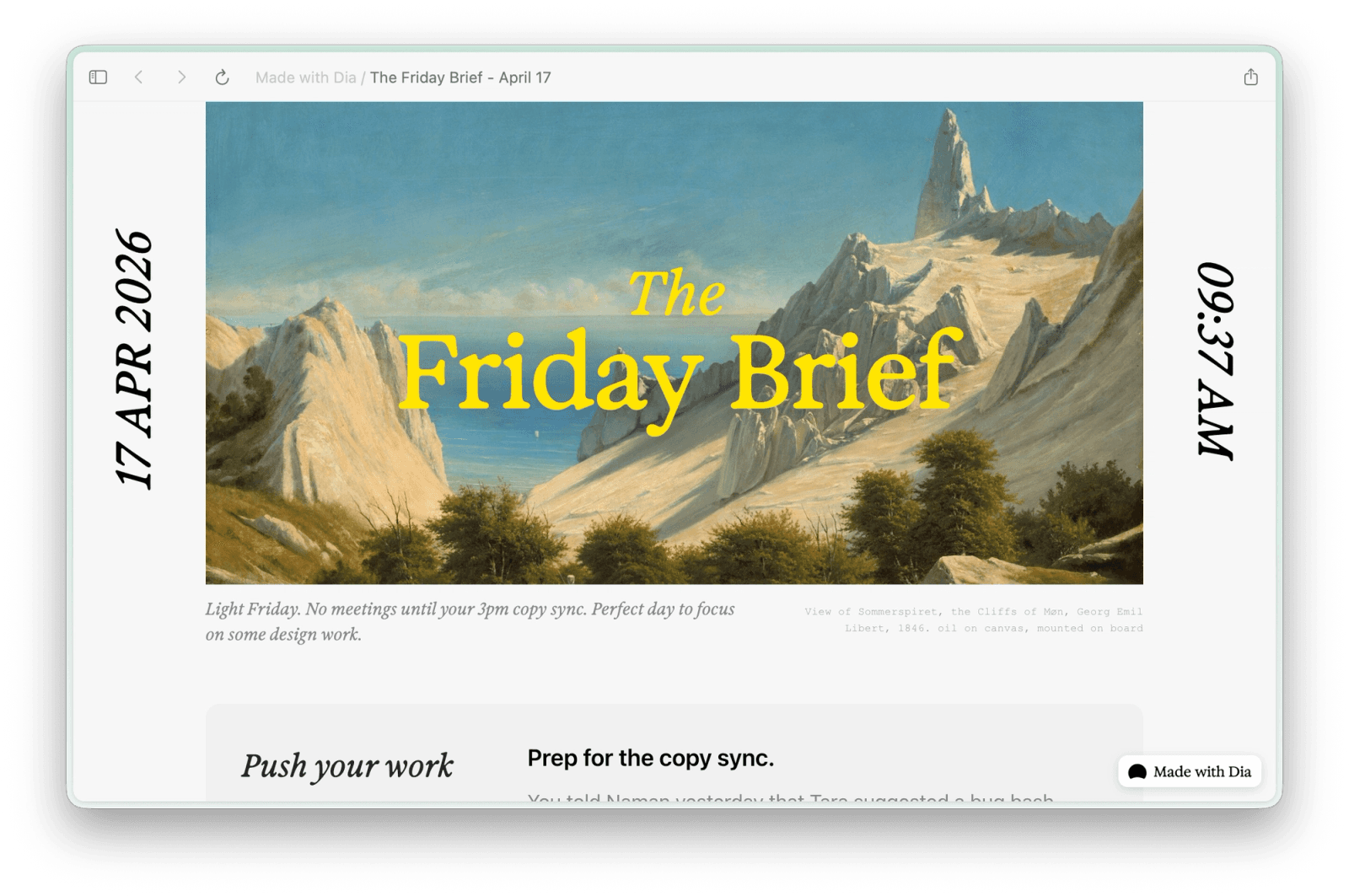
Interface Tour
Official-source review, updated October 28, 2026. No new device benchmark or full migration test was performed for this update.
Dia integrates customizable prompt templates called “Skills” into a clean right-side AI companion that reads your active page context.
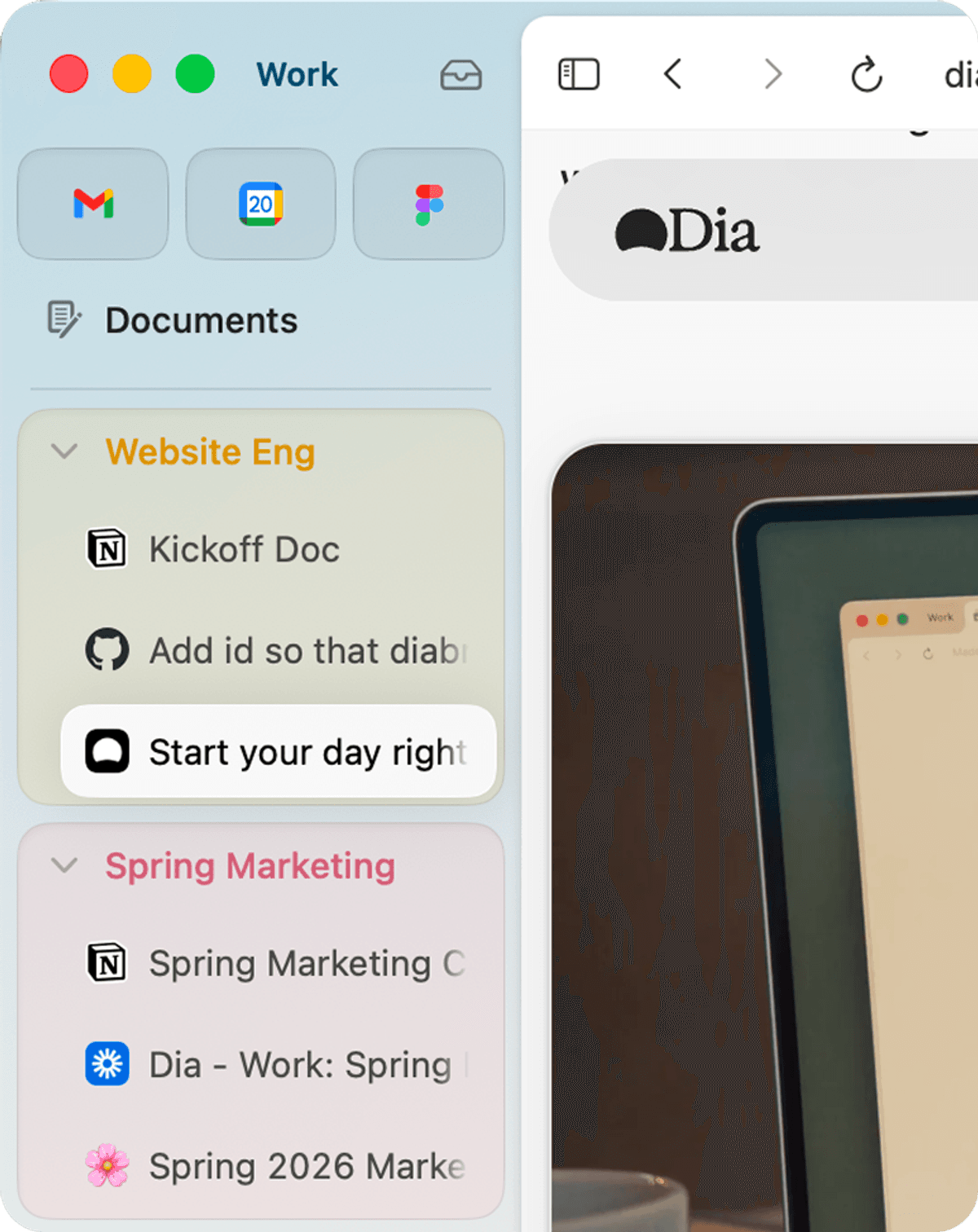
Dia lists Profiles, tab groups, split view, picture-in-picture, ad and tracking blocking, and sync in its free browser. Paid AI can find, summarize, draft and build with connected tools.
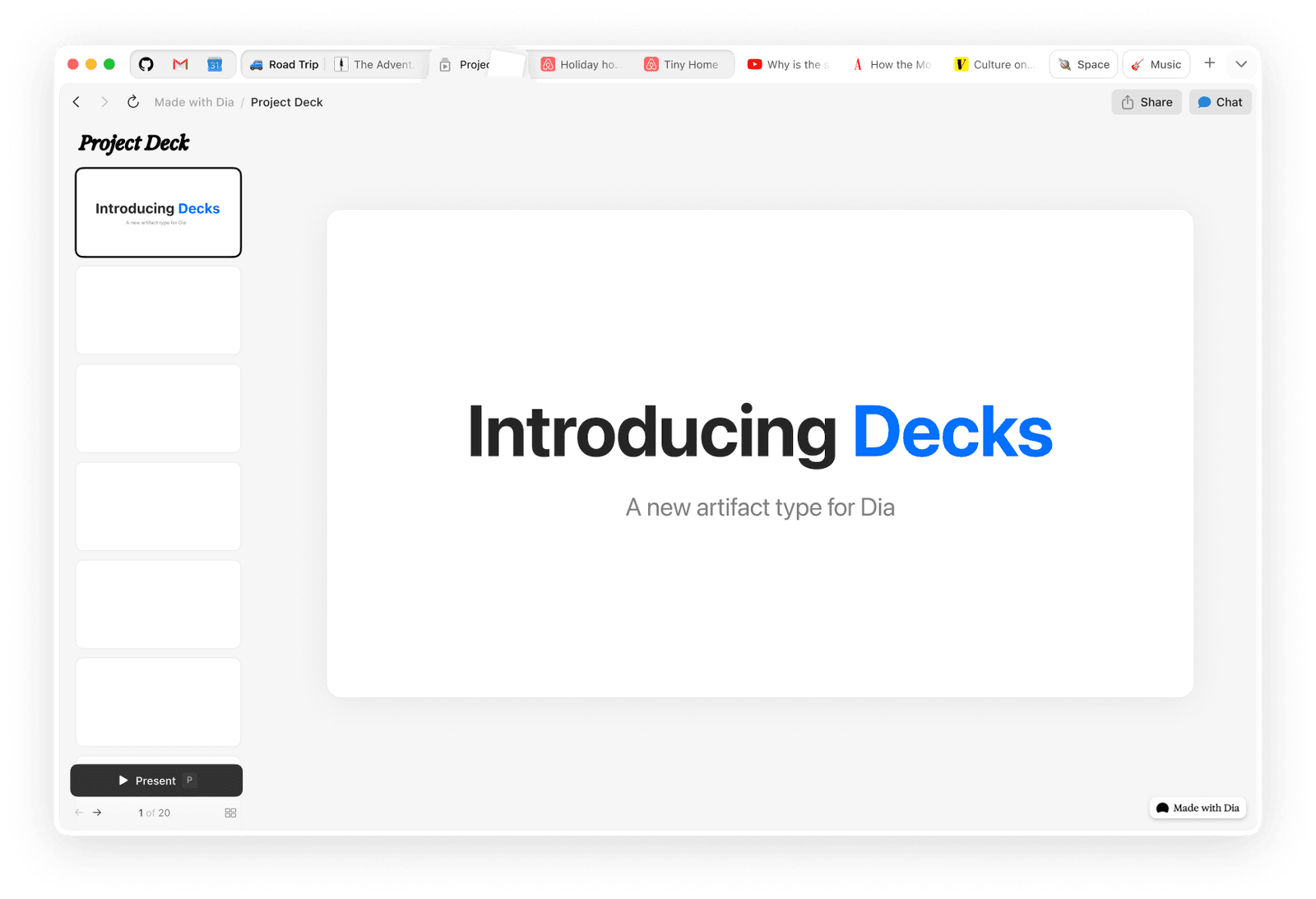
Dia for Windows is available from the official Windows download page. It is no longer a waitlist. The plans FAQ says paid plans do not yet apply to Windows.
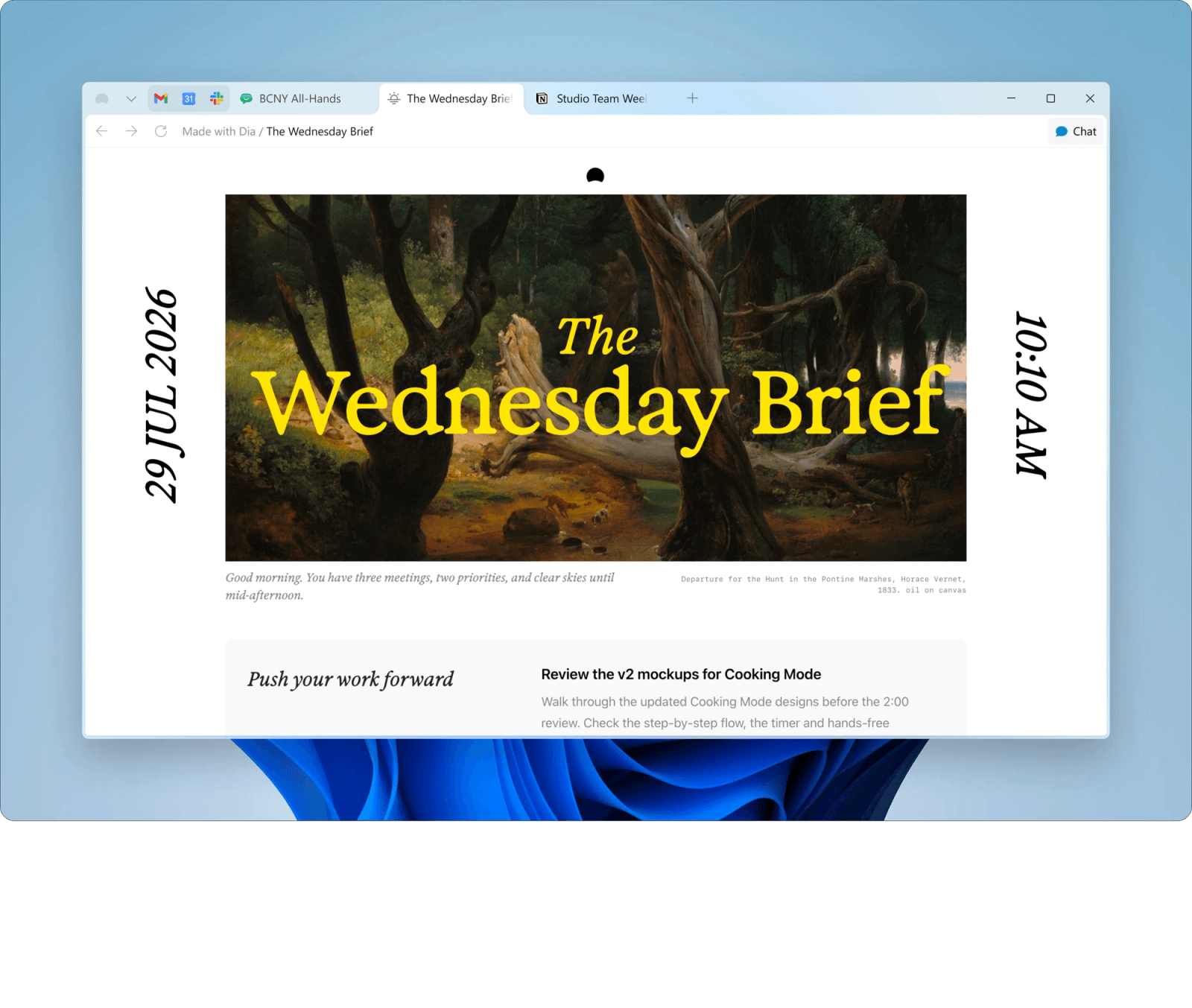
Visual AI Breakdown
Next-generation browsers are moving from static tabs to interactive AI assistants. See how dedicated agent interfaces, cross-tab synthesis, and parallel multi-model execution differ in practice.
Perplexity Comet and modern agentic browsers provide dedicated agent copilots that browse, click, and query live web sources autonomously rather than just summarizing text.

Instead of looking at only one URL at a time, advanced AI browsers read across dozens of open tabs to compile unified reports, fact checks, and source citations.
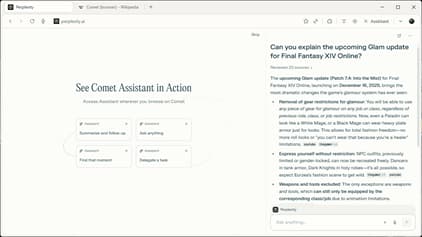
Perplexity Comet integrates voice-driven conversational AI directly into the browser, enabling hands-free questions and real-time audio interaction with active tab context.
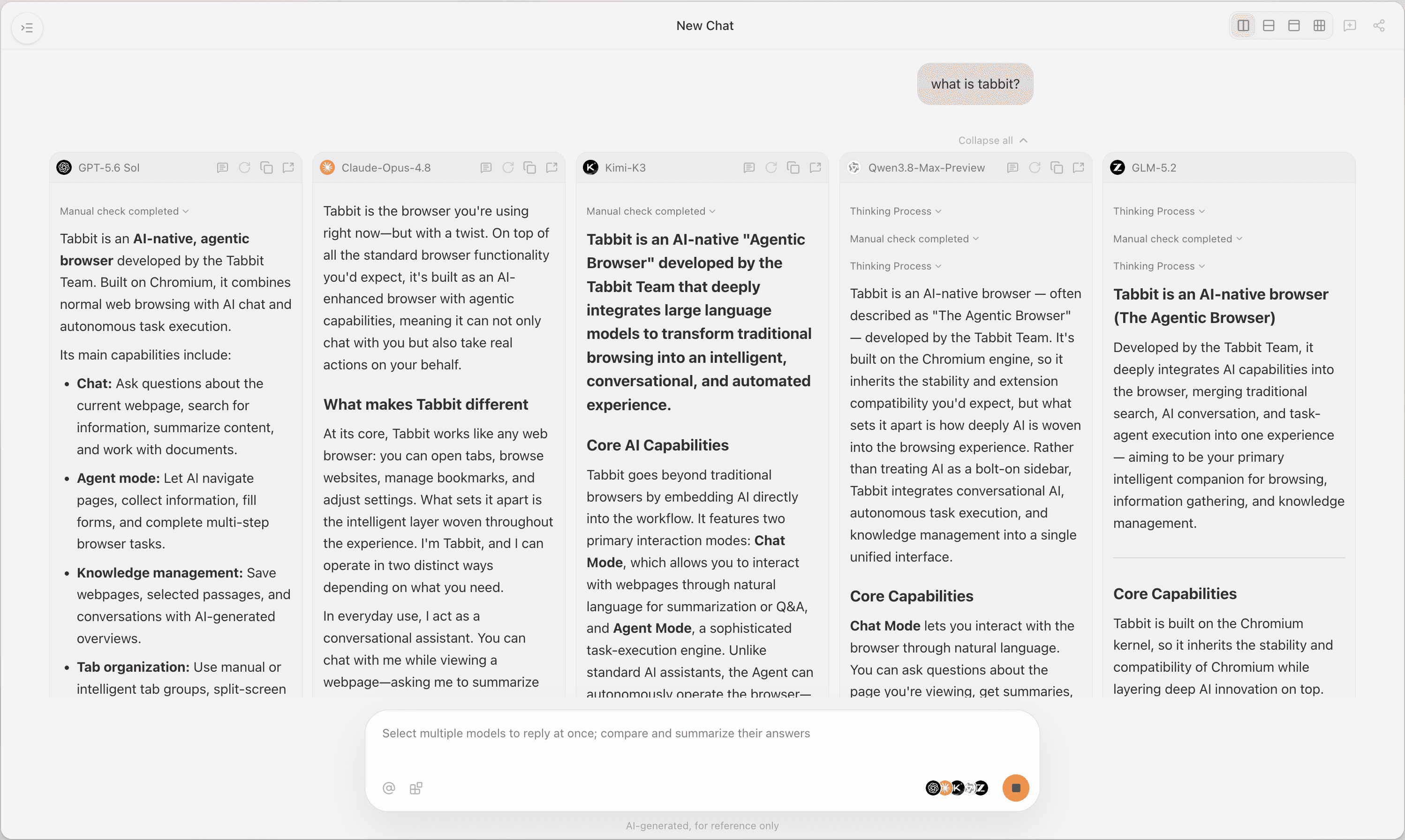
Choose among the models available in your Tabbit region and plan; verify the current model list on the official site.
What to verify
Official-source review, updated October 28, 2026. No new device benchmark or full migration test was performed for this update.
| Evaluation Signal | What to verify | Dia | Tabbit |
|---|---|---|---|
| AI Context & Daily Chat | Sidebar Q&A, active page summarizing, writing helpers | Dia lists Profiles, tab groups, split view, picture-in-picture, ad and tracking blocking, and sync in its free browser. Paid AI can find, summarize, draft and build with connected tools. | Tabbit Agent can work across websites to research, enter data and prepare results. Review the steps and output before relying on them. |
| Autonomous Agent Workflows | Multi-step web extraction, form fills, background research | Dia lists Profiles, tab groups, split view, picture-in-picture, ad and tracking blocking, and sync in its free browser. Paid AI can find, summarize, draft and build with connected tools. | Tabbit Agent can work across websites to research, enter data and prepare results. Review the steps and output before relying on them. |
| Multi-Model Selection | Model access by plan | What to verify | Choose among the models available in your Tabbit region and plan; verify the current model list on the official site. |
| Cross-Platform Windows Parity | Feature parity, shortcut reliability, rendering speed on Windows 11/10 | Dia for Windows is available from the official Windows download page. It is no longer a waitlist. The plans FAQ says paid plans do not yet apply to Windows. | Both Dia and Tabbit have Mac and Windows downloads. Test your extensions, shortcuts and required features on your own system; this guide does not establish full parity or performance. |
| Pricing & Free Tier Sustainability | Current plans | Paid plans begin with most new Mac users. Existing users keep their current access for now and receive at least 30 days’ email notice before paid plans apply. Windows stays as it is for now; Dia will notify users before changes. | Tabbit is free to download. Free includes a basic AI allowance; setting Tabbit as the default browser unlocks Standard with 10× that allowance for free. Pro is optional and paid. Limits and model access depend on region and plan. |
Honest Trade-offs
Both Dia and Tabbit have Mac and Windows downloads. Test your extensions, shortcuts and required features on your own system; this guide does not establish full parity or performance.
Decision Matrix
Choose the browser that matches your specific cognitive and workflow requirements.
You want a clean, distraction-free browser with a helpful AI sidebar for TL;DRs, quick grammar checks, and recipe extractions without complex setups.
Dia is a great, simple fit.
You manage dozens of academic papers, market reports, and competitor tabs simultaneously and need multi-model validation across Claude, GPT, and DeepSeek.
Tabbit is strongly recommended.
Both Dia and Tabbit have Mac and Windows downloads. Test your extensions, shortcuts and required features on your own system; this guide does not establish full parity or performance.
What to verify
Topic Deep Dives
Dive deeper into Dia’s pricing structure, head-to-head browser benchmarks, and vetted AI alternatives.
Dia offers a free browser without AI, Better Answers at $10/month and Better Days at $100/month. Better Days includes 20× more asks; usage limits apply to both paid plans.
Comparing RAM consumption, speed, extension stability, and native AI integration for daily browsing.
Review the top AI-first browsers including Tabbit, Comet, Zen, and Arc to find the best fit for your workflow.
The Next Level
Dia lists Profiles, tab groups, split view, picture-in-picture, ad and tracking blocking, and sync in its free browser. Paid AI can find, summarize, draft and build with connected tools.
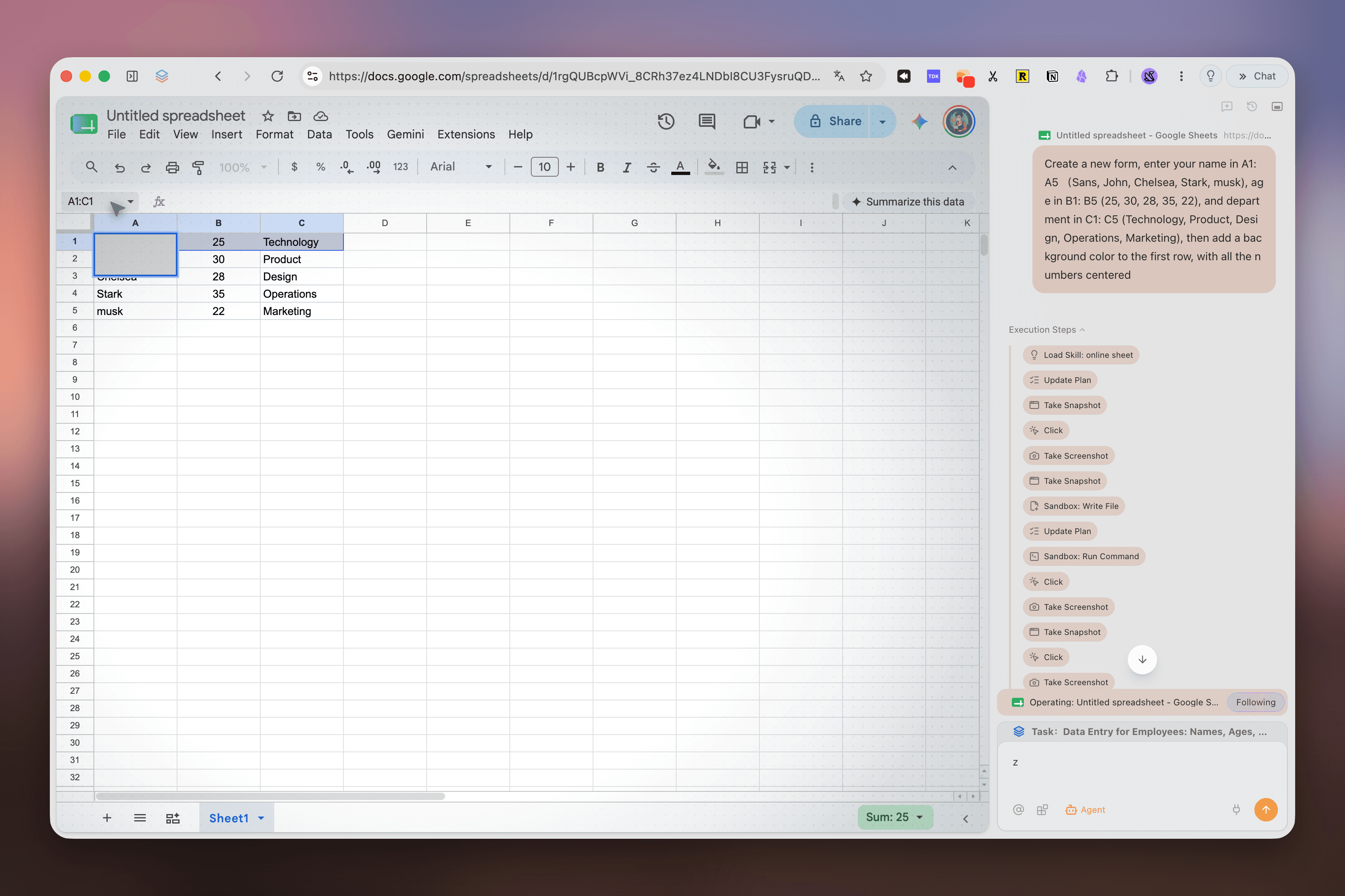
Tabbit Agent can work across websites to research, enter data and prepare results. Review the steps and output before relying on them.
Answers to Top Questions
Download Tabbit today to unlock parallel multi-model intelligence, cross-tab synthesis, and autonomous agent assistance on macOS and Windows.
Tabbit is free to download. Free includes a basic AI allowance; setting Tabbit as the default browser unlocks Standard with 10× that allowance for free. Pro is optional and paid. Limits and model access depend on region and plan.