01
Tor network
Tor relays traffic through volunteer-operated nodes. A website normally sees a Tor exit address, while the entry relay can see the connecting IP. The network does not cover every application on your device.
A PRACTICAL SECURITY CHECK
Short answer: it can reduce what a website learns about you, but it is not a complete anonymity or device-security guarantee.
The useful answer has four layers: what the Tor network carries, what Tor Browser protects, what you choose to reveal, and what happens on the device outside that browser. Keep those layers separate before you trust Tor with a sensitive task.
Tabbit is an AI productivity browser—not Tor, a VPN or an anonymity tool.

THE FOUR-LAYER ANSWER
Tor is a privacy system, not a promise that every app, file or decision on your computer is safe. This distinction is the fastest way to avoid overclaiming what Tor does.
Tor relays traffic through volunteer-operated nodes. A website normally sees a Tor exit address, while the entry relay can see the connecting IP. The network does not cover every application on your device.
The official browser adds privacy protections and a security-level trade-off. It still needs updates, and Tor’s encryption does not replace HTTPS encryption to the final website.
Signing in, submitting your name or reusing a recognizable routine can connect activity to you. A private route cannot make information you volunteer anonymous.
Malware, phishing, unsafe downloads and an unpatched operating system remain device risks. A document opened by another app may connect outside Tor.
WHAT TOR PROJECT SAYS
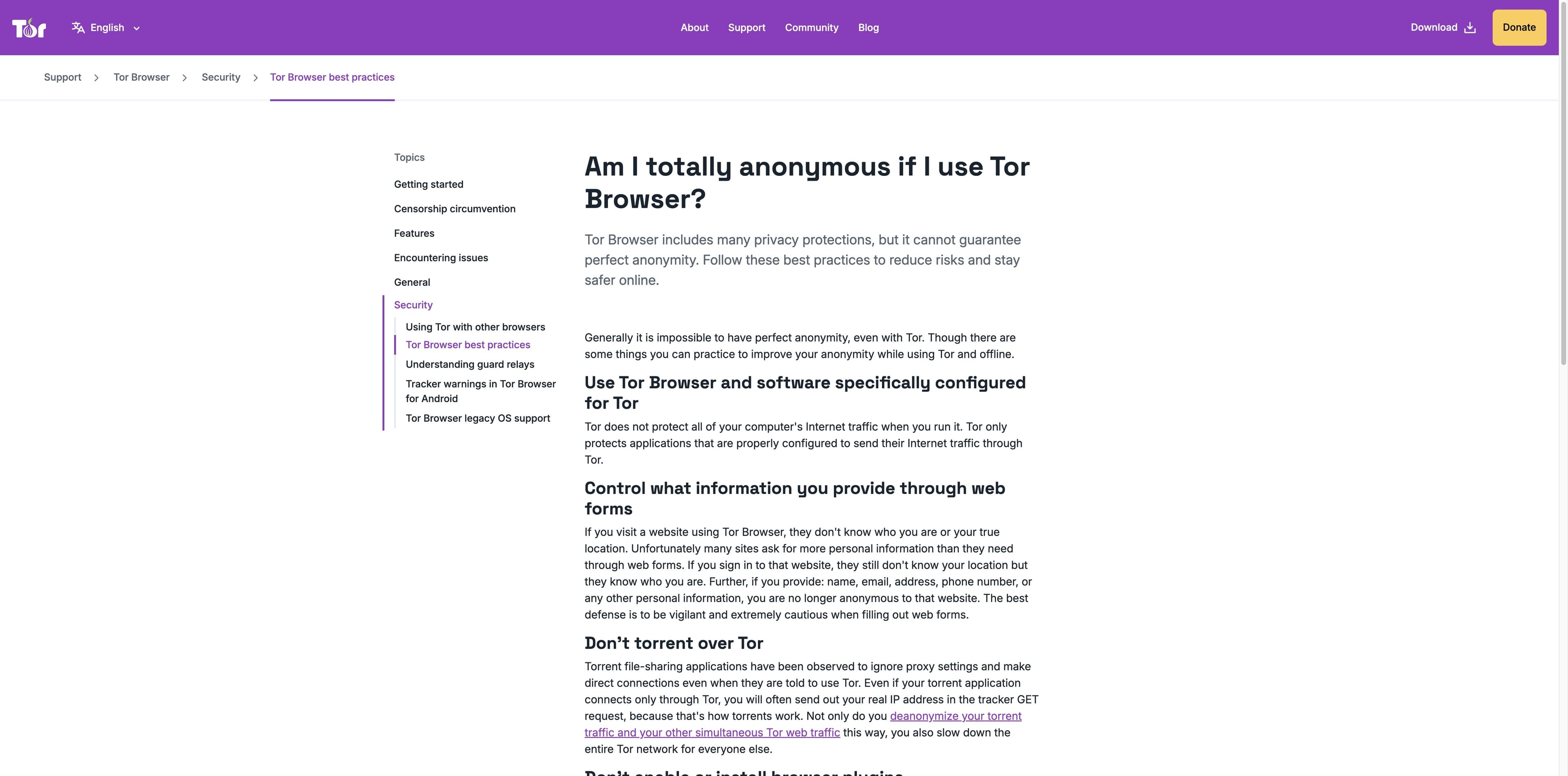
The Tor Project says perfect anonymity is impossible. Its own guidance focuses on configured software, careful forms, HTTPS, no torrenting, no extra plugins and caution with downloaded documents.
Read the official best practices ↗Tor protects applications that are configured to send traffic through Tor; running Tor Browser does not automatically route every app on the computer.
Tor encrypts traffic within the Tor network. Use HTTPS and check the address bar because encryption to the final site depends on that site.
Opening a downloaded DOC or PDF in an external app can fetch resources outside Tor and reveal your non-Tor IP. Do not ignore the browser warning.
PRIVACY HAS A USABILITY COST
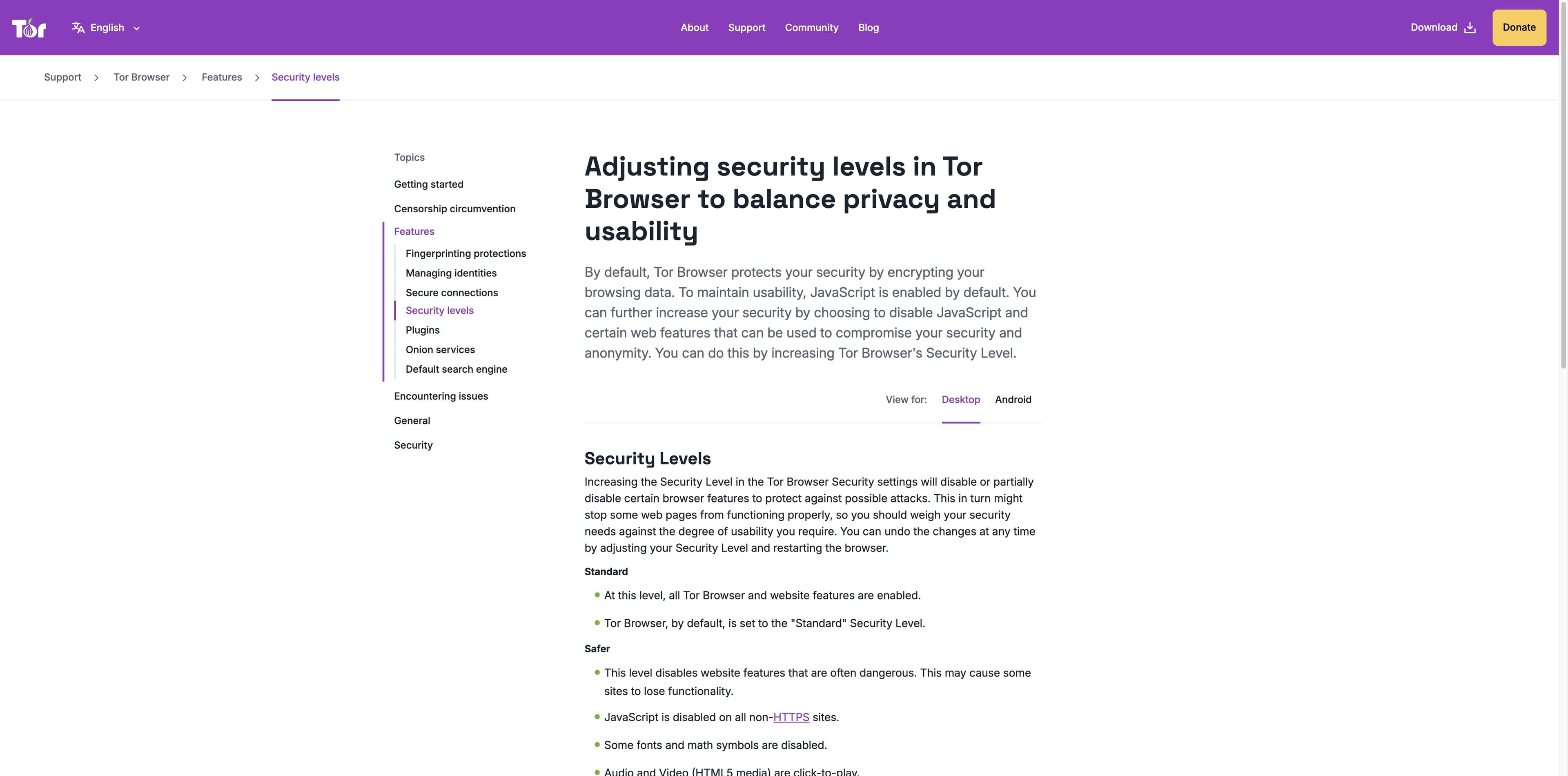
Tor Project documentation describes Standard, Safer and Safest levels. Stronger settings disable more scripts, fonts, media or images, so the right choice depends on the task—not on a “100% safe” switch.
The default level keeps Tor Browser and website features enabled for compatibility. It is not a guarantee against malicious content.
Some risky features are limited; JavaScript is disabled on non-HTTPS sites and media may require a click. Pages can lose functionality.
Only features needed for static sites and basic services are allowed. More scripts, media, fonts and images are restricted.
A SMALLER RISK SURFACE
These are practical habits drawn from Tor Project guidance and the limitations described by the reviewed security explainers. They reduce exposure; they do not create perfect anonymity.
Use the official distribution and keep Tor Browser and your operating system current. Avoid repackaged installers and unknown add-ons.
Plugins can bypass privacy protections, and torrent clients can make direct connections or expose your IP even when told to use Tor.
Tor’s final hop is not a substitute for HTTPS. Check the lock or onion indicator and the expected domain before entering sensitive data.
Do not sign in to personal accounts or reuse a distinctive profile when anonymity matters. Information you submit can identify you.
Prefer the built-in PDF viewer. Keep the device offline or use a safe workflow before opening a document that may load external resources.
By default, a network observer or ISP may be able to tell that you are using Tor even if it cannot see the destination content.
DECIDE BY TASK
Use this as a decision aid, not a risk score. The “next move” is a behavior or control that matches the uncovered part of the threat model.
| Question | Tor can help | Still uncovered | Practical next move |
|---|---|---|---|
| Can a visited site see my normal IP? | Usually hides it behind a Tor exit address. | The entry relay sees the connecting IP; timing and behavior can still matter. | Avoid logging in and keep the task identity separate. |
| Does Tor protect another app? | Only if that app is correctly configured for Tor. | Other apps can use the ordinary network. | Do not assume a Tor Browser window covers the device. |
| Is a downloaded file harmless? | The browser can warn before an external app opens it. | The external app may connect outside Tor or contain malware. | Use the built-in viewer or a disconnected/safe workflow. |
| Is the connection encrypted end to end? | Traffic is encrypted inside the Tor network. | The exit-to-site hop depends on HTTPS at the destination. | Check HTTPS and the domain before sharing data. |
| Is Tor itself invisible to my network? | Bridges can reduce direct visibility in some situations. | Direct Tor use may be detectable by an ISP or administrator. | Check local conditions and the official bridge guidance. |
READ COMMERCIAL COMPARISONS CAREFULLY
Surfshark’s ranking page is useful for surfacing the common exit-node, tracking and malware questions. It is also a commercial page that ends by recommending its own VPN, so separate the general mechanism from the vendor’s product claim.
The strongest shared point across the reviewed explainers is not “Tor is dangerous” or “Tor is bulletproof.” It is that Tor improves privacy for a defined browser path while phishing, malicious sites, unencrypted destination traffic and user choices still matter.
Review the Surfshark comparison ↗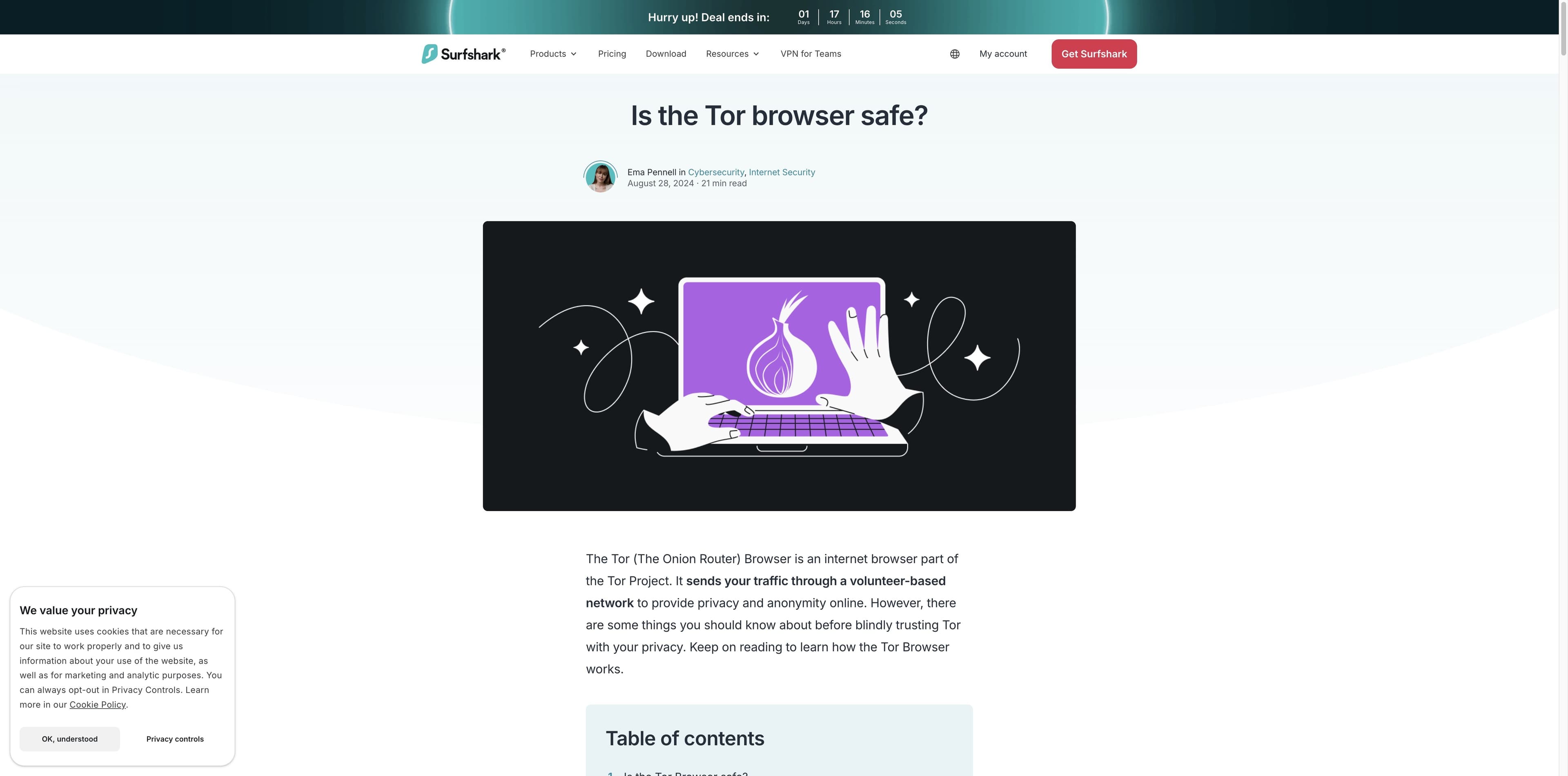
WHEN YOUR GOAL IS PRODUCTIVITY
Tabbit is a daily AI productivity browser for research, multi-tab context and routine web work. It is not Tor Browser, it does not route traffic through the Tor network, and it does not add Tor’s anonymity properties. Choose it when your priority is getting organized work done on ordinary websites.
Available through the shared Tabbit download flow. Product availability and model access can change.
Open research pages in tabs and use the visible AI workspace to summarize, compare or turn scattered references into a next step.
Tabbit’s agentic workflow is designed for browser tasks and context, not for hiding your IP or promising a private network.
Use official Tor guidance for anonymity-sensitive work. Use Tabbit for ordinary research and productivity where transparent context matters more than onion routing.
FAQ
It can be a useful privacy tool when downloaded from the official Tor Project and used carefully. It is not a complete security boundary: phishing, malware, unsafe files, user disclosures and device vulnerabilities still apply.
No. The Tor Project says perfect anonymity is impossible. Signing in, sharing identifying details, using other apps or creating a recognizable pattern can connect activity to you.
No. Tor Browser protects its configured browser traffic. Other applications may use the ordinary network, and an external app can open a downloaded file outside Tor.
A VPN is not a universal safety switch, and adding one creates a provider you must trust. Tor can work without a VPN; decide based on who you need to hide from, what traffic needs coverage and the current official guidance.
The Tor Project says that, by default, someone watching your internet traffic may learn that you are using Tor. That does not mean they can automatically see the destination content. Bridges may reduce direct visibility in some situations.
Do not open them in an external application while online unless you understand the risk. Prefer the built-in PDF viewer; for higher-risk work, follow the Tor Project’s disconnected or safe-document guidance.
Rules vary by country and can change. Check the law where you are and never treat Tor as permission to break a service’s terms or the law. This page is not legal advice.
For anonymity-sensitive work, start with Tor Project guidance and a narrow, careful threat model. For everyday research and AI-assisted productivity, Tabbit offers a visible workspace without claiming Tor’s network or anonymity properties.
Tabbit is a productivity browser—not Tor Browser, a VPN or a guarantee of anonymity.