 Tabbit
Browser comparison · Research & everyday use
Marble Browser vs Chrome
A canvas for following research trails. A familiar browser for everyday work. Choose by what you need to do next.
Try Marble for a focused research project on a supported Mac. Keep Chrome when cross-device access and essential extensions decide your workflow.
See the comparisonThis comparison covers marble.surf, the infinite-canvas browser. The Firefox fork also called Marble is a separate project.
Sources checked October 21, 2026 · Feature comparison, not a performance test
01 / Marble · Visual research
See how one page led to the next.
Marble places live webpages on a canvas. Follow a link and the next card appears beside its source, joined by a line. Trails preserve that route; Tidy aligns cards and Fold collapses a trail into a stack. Notes and source-linked quotes sit beside your reading.
Early beta. M1 or newer Mac, macOS 14+. Windows has a waitlist. The maker describes Marble as a research browser rather than a full everyday replacement.
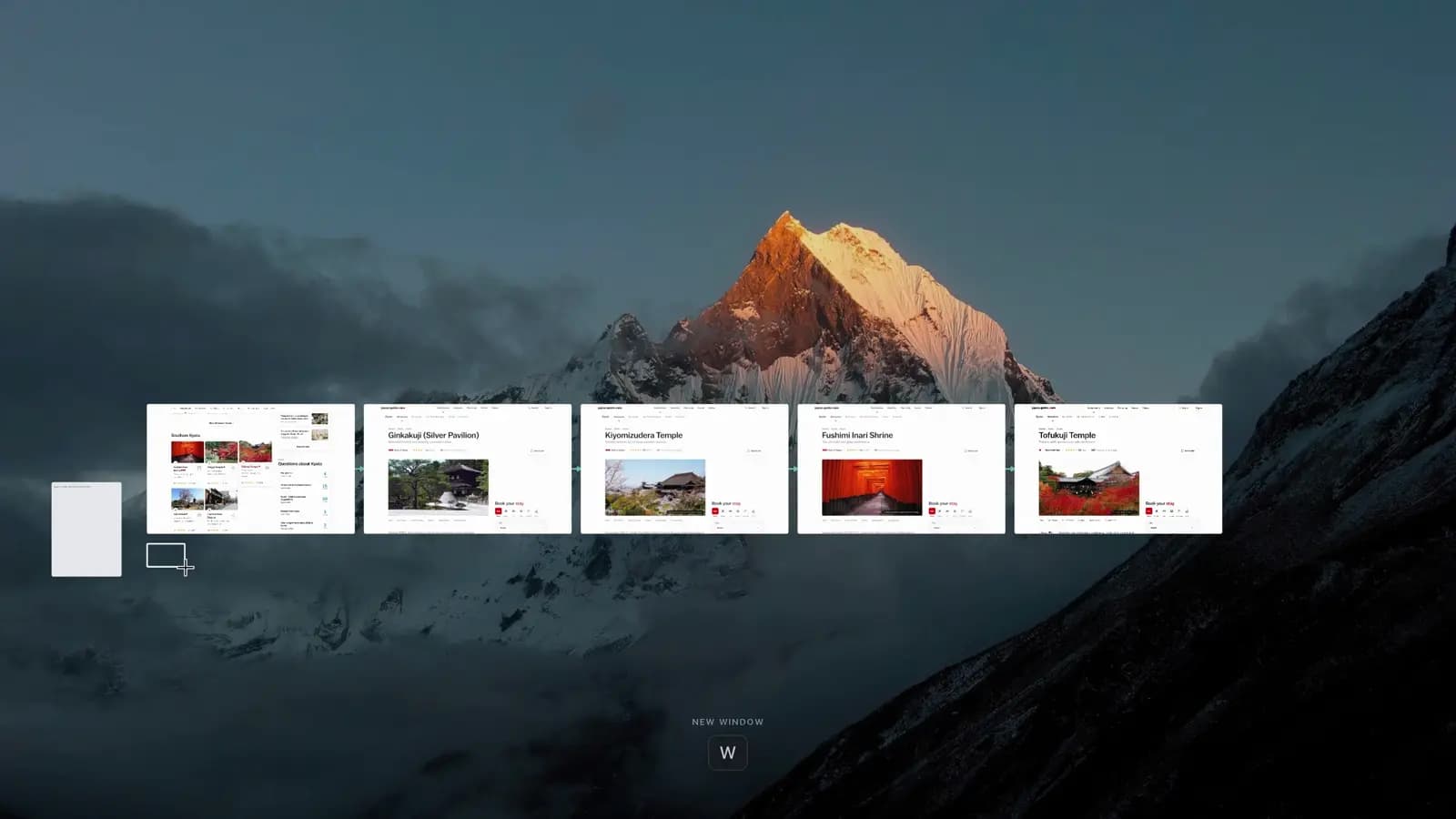
The differences that affect your choice
Start with your devices and required tools. A different layout does not establish faster browsing or lower memory use.
| Decision factor | Marble · marble.surf | Google Chrome |
|---|---|---|
| Workspace | Live page cards, visual trails, notes and spaces | Tabs and tab groups in a conventional browser |
| Devices | M1+ Mac, macOS 14+; Windows waitlist | Desktop and mobile versions; check requirements for your device |
| Sync | Local board and profile; no account or sync | Google account can sync selected browsing data |
| Extensions | Chrome extension compatibility not confirmed in the reviewed pages | Chrome Web Store extensions on desktop |
| Privacy | Local board; default ad blocking; usage analytics described in policy | Privacy and sync controls; review account and browsing settings |
| Cost & stage | Board and current features free; Research edition planned without published pricing | Free download; established general-purpose browser |
No matched speed, battery or RAM benchmark was run. Check current releases before switching.
02 / Chrome · Everyday continuity
Keep familiar tools within reach.
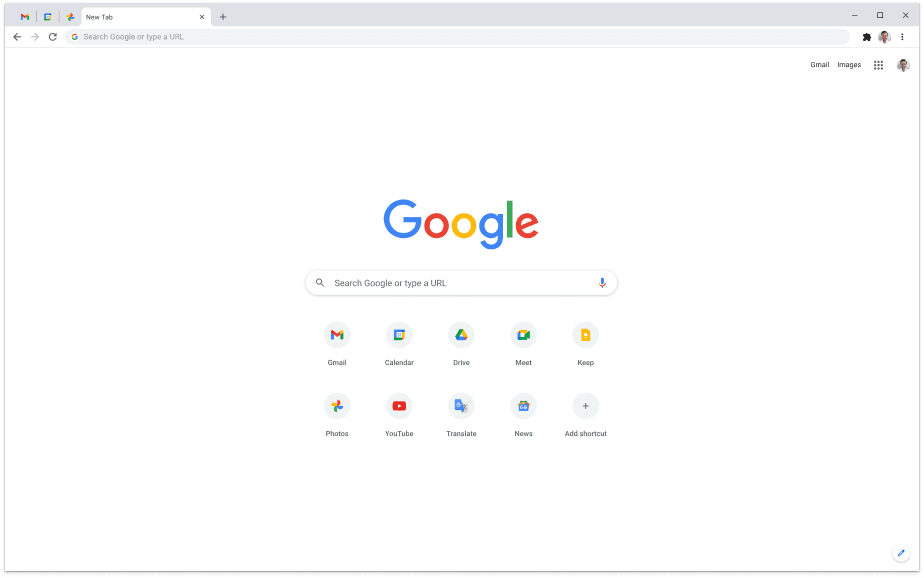
Chrome is the practical starting point if your work depends on desktop extensions, Google account sync or moving between a computer and phone. Use tab groups to separate projects. Marble makes the route between pages visible; Chrome keeps the familiar tab workflow.
Before moving your main browser
- 01
Try one real research question
Open sources in Marble, follow their links and add a source-linked note. Check whether the trail helps you resume the task.
- 02
Check the tools you cannot lose
Test required sites, sign-ins and extensions. Reopen the app and verify your project returns. Keep your current browser available.
- 03
Choose where your data should live
A local board is useful when you want work on one Mac. It does not provide cross-device sync or a backup by itself.
Another option / Tabbit
Need help with the pages themselves?
Tabbit fits a different task: asking about page content and carrying out web actions. These screenshots show Tabbit, not Marble. They do not establish an infinite-canvas feature or a benchmark win.
Read a page with AI alongside it
Ask for a summary while the article stays open. Use the source page to check claims and quotations before relying on the answer.

Turn repeated web steps into a task
Give Agent a defined task, such as entering and formatting a sheet. Review its steps and results, especially before changes that affect other people.

Check the official site for current availability, plans and data handling.
Questions before you switch
Can Marble replace Chrome?
For a supported Mac research session, it may be worth trying. Marble calls itself an early browser and does not yet position itself as a full everyday replacement. Check your required sites, extensions and device needs first.
Is Marble the Firefox-based browser?
There are two projects with the name. This page compares the canvas browser at marble.surf. NetworkNeighborhood/Marble is a separate Firefox ESR fork that restores the Photon interface.
Is Marble private and offline?
The board, local profile and passwords stay on your Mac, with passwords in the system keychain. The privacy policy also describes PostHog usage analytics. A locally saved board does not mean all live webpages work offline or that no telemetry exists.
Does Marble have AI like Tabbit?
The reviewed Marble pages confirm canvas navigation, notes and quotes. They do not establish a currently shipped AI assistant equivalent to Tabbit. A planned Research edition is not evidence of an available AI feature.
Check the original sources
Product claims come from the linked official pages. Screenshots are interface illustrations; this page is published by Tabbit.