01ANDROID
Android
Check compatibility in Google Play
Opera · com.opera.gx · Contains ads
Open Google Play listingOPERA GX MOBILE · THE REALITY CHECK
A practical guide to the gamer-focused browser on Android, iPhone and iPad: where to install it, what the mobile app actually does, and which desktop GX ideas should stay on the desktop.
Evidence: Google Play + Apple App Store listings · checked Aug 30, 2026
Tabbit is desktop-only today: macOS and Windows. It is not an Android or iOS app.

01 · INSTALL WITHOUT GUESSING
Opera GX Mobile is listed on Google Play for Android and on the App Store as a universal iPhone/iPad app. The Apple listing exposes a minimum OS field; the Google Play HTML captured for this guide did not expose a reliable minimum Android version, so this page does not invent one.
Android
Opera · com.opera.gx · Contains ads
Open Google Play listing02 · THE MOBILE KIT
The mobile pitch is about touch, gaming culture and a few useful browser protections. These are browser controls and content surfaces—not a hidden switch for game FPS or network latency.
Choose the FAB instead of standard navigation. The floating control keeps back, forward, tabs, search and related actions close to a thumb, with vibration feedback described in the App Store listing.
GX Classic, Ultra Violet, Purple Haze and White Wolf are examples named in the store description. A skin changes the browser atmosphere; it does not change your phone hardware or game engine.
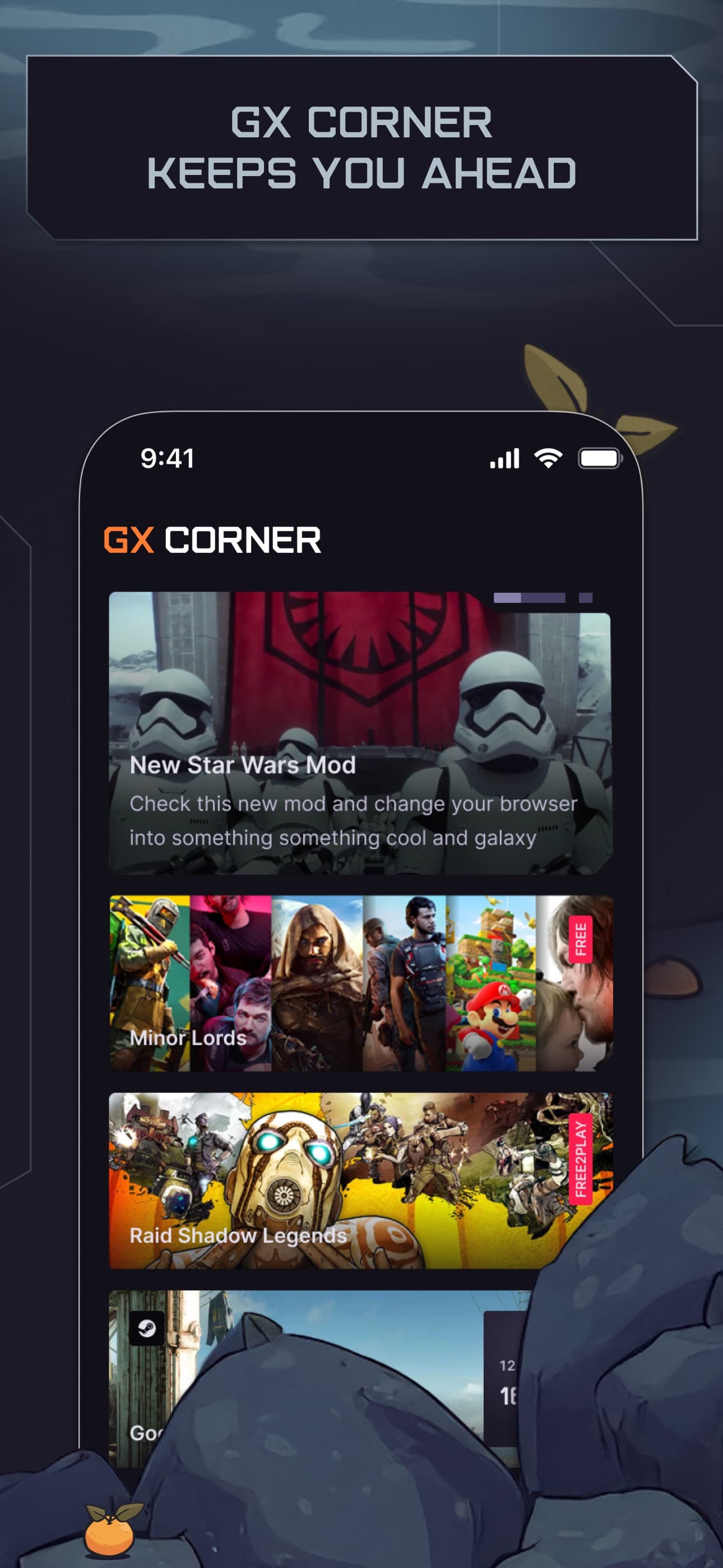
The mobile app surfaces gaming news, trailers, free games, deals and an upcoming-release calendar. It is a content hub, not a performance monitor.
The store listing describes an integrated ad blocker and cookie dialog blocker, plus cryptojacking protection. Results can vary by page, consent design and the current app version.
“Fast” is a product position in the store copy, not a universal promise of faster game loading, higher FPS or lower ping.
03 · FLOW, NOT FULL SYNC
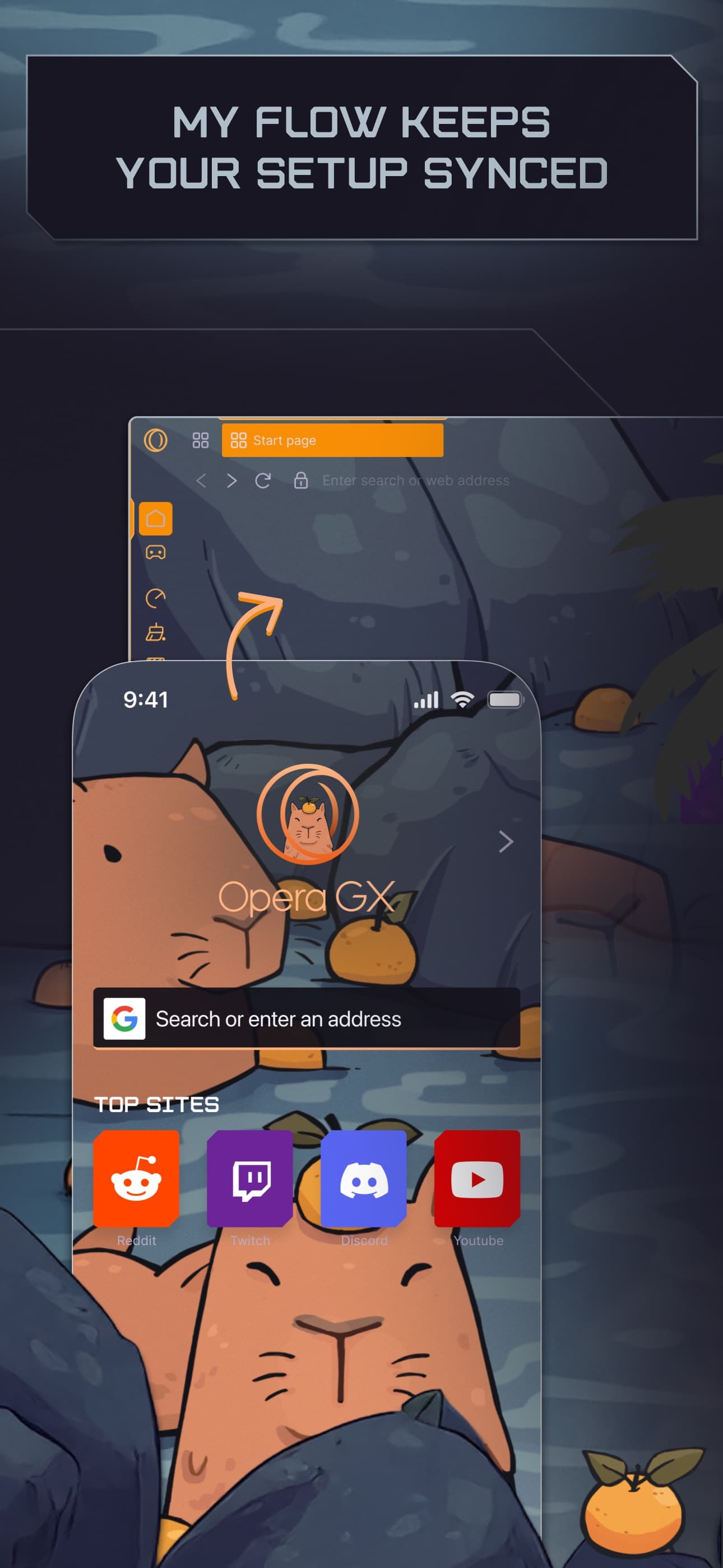
Opera’s listing describes Flow as a QR-code connection between the phone and computer. It can send links, videos, files and notes to yourself. That is a useful handoff, but it is not the same claim as syncing every bookmark, password, setting or open tab.
Use the QR connection shown by Flow to pair the phone with the desktop browser. The listing says no login, password or account is needed for this connection.
Pass a link, video, file or note to yourself, then open it in the browser on the other device. Keep the handoff small and intentional.
If the next step is a long comparison or repeatable web task, move to a supported computer and decide which source you want to bring into your work browser.
04 · MOBILE VS DESKTOP GX
The mobile store descriptions emphasize touch navigation, themes, GX Corner and Flow. Desktop GX is where Opera documents resource-control tools. A feature not listed for mobile is not proof of absolute absence—but it is not a reason to promise parity.
| Job | Mobile listing highlights | Desktop GX lane |
|---|---|---|
| 01Navigation | Fast Action Button or standard navigation | Keyboard, mouse and desktop tab controls |
| 02Gaming content | GX Corner: news, deals, releases and trailers | GX Corner plus a larger desktop workspace |
| 03Resource controls | No mobile GX Control claim in the captured store descriptions | GX Control, Hot Tabs Killer and Network Limiter are desktop concepts |
| 04Cross-device handoff | Flow sends links, videos, files and notes after QR pairing | Receives Flow items; this is not automatic Tabbit import |
| 05Best fit | Browse and collect around a game on the go | Keep a bigger set of tabs, streams and controls beside a game |
Do not install the mobile app expecting GX Control, CPU/RAM ceilings or a guaranteed FPS/ping change. The captured mobile listings do not establish that.
05 · MIGRATE WITH A CHECKLIST
The safest route is boring: use the official store, verify who published the app, and decide what you really want to move between devices before you scan or send anything.
Use Google Play for Android or the Apple App Store for iPhone/iPad. Avoid treating APK mirrors or random download buttons as equivalent evidence.
The Android listing identifies the developer as Opera; the Apple lookup identifies the seller as Opera Norway AS. A different publisher name is a stop sign.
For iPhone/iPad, the captured App Store data says iOS 18.0 minimum. For Android, let Google Play check the device because this capture did not expose a trustworthy minimum version.
Send only the link, note, file or video you intended to send. Do not infer that a QR handoff has migrated passwords, bookmarks or browser settings.
Ad and cookie dialog blocking can change how pages behave. If a login, payment handoff or video breaks, use the site’s normal route and review the current browser settings.
The Android Google Play listing marks the app as containing ads. “Ad blocker” and “contains ads” are not contradictory: the first describes a browser feature, while the second describes the app/store disclosure.
06 · WHEN YOU RETURN TO A COMPUTER
Tabbit currently supports macOS and Windows, not Android or iOS. Bring a link, screenshot, file or saved source to a supported computer yourself; then use the browser’s AI workspace for research, summaries and repeatable web tasks.
Deep Research can search and compare sources while the execution steps remain visible. It is useful after a mobile browsing session has produced a question worth checking.
Keep the article in view while a summary sidebar turns a long source into a core message, takeaways and conclusion. The source remains available for review.


FAQ
Use the official Google Play listing for Android or the official Apple App Store listing for iPhone and iPad. This page does not recommend third-party APK mirrors.
The Google Play HTML captured for this guide did not expose a reliable minimum Android version. Let Google Play check your device instead of trusting an unverified number.
The captured Apple App Store lookup lists minimumOsVersion as 18.0 and marks the app as iOS-universal. Check the live listing for your device before installing.
Yes, the App Store listing marks it as iOS-universal and includes iPad screenshots. The exact layout and controls can still depend on the current version and device.
It is an optional touch-navigation mode described by the store listing. The floating control keeps common browser actions near your thumb and is separate from desktop GX Control.
Do not assume it does. GX Control, Hot Tabs Killer and Network Limiter are desktop GX concepts; the mobile store descriptions captured here do not establish a mobile equivalent.
No such claim is made here. Opera describes Flow as an encrypted QR connection for sending links, videos, files and notes without a login, password or account. That is a handoff, not proof of full browser-data sync.
The listings use speed-oriented marketing language, but they do not guarantee higher FPS or lower ping for every game, phone or network. Browser features cannot replace a game engine, hardware or network test.
Not currently. Tabbit supports macOS and Windows. Use Opera GX Mobile on a phone or tablet, then manually bring a useful source to Tabbit on a supported computer.
NEXT MOVE · SUPPORTED DESKTOP
Opera GX Mobile can be the pocket browser around your game. When the next step is comparing sources, summarizing a long page or completing a repeatable web task, try Tabbit on macOS or Windows.
The shared download flow detects the supported desktop platform.