Polar Browser Review
Polar is a Chromium AI browser built for long-running web tasks. Here is the price, platform status, and fit in 30 seconds.
Who should choose Polar?
Score basis: automation depth, workflow fit, platform availability, price, and public verification. Product facts were checked on October 13, 2026; no private benchmark run is implied.
Choose Polar for recurring browser work
Best fit for research, recruiting, sales, or ops tasks that span sites and benefit from schedules. Start with free credits.
Check cost and platform parity first
The homepage now lists Windows, while the primary download copy still names macOS. Confirm availability and feature parity for your device.
Compare before making it your main browser
Polar works inside logged-in sessions and uses credits for agent work. Compare daily-browser features, model choice, and account access with alternatives.
What is Polar Browser?
Polar (polarbrowser.com) is an AI-native Chromium browser that turns natural-language instructions into autonomous web tasks — from a quick lookup to hours-long workflows. It launched publicly in July 2026.
Founded by Perplexity alumni
CEO Kevin Jiang previously worked on Perplexity’s Comet browser agent. Co-founders include Vishaal Ram and Howard Zhong (MIT and quant-fund backgrounds).
$5.7M seed funding
Led by Madrona, with angel investors including ex-GitHub CEO Thomas Dohmke and Modal CEO Erik Bernhardsson.
Windows is now listed
The official homepage now says Windows is available, while its main download button and pricing-page CTA still say “Download for macOS”. Confirm the current build and feature parity before switching.
Focused on knowledge work
Research, sales, recruiting, marketing, and operations — not mass consumer browsing.
Self-reported benchmarks
Polar claims a 98.0 score on BU Bench V1, with no independent third-party reproduction.
Polar Browser pros and cons
Looking at the product, the documentation, and what reviewers and users report, here is a balanced picture.
What Polar does well
Real autonomous agents
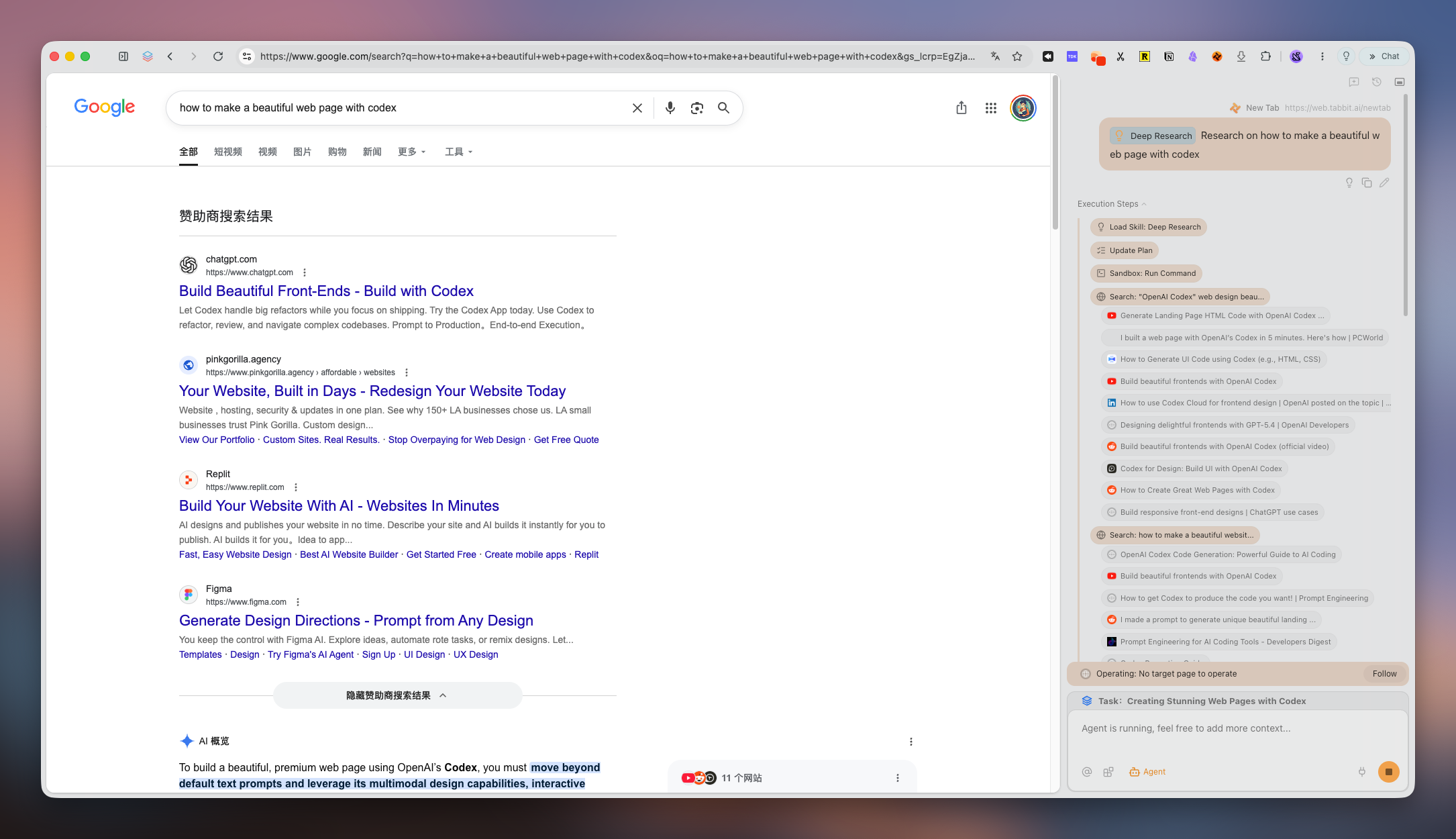
You describe a task and the agent clicks, types, navigates, and submits across sites in your logged-in sessions — with no supervision needed.
Scheduled workflows
Repeat tasks hourly, daily, weekly, or on custom cycles.
Tab-context awareness
It reads your open tabs and logged-in accounts, so tasks do not need re-explaining.
Templates for knowledge work
Market maps, competitor readouts, and vendor rankings are available out of the box.
Where Polar falls short
Windows status needs a second check
Polar now lists Windows availability, but prominent download copy still points to macOS. Verify the current installer and feature parity for your device.
Credit-based pricing
Pro starts at $20/month, and heavy automation burns credits quickly.
What Polar costs
Polar uses a credit model — credits are consumed as the agent does work, so longer tasks cost more.
Polar vs Tabbit: which is better?
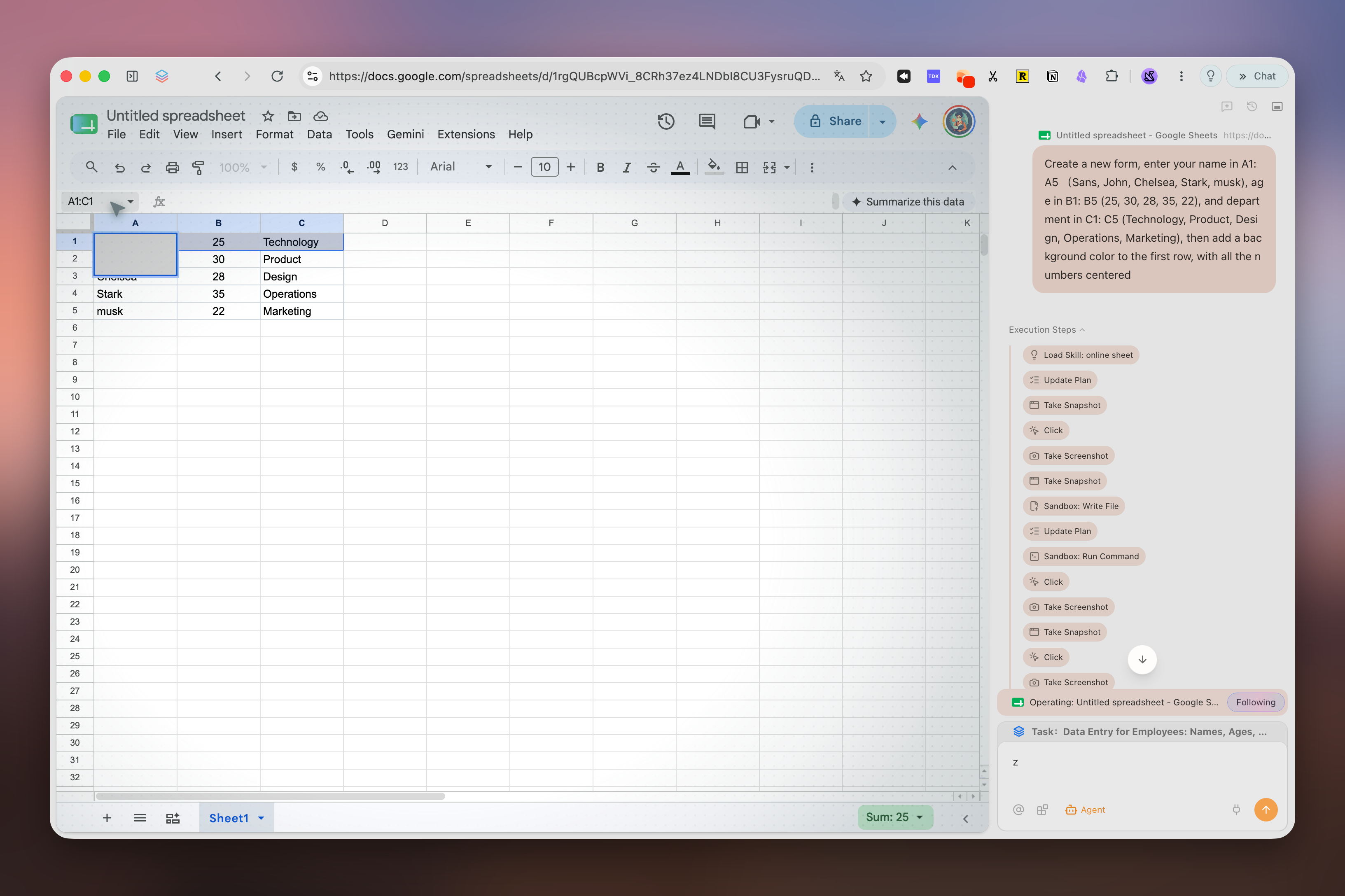
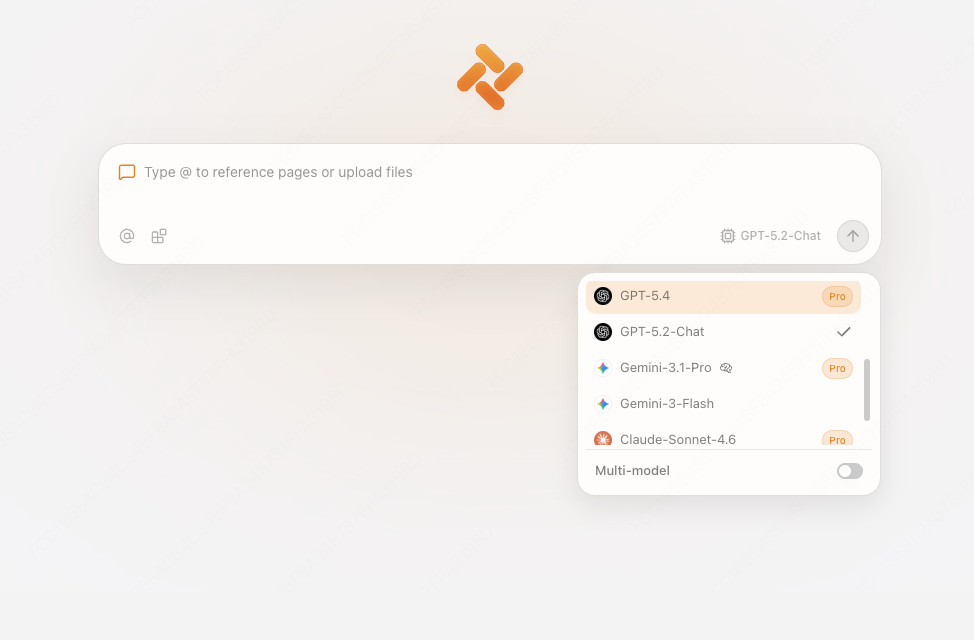
If you are weighing Polar against Tabbit, here is how they line up on the points that matter.
 Tabbit
 Polar
PolarUpdated October 13, 2026 · public-evidence review: Polar pricing · Tabbit membership
Frequently asked questions
Polar vs Tabbit: which is better?
If you are weighing Polar against Tabbit, here is how they line up on the points that matter.