01SPACES
Separate the contexts
Create Spaces for work, hobbies, passions or projects. Each can hold its own apps and flows, so a client account does not have to share the same visual desk as personal browsing.
SHIFT BROWSER · WORKBENCH FILE · AUGUST 2026
Shift is best understood as a desktop browser that also acts as a custom app-and-account workspace. Its Spaces, pinned apps and Builder reduce the friction of moving between inboxes and projects. That is a different center of gravity from Tabbit, where the browser is an AI layer for researching, summarizing and completing visible web tasks.
01 · NAME THE PRODUCT
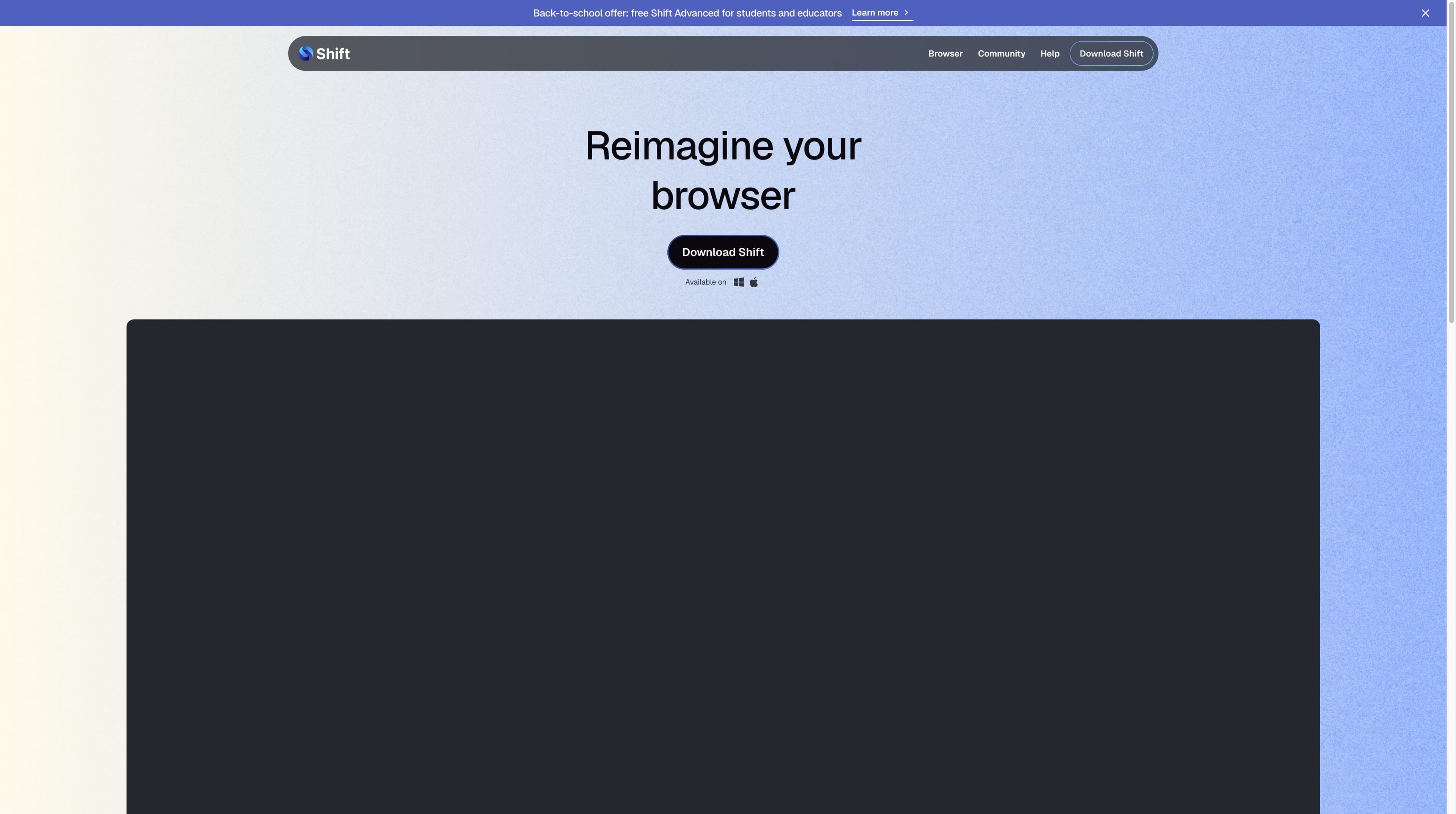
The answer is “all three, with a useful distinction.” Shift calls itself a browser. Its official pages make the workbench layer concrete: apps and inboxes live together, Spaces separate contexts, and Builder lets you arrange the shell. The VA Technical Reference Model describes the same pattern as a unified interface for multiple web applications and email accounts.
| Signal | What Shift documents | Practical reading |
|---|---|---|
| 01Browser | Official site and download page call it a browser. | A desktop browsing shell, not a web-only dashboard. |
| 02Workstation | Spaces and custom layouts separate projects and routines. | Useful when context switching is the daily tax. |
| 03App manager | Apps, tools and inboxes sit in one command center. | The app layer is the reason to install it. |
| 04Multiple accounts | Official Apps page says accounts can be toggled and inboxes kept side by side. | A clear strength for client, work and personal identities. |
| 05Extensions | Shift markets integration with Chrome extensions. | Check your exact extension; marketing copy is not a compatibility test. |
| 06AI | Shift AI documents chat, questions, summaries and drafts in context. | An optional AI assistant layer, not automatically a browser agent. |
02 · THE WORKBENCH MODEL
Shift’s strongest story is structural: the browser frame becomes a repeatable place for the tools you already use. These are workflow primitives, not a promise that every app behaves identically.
Create Spaces for work, hobbies, passions or projects. Each can hold its own apps and flows, so a client account does not have to share the same visual desk as personal browsing.
The official Apps page describes multiple accounts for the same app and side-by-side inboxes. That makes Shift feel closer to an account switchboard than a tab list.
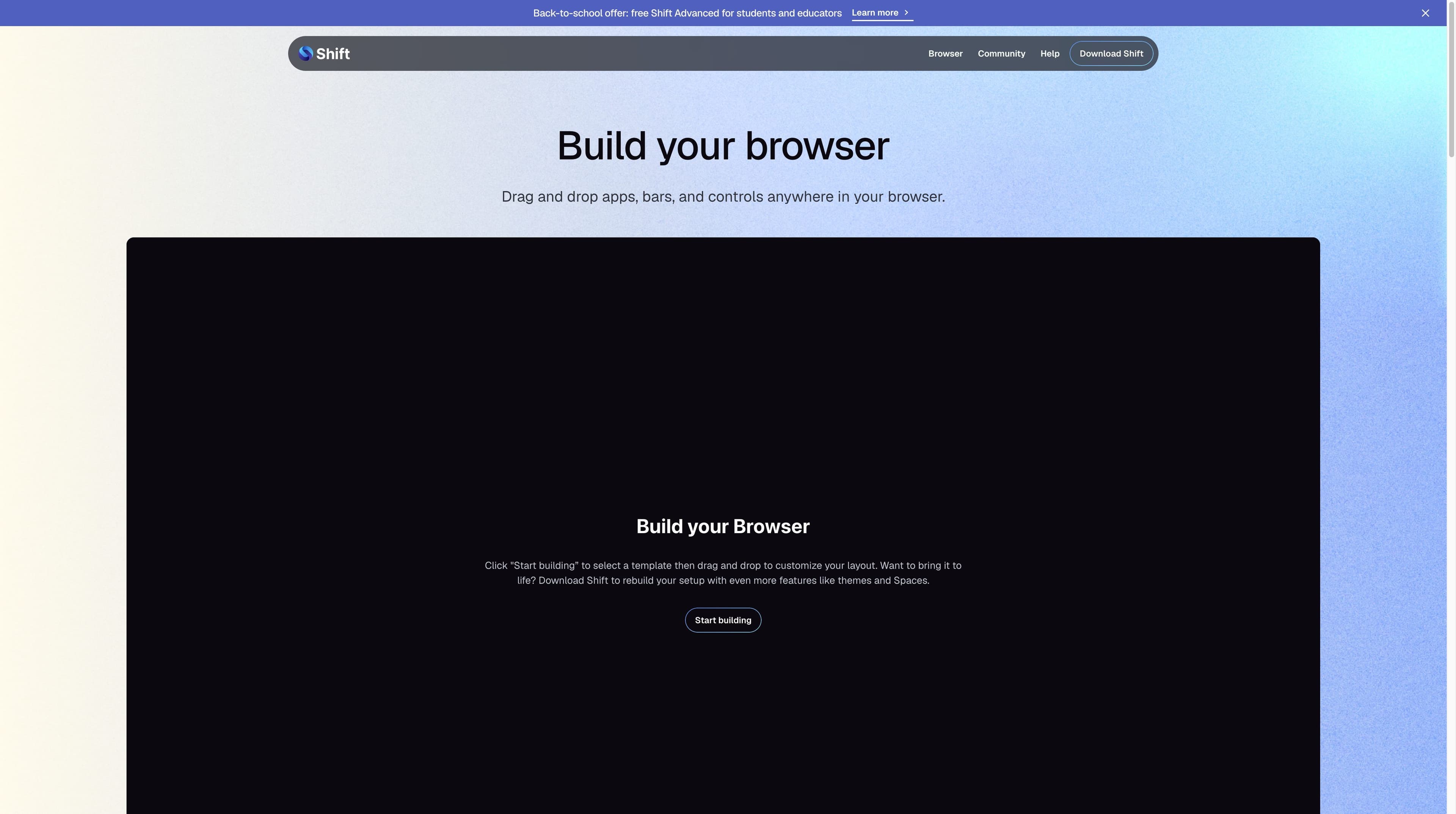
Builder lets you drag and drop apps, bars and controls, or begin with a template. The downloaded desktop app adds more personalization, including themes and Spaces.
Shift says it integrates with Chrome extensions. An extension you rely on is still worth testing in your own workflow, especially when it touches accounts or security.
03 · PRICE BOUNDARY
Shift’s current pricing page is unusually specific about the free boundary. The annual Advanced price is visible; the page also offers a monthly selector, but this review does not invent a monthly number that was not exposed in the captured text.
01 / Free
A real starting point for a small set of contexts.
02 / Advanced
The paid tier for a larger app-and-Space system.
TEAM / Teams get a management layer
The official page also describes consolidated billing and a central dashboard for teams. That is an admin workflow, not proof that every app inside Shift becomes a managed enterprise integration. Shift pricing ↗
04 · PLATFORM CHECK
The official download page lists Mac and Windows. An independent Efficient App review updated April 26, 2026 recorded Shift as desktop-only at that time. Treat the official download page as the source of truth for a current installer and do not assume mobile parity.
| Platform | Observed status | What to do |
|---|---|---|
| macOS | Listed on the official download page | Good candidate if your app stack is desktop-led. |
| Windows | Listed on the official download page | Useful for teams standardizing on Windows workstations. |
| iOS / Android | No mobile download surfaced in the reviewed official path | Verify the current official site before planning a mobile workflow. |
| Chrome extensions | Official Apps page says any Chrome extension | Test critical extensions rather than assuming every edge case. |
Platform note: availability changes. This page reports the pages viewed on 2026-08-30, not a permanent compatibility guarantee.
05 · TWO CENTERS OF GRAVITY
This is a division of labor, not a blanket winner. Shift is compelling when the unit of work is an account, app or Space. Tabbit is compelling when the unit of work is a set of web sources and an outcome you want the browser to help produce.
| Decision point | Shift | Tabbit |
|---|---|---|
| Primary job | Bring apps, inboxes and accounts into one configurable browser. | Turn browser context into research, summaries and visible actions. |
| Workspaces | Spaces separate projects, hobbies and app flows. | Tab groups and independent Agent task spaces hold research context. |
| Multi-account work | Multiple accounts in the same app can stay side by side. | Context can include tabs, groups, bookmarks, screenshots and local files. |
| Research | AI chat can answer questions and summarize in context. | Deep Research is built around searching, reading and organizing multiple sources. |
| Browser actions | The reviewed official pages focus on layout, apps and AI assistance. | Agent Mode can read, navigate, click, fill and collect results with review. |
| Best question | How should my digital desk be arranged? | What should the browser help me understand or finish? |
Tabbit is not presented as a replacement for Shift’s account-centric desk. Shift is not presented as a native research agent.
06 · THE TABBIT LANE
Tabbit’s advantage appears after the workspace is open: keep the page in view, add the right context, and move from evidence to output without rebuilding the task by hand. The screenshots below are real Tabbit UI, used to show the workflow—not to imply feature parity with Shift.

Search across sources while the right rail keeps the query and execution steps visible. This is for a question that needs synthesis, not just a pinned destination.

Ask for the core message and key takeaways beside the original page. The source stays present while the summary becomes a working brief.

Give the browser a multi-step instruction in a web app and inspect its visible execution steps. This is the action layer that a traditional app workspace does not automatically provide.
Tabbit UI evidence · screenshots from the project picture library · not a Shift feature claim
Tabbit is a desktop AI browser for macOS and Windows. Check the official regional site for the current download and model policy.
07 · FIT TEST
The fastest decision is to name the object you keep switching between.
Shift reduces switching cost. Tabbit reduces interpretation and execution cost. The right choice follows the bigger cost in your day.
08 · QUESTIONS PEOPLE ACTUALLY ASK
It is a desktop browser whose defining product story is an app-and-account workbench. The official site calls it a browser; its Apps and Spaces pages explain the manager-like layer.
Yes, the official Apps page says you can toggle between multiple accounts for the same app and keep multiple inboxes side by side. Check the app-specific login behavior for your setup.
The current pricing page lists 5 Spaces and 10 apps per Space in Free. Advanced lists unlimited Spaces and unlimited apps per Space.
Shift’s official Apps page says it integrates with any Chrome extension. Because independent commentary notes historical gaps, test the extensions that matter to you before migrating.
The reviewed official AI page documents contextual questions, summaries and drafts, plus an optional AI setting. It does not establish Tabbit-style multi-step browser execution, so do not treat the two labels as equivalent.
The official download page reviewed here lists Mac and Windows. An Efficient App review updated April 26, 2026 described Shift as desktop-only then. Verify the current official product page before planning mobile continuity.
It depends on the number of Spaces and apps you need. The official page lists $199.99 USD billed annually for Advanced, which removes the five-Space and ten-app-per-Space limits and expands Shift AI usage.
NEXT TASK, NOT MORE TABS
If Shift solves your account sprawl but your next bottleneck is research, summaries or repetitive web actions, try Tabbit as the browser built around that second step.
Official Tabbit download · macOS and Windows · regional availability and model policy may vary