01
CONTEXT SWITCHING
Keep work, school and personal life in separate Spaces.
Create a Space without an email account, choose its color and theme, and switch with one click. Each Space can have one Anchor App and its own apps, tabs and bookmark bar.
FEATURE MAP / SHIFT BROWSER / CURRENT SCOPE
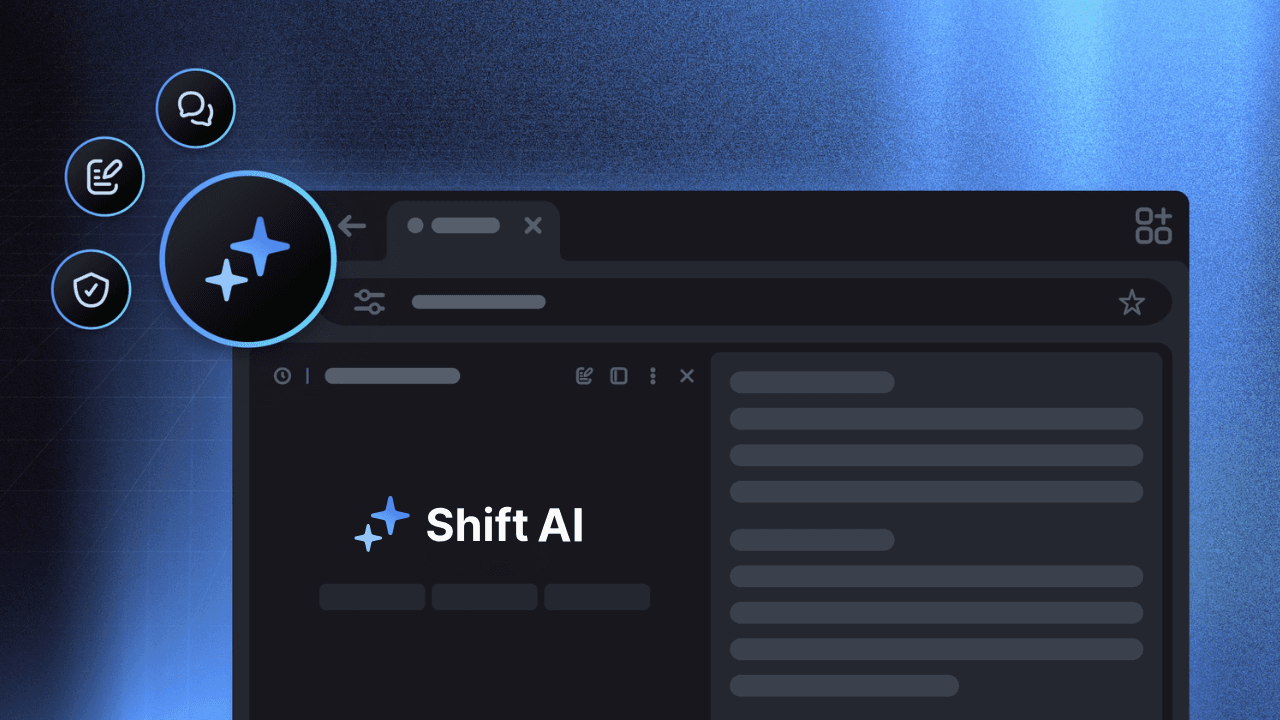
Shift turns a Chromium browser into a customizable desktop for Spaces, apps, accounts and workflows. This guide maps the current features to real tasks, then draws a clean line between Shift’s organization layer and Tabbit’s AI research and browser actions.
Scope checked against Shift’s current product, pricing and support pages on August 30, 2026. Feature availability and limits can change.
01 / START WITH THE TASK
The short version: Spaces separate contexts, Apps keep accounts nearby, Builder reshapes the chrome, and Quick Settings is the control desk. AI, extensions and teams add the layers around that core.
CONTEXT SWITCHING
Create a Space without an email account, choose its color and theme, and switch with one click. Each Space can have one Anchor App and its own apps, tabs and bookmark bar.
MULTIPLE INBOXES
Add multiple instances of the same web app, name and color them, and keep different logins open side by side instead of signing out every time.
CUSTOM LAYOUT
Open Builder from Quick Settings, then drag Apps, Bars and Controls into the zones that fit your flow. Start with a template or build from a blanker setup.
FAST CONTROL
Shift calls this drawer Quick Settings: it gathers tabs, windows, Incognito, shortcuts, bookmarks, downloads, history, passwords, extensions, Print, Find and default-browser controls.
TOOLS IN THE SIDEBAR
Open the Chrome extension marketplace from Shift, add a tool, pin it beside the extension icon, or disable and remove it when the workspace gets noisy.
READ → SYNTHESIZE
AI Chat can answer, summarize and draft with page context. Highlight text or use @ to add tabs; on a website, the answer can stay in a side panel.
EMAIL + CALENDAR
Gmail, Outlook and other web apps can live in a Space and one can be its Anchor App. The newer Shift Browser removed Unified Calendar, so do not confuse a calendar web app with a native unified calendar.
SEARCH + NAVIGATION
Shift is Chromium-based, lets you choose a search engine, and uses the Intelligent Omnibox to rank navigation, search and AI suggestions. Home returns to New Tab unless you customize it.
TEAM ROLLOUT
Teams adds a Team Dashboard and unified billing. Members keep control of their own Spaces, apps, notifications and tabs; the admin cannot inspect their private accounts, passwords or history.
02 / SPACES + APPS
Shift’s strongest promise is organization. A Space is a flexible area—not an email-bound profile—and Apps are persistent web-app instances that can carry separate logins. The current official Apps page says 4,500+ apps plus any Chrome extension; the number is a moving product claim, not a permanent quota.
Create Work, Personal, School or Client Spaces with a color, theme and icon. Set one Anchor App per Space; a Space can be useful even when no email is connected.
Add another instance of Gmail, Slack, Notion or another supported web app, then give each account its own name and color. App shortcuts can expose one instance in several Spaces.
When you sign in and turn on Sync, Spaces, Apps, bookmarks, Chrome extensions, Autofill and history can follow you across Mac and Windows. Saved passwords, payment info and open web tabs do not automatically sync.
03 / CONTROL CONSOLE
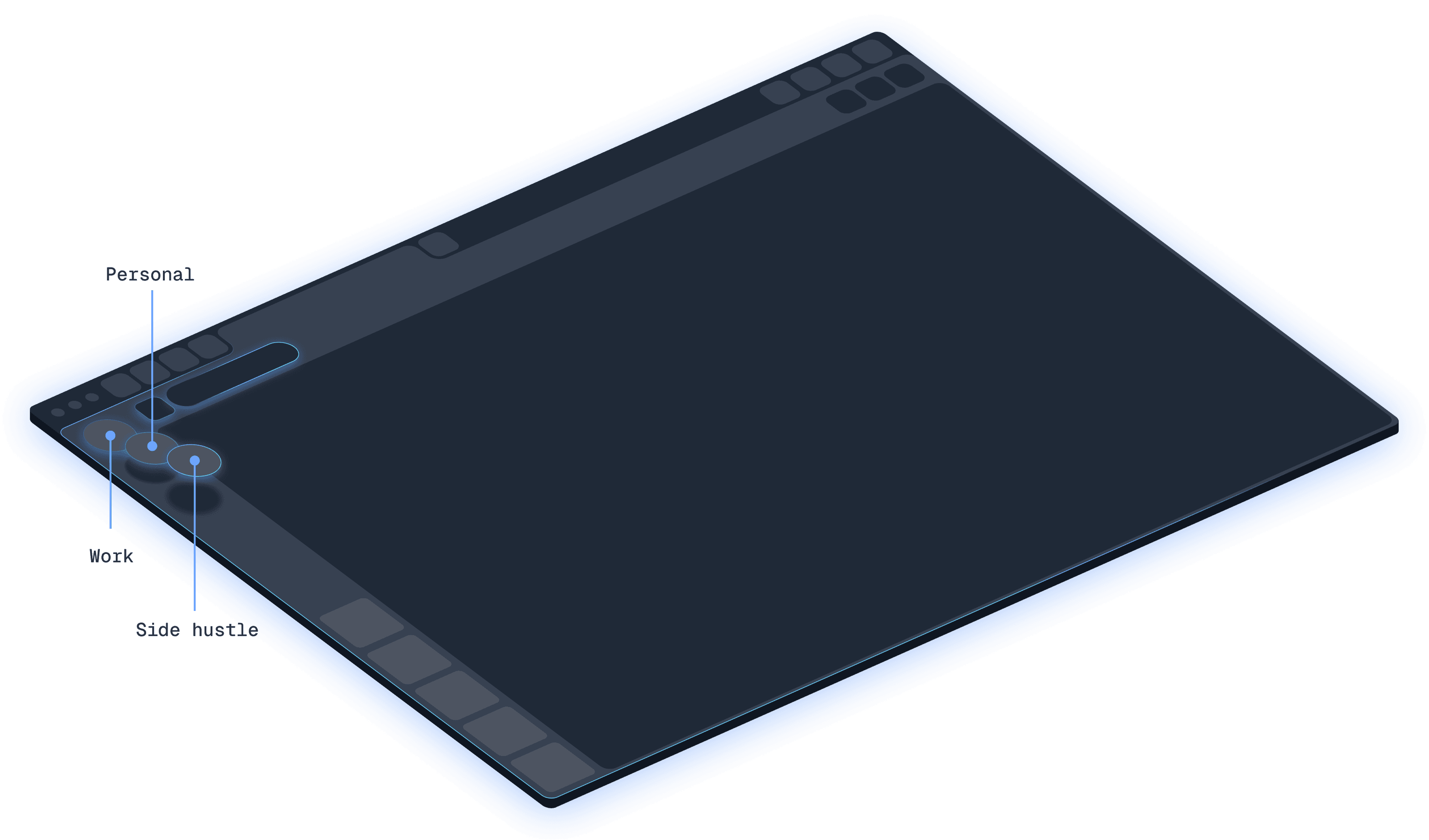
The feature set is easier to understand as a control surface. Some tools are always available in the browser; Shift AI is optional and currently described by Shift support as a Beta rollout, so availability may vary by account.
Use the gear icon for new tabs/windows, Incognito, keyboard shortcuts, extension and password managers, history, downloads, bookmarks, Support, Print, Find and default-browser settings. It also exposes mode, theme, bookmark-bar and Builder controls.
Quick Settings → Build your Browser opens the Builder. Add, remove and reposition Apps, Bars and Controls; choose a ready-made template, or create a lean layout with only the controls you need.
Shift opens the Chrome extension marketplace for additions. Pin important extensions, open Details, disable one without deleting its data, or Remove it entirely when performance or focus suffers.
AI Chat handles explanations, summaries and drafts. The Intelligent Omnibox detects question intent and can offer Ask AI; context chips can include the current site, selected text and @-mentioned tabs. Toggle AI Chat or the Omnibox off in Quick Settings.
04 / PLANS + PLATFORM
Shift has a real free tier, a paid individual tier and a separate Teams path. Read the numbers as a snapshot from the official pricing and support pages, then verify the live terms before subscribing.
Free
Good for trying the organization model.
Advanced
For an individual setup that has outgrown the caps.
Teams
Premium access plus an administrative layer.
Platform and sync reality
If you are still on Shift v9
Shift’s migration guide says v9 must be version 9.6.3 or later to begin migration. The newer browser adds multi-window, Incognito, Builder, AI, Spaces and Smart Links, while Unified Calendar, Mute Notifications, Quick Switcher and the home bookmark bar were removed or changed. Shift says v9 access ends September 30, 2026.
05 / A FAIR COMPARISON
They overlap at the browser shell, but their centres of gravity differ. Shift is strongest at persistent app/account organization and layout control; Tabbit is built around AI-assisted research, summaries and browser execution.
| Decision point | Shift Browser | Tabbit Browser |
|---|---|---|
| Core job | Make a browser workspace around Apps, accounts and Spaces. | Bring web context into an AI-native browser that can research and act. |
| Organization | Spaces, Anchor Apps, app instances, shortcuts and Builder. | Vertical tabs, groups and workspaces that keep research context together. |
| Extensions | Add any Chrome extension, then pin, disable or remove it. | Use browser-native AI workflows and the existing web environment. |
| Research | Keep sources and app tools arranged in a desktop hub. | Deep Research searches, reads and structures findings beside the tabs. |
| Summaries | Use Shift AI Chat where available; availability is Beta and plan-limited. | Ask a side panel to summarize a page while the source remains visible. |
| Browser actions | Official feature pages focus on setup, integrations and navigation. | Agent can read pages, extract data, fill forms and continue multi-step web work. |
| Best fit | People who want a polished, customizable app-and-account desk. | People who want research and repetitive web work to progress with AI help. |
This is a feature map, not a benchmark. Shift and Tabbit are separate products, downloads and account systems.
06 / THE TABBIT LAYER
If your Shift research ends with copying notes, reconciling a table or repeating a web form, Tabbit adds an AI work layer. These are real Tabbit UI captures, not Shift screenshots or mockups.

SUMMARIZE
Tabbit’s side panel can summarize a long page while the original remains visible, so you can check the answer before reusing it in a brief or decision.

ACT
Tabbit Agent can operate a site, read a table and proceed through a multi-step task with execution steps visible beside the page.
Tabbit is a separate product. The CTA below opens Tabbit’s shared platform-aware download flow for macOS and Windows.
07 / FEATURES FAQ
The current Shift Browser centres on Spaces, app and account organization, Builder layouts, Quick Settings, Chrome extensions, Shift AI, Chromium search/navigation, sync and desktop workflows for Mac and Windows.
A Space is a separate area for a project or context. It does not require an email account; you can choose its name, color, theme and icon, add apps and tabs, and assign one Anchor App.
Yes. Add multiple instances of the same web app and sign in to each account. You can name and color the instances so the accounts stay distinct.
From Quick Settings → Build your Browser, Builder lets you add, remove and drag Apps, Bars and Controls. You can start from a template and use themes, modes and bookmark-bar settings to finish the layout.
Yes. Shift opens the Chrome extension marketplace so you can add extensions, pin them, inspect Details, disable them or remove them. Extension behavior can still vary by tool.
Shift lists limited AI usage in Free and expanded usage in Advanced. Its current support article describes Shift AI as a Beta release that may not be available to every user, so verify availability in your account.
No. Shift’s v9 migration guide says Unified Calendar was removed in the newer browser. You can still use a calendar service as an integrated web app or custom URL, but that is not the same as promising a native unified calendar.
Teams costs $199.99 USD per user/year and adds a Team Dashboard, unified annual billing and seat management. Members retain their own browser setups; the admin cannot view their private accounts, passwords, history or apps.
Free is $0 forever with 5 Spaces, 10 apps per Space, Builder/templates and limited Shift AI. Advanced is listed at $199.99 USD annually with unlimited Spaces/apps and expanded AI. Check the official pricing page for current terms.
The migration guide requires v9.6.3+ to migrate and lists Multi-window, Incognito, Builder, AI, Spaces and Smart Links as newer capabilities. Unified Calendar, Mute Notifications, Quick Switcher and the home bookmark bar were removed or changed; v9 is scheduled to retire on September 30, 2026.
No. Shift focuses on a customizable app-and-account workspace. Tabbit focuses on AI-assisted research, page summaries and Agent browser actions. They are separate products and downloads.
08 / NEXT MOVE
Need Spaces, multiple app accounts and a browser layout you can rebuild? Start with Shift’s official feature pages. Need a browser that can research, summarize and execute web steps with you? Try Tabbit.
Separate product · separate official download · macOS and Windows