Universal default + extensions
Your team already lives in Chrome, and you depend on the Chrome Web Store, sync, and Google Workspace every day.
Chrome
TABBIT VS CHROME · 2026 COMPARISON
 vs
vs
Chrome is the world's default browser—unmatched extensions, every platform, and Gemini when available. Tabbit Browser is an AI-native alternative with free Agent mode, multi-model copilots, and Skills workflows on macOS and Windows.
Opens tabbit.ai or tabbit.com based on your language.
WHO SHOULD PICK WHAT
Start with how you browse: do you need the Chrome Web Store everywhere, or an Agent that can finish multi-step web tasks for you?
Your team already lives in Chrome, and you depend on the Chrome Web Store, sync, and Google Workspace every day.
You want sidebar AI on the current page without installing a new browser—and Google's ecosystem is enough.
You need multi-step research, forms, extraction, and parallel tabs handled by an Agent—not only summaries.
You want GPT, Claude, Gemini, and more in one browser with Skills—without stacking Chrome AI extensions.
REAL SCREENSHOTS
No mockups—actual captures from both browsers, so you can see the difference in philosophy before reading a single spec.
 Google Chrome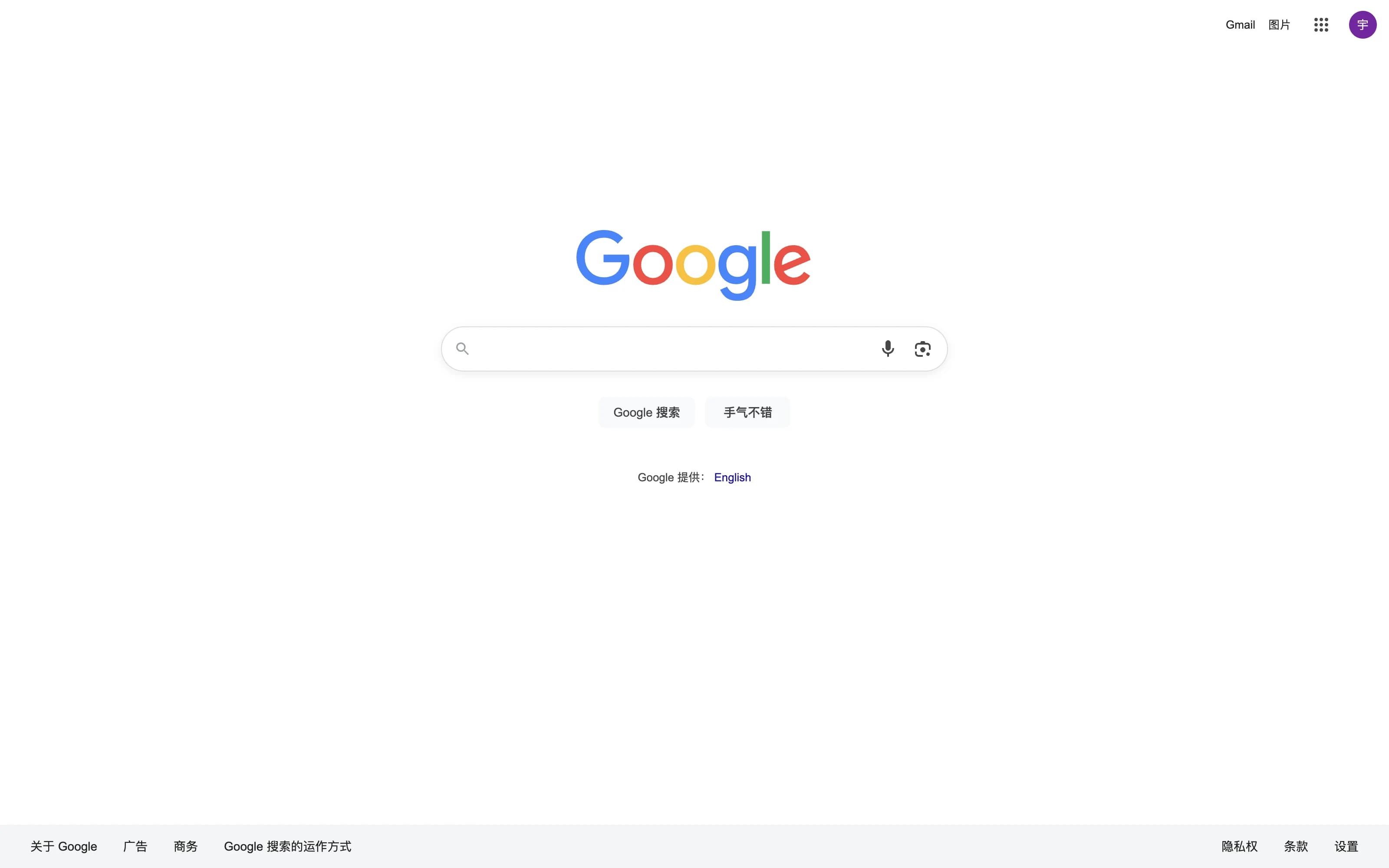
 Tabbit Browser
Chrome asks what you want to find. Tabbit asks what you want to get done.
Google Chrome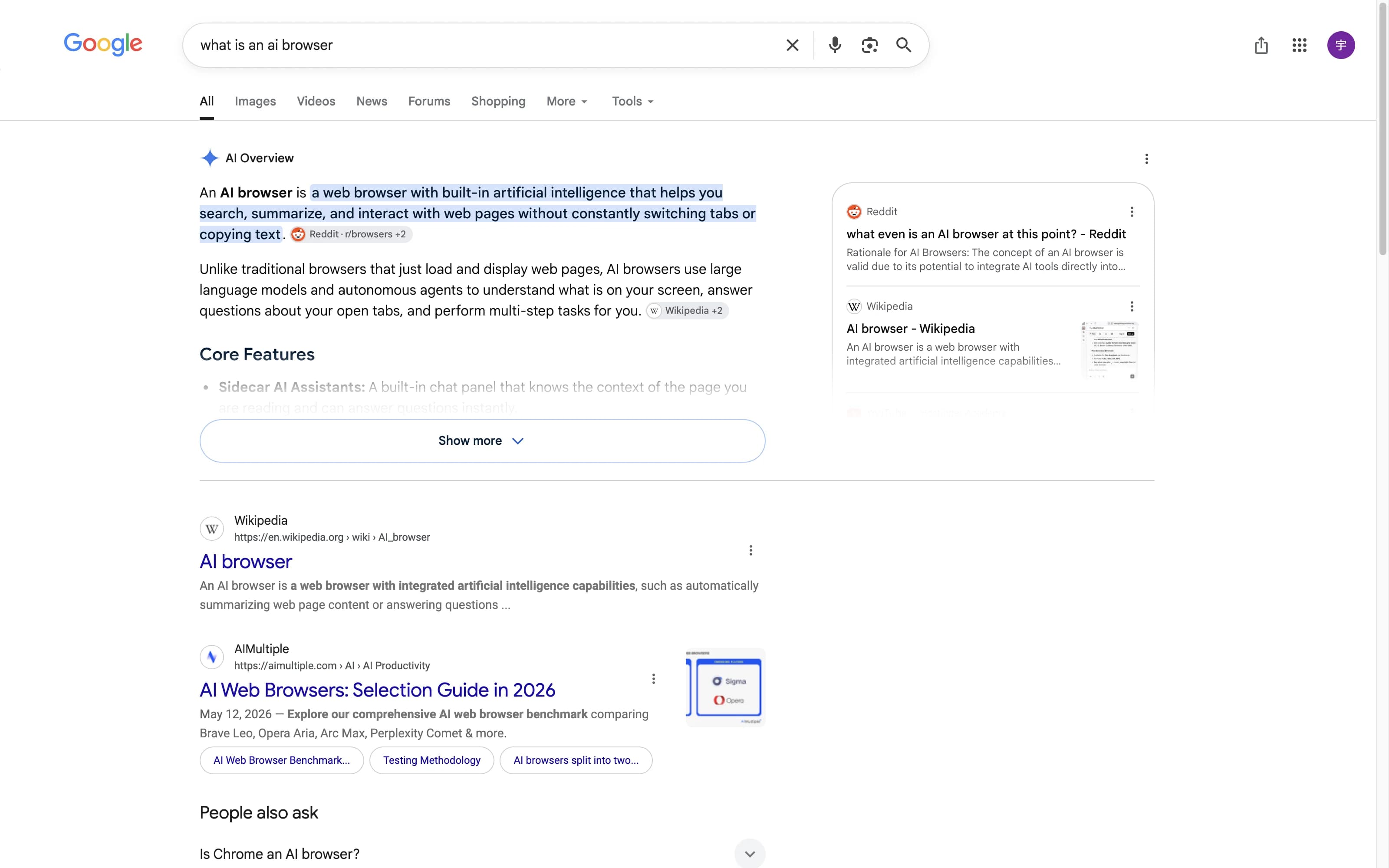 Tabbit Browser
An answer box about a query versus an analyst for the page you are actually reading.
SIDE BY SIDE
Both can feel "smart." The real split is Agent-first workflows versus the broadest default browser ecosystem.
| Feature |  Tabbit Tabbit |  Chrome Chrome |
|---|---|---|
| AI style | Multi-model Agent browser that researches and executes multi-step tasks | Gemini / Google AI features vary by region, account, and release |
| Agent & automation | Full Agent mode free in public beta—parallel tabs, forms, extraction | AI assistance bolted on—strong chat/context, not agent-first workflows |
| Skills & workflows | Skills marketplace plus personal automations for repeatable work | Extensions and Google services fill most productivity gaps |
| Platform | macOS and Windows available now | Windows, macOS, Linux, Android, iOS, and more |
| Extensions | Chromium foundation with AI/Skills-first workflows | Strongest extension ecosystem—Chrome Web Store |
| Price | Free in public beta, including Agent mode | Free; some Google AI features may need a signed-in account |
CHROME REALITY CHECK
Chrome remains the baseline for a reason. Be honest about what you would lose—and what Gemini actually adds.
WHY TABBIT
Tabbit is built so AI can finish work in the browser—not only chat about the page you already opened.
Delegate multi-step browsing: open tabs in parallel, fill forms, extract tables, and compile findings while you review.
Pick the model that fits the job—without duct-taping separate Chrome AI extensions together.
Turn recurring research and ops flows into Skills instead of rebuilding the same Chrome checklist every week.
Public beta includes Agent on macOS and Windows—no paid Pro gate just to test automation.
TABBIT IN ACTION
Four real workflows, captured inside Tabbit Browser—no mockups.
Ask once and watch GPT, Claude, Qwen, and more answer in parallel—then compare answers instead of trusting a single model's blind spots.

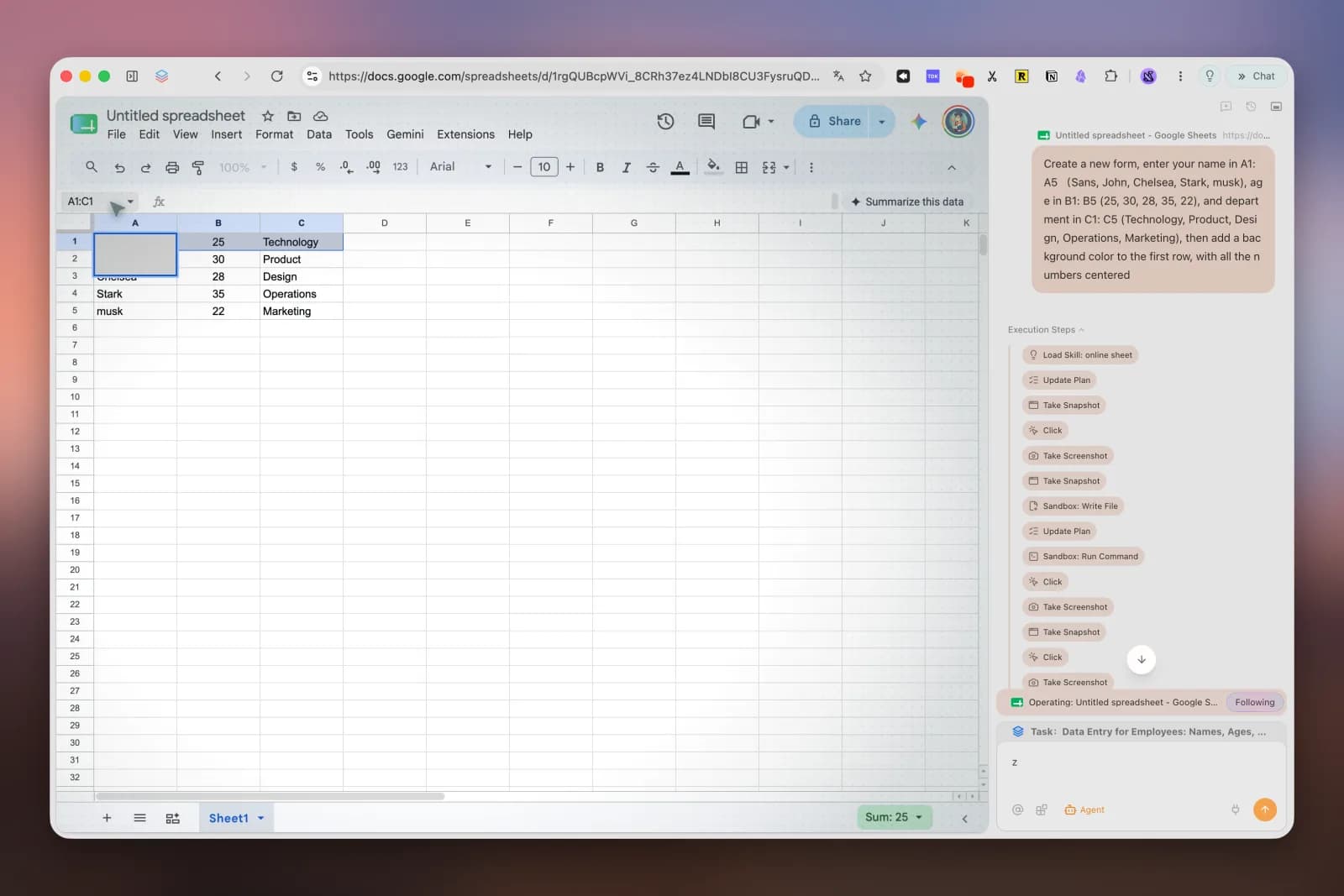
Tabbit's Agent mode drives real pages—opening tabs, filling forms, and updating Google Sheets—while you supervise instead of clicking through every step.
Give Tabbit a research question and it crawls dozens of sources, cross-checks them, and hands back a structured report with citations—work Chrome leaves entirely to you.

Tabbit is Chromium-based and imports your Chrome bookmarks, history, passwords, and extensions in one click—your muscle memory survives the switch.

FAQ
It depends on the job. Chrome is better if you need universal platforms and the deepest extension library. Tabbit is better if you want free Agent automation and multi-model workflows on macOS and Windows.
Leave Chrome when Gemini-style chat is not enough and you need an Agent to execute multi-step web work. Stay if your day depends on Chrome Web Store extensions and Google Workspace sync.
Not one-for-one. Chrome still leads on extension breadth. Tabbit focuses on Agent + Skills workflows on a Chromium foundation—many users keep Chrome for niche extensions and use Tabbit for research automation.
Gemini in Chrome is strong for in-page Q&A and Google ecosystem context. Tabbit's Agent mode is designed to take actions across steps and tabs—closer to an AI coworker than a sidebar chat.
Chrome is free. Tabbit is free in public beta, including Agent mode. Always confirm current plan details on the official Tabbit site for your region.

Download Tabbit Browser free—multi-model Agent mode on macOS and Windows, with Skills included.
Independent comparison. Tabbit is not affiliated with Google.