Official comparison · Free download
 vs
vs
Tabbit vs Dia
Two AI-first browsers, two different philosophies. Dia from The Browser Company is a Skills-first co-pilot with Arc-style tabs and polished Mac design. Tabbit is a free AI-native browser that can autonomously execute multi-step web tasks on macOS and Windows.
Choose Dia if you want a refined Skills co-pilot with Morning Brief and Arc-style tab polish on Mac. Choose Tabbit if you want free Agent mode, multi-model choice, and cross-platform support today.
Opens tabbit.ai or tabbit.com based on your language.
Quick verdict
Which browser fits your workflow?
Polished Skills co-pilot on Mac
You want Arc-style tabs, Morning Brief, synthesis across Slack and Notion, and a refined co-pilot that stays in the passenger seat.
Autonomous Agent automation
You need a browser that researches, fills forms, and runs multi-step web workflows—not just chat and summarize.
Free multi-model on macOS & Windows
You want GPT, Claude, Gemini, and DeepSeek without a ~$20/mo gate, plus Agent mode on both platforms today.
Side-by-side
Tabbit vs Dia at a glance
Both browsers put AI at the center, but Dia leans co-pilot and polish while Tabbit leans autonomous execution and multi-model freedom.
| Dimension |  Tabbit Tabbit |  Dia Dia |
|---|---|---|
| Core promise | AI-native browser that executes web tasks autonomously | Skills-first co-pilot with Arc-style tabs and Mac polish |
| Agent mode | Yes — multi-step task execution across sites in parallel tab groups | Co-pilot style help; not full autonomous browser takeover |
| AI models | GPT, Claude, Gemini, DeepSeek, GLM, Kimi, Qwen, and more | Dia's integrated AI stack — not multi-model |
| Platforms | macOS & Windows available now | Mac-first (macOS 14+ M1+); Windows expanding |
| Price | Free during public beta — full Agent mode included | Free tier + Dia Pro ~$20/mo for heavier Skills usage |
| Context sharing | Omnibox @ mentions for tabs, screenshots, files, bookmarks | Synthesis across Slack, Notion, Calendar, and open tabs |
| Automation & Skills | Skills marketplace plus full Agent workflows | Reusable Skills shortcuts — co-pilot, not full agent |
| Tab management | Vertical tabs + smart workspaces + AI grouping | Arc-style tabs, split views, refined Mac UX |
| Knowledge base | Permanent full-text bookmarks with AI retrieval | Morning Brief and cross-app synthesis reports |
Visual comparison
How each browser feels in daily use
Dia optimizes for a polished co-pilot experience. Tabbit optimizes for autonomous execution and multi-model flexibility.
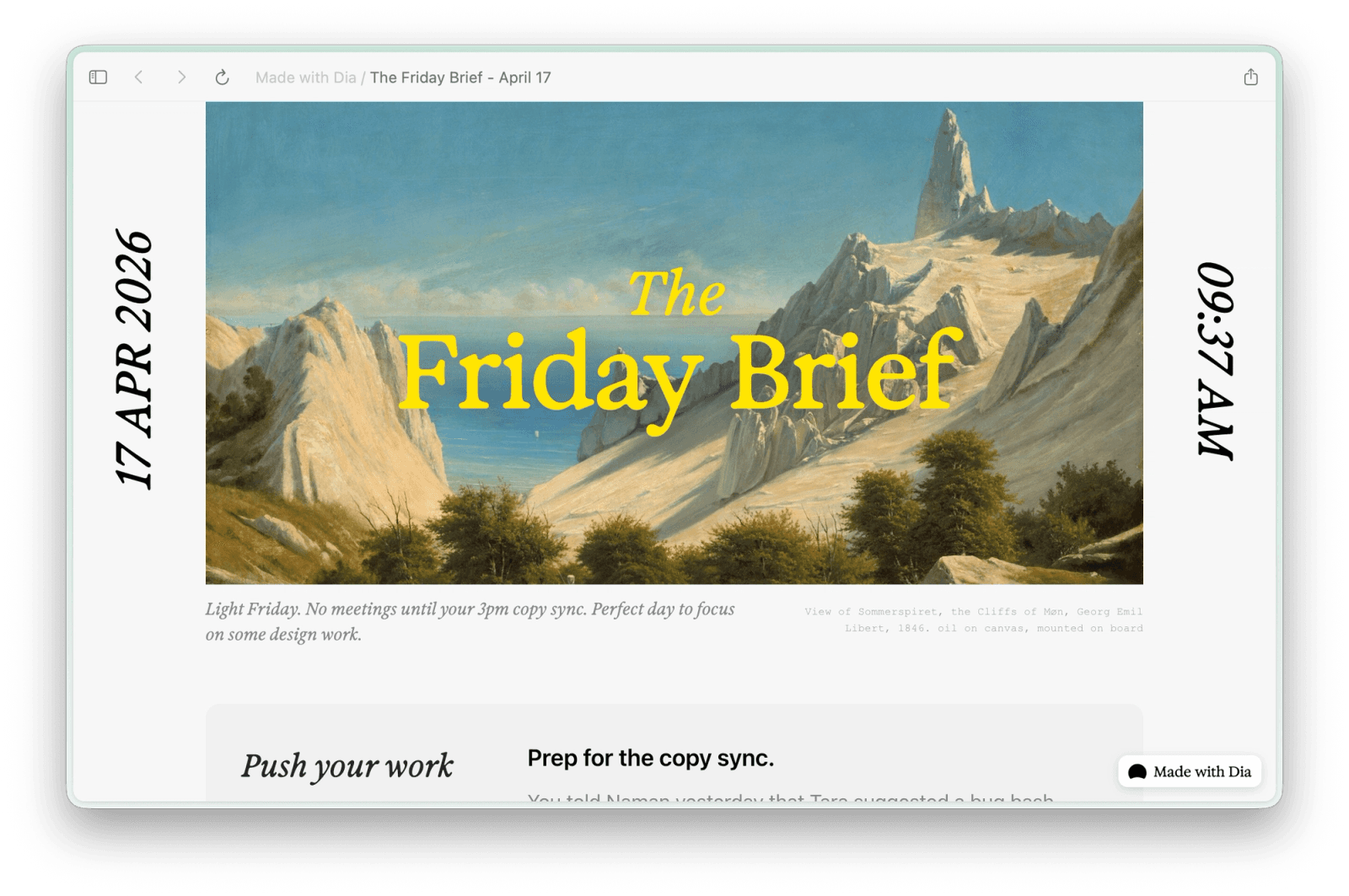
Polished Mac design with Arc-style tabs
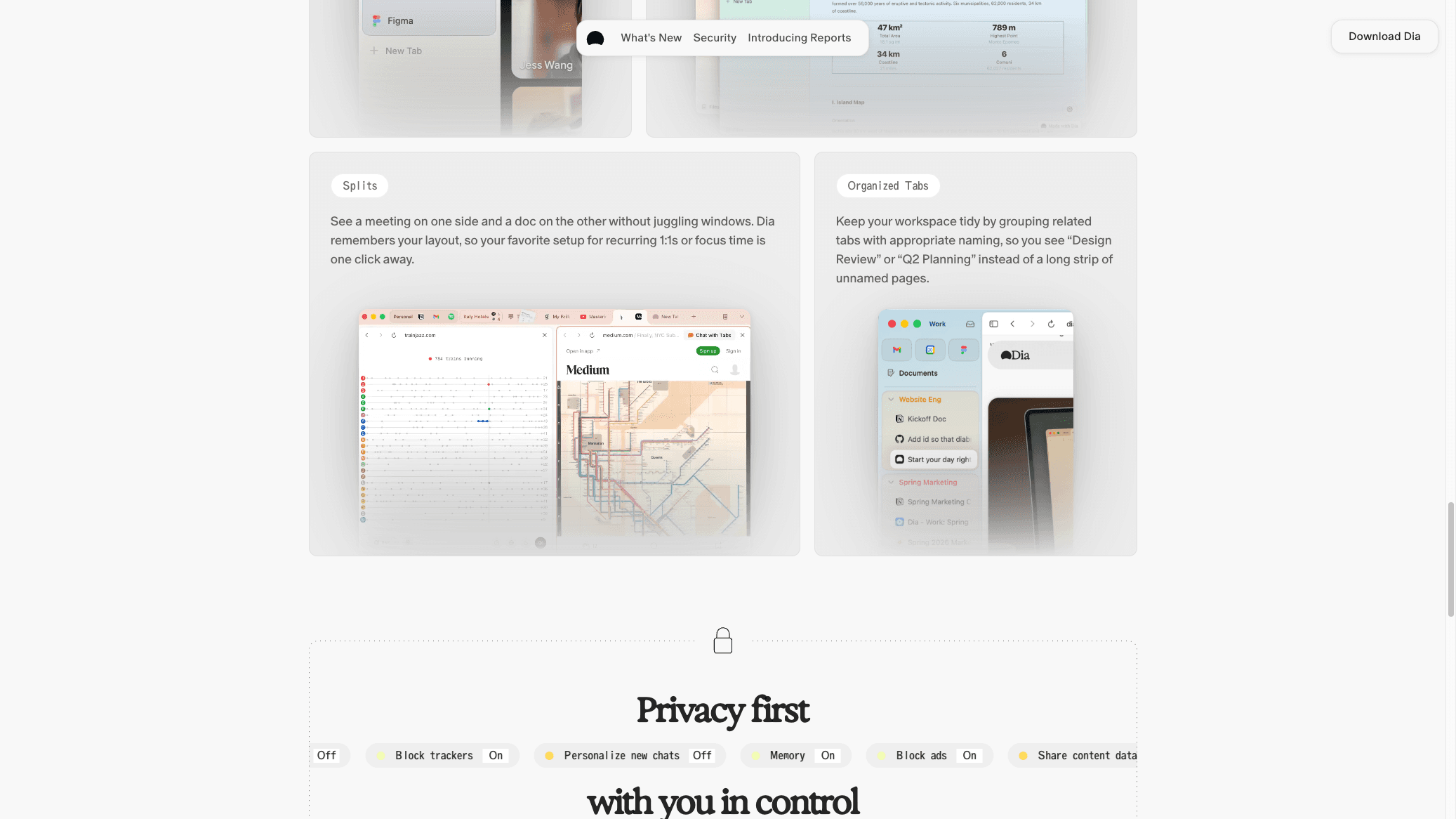
Dia inherits The Browser Company's design DNA: clean chrome, split views, and tab management that feels closer to Arc than a traditional browser.
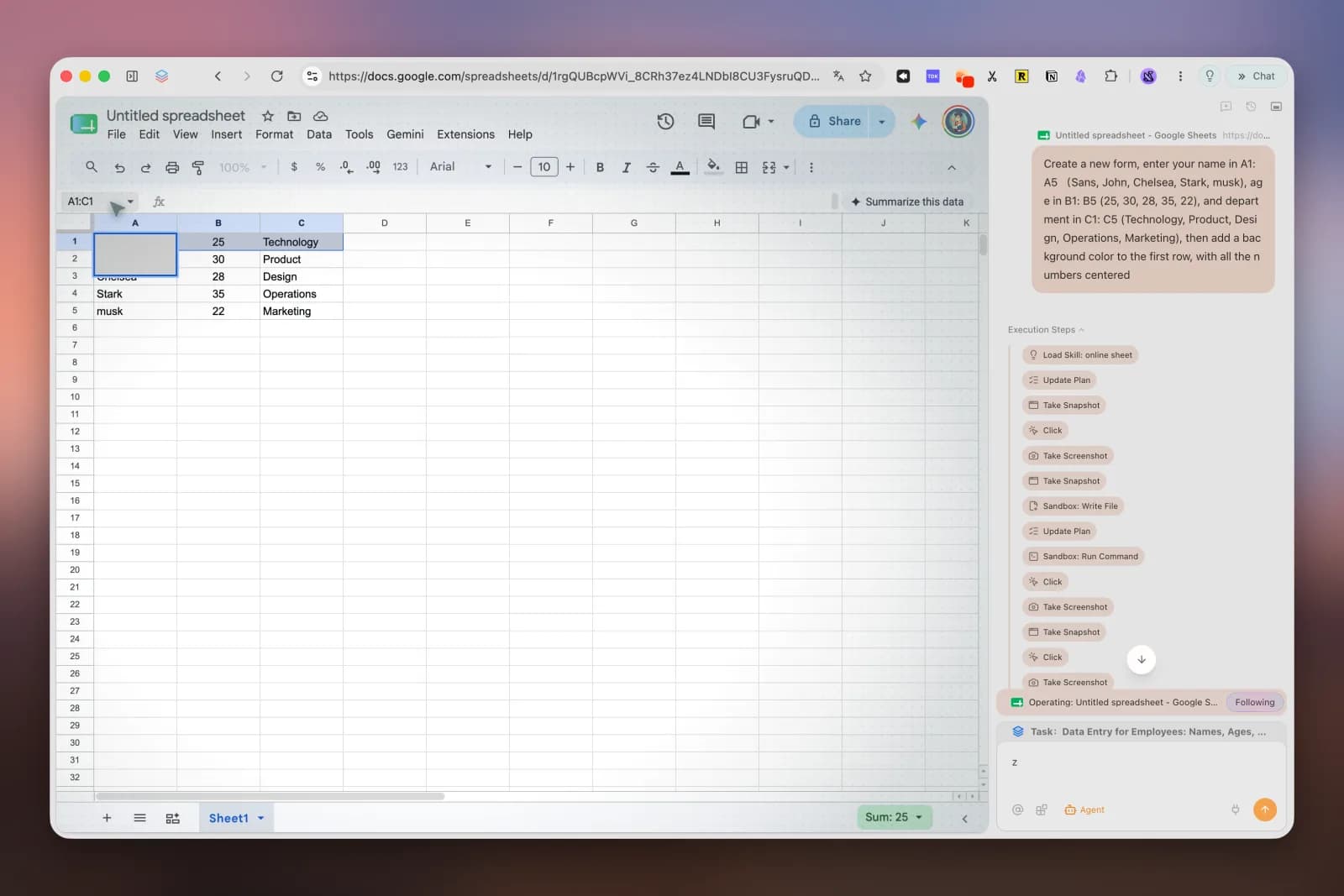
Agent mode executes multi-step web tasks
Tabbit's Agent opens its own tab groups, navigates sites, fills forms, extracts data, and completes workflows while you keep working elsewhere.
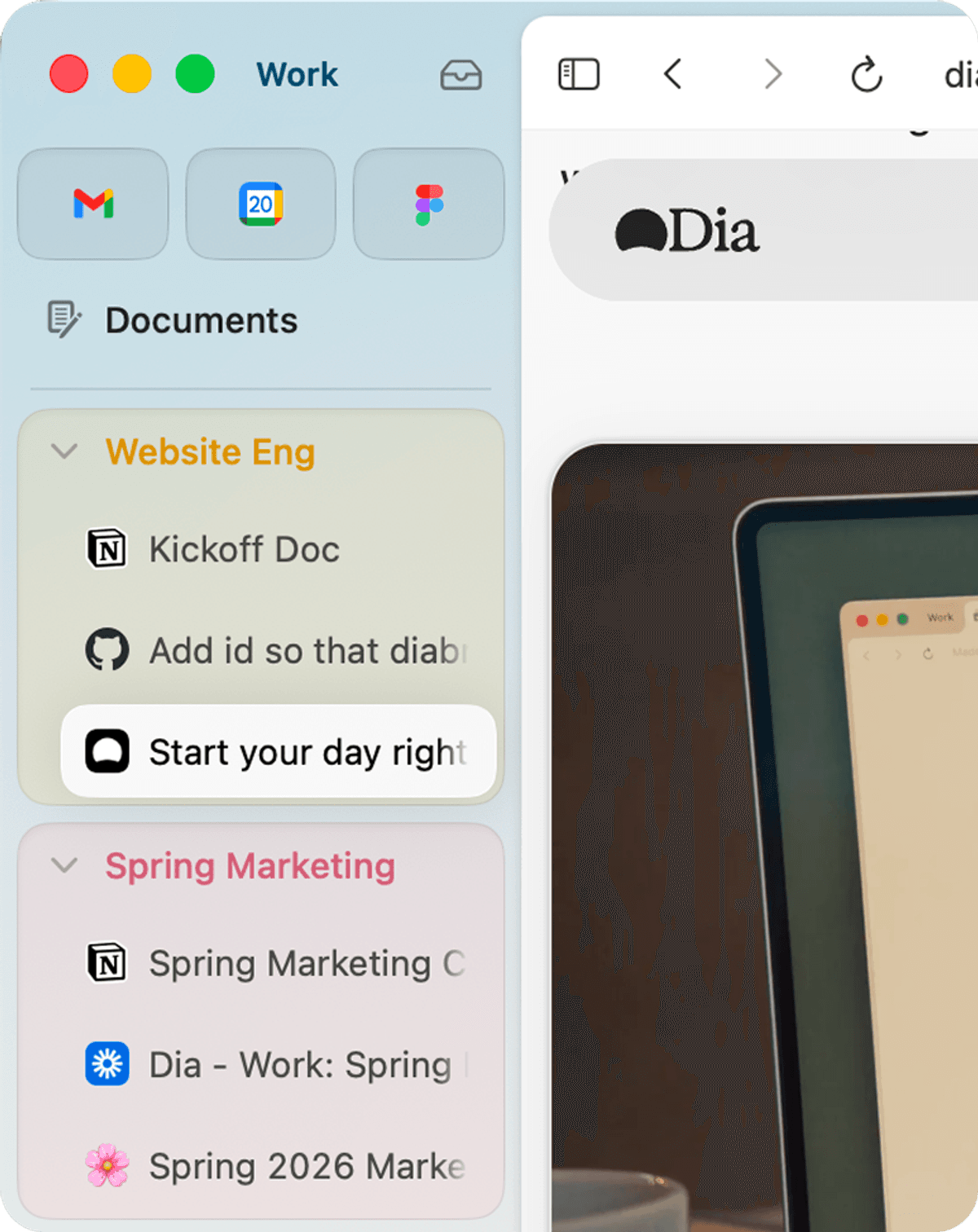
Skills-first sidebar co-pilot
Dia's sidebar runs reusable Skills — shortcuts that chat with your tabs, help you write, summarize pages, and personalize workflows without taking full control.

Instant page intelligence in the sidebar
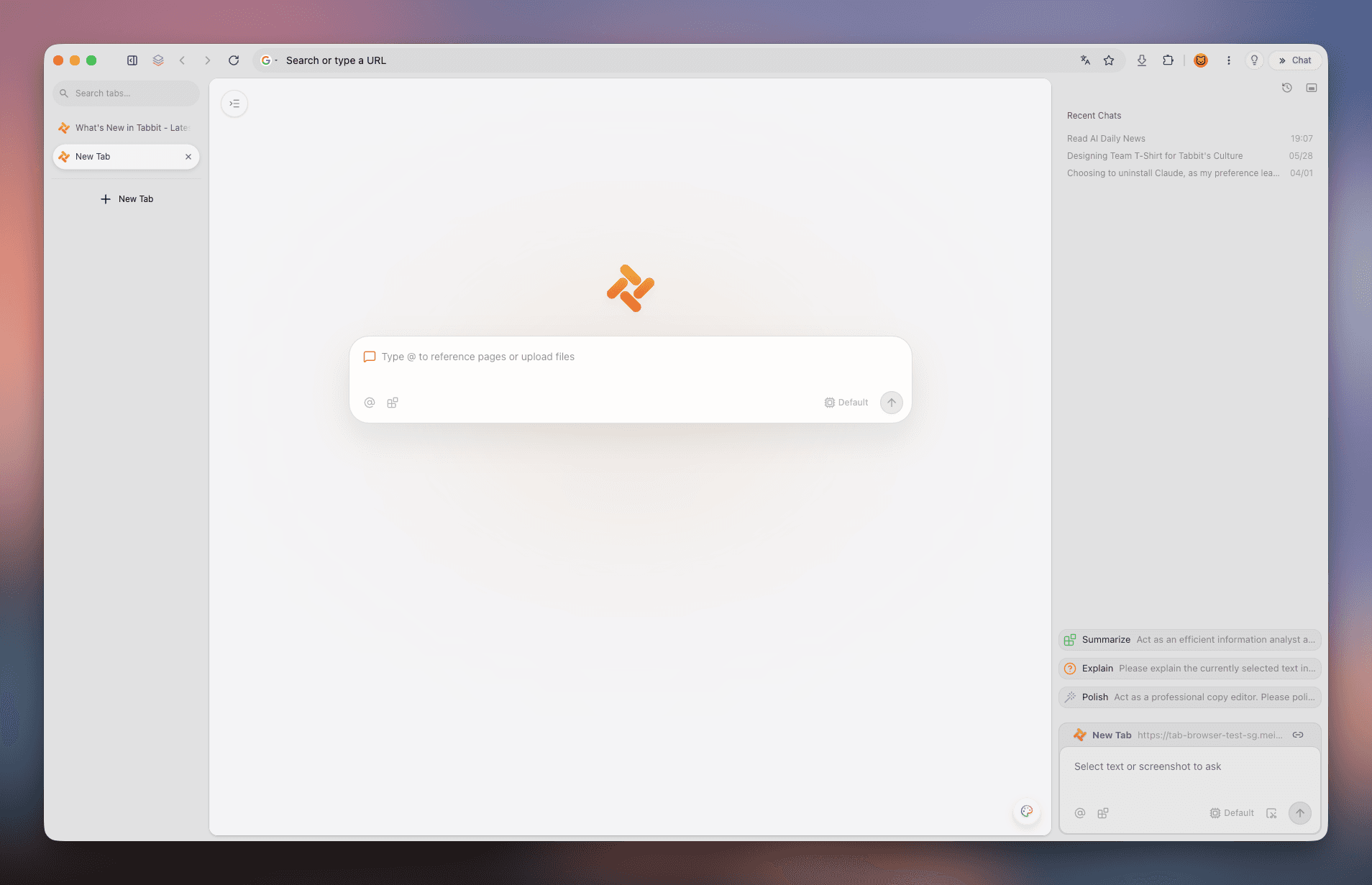
Tabbit's AI sidebar reads full page context and delivers structured summaries, key takeaways, and follow-up actions without manual copy-pasting.
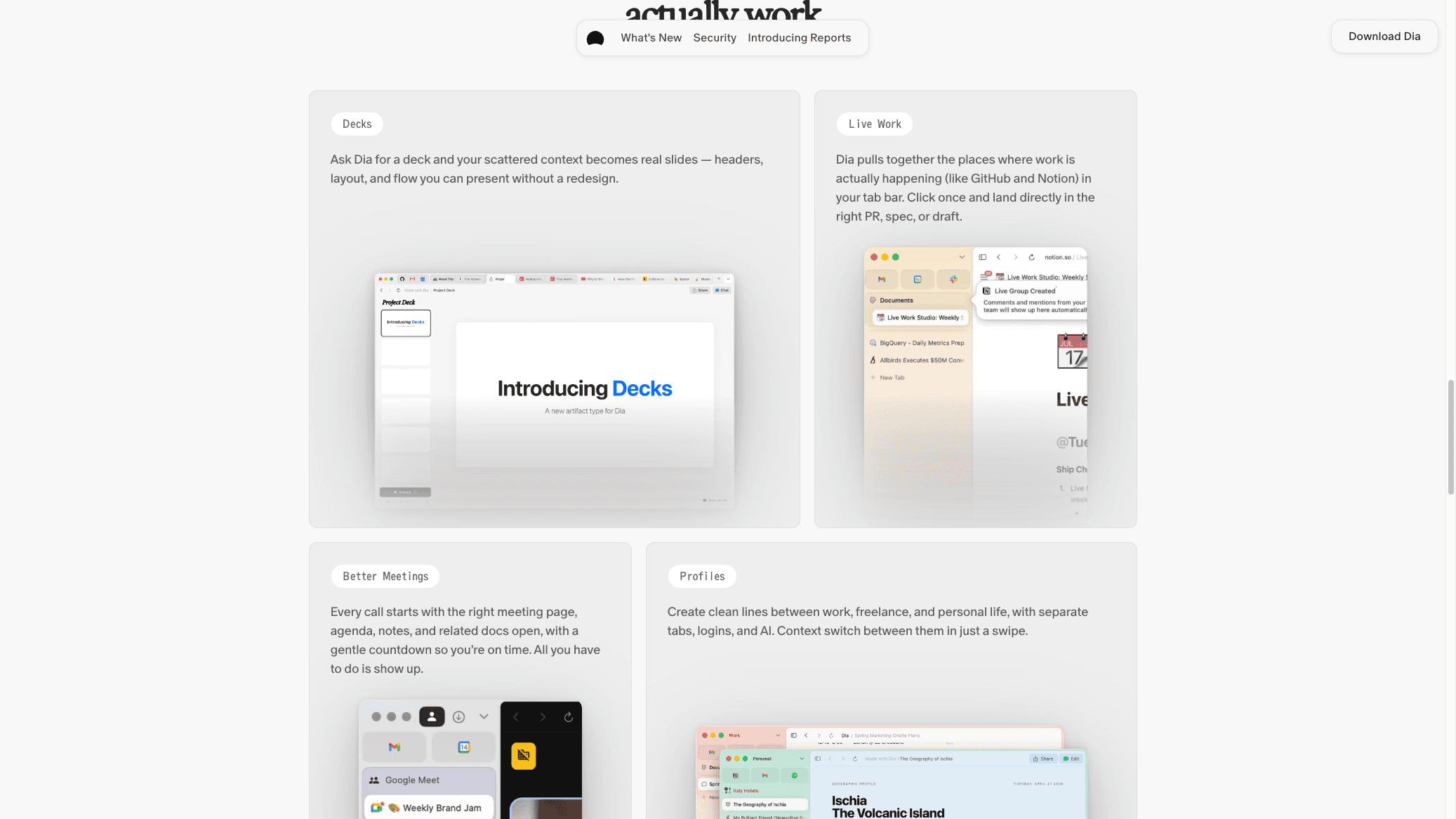
Morning Brief and cross-app synthesis
Dia can synthesize information across Slack, Notion, Calendar, and your open tabs into Morning Brief summaries and structured reports.

Multi-model choice on every new tab
Switch between GPT, Claude, Gemini, DeepSeek, and more from the new tab page — compare answers and pick the best model for each task.
Dia
What Dia does best
Dia from The Browser Company is a Skills-first co-pilot browser. It brings Arc-style tab polish, Morning Brief, cross-app synthesis, and privacy controls — all designed for Mac users who want AI assistance without full browser takeover.
- Skills-first co-pilot that chats with your tabs and helps you write or summarize
- Polished Mac design with Arc-style tabs, split views, and refined UX
- Morning Brief and synthesis across Slack, Notion, Calendar, and open tabs
- Privacy controls and co-pilot settings from The Browser Company
- Free tier available; Dia Pro (~$20/mo) unlocks heavier Skills usage
Tabbit
What Tabbit does best
Tabbit is an AI-native browser built by the GN06 team. It keeps familiar Chromium mechanics but adds Agent mode that opens its own tab groups and executes complex web workflows from natural language — free on macOS and Windows.
- Agent Mode runs multi-step tasks while you keep working
- Omnibox with @ mentions — tabs, screenshots, and files become context
- Skills marketplace for reusable prompts and scripts
- Vertical tabs, smart workspaces, and knowledge-base bookmarks
- Free access to top-tier AI models during public beta

Use cases
Pick the right tool for the job
Daily briefing & synthesis
Dia's Morning Brief and cross-app synthesis shine for Mac users who want Slack, Notion, and Calendar pulled into one polished summary.
Dia
Multi-step web automation
Tabbit Agent can log into portals, fill forms, extract data, and generate reports end-to-end. Dia stays co-pilot — it assists but does not take over.
Tabbit
Arc fan on Mac only
If you loved Arc's tab design and want a refined Skills co-pilot on macOS 14+ M1+, Dia delivers that experience from The Browser Company.
Dia
Cross-platform team
Tabbit ships Agent mode on macOS and Windows with a single free account. Dia is Mac-first and Windows is still expanding.
Tabbit
FAQ
Common questions about Tabbit vs Dia
Is Tabbit or Dia better?+
It depends on your workflow. Dia is best for Mac users who want a polished Skills co-pilot with Arc-style tabs and Morning Brief. Tabbit is better if you need free Agent mode, multi-model choice, and cross-platform support on macOS and Windows.
Does Dia work on Windows?+
Dia is Mac-first (macOS 14+ M1+) with Windows support expanding. Tabbit already ships full Agent mode on both macOS and Windows — worth comparing if Windows is your primary platform today.
How do Tabbit and Dia pricing compare?+
Tabbit is free during public beta with full Agent mode included. Dia offers a free tier with limits; Dia Pro (~$20/mo) fits heavier Skills usage. If you would pay mainly for browser automation, Tabbit's free Agent is worth trying first.
What is the difference between Agent mode and Dia Skills?+
Tabbit Agent can take multi-step actions across tabs — research, forms, extraction, and report generation. Dia Skills are reusable co-pilot shortcuts that chat with your tabs and help you write or summarize while you stay in control.
Can I switch from Dia or Arc to Tabbit?+
Yes. Tabbit is Chromium-based and supports one-click import of bookmarks, extensions, and passwords from Chrome, Edge, or Arc. You keep familiar shortcuts while gaining Agent mode and multi-model AI.
Is Tabbit affiliated with Dia or The Browser Company?+
No. Tabbit is an independent AI-native browser from Lumina Lab. This page is an editorial comparison — Tabbit is not affiliated with The Browser Company or Dia.

Try the AI browser that actually does the work
Join the Tabbit public beta and see how Agent-first browsing can change the way you research, automate, and organize the web.