01BROWSER + NETWORK
Tor Browser
Tor Browser is designed to send its browser traffic through Tor relays and to reduce linkability at the browser layer. It is not a blanket tunnel for every app on your device, and sites may still restrict Tor exits.
A decision guide · updated 2026
Tor Browser and a VPN are not interchangeable privacy buttons. One combines a hardened browser with the Tor network; the other creates a tunnel to one provider. Start with the observer you need to protect against, then choose the smallest setup you can understand.
Two tools, two jobs
A useful comparison asks who operates the next hop, what traffic is covered, and what the destination can observe. Neither tool erases every identifier or makes risky activity safe.
Tor Browser is designed to send its browser traffic through Tor relays and to reduce linkability at the browser layer. It is not a blanket tunnel for every app on your device, and sites may still restrict Tor exits.
A VPN normally encrypts traffic between your device and a provider-operated server. That can change what your ISP sees and can cover more than one app, but it concentrates trust in the provider and depends on client and system configuration.
A chain can change which observer sees your IP or Tor use, yet it also adds a hop, a policy, and a failure mode. More encryption layers do not equal a universal anonymity upgrade.
Route map
These are conceptual paths, not setup instructions. The exact result depends on the client, operating system, browser isolation, and your threat model.
| Path | What the ISP / VPN can infer | When it can fit | Main watch-out |
|---|---|---|---|
| 01Tor Browser alone | The ISP can see a Tor connection; Tor relays and the destination see only their part of the path. | A simple, documented starting point when you need Tor Browser’s privacy properties. | Only Tor Browser traffic follows this path; it is not invisible and can be slow or blocked. |
| 02VPN → Tor | The ISP sees a VPN connection. The VPN can see that you connect to Tor, while the destination normally sees a Tor exit. | An advanced, lawful use case where hiding a direct Tor connection from a local observer is part of the threat model and the VPN is trusted. | Provider trust, configuration mistakes, correlation, speed, and the false idea that this creates absolute anonymity. |
| 03Tor → VPN | The VPN receives traffic from the Tor side; what the destination sees depends on the network design and egress. | A specialist design, not the normal Tor Browser path. | Complex routing can break Tor assumptions and is easy to misconfigure; do not treat it as a safer default. |
Tor Project guidance and privacy communities disagree on some edge cases because they start from different threat models. If you cannot explain each hop and its observer, simplify first.
Choose by situation
The best answer is often “use one tool for one job.” Treat the rows as starting points, not universal security guarantees.
Tor Browser alone
It keeps the setup understandable and follows the official beginner path.
It does not cover every device app, hide all Tor use, or guarantee a private destination.
Define the threat model first; an expert may evaluate VPN → Tor
A trusted VPN can make the first connection look like ordinary VPN use rather than a direct Tor connection.
The VPN still knows your account/IP and that you reach Tor. Check local law and provider policy.
A reputable VPN as a separate tool
A VPN can cover more apps than Tor Browser, depending on system routing.
The provider becomes a central trust point; it does not reproduce Tor’s relay design.
Pause and simplify
Extra hops add complexity before they add a benefit you can verify.
Avoid multiple VPNs, VPN-after-Tor experiments, and unreviewed add-ons in Tor Browser.
What the sources actually say
The snapshots below are research evidence, not endorsements. The Tor Project is the primary source for Tor’s software guidance; the community thread illustrates threat-model disagreement; Proton VPN is a commercial provider explaining its own position.
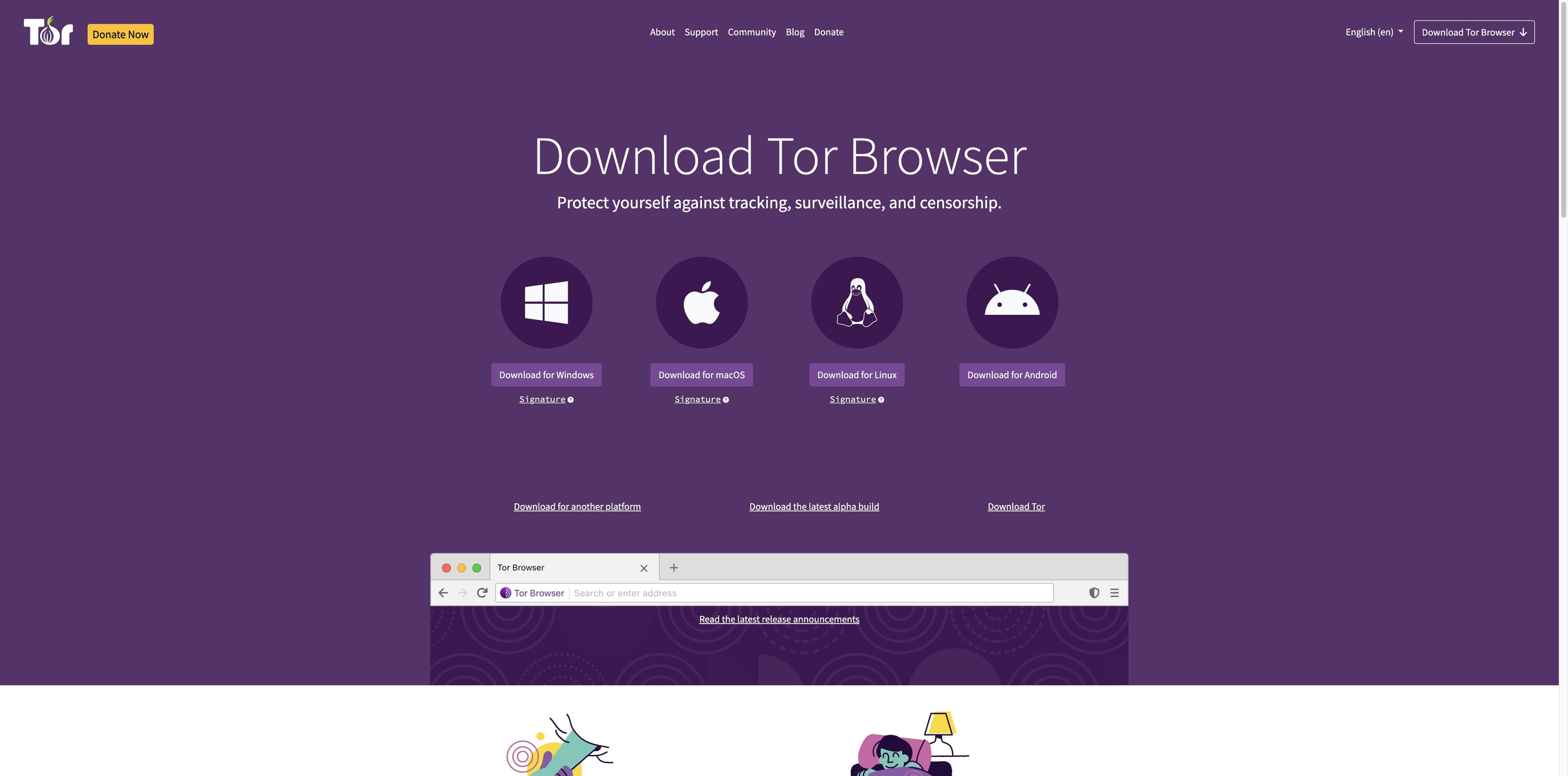
The official page presents Tor Browser as protection against tracking, surveillance, and censorship, and warns that plugins can bypass Tor or compromise privacy. It also points users to bridges when Tor is blocked; it does not promise perfect anonymity.
Open Tor Project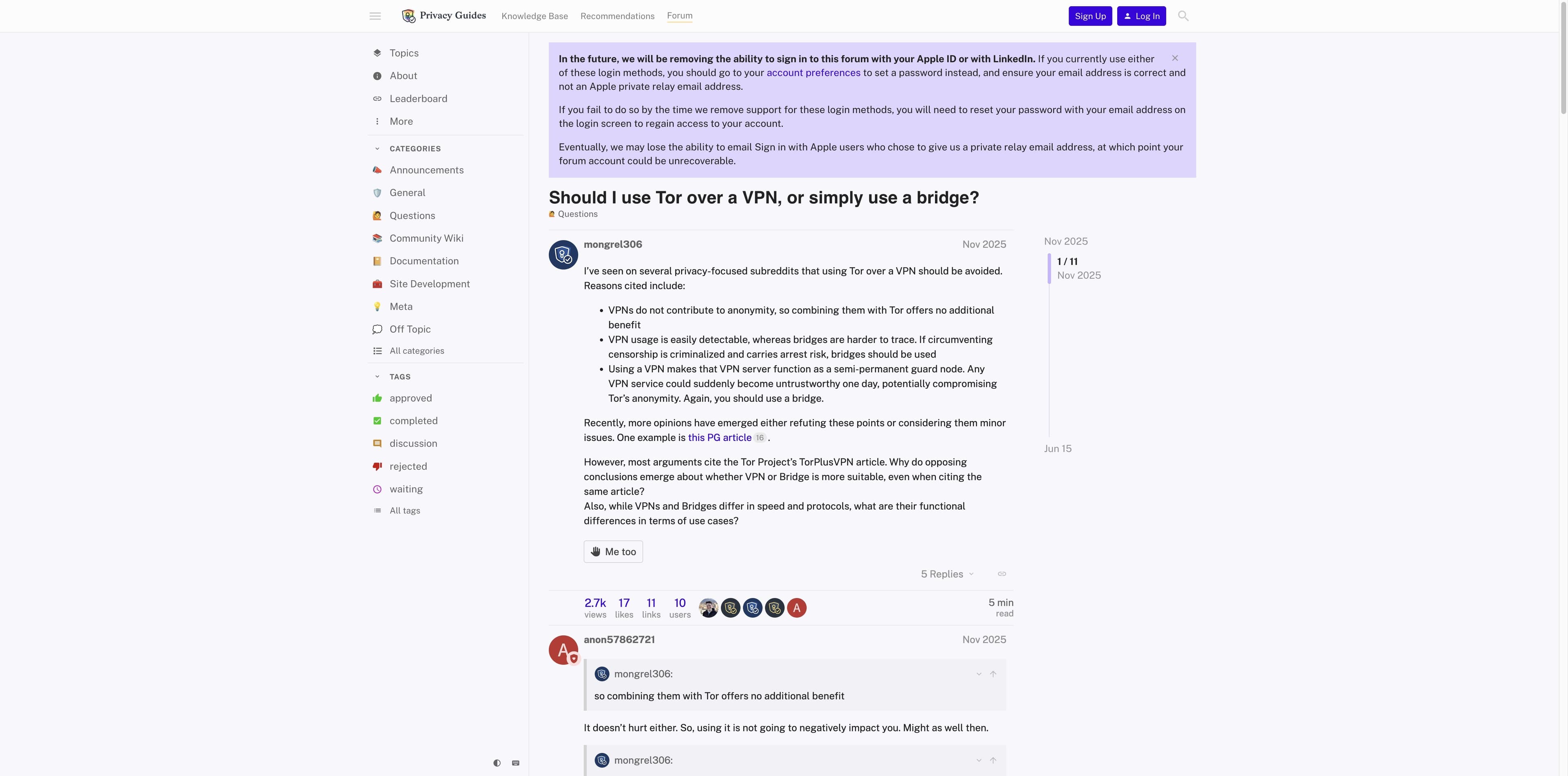
The thread asks whether VPN → Tor or a bridge is more suitable. Participants disagree because their observers differ; a staff reply describes the visibility trade-off while stressing that Tor use is not undetectable.
Read Privacy Guides thread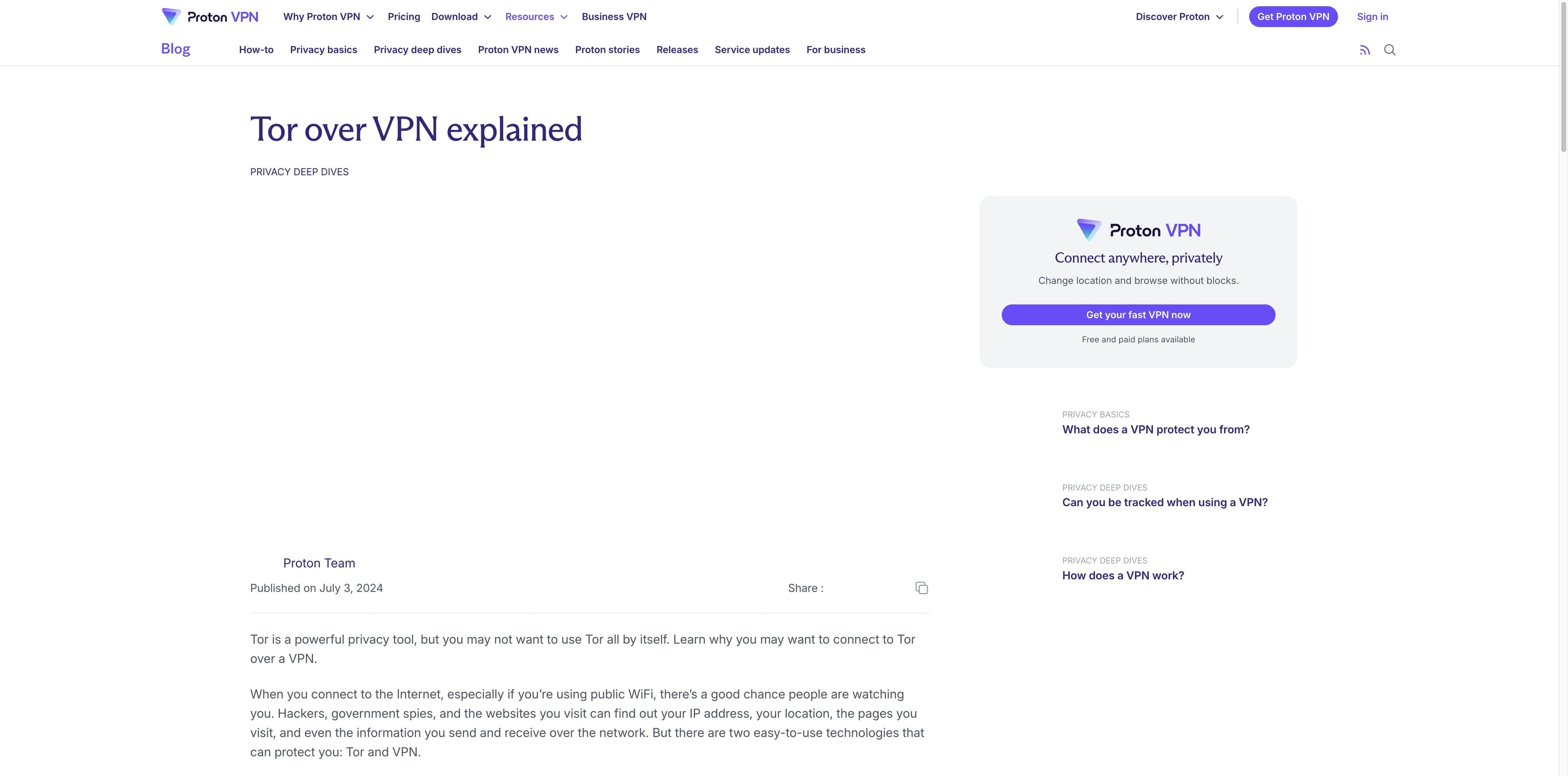
Proton’s article explains Tor over VPN and its trade-offs, including the need to trust the VPN because it can see the true IP. It is useful context, but a provider’s explanation is not independent proof or a universal recommendation.
Read Proton VPN articleNo screenshot can prove that a route is anonymous. Check the current official documentation, your local rules, and your own threat model before changing a privacy-sensitive setup.
A different category
Tabbit does not provide VPN service, Tor routing, bridges, anonymity, or a promise that your traffic is untraceable. It is a Chromium-based desktop AI browser for everyday research and productivity on macOS and Windows.
Use Deep Research to gather pages and show the task steps in one workspace. It is a productivity workflow, not a privacy network and not a substitute for Tor Browser.
Tabbit can summarize a page in its sidebar and let you work from the page you are reading. Decide what information to send to an AI model before using it, especially for sensitive material.
Use Tor Browser or a VPN for the network/privacy problem they address. Use Tabbit when the problem is finding, comparing, and organizing web information with AI assistance.
Free desktop download for macOS and Windows. Tabbit is a research and productivity browser, not a VPN or Tor product.


FAQ
No. A VPN changes the first network relationship and adds a provider that can observe your connection to Tor. Tor’s protections still depend on the browser, the network, the destination, your behavior, and the specific adversary. There is no absolute anonymity guarantee.
Tor Browser is a browser plus a path through the Tor network, designed to reduce linkability for browser traffic. A VPN is an encrypted tunnel to a centralized provider and often covers device traffic. They have different trust models, scopes, and failure modes.
For most beginners, start with Tor Browser alone and follow the Tor Project’s current guidance. Consider VPN → Tor only for a clearly defined, lawful threat model, a provider you trust, and configuration you can audit. Stacking them is not automatically better.
Tor over VPN usually means you connect to the VPN first and then use Tor: you → VPN → Tor → Internet. VPN over Tor reverses the order and is a more specialized design. The labels do not tell you the complete routing, and the second pattern can be incompatible with Tor Browser assumptions.
Not by default. Tor Browser is a browser-focused application. A VPN client may route more device traffic, but the exact scope depends on the operating system and client settings. Keep sensitive apps and accounts within the scope you can verify.
They may identify or restrict Tor exits and some VPN addresses, and a network observer may infer that you connect to Tor or a VPN. Bridges and obfuscation are not guarantees of invisibility. Treat detection, access, and anonymity as separate questions.
No. Tabbit is a desktop AI browser for research and productivity. It does not route traffic through Tor, operate a VPN, provide bridges, or promise anonymity. Use the network tool that matches your needs, then use Tabbit for ordinary web work.
Rules differ by country, workplace, network, and use case. Check the law and policies that apply to you, and use official documentation. This guide does not provide instructions for evading authorities, bypassing restrictions, or carrying out unlawful activity.
Download Tabbit for a focused AI research workspace on macOS and Windows. It will not replace Tor Browser or a VPN—and that boundary is intentional.
Tabbit is not a VPN, Tor client, bridge, or anonymity service.