Vivaldi browser alternatives, chosen by the thing you want to fix.
No universal #1Evidence-linked picksFit + trade-off, side by side
Vivaldi is unusually configurable. That is its strength—and sometimes the reason to look elsewhere. Start with your friction: too much interface, not enough privacy, a missing open-source story, a different tab system, or work that needs AI context.
There is no “best” alternative—only a better next constraint.
These are not a ranked list. Each route starts from a different Vivaldi frustration and names the compromise you should check before moving your tabs, extensions, and habits.
01
Firefox
A mainstream, non-Chromium route with a clear “you choose” message.
Choose it when you want less vendor lock-in, tracker protection, Tab Groups, and multiple AI tools without one provider owning the whole workflow.
Some Chromium-first extensions and sites may need a compatibility check before migration.
Facts are linked to the official or independent pages we consulted. A route is a fit signal, not a product score.
THE DECISION TABLE
Read the right-hand column before you move.
A short table for the first pass. The candidate cards above carry the evidence and the details; this is the fast scan.
Candidate
Route
Best fit
Watch-out
Firefox
Simpler control
Choose it when you want less vendor lock-in, tracker protection, Tab Groups, and multiple AI tools without one provider owning the whole workflow.
Some Chromium-first extensions and sites may need a compatibility check before migration.
Brave
Privacy by default
Choose it when blocking ads, trackers, fingerprinting and cookies matters more than Vivaldi-style built-in density.
Rewards, Wallet, VPN and other surfaces add their own product choices; disable what you do not need.
Floorp
Open-source workspaces
Choose it when workspaces, split view, web panels and an open-source project matter together.
Its mobile story is still changing: the official page says iOS is in testing, so check the device you need.
Zen Browser
Calmer interface
Choose it when Vivaldi’s opportunity surface feels like work and Workspaces are enough structure for your projects.
Its official story emphasizes focus and workspaces, not Vivaldi’s broad built-in mail, calendar and feed toolbox.
LibreWolf
Privacy + freedom
Choose it when no telemetry, hardened settings, uBlock Origin and an open-source community matter most.
A privacy-hardened browser can require more hands-on choices when a site, account or DRM flow expects defaults.
Microsoft Edge
Cross-platform continuity
Choose it when Chrome extensions, vertical tabs, tab groups and open-tab Copilot context belong in one mainstream stack.
The Microsoft ecosystem is part of the bargain; check account, data and default-app preferences first.
Tabbit
AI-native work
Choose it when the problem is not arranging tabs but comparing sources, briefing yourself, or completing repetitive web work.
Tabbit is not an anonymity network and does not aim to reproduce every Vivaldi panel; keep the browser that fits those needs.
Baseline: Vivaldi remains the right answer when deep customization, built-in tools and workspaces are the point—not the problem.
WHAT THE SERP ACTUALLY SHOWS
The query is a mix of directories, stories and lived friction.
The first page did not reveal a trustworthy universal winner. It revealed different kinds of evidence—and different reasons people switch.
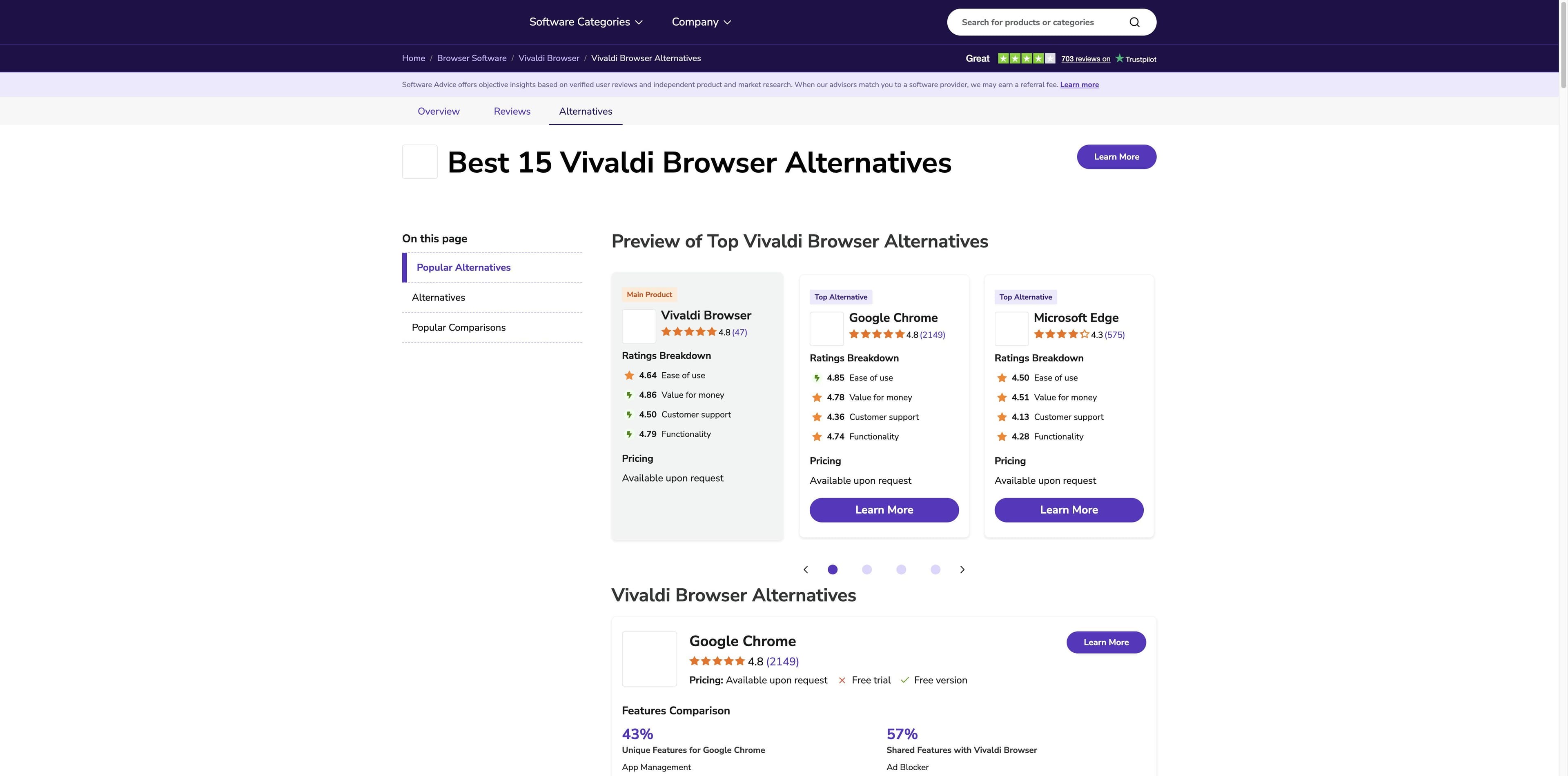
INDEPENDENT DIRECTORY · SERP #1
A feature catalogue is not a decision.
Software Advice previews Chrome, Edge, Firefox, Safari and Brave, then expands into feature and integration comparisons. Useful for discovery; its ratings and percentages are site-specific, so we do not turn them into a ranking here.
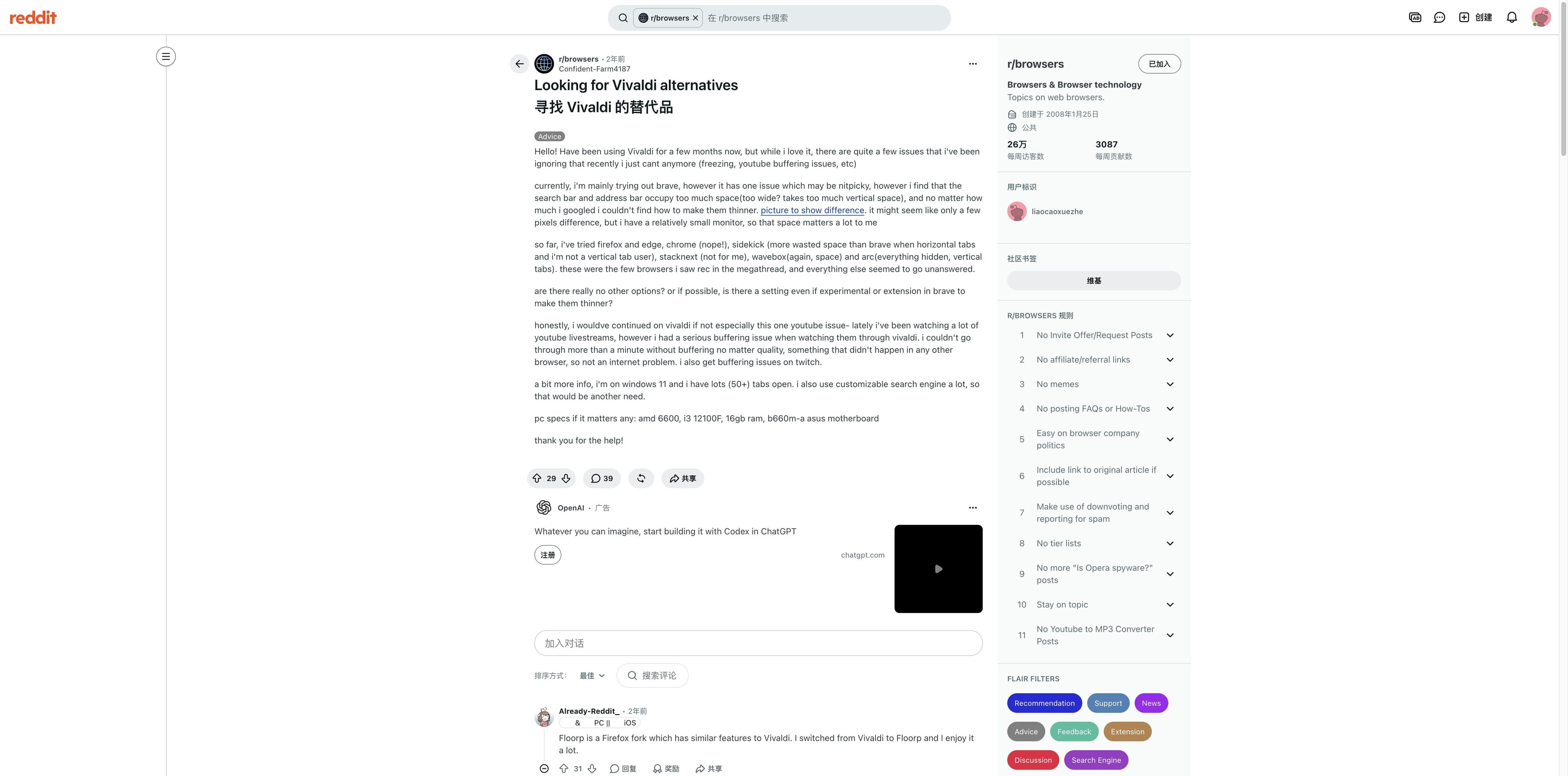
A r/browsers post describes freezing, YouTube and Twitch buffering, 50+ tabs on Windows 11, and address/search bars that take too much vertical space. That is a migration brief—not a benchmark.
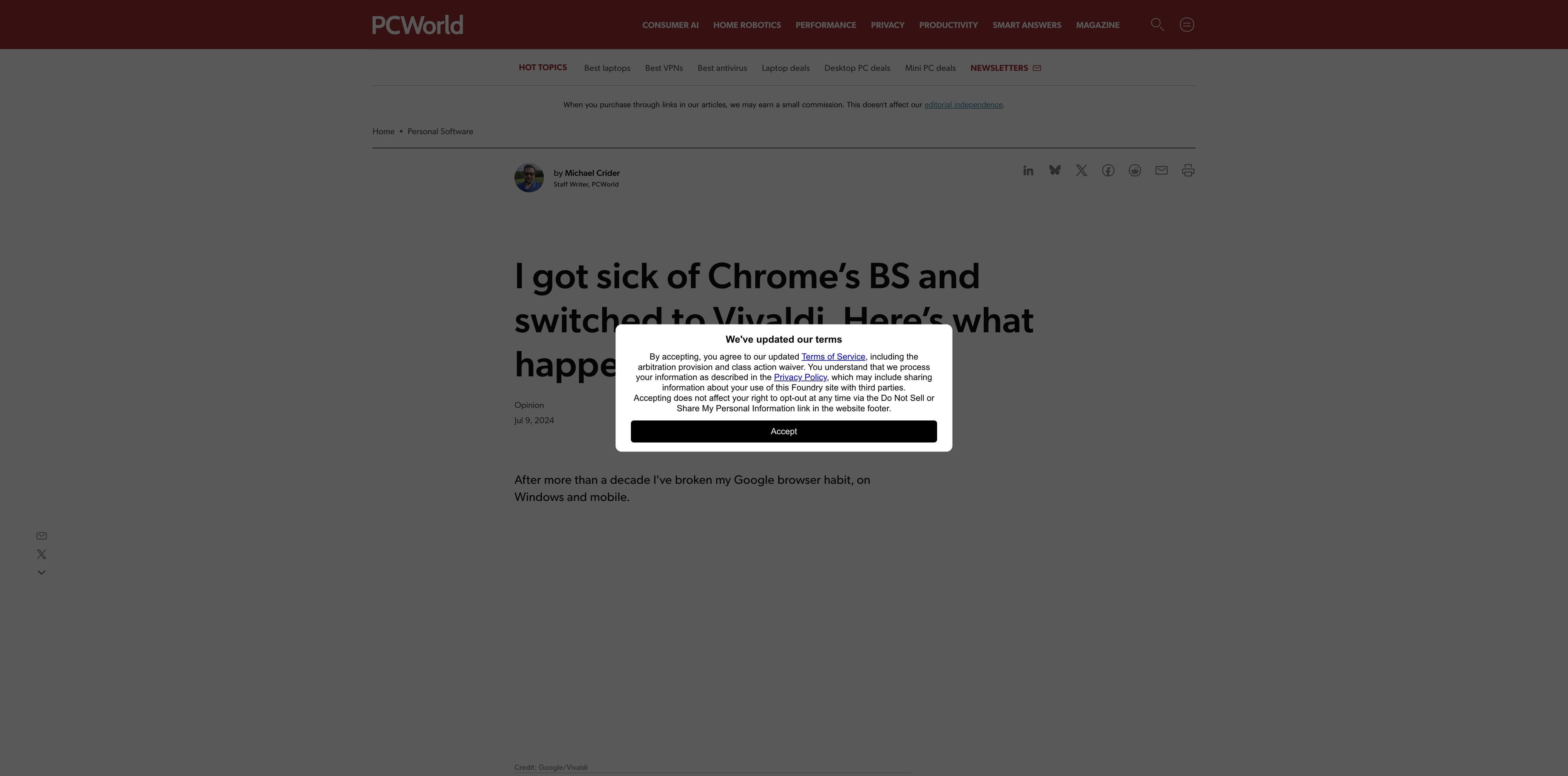
PCWorld’s migration story values Chromium extensions and dedicated site windows, but still calls out the learning surface and a slower feel with dozens of tabs. The useful question is which kind of power your day needs.
Captured 30 August 2026. Sources are linked for context; this page makes no claim about their current rankings, ratings or performance beyond what each source says.
THE TABBIT ROUTE
When the tab pile is really a reading and execution problem.
Tabbit earns a place in this comparison for a different reason: it treats browser context as input to AI work. That is useful when your next step is a brief, a comparison, or a guarded web task—not when you want an anonymity network.
01 · Gather
Keep a page, group, screenshot or local file in the conversation context instead of rebuilding the question in another app.
02 · Understand
Use the AI sidebar for a page summary or Deep Research for a source-led task that keeps the research surface visible.
03 · Act
Let Agent Mode show its steps while it reads, navigates, fills or collects; keep a person in the loop for sensitive decisions.
Tabbit is available as a desktop browser for macOS and Windows. Confirm the current product details before relying on a specific model or workflow.
A LOW-RISK SWITCH
Move the habit, not the whole identity.
A browser migration is easier when you test one bottleneck at a time. Keep Vivaldi available until your essential sites, extensions and sync routine pass.
01
Name one failure mode
Write down the thing you want to change: quiet interface, privacy defaults, open-source governance, cross-device continuity, or AI-assisted research.
02
Bring one real session
Import only the bookmarks and extensions you rely on. Recreate a normal tab-heavy task, not a clean demo window.
03
Keep the exit visible
Check media playback, account sign-in, document editing and your recovery path before making the new browser your default.
The winning test is the one that makes tomorrow’s work easier—not the one with the longest feature page.
QUESTIONS BEFORE YOU SWITCH
Vivaldi alternative FAQ
What is the best alternative to Vivaldi?+
There is no evidence-based universal first place. Firefox fits a simpler, non-Chromium route; Brave fits privacy defaults; Floorp fits open-source workspaces; Zen fits a calmer shell; LibreWolf fits hardened privacy; Edge fits Chromium continuity; Tabbit fits AI research and visible agent work.
Which Vivaldi alternative is the simplest?+
Start with Zen or Firefox if your complaint is interface density. Their official pages emphasize focus, control and fewer distractions. Test your required extensions and sites before switching.
Which Vivaldi alternative is best for privacy?+
Brave and LibreWolf make privacy a prominent product focus, with different trade-offs. Brave documents built-in Shields; LibreWolf documents a Firefox-based hardened configuration and no telemetry. Neither makes you anonymous by itself.
Is there an open-source browser like Vivaldi?+
Floorp and LibreWolf are clear open-source-oriented alternatives in the sources reviewed, and both are based on Firefox. Firefox itself is also an open-source project. Compare governance, release cadence and the extensions you need.
What is the best Vivaldi alternative for AI research?+
Tabbit is designed around page context, summaries, Deep Research and visible Agent Mode steps. Edge also documents Copilot using open-tab context. They are different approaches, so test the level of automation and data control you need.
Can I keep Vivaldi and use another browser?+
Yes. A parallel trial is often safer than a hard cutover. Use one browser for the workflow it handles best, verify imports and sync, then decide whether the second browser should become your default.
Choose the reason. Then choose the browser.
If your Vivaldi pain is a research task, a long page or a repetitive web flow, try Tabbit’s AI-native route alongside your current browser.
Desktop beta · macOS and Windows · Keep your current browser while you test