01 · ENGINE
A familiar Chromium foundation
Shift uses Chromium for web compatibility. Its 2026-07-14 release note names Chromium 147, so the exact engine should be treated as versioned product information rather than a permanent promise.
PRODUCT ANATOMY · UPDATED AUGUST 2026
Shift is a Chromium-based desktop browser built around web apps, multiple accounts and Spaces. In plain terms, it is an app-integrated browser and customizable work surface: you arrange the shell, pin the tools you use and keep related work in separate Spaces. That makes it different from an AI browser whose main job is to understand pages and help you act on them.
THE SHORT ANSWER, UNPACKED
The name “browser” can hide several jobs. Shift combines a familiar Chromium engine with a persistent app desk, then adds optional AI. Looking at the layers keeps its promise—and its limits—easy to see.
Shift uses Chromium for web compatibility. Its 2026-07-14 release note names Chromium 147, so the exact engine should be treated as versioned product information rather than a permanent promise.
Add the web apps, tools and inboxes you already use, then toggle between accounts or keep multiple inboxes side by side. This is the center of Shift’s “command center” positioning.
Spaces separate work, hobbies and projects. Builder lets you drag apps, bars and controls into a layout that matches your habits. New tab groups are associated with a Space in the current release.
Shift AI is presented as private, in-browser help for writing, summaries and answers. It is an add-on to the organized workspace; it does not turn every app tab into an autonomous research agent.
WHAT YOU CAN ACTUALLY DO
The useful mental model is not “a faster Chrome.” It is a browser window arranged like a personal operations desk, with the trade-off that you have more setup and more app state to manage.
Use separate app entries for services such as Gmail, Slack or project tools, and move between accounts without opening a new pile of tabs.
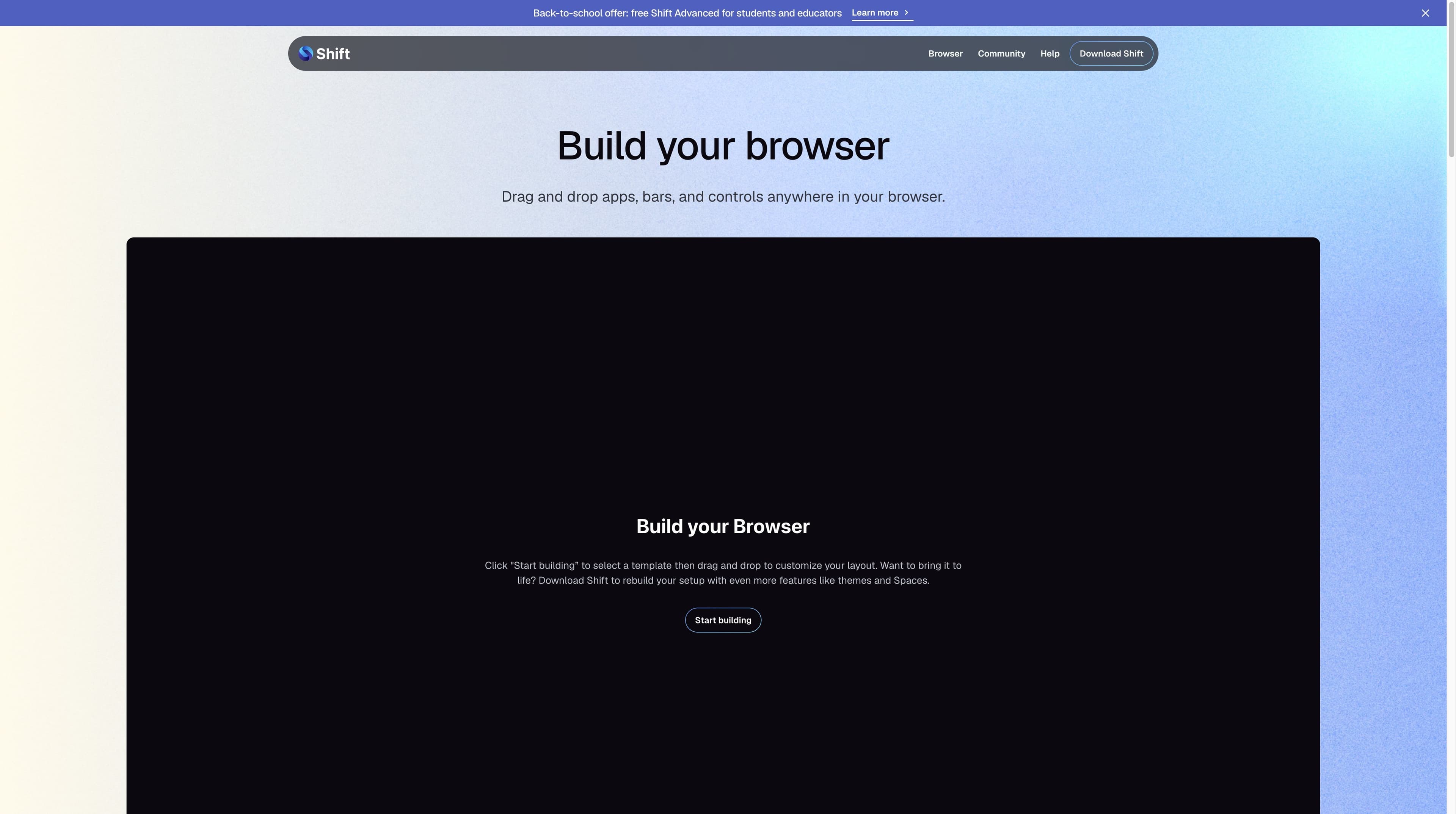
The Builder supports drag-and-drop placement of apps, bars and controls. Templates give you a starting point; the point is the arrangement you keep.
Create a Space for client work, a personal project or a hobby, then give each Space its own apps and extensions. A Space is an organization container, not a full project-management system.
Shift says it supports any Chrome extension, but Chromium ancestry is not a compatibility guarantee for every extension, permission model or theme. Test the extensions your work depends on.
Source boundary: the capabilities above combine official product descriptions with cautious interpretation. They describe organization and access—not guaranteed automation, speed or account reliability.
THE PRICE LINE
Shift’s pricing page currently presents a free tier and one paid Advanced tier. The limits below are the official page’s current wording, not a promise that promotions, tax or regional checkout will stay unchanged.
| Plan / feature | Free | Advanced |
|---|---|---|
| Price shown | $0 forever | $199.99 USD annually |
| Spaces | 5 | Unlimited |
| Apps per Space | 10 | Unlimited |
| Browser Builder + templates | Included | Included |
| Shift AI | Limited usage | Expanded usage |
| Support | Email + chatbot | Email + chatbot + video calling |
The official page also lists carbon-neutral browsing in Free. A back-to-school banner was visible during research, but eligibility and duration are promotion-specific. Check the live checkout for currency, tax and current offers.
THE IMPORTANT DISTINCTION
These products overlap around “browser productivity,” but their centers of gravity differ. Shift is strongest when the problem is keeping apps, accounts and contexts arranged. Tabbit is built for asking about pages, comparing sources, summarizing visible content and completing reviewed browser actions.
| Decision signal | Shift | Tabbit |
|---|---|---|
| 01Primary job | Arrange apps, accounts, tabs and Spaces | Understand browser context and turn it into work |
| 02Core surface | Custom desktop browser / app command center | AI-native browser with Chat, Agent and research surfaces |
| 03Page understanding | Optional Shift AI for writing, summaries and answers | Page-aware chat, summaries, Deep Research and screenshots |
| 04Repeated web tasks | Organization and extensions provide the setup | Agent Mode can read, navigate, click and fill with review |
| 05Best first question | Where should this app or account live? | What should I learn, compare or finish from these pages? |
| 06Privacy boundary | Private-by-design language is a product claim | Contextual AI workflow; neither is an anonymity network |


CHOOSE BY THE BOTTLENECK
A useful answer depends on what is slowing you down. Shift can be a strong home base for a multi-account desk; it is not automatically the right tool for every research or automation task.
QUESTIONS PEOPLE ASK NEXT
Shift is a Chromium-based desktop browser that combines a customizable browser layout with integrated web apps, multiple accounts and Spaces for separating contexts.
Yes. Shift describes itself as a Chromium-based browser, and its 14 July 2026 release note identifies Chromium 147 as the engine for that release. Engine versions can change, so treat that number as time-bound.
Spaces are separate contexts inside Shift for work, hobbies, passions or projects. You can give each Space its own apps and extensions; they organize browser work but are not the same as a project-management workspace.
Shift’s app-integrated page says you can toggle between different accounts for the same app and keep multiple inboxes open side by side. The exact sign-in behavior still depends on the service and its session rules.
The official pricing page currently lists Free at $0 forever with five Spaces and 10 apps per Space, plus limited Shift AI usage. Advanced is shown at $199.99 USD annually with unlimited Spaces and apps and expanded AI usage. Verify the live page before purchasing.
Shift includes a Shift AI layer for writing, summaries and answers, but its central product story is the organized app-and-account workspace. Tabbit is a different AI-native browser category centered on page context, research and reviewed Agent actions.
The current official download page advertises Mac and Windows. Do not infer Linux, Android or iOS support from older third-party articles; check the live download page for your device.
“Private by design” and security language are product positioning, not proof of anonymity or a third-party security certification. Shift is not a VPN or Tor client; review extensions, accounts, permissions and your organization’s policies before using it with sensitive data.
If Shift solves your account sprawl but the next task is comparing pages, turning a source pile into a brief or completing a repeatable browser workflow, try Tabbit alongside it.
Available for macOS and Windows · Start with a page, tab group, screenshot or question