TabbitBalanced review

Zen Browser Review 2026

Zen brings Firefox privacy, vertical tabs, and a calmer interface. But if you need a browser that actually does work for you, Tabbit's Agentic AI is the next step.

Zen Browser at a glance

Engine

Built on Firefox Gecko, not Chromium.

Signature UI

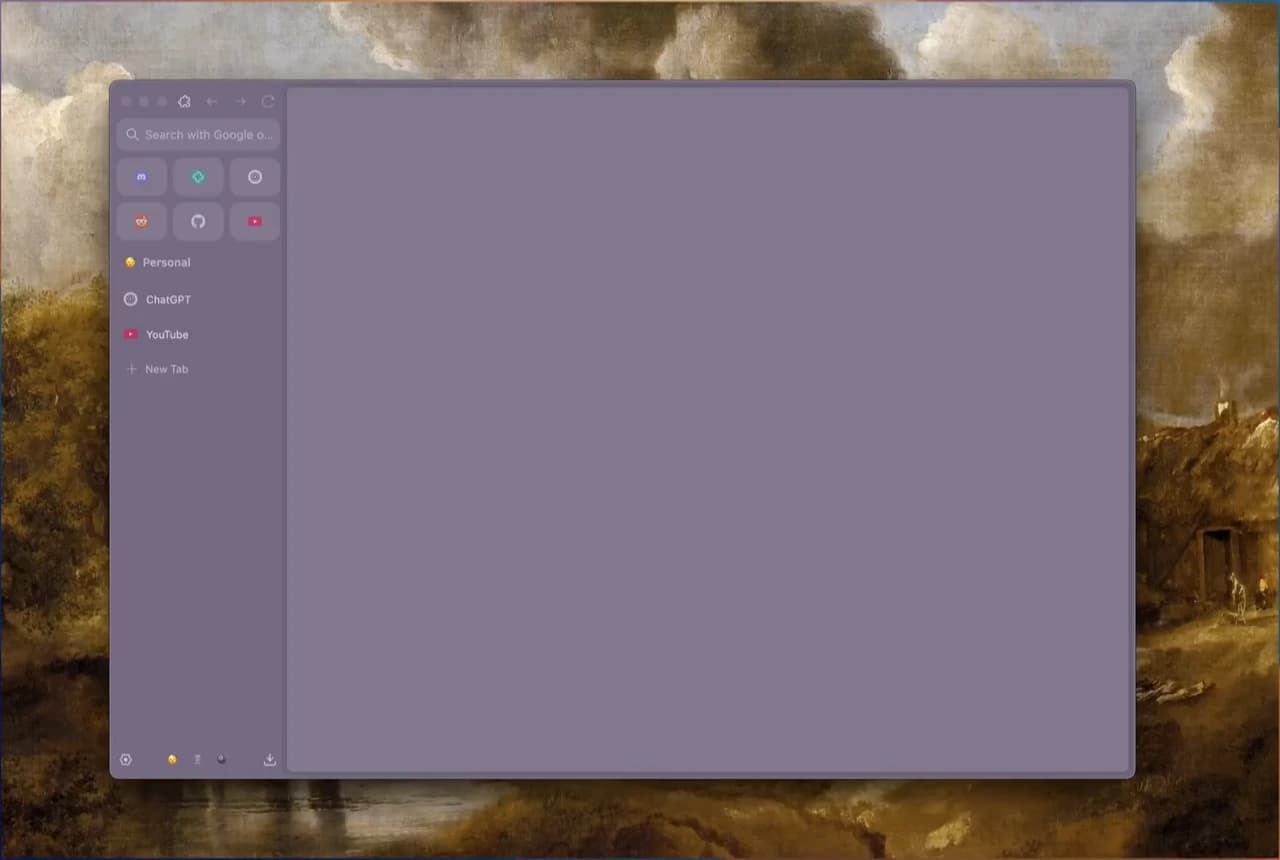
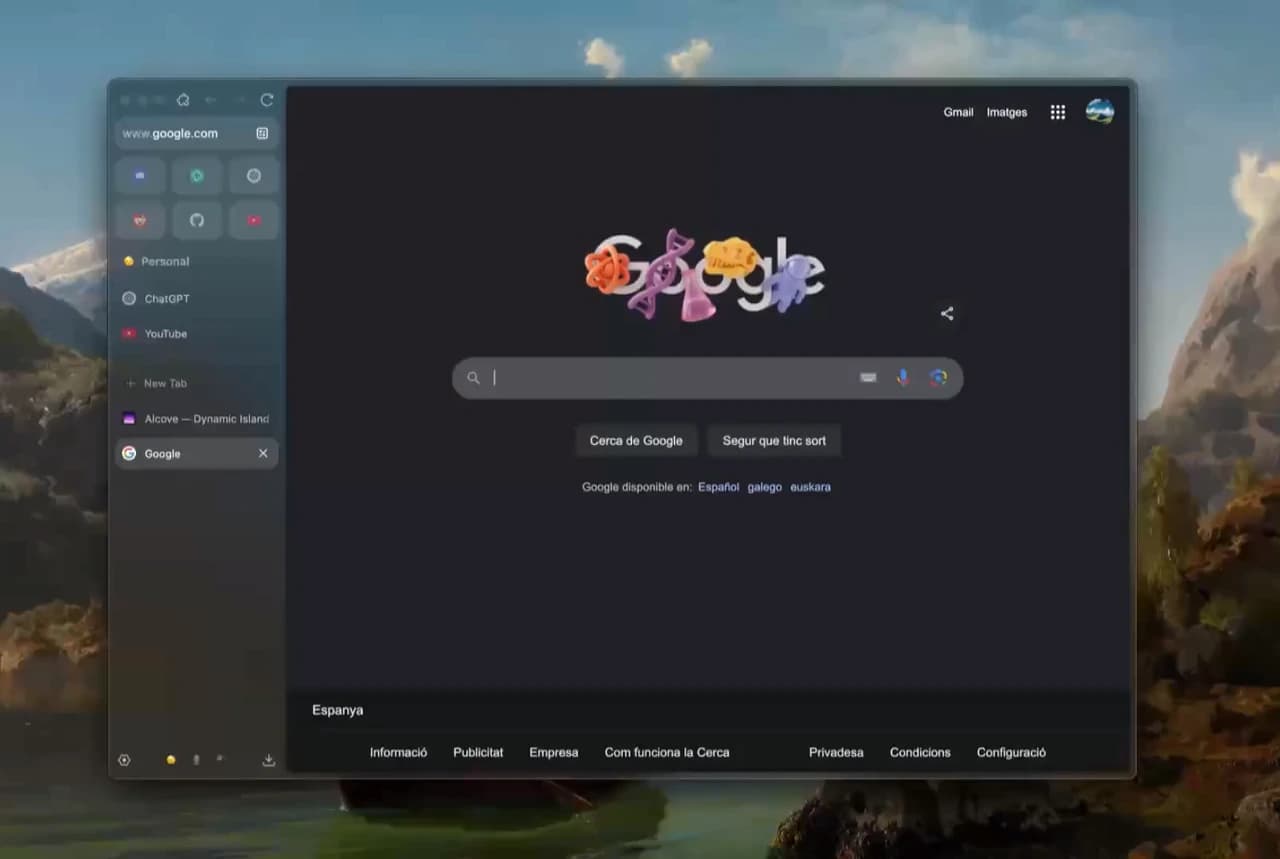
Vertical sidebar tabs with compact mode.

Privacy

Firefox containers + tracker blocking by default.

Customization

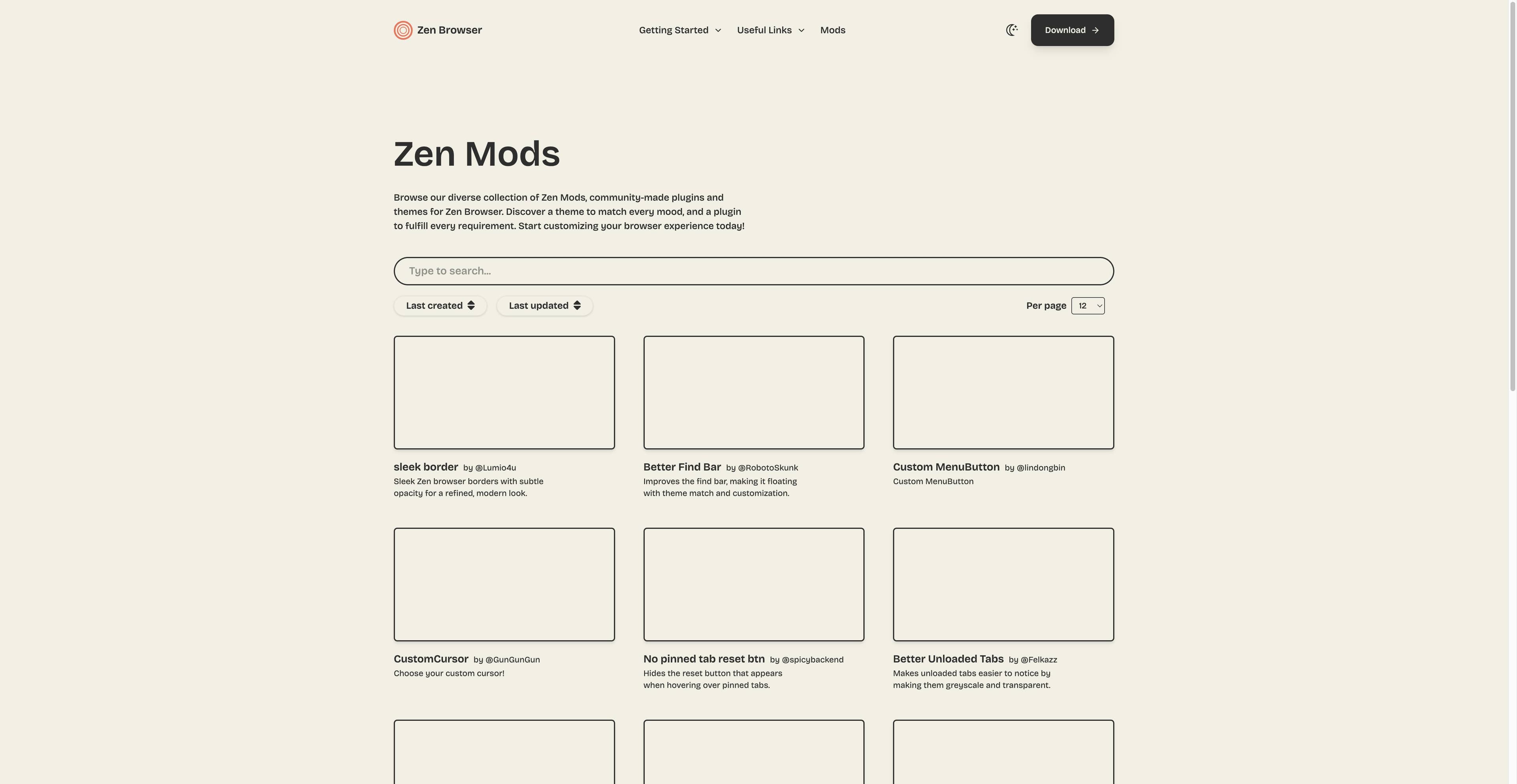
Zen Mods marketplace for themes and tweaks.

Deep review: what Zen does well

Zen Browser reimagines the Firefox experience with a modern, distraction-reducing shell. Here is what stands out after real-world use.

Interface & first impressions

  • Clean, minimalist first run with no onboarding friction.
  • Vertical tabs replace the traditional top bar, keeping titles readable.
  • Compact mode tucks the sidebar away until you hover over it.

Tab management & Workspaces

  • The vertical sidebar shines when you keep dozens of tabs open.
  • Workspaces let you group tabs by project, topic, or mood.
  • Firefox Containers add login isolation for work and personal accounts.

Zen Mods

  • Community-driven themes and UI tweaks in the Mods marketplace.
  • Install without coding; personalize colors, layout, and accent details.
  • A nice touch for users who want their browser to feel unique.

Extension reality

  • Zen uses the Firefox add-on store, which is smaller than Chrome.
  • Only a fraction of Chromium extensions port over cleanly.
  • Some web apps optimize for Chromium and may behave differently on Gecko.

Pros & cons

What reviewers like

  • Privacy-first Firefox foundation with tracker blocking.
  • Beautiful vertical-tab interface that reduces clutter.
  • Workspaces and Containers for serious organization.
  • Active community and a growing Mods ecosystem.
  • Free and open-source friendly.

Trade-offs to know

  • Extension library much smaller than Chromium browsers.
  • Some sites target Chromium and render oddly on Firefox.
  • Smaller team means occasional bugs and slower fixes.
  • No built-in AI assistant or agent mode.
  • Mobile versions are not widely available.
Bottom line: Zen is a strong choice for privacy fans who want a calmer, Firefox-based browser. It is not built for AI-powered automation or multi-model research.

What Zen Browser is missing

Zen organizes your tabs beautifully. But modern knowledge work is not just about organization—it is about execution. Summarizing pages, filling forms, comparing sources, and running repetitive workflows still require manual effort.

01

No native AI assistant built into the chrome.

02

No agent that can read and interact with webpages.

03

No skills or shortcuts for repetitive tasks.

04

No multi-model choice for deeper research.

05

Context switching between apps remains your job.

TabbitAI-native browser

Meet Tabbit: the AI-native alternative

Tabbit keeps the workspace discipline you like in Zen, then adds an Agent that can read pages, fill forms, compare sources, and execute tasks with your approval.

Agent Mode

Give a natural-language instruction and watch Tabbit operate across tabs, forms, and tools in an isolated lane—while you stay in control.

Omnibox + Context

Type @ to reference open tabs, screenshots, bookmarks, or local files as AI context. No more copy-paste between apps.

Skills Plaza

Save your favorite prompts and one-click automations, or discover skills shared by the community.

Vertical Workspaces

Group tabs into workspaces and let AI summarize or act on an entire group at once.

Zen Browser vs Tabbit

FeatureZen BrowserTabbit
EngineFirefox GeckoChromium-based, AI-native
Tab layoutVertical sidebarVertical sidebar + workspaces
Privacy stanceFirefox trackers + containersApproval-first agent runs
AI assistantNone built-inOmnibox AI + Agent Mode
AutomationManual + extensionsNatural-language Skills
Multi-modelN/AGPT, Gemini, Claude, DeepSeek, Kimi, Qwen, GLM, MiniMax
PlatformsDesktop (Mac/Windows/Linux)macOS & Windows, free
PriceFreeFree

Zen Browser review FAQs

Zen Browser is a Firefox-based desktop browser known for vertical tabs, workspaces, privacy defaults, and a community Mods marketplace.

Ready for a browser that does the work?

Download Tabbit free and switch from reading reviews to letting your browser execute tasks.