Firefox clone
Zen Browser
Best for open-source purists who can live with extension gaps and higher RAM.
Best for: Firefox fans
 Tabbit
ZEN VS ARC 2026
Arc changed browsing, but it entered maintenance mode in 2025. Zen Browser copies Arc's layout on Firefox. If you want the same spatial workflow plus AI that actually does work, Tabbit is the free, cross-platform answer.
AI-native workspace browser
macOS & Windows · Free download
30-second verdict
Firefox clone
Best for open-source purists who can live with extension gaps and higher RAM.
Best for: Firefox fans
Frozen in 2025
Still beautiful, but no new features. The Atlassian acquisition means the roadmap is uncertain.
Best for: nostalgia
AI-native successor
Arc-style workspaces plus Agent Mode, multi-model AI, and Skills. Free for macOS & Windows.
Best for: 2026
Side-by-side
| Capability | Zen Browser | Arc Browser | Tabbit | Winner / Edge |
|---|---|---|---|---|
| Rendering engine | Firefox (Gecko) | Chromium | Chromium | Tabbit / Arc (Chromium compatibility) |
| Platforms | macOS, Windows, Linux | macOS, Windows, iOS | macOS & Windows | Zen (Linux & cross-OS support) |
| AI / Agent mode | None | Arc Max (limited) | Agent Mode with approvals | Tabbit (Multi-model Agent & Skills) |
| Workspaces / vertical tabs | Yes (Arc-style) | Spaces & pinned tabs | Yes + smart grouping | Arc / Zen (Spatial tab workflows) |
| Extension compatibility | Limited (Firefox only) | Chrome extensions | Chrome extensions | Tabbit / Arc (Chrome Web Store) |
| Built-in automation | No | No | Skills + scripts | Tabbit (Reusable Skills & workflows) |
| Pricing | Free / open source | Free | Free | Tie (Free to use) |
| Future roadmap | Community-driven | Maintenance mode | Active public beta | Tabbit / Zen (Active 2026 development) |
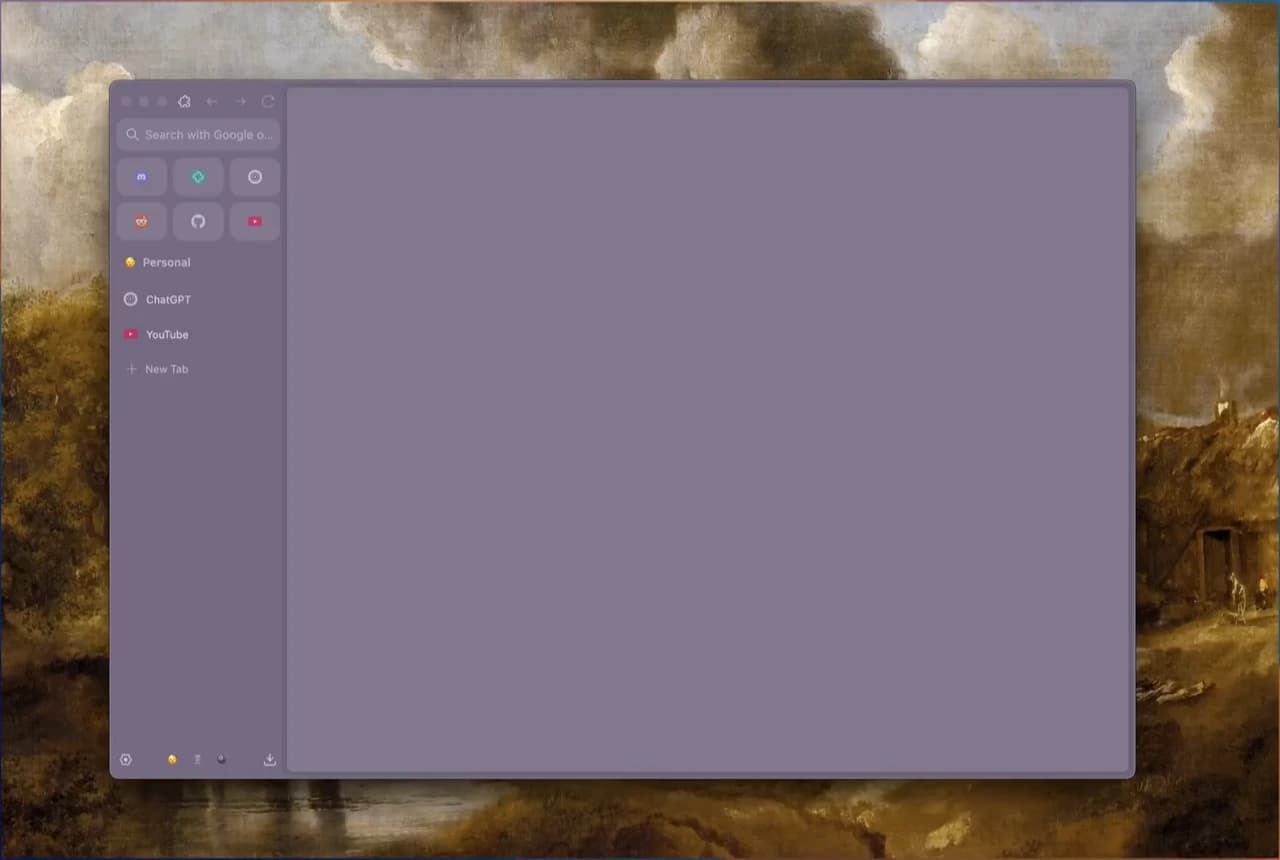
Open-source Firefox fork faithfully recreating Arc-like spaces and compact vertical sidebars.

Combines spatial tab organization with autonomous multi-tab agent workflows and model switching.
Deep dive
The Firefox remix of Arc
What Zen gets right — and where it falls short
Design pioneer on ice
Why Arc stopped being the obvious pick
AI-native workspace browser
What Tabbit adds to the Zen vs Arc debate
Why switch
Zen gives you Arc's layout on Firefox, but it doesn't give you AI that executes. Arc gave you a beautiful workspace, but its future is now a question mark.
Tabbit keeps the workspace discipline and adds an intelligence layer that reads pages, runs tasks in isolated tab groups, and asks before it acts on your accounts.
What you get
Ask Tabbit to research, compare prices, or file a report. It runs in its own tab group and pauses for approval before touching logged-in sites.
Type @ to reference the current tab, a tab group, a screenshot, a bookmark, or a local file — no more copy-paste.
Save prompts and scripts as reusable Skills, or discover community Skills that automate common workflows.
Vertical sidebar, smart grouping, and project spaces keep hundreds of tabs scannable without collapse.
FAQ
Zen is the closer visual clone of Arc, but it runs on Firefox and has limited extension support. Arc is more polished, but it entered maintenance mode in 2025 and is no longer adding features. If you want a future-proof workspace browser, Tabbit is the stronger AI-native option.
For layout and sidebar fans, Zen is the closest replacement. However, if you rely on Chrome extensions, dev tools, or Chromium-only sites, Zen will feel like a compromise.
Arc still receives security patches, but The Browser Company announced maintenance mode in May 2025 and was acquired by Atlassian in September 2025. No major new features are planned.
Tabbit is an AI-native browser. It keeps workspace and vertical-tab conventions from Arc, but adds Agent Mode, multi-model AI, an @-context Omnibox, and reusable Skills.
Yes. Tabbit is free to download during public beta for macOS and Windows.
Yes. Tabbit supports one-click import of bookmarks, history, passwords, cookies, and extensions from Chrome, Edge, Safari, and Arc.
Yes. Tabbit is Chromium-based, so most Chrome extensions and SSO profiles work without reconfiguration.
International visitors should use tabbit.ai; mainland China visitors should use tabbit.com.
Download Tabbit free, import your data, and run your first agent-assisted workflow with approvals on.