English
Download Guide · 2026
Zigzag Browser Download: Free, 18 MB, Ready in a Minute
Zigzag is the open-source Mac browser built in the weeks after Arc announced its shutdown. No account, no telemetry, no installer bloat — a signed 18 MB app you can grab from the official site or install with Homebrew. This page walks through both ways, the system requirements, and what happens on first launch.
Free · Signed & notarized · No account needed
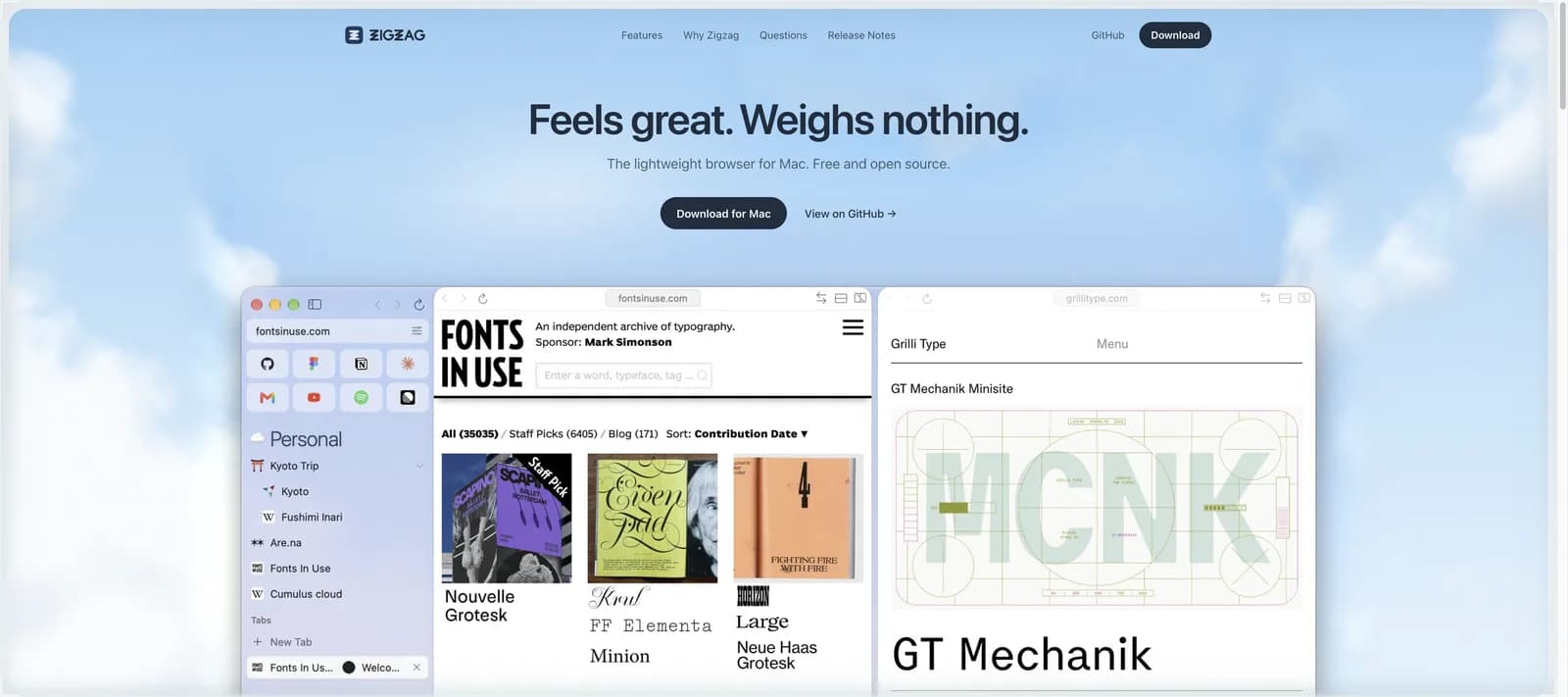
Two ways to install
How to download Zigzag Browser
There are two legitimate ways to get Zigzag: the signed DMG from the official site, or Homebrew for terminal-first users. Both are free and land on the same app.
Option 1 · Official DMG
Download the DMG from zigzagbrowser.com
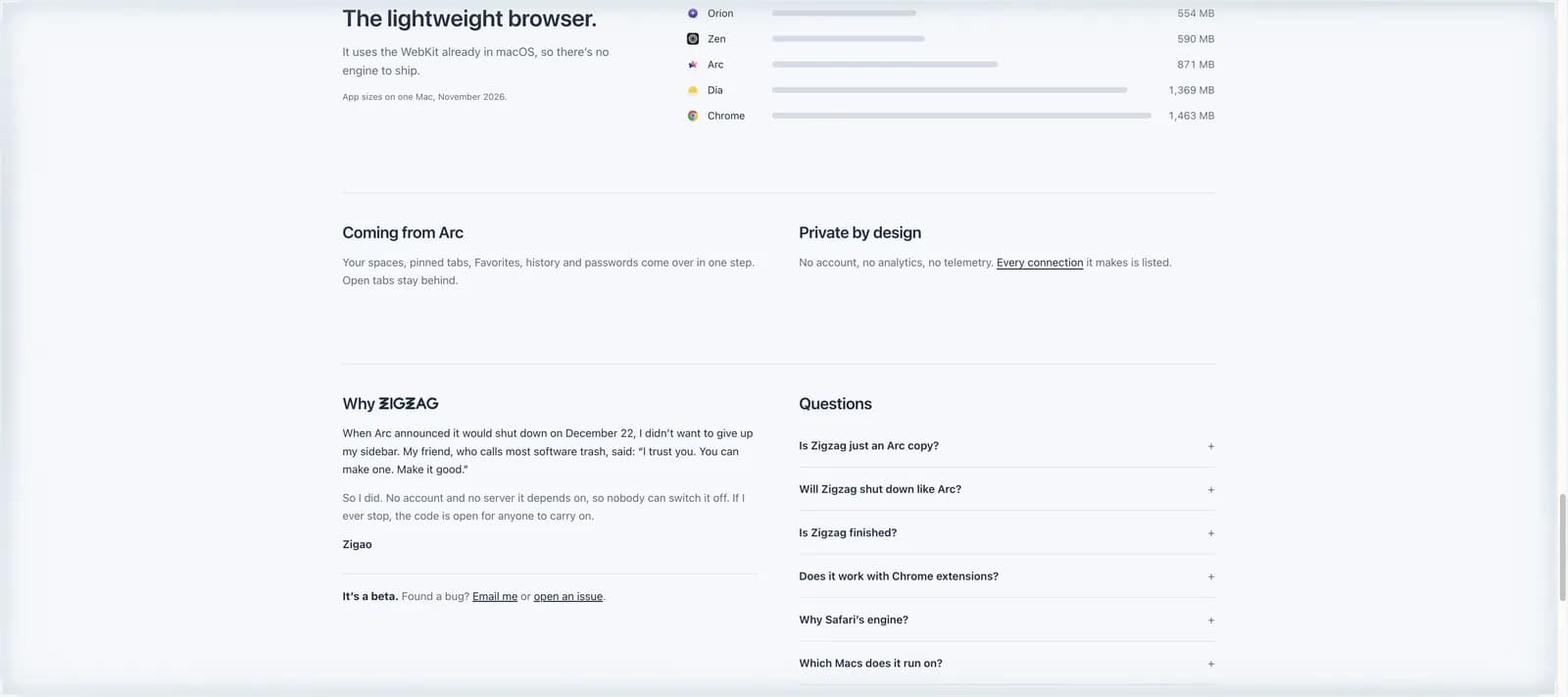
The site links straight to the signed, notarized disk image. The same page lists every external connection the app can make — a rarity among browsers.
- 1
Open zigzagbrowser.com and press the download button — the site serves the build for your Mac directly.
- 2
Open the downloaded DMG and drag Zigzag into Applications.
- 3
Launch Zigzag. On first run it offers a one-click import of your Arc data.
Option 2 · Homebrew
Install with Homebrew
Zigzag ships a first-party Homebrew cask. Updates then arrive through brew upgrade like everything else on your Mac.
$ brew install --cask zigaowang/tap/zigzagThe cask lives in the developer's own tap — verify the publisher before installing anything via brew.
Before you install
Zigzag Browser system requirements
Zigzag is macOS-only by architecture — it builds on the system WebKit engine, which is also why the minimum version exists.
- Operating system
- macOS 15.4 or later
- Chip
- Apple silicon or Intel (universal build)
- Download size
- 18 MB
- Account
- None required
- License
- Apache 2.0 open source
- Windows / Linux / mobile
- Not available — and not planned
The macOS 15.4 floor exists because Chrome-extension support relies on Apple's WKWebExtensionController.
First launch
Import your Arc data during first run
If you are arriving from Arc, setup takes about a minute. Zigzag asks on first launch whether to import, and keeps the structure you spent years building.
One-click Arc import
Choose File → Import from Another Browser → Arc and Spaces, pinned tabs, Favorites, history and passwords come across in one pass.
Your Spaces survive
Color-coded Spaces and pinned structure are preserved; open-tab piles are deliberately left behind for a clean start.
Passwords via Keychain
Imported credentials land in the macOS keychain, so Touch ID and iCloud sync keep working.
After install
Updates and uninstalling
Zigzag updates itself quietly. There is nothing to configure and no updater account.
Automatic signed updates
Releases arrive through an EdDSA-signed update feed and install themselves. You can also watch releases on the project’s open repository.
Updating via Homebrew
If you installed through brew, run brew upgrade --cask zigzag to stay current.
Clean uninstall
Zigzag stores data in Application Support and preferences in the standard macOS locations. Delete the app and those folders and nothing remains — no background daemons, no login items.
On Windows?
Zigzag does not run on Windows — Tabbit does
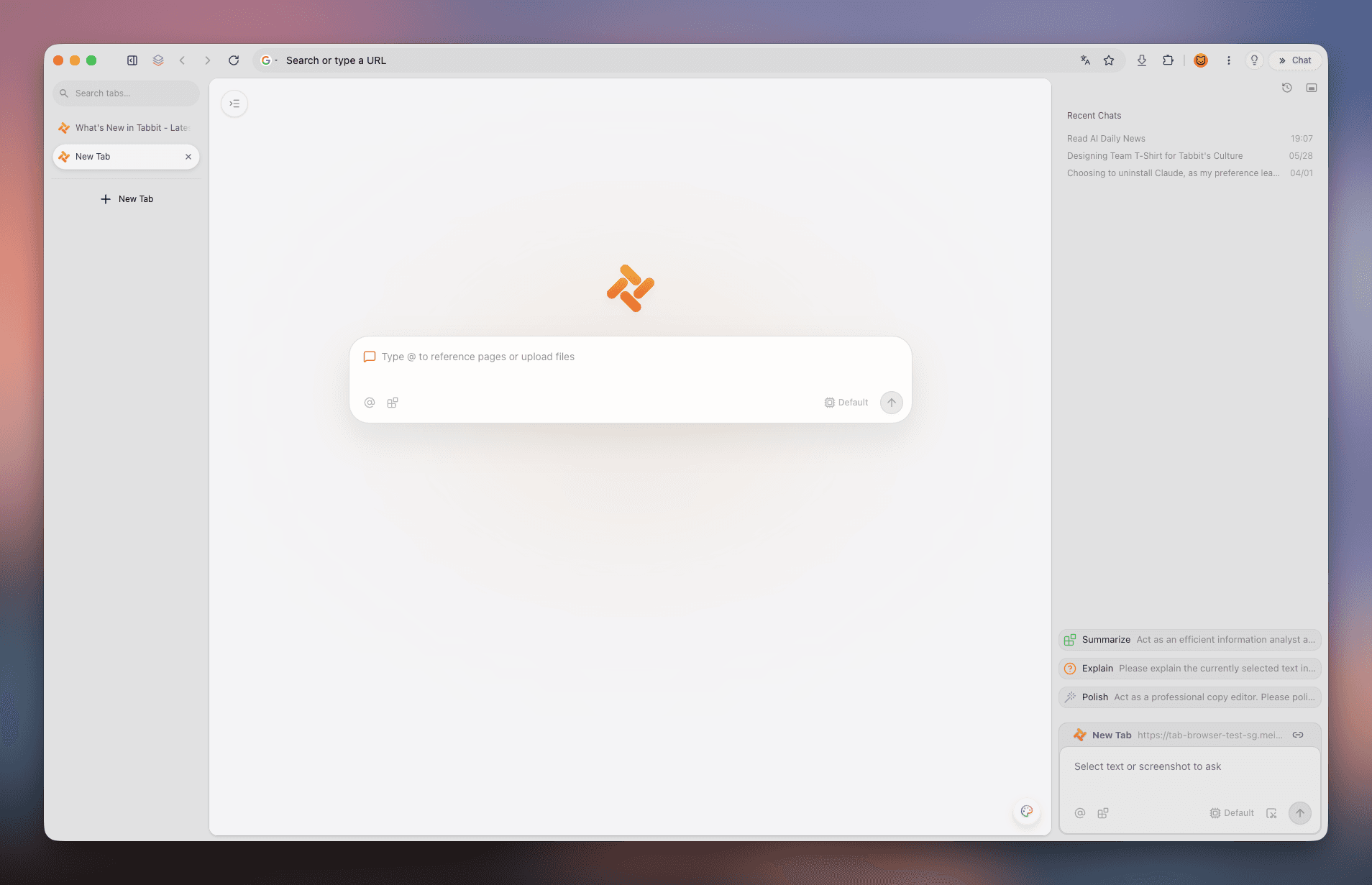
Zigzag's macOS-only design is permanent, not a roadmap item: the browser is built on Apple's WebKit. If your main machine runs Windows 10 or 11 and you still want a fast, private browser with AI built in, that is exactly what Tabbit ships today.
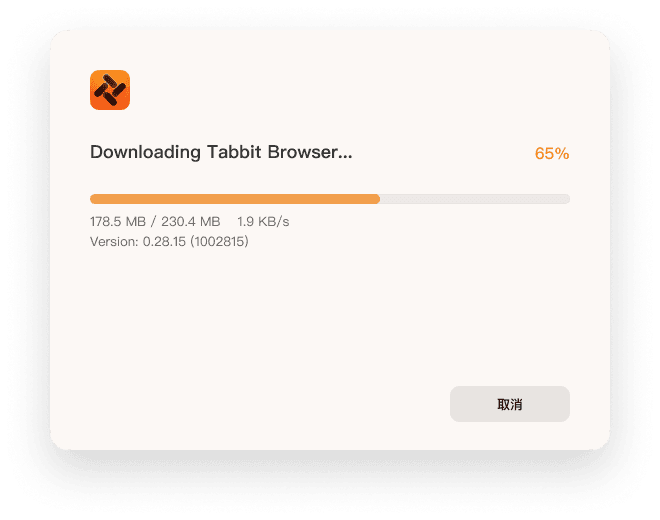
Tabbit is free during the public beta, native on Windows and macOS, and routes your questions across Claude, GPT, Gemini, DeepSeek and Kimi with agent automation you approve step by step.
- ✓Native Windows 10/11 and macOS builds — same AI features on both
- ✓Sidebar AI summaries, multi-model answers and deep-research reports
- ✓Agent Mode fills forms, moves data and runs multi-step tasks with visible approval
- ✓Free during the public beta — no credit card, no waitlist
Safety check
Is downloading Zigzag safe?
As browser downloads go, Zigzag checks nearly every box — mostly because of what it does not have.
Signed and notarized
The DMG is signed with a Developer ID and notarized by Apple, so Gatekeeper verifies it on first launch.
No account, no telemetry
There is no signup step and no analytics. The site publishes the full list of external connections — essentially just the signed update feed.
Open source (Apache 2.0)
Anyone can audit the code, and anyone can fork it if the original developer ever steps away.
Engine security from Apple
Because Zigzag uses the system WebKit engine, security patches arrive with macOS updates — no waiting on the developer to rebase Chromium.
Quick answers
Zigzag Browser download FAQ
Need a browser that also does the work?
Tabbit pairs full Chromium compatibility with Claude, GPT, Gemini, DeepSeek and Kimi — summaries, deep research and agent automation, free in your browser.
Free during public beta · Windows and macOS