
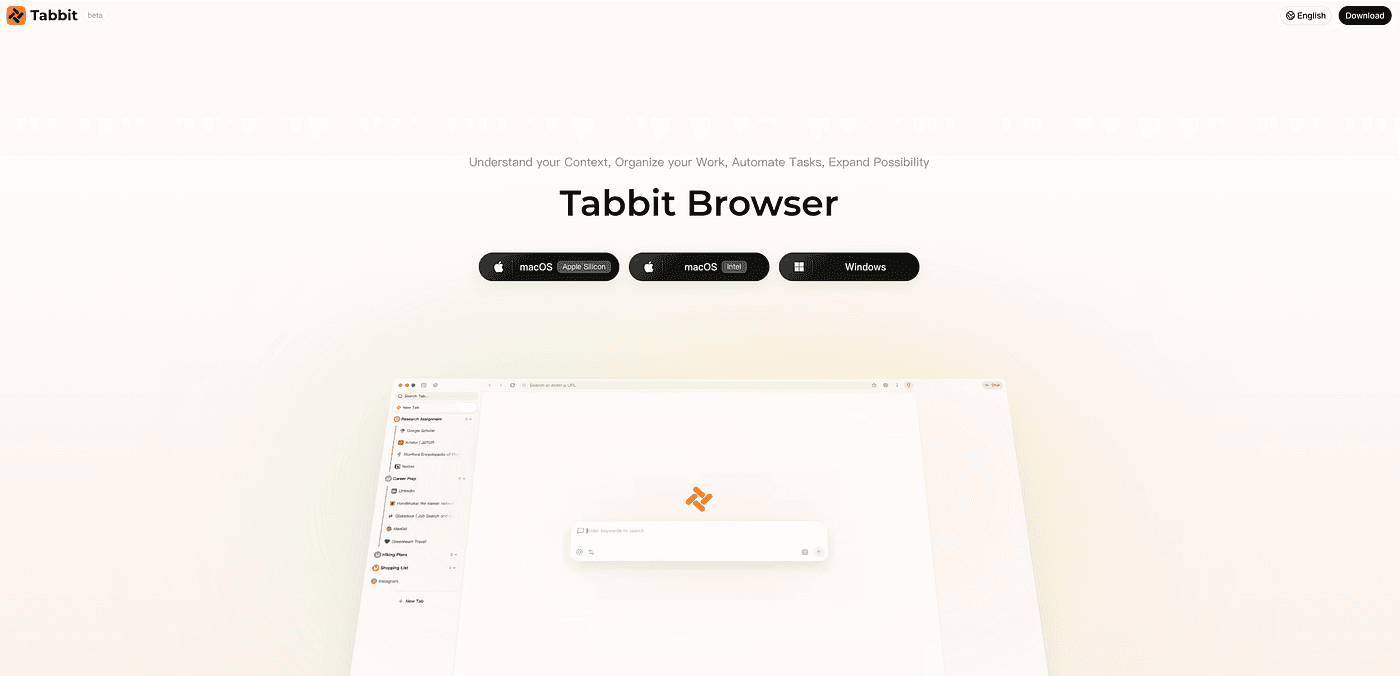
2026 年 Atlas 的最佳替代是 Tabbit Browser。 OpenAI 已确认 Atlas 将于 2026 年 8 月 9 日停止工作,迁移已经不是假设题。Tabbit 能保留页面感知 AI 与浏览器操控这两类核心工作流,并增加多模型 Agent、可复用 Skills、独立 Agent 标签组,以及 macOS 和 Windows 双平台支持。
这是给那些不想只找一个“半成品替代”的 Atlas 用户的简短答案。本文余下部分会给出对比矩阵、竞品仍适合哪些场景,以及如何在几分钟内完成切换。

核心结论
最佳整体 Atlas 替代: Tabbit —— 免费公测、双平台、多模型 Agent Mode。
Atlas 原有能力你依然保留: 与页面聊天、多步骤浏览器 Agent、在真实 Chromium 浏览器内使用 AI。
你还能得到什么: Windows 支持、模型选择(GPT / Claude / Gemini / DeepSeek / Kimi / Qwen…)、Skills Plaza、垂直标签页 + 工作空间。
什么时候该选别的: 做答案引擎式研究选 Comet,偏爱精致 Mac 独占体验选 Dia,打死不愿离开微软默认环境选 Edge。
迁移成本很低: 导入书签/密码,重跑你的 Atlas 任务,再把它们保存为 Skills。
Atlas 替代方案一览
| 浏览器 | 最适合 | 页面/标签页上下文 | 浏览器 Agent | 平台 | 主要取舍 |
|---|---|---|---|---|---|
| Tabbit | 最佳整体 Atlas 替代 | 支持(多模型) | 支持(公测期免费) | macOS、Windows | 聚焦桌面端产品 |
| Perplexity Comet | 研究综合 | 支持 | 支持(付费版通常更深) | Mac、Win、移动端 | 多模型工作空间灵活性较弱 |
| Dia | 精致的 Mac 上下文 | 支持 | 部分 / 类技能 | macOS | 与 Atlas 一样的 Mac 壁垒 |
| Microsoft Edge + Copilot | 留在 M365 生态 | 支持 | 有限 / 逐步推出 | 跨平台 | AI 叠在 Edge 之上,非 Agent 优先 |
| Brave Leo | 隐私优先 Q&A | 当前标签页强项 | 无完整 Agent GA | 跨平台 | 自主任务较轻 |
功能可用性会随套餐、地区和版本推进而变化。价格区间仅供参考。
ChatGPT Atlas 用户真正需要什么
ChatGPT Atlas(OpenAI 的 AI 原生浏览器实验)留下了三个让人印象深刻的承诺:
Page-aware assistant —— 无需复制粘贴,直接询问当前页面。
Browser context —— 可选的记忆 / 基于历史记录的辅助。
Agent Mode —— 点击、输入、跳转,完成多步骤网页任务。
这些才是“待完成的工作”。大多数“替代方案”清单只满足其中一项。Atlas 用户会在以下情况下流失:
撞上 Mac 优先的墙;
Agent Mode被 ChatGPT Plus 或更高套餐挡在门外;
需要 Claude / Gemini / 其他模型来完成特定工作。
如果这份清单让你感到熟悉,你要找的不是“任意一款 AI 浏览器”,而是一个超集。
1. Tabbit —— 最佳整体 Atlas 替代
最适合: 想要页面 AI + Agent,又不想被平台或模型锁死的 Atlas 用户。
Tabbit 是最强的整体 ChatGPT Atlas 替代,因为它能干净地映射到 Atlas 的工作流,同时拆掉上面三面墙。
Atlas 原有能力(你保留什么)
| Atlas 习惯 | Tabbit 对应功能 |
|---|---|
| 在侧边栏聊当前页面 | 与页面 / 选区 / 截图 AI 聊天 |
| Agent Mode 多步骤任务 | 跨站点 Agent Mode(公测期免费) |
| 来自近期浏览的上下文 | Omnibox @ 提及标签页、书签、文件、工作空间 |
| 日常 Chromium 浏览 | 完整浏览器 + 书签/密码导入 |
超越 Atlas(为什么切换是升级)
macOS 和 Windows 首发即支持——混合团队不会被“Windows 稍后上线”卡住。
多模型路由: GPT、Claude、Gemini、DeepSeek、Kimi、Qwen 等。
Skills Plaza: 保存可复用自动化,不用每天早上重复输入同样的 Atlas 提示词。
垂直标签页 + 智能工作空间,让研究 chaos 井井有条,而不只是一个聊天面板。
免费公测,包含 Agent Mode——无需为解锁 headline 功能额外购买 Plus。
最佳适用人群: 曾把 Atlas 当作日常主力,现在需要一款可靠的双平台 Agentic 浏览器。
但是…… 如果你只想要 Perplexity 风格的答案,并且已经深度使用 Comet 生态,Comet 对纯研究场景可能更顺手。如果你死活不离开 Edge + Microsoft 365,Edge Copilot 是阻力最小的路径——但不是最深的 Agent 体验。
浏览器操控:Tabbit 不只解释页面,还能直接操作
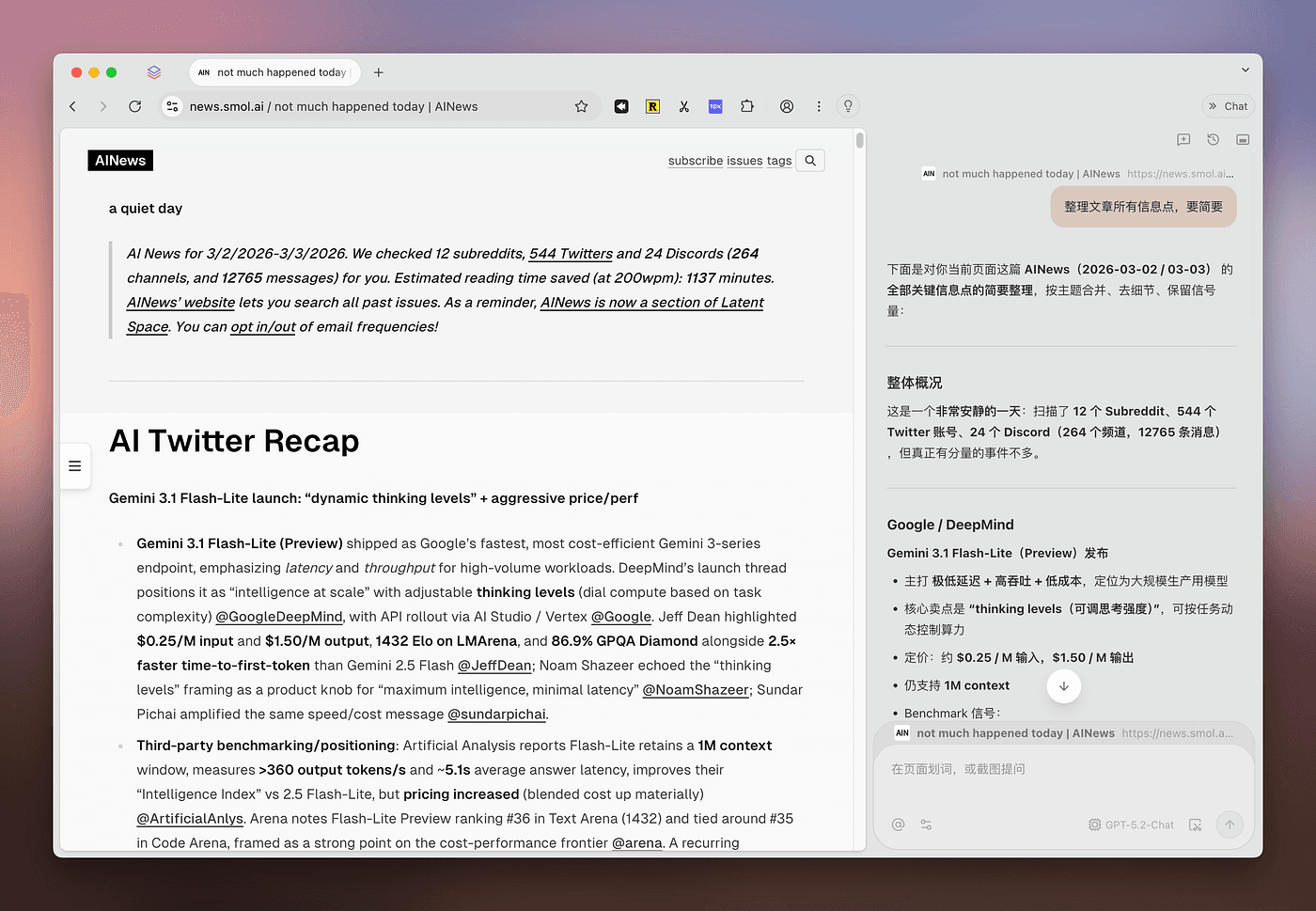
聊天侧边栏与浏览器 Agent 的关键区别是“行动”。根据 Tabbit 的官方浏览器 Agent 说明,Agent Mode 可以读取当前页面,点击、滚动、输入、填写表单,并跨网站完成多步骤任务。你用自然语言说明目标,Tabbit 会规划执行步骤,并在工作过程中持续展示进度。
下面的表格案例很直观:提示词要求 Tabbit 在 Google Sheets 中录入员工姓名、年龄和部门,再设置表头底色并将数字居中。Agent Mode 操作真实表格,右侧边栏同时保留完整执行轨迹,方便用户检查。

它适合边界清晰、可重复的工作,例如更新后台、在系统间搬运已确认的数据、填写常规表单,或把网页结果整理进表格。涉及付款、账号变更、正式发布等难以撤销的操作时,应保留人工确认点;页面发生变化或指令存在歧义时,也应先暂停、补充说明,再继续执行。
Deep Research:把浏览器操作变成可追溯的报告
浏览器操控也改变了研究流程。Tabbit 的 Deep Research 可以规划检索、打开多个来源、阅读并对照观点,最后交付带引用的结构化简报。任务在独立标签组中运行,你可以继续处理其他工作,完成后再回看来源与执行过程。

迁移 Atlas 工作流时,可以按结果类型来选择:需要修改网页或完成流程,用 Agent Mode;需要比较来源并形成报告,用 Deep Research。两种模式开始前,都建议写清输出格式、允许使用的来源以及需要人工确认的步骤。
2. Perplexity Comet —— 研究优先工作流的最佳选择
最适合: 多源答案、对比分析,以及已经养成 Perplexity 使用习惯的人。
Comet 是多数媒体榜单把它放在前列的替代方案,因为它跨平台且原生为研究设计。对于“收集资料并综合”这件事,它非常出色。
但是…… 如果你的 Atlas 使用高度依赖 Agent 执行(表单、跨站杂务、可复用自动化)和 模型选择,Tabbit 是更接近的超集。Comet 更深的 Agent 层级往往与付费套餐绑定更紧,而产品 identity 始终是答案引擎优先。
3. Dia —— 精致 Mac 上下文浏览器
最适合: 优先考虑设计与跨工具上下文(标签页 + 工作区应用)的 Apple Silicon Mac 用户。
Dia 继承了 The Browser Company 的精良工艺,在跨标签页和关联工作工具的聊天中能感受到高级感。
但是…… Dia 对许多用户而言仍受限于 Mac——这正是已经让 Windows 或混合团队里的 Atlas 采用者沮丧的同一道平台墙。
4. Microsoft Edge + Copilot —— Windows 默认生态的零迁移之选
最适合: 不愿离开 Windows 默认环境和 Microsoft 365 的人。
Copilot 无需安装新浏览器就能跨标签页总结和推理。迁移成本几乎为零。
但是…… 这是 Edge 之上的 AI,而非围绕任务、Skills 和多模型路由构建的 Agentic 浏览器。想要专用 AI shell 的 Atlas 用户通常会离开。
5. Brave Leo —— 隐私优先的助手层
最适合: 想要在保护隐私的前提下获得摘要和问答,而不需要重型 Agent 的用户。
Leo 的隐私叙事(代理、留存策略、BYOM 选项)是真正的差异化优势。
但是…… 完全自主的 Agent 浏览并非其重心,不像 Atlas/Tabbit 中的 Agent Mode 那样处于核心位置。如果 Agent 是你点开这篇文章的原因,先看 Tabbit。
Tabbit 如何覆盖 Atlas 的每项工作(甚至更多)
| 你在 Atlas 中做的工作 | 在 Tabbit 中这样做 | 额外收获 |
|---|---|---|
| 总结当前文章 | 与页面 / 选区 AI 聊天 | 每个任务可选多模型 |
| 填表或更新网页应用 | Agent Mode | 可见执行步骤 + 人工确认点 |
| 对比多个网页来源 | Deep Research | 独立标签组 + 带引用的结构化输出 |
| 记住相关浏览上下文 | @tabs / @bookmarks / 工作空间 | 本地文件也可作为上下文 |
| 重写页面文字 | 选区 AI | 保存为 Skill 供复用 |
| 日常浏览外壳 | 完整 Chromium 浏览器 | 垂直标签页 + 智能分组 |
按场景选择
| 你的情况 | 最佳选择 | 原因 |
|---|---|---|
| 日常用 Atlas;需要 Mac + Windows | Tabbit | 双平台 + 免费 Agent Mode |
| 想要多模型,而非 OpenAI 独占 | Tabbit | GPT/Claude/Gemini/DeepSeek/Kimi/Qwen… |
| 纯研究 / 答案引擎 | Comet | 强大的综合产品定位 |
| 只想留在精致 Mac 浏览器 | Dia | 设计精良,仍受限于 Mac |
| 工作中拒绝切换浏览器 | Edge + Copilot | 变更管理成本最低 |
| 隐私优先于 Agent | Brave Leo | 助手层,自动化较轻 |
最终结论
如果你的搜索词就是 “best alternative of Atlas”,答案应该是唯一的。
选 Tabbit 当你想要 Atlas 的页面感知 + Agent 核心,却不想受限于 Mac 独占和单一模型——并且想要 Atlas 从未做到一流的附加价值:Skills、垂直工作空间,以及双桌面端免费 Agent Mode。
当你有更窄的约束(研究品牌、Mac 设计、企业默认、隐私优先 Q&A)时,再考虑 Comet、Dia、Edge 或 Brave。对大多数读这篇指南的 Atlas 用户来说,它们只是第二选择。
准备好切换?从这里开始:Atlas 最佳替代落地页,或免费下载 Tabbit for macOS and Windows。
常见问题
2026 年 Atlas 浏览器的最佳替代是什么?
Tabbit 是大多数 ChatGPT Atlas 用户的最佳整体替代,因为它在覆盖页面感知 AI 和 Agent 工作流的同时,增加了免费 Agent Mode、多模型支持,以及 macOS 和 Windows 双平台。
Tabbit 是否包含 ChatGPT Atlas 的所有功能?
Tabbit 覆盖了人们日常使用的 Atlas 能力——与页面聊天、多步骤 Agent、在真实浏览器内使用 AI——并扩展到多模型选择、Skills Plaza、垂直标签页和双平台支持。具体功能名称因产品而异,但工作流映射得很干净。
与 Atlas Agent Mode 相比,Tabbit 是否免费?
是的,公测期间免费。Tabbit 包含免费的 Agent Mode。Atlas 的 Agent 功能通常受限于付费 ChatGPT 套餐——具体请以 OpenAI 当前定价为准。
Tabbit 支持 Windows 吗?
支持。与典型的 Atlas Mac 优先可用性不同,Tabbit 同时支持 macOS 和 Windows。
Tabbit 与 Perplexity Comet 有何不同?
Comet 最强之处在于作为研究 / 答案引擎浏览器。Tabbit 则是完整的 Agentic 生产力浏览器,拥有免费 Agent Mode、多模型路由、Skills 和以工作空间为导向的标签页。
ChatGPT Atlas 要关停了?
是的。OpenAI 已宣布 Atlas 将于 2026 年 8 月 9 日停止工作,其浏览器 Agent 能力将转移到 ChatGPT 和 Codex。请在截止日期前导出重要书签;已打开的标签页、Cookie 和登录会话不会自动迁移。
如何从 Atlas 迁移到 Tabbit?
下载 Tabbit,从当前浏览器导入书签和密码,重新运行常用 Agent 任务,再把它们保存为 Skills。无需特殊的 Atlas 账户转移。
Tabbit 支持哪些 AI 模型?
Tabbit 支持 GPT、Claude、Gemini、DeepSeek、Kimi、Qwen 等模型,因此你不会像纯 OpenAI 浏览器栈那样被锁定在单一供应商。
