
2026 BROWSER RANKINGS
Top 10 Browsers of 2026
A fresh, up-to-date ranking of the best web browsers for speed, privacy, and AI-powered productivity. Tabbit leads the list as the first AI-native browser built for work.
Tabbit
#1 in 2026 rankings
THE RANKINGS
Top 10 web browsers ranked
We ranked the ten most capable browsers for 2026 based on speed, privacy, tab management, cross-platform support, and AI integration.
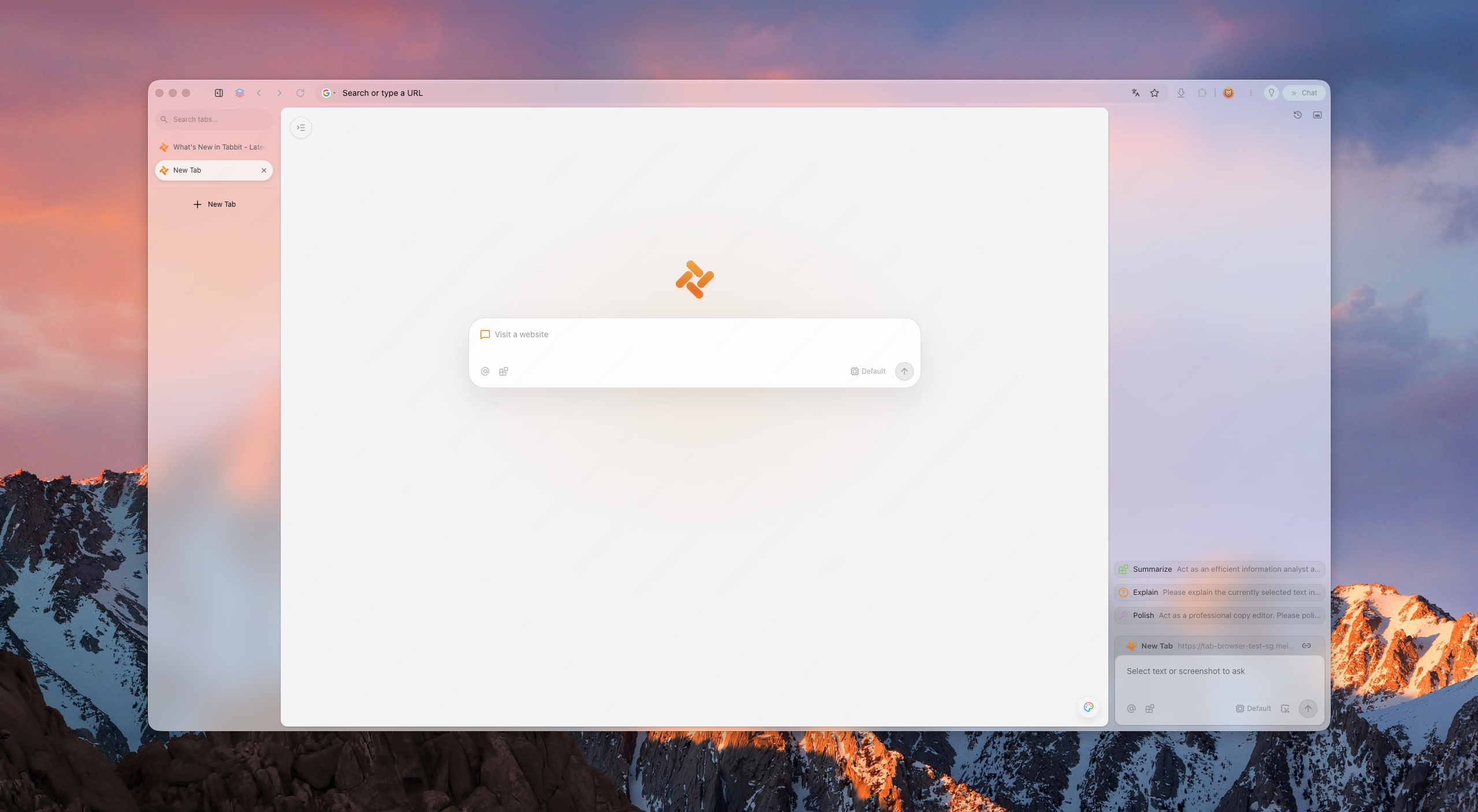
Tabbit
The AI-native browser
Built from the ground up with Agent Mode, context-aware Omnibox, and Skills. Tabbit turns your browser into an autonomous workspace.
Best for: AI-powered work & automation
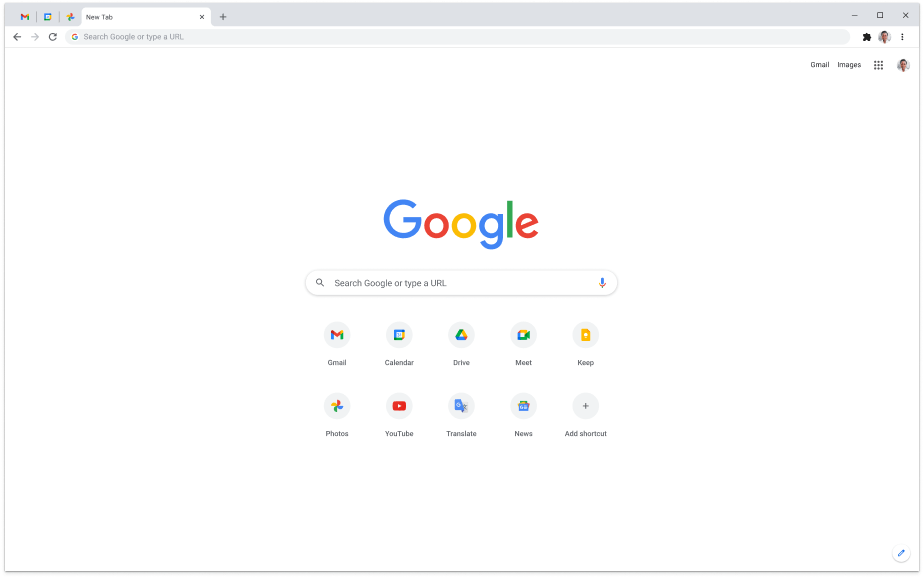
Google Chrome
The ecosystem default
Still the most compatible browser with the largest extension library and deepest Google service integration.
Best for: Extensions & cross-device sync
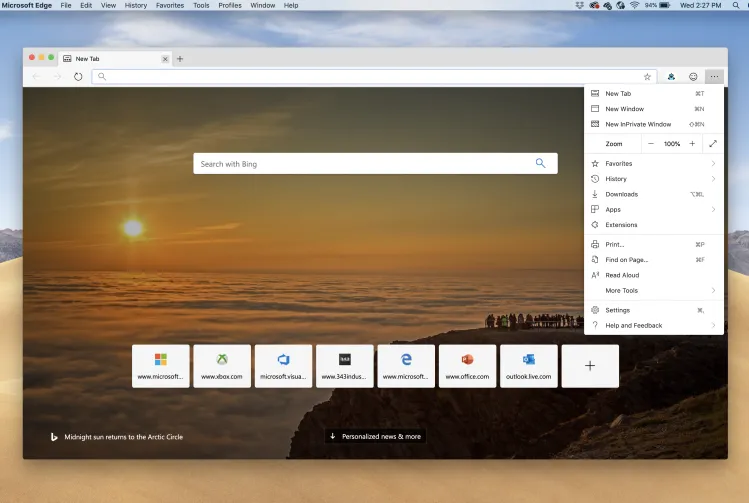
Microsoft Edge
The Windows-native choice
Tight OS integration, Copilot sidebar, and excellent battery efficiency make it the default choice for Windows users.
Best for: Windows 10/11 integration
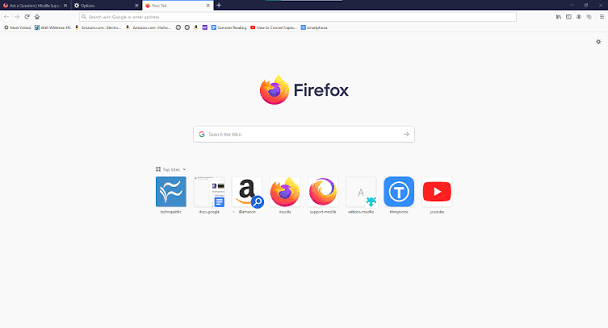
Mozilla Firefox
The privacy veteran
A long-standing champion of user privacy with a Gecko engine and a transparent, open-source foundation.
Best for: Privacy & open source
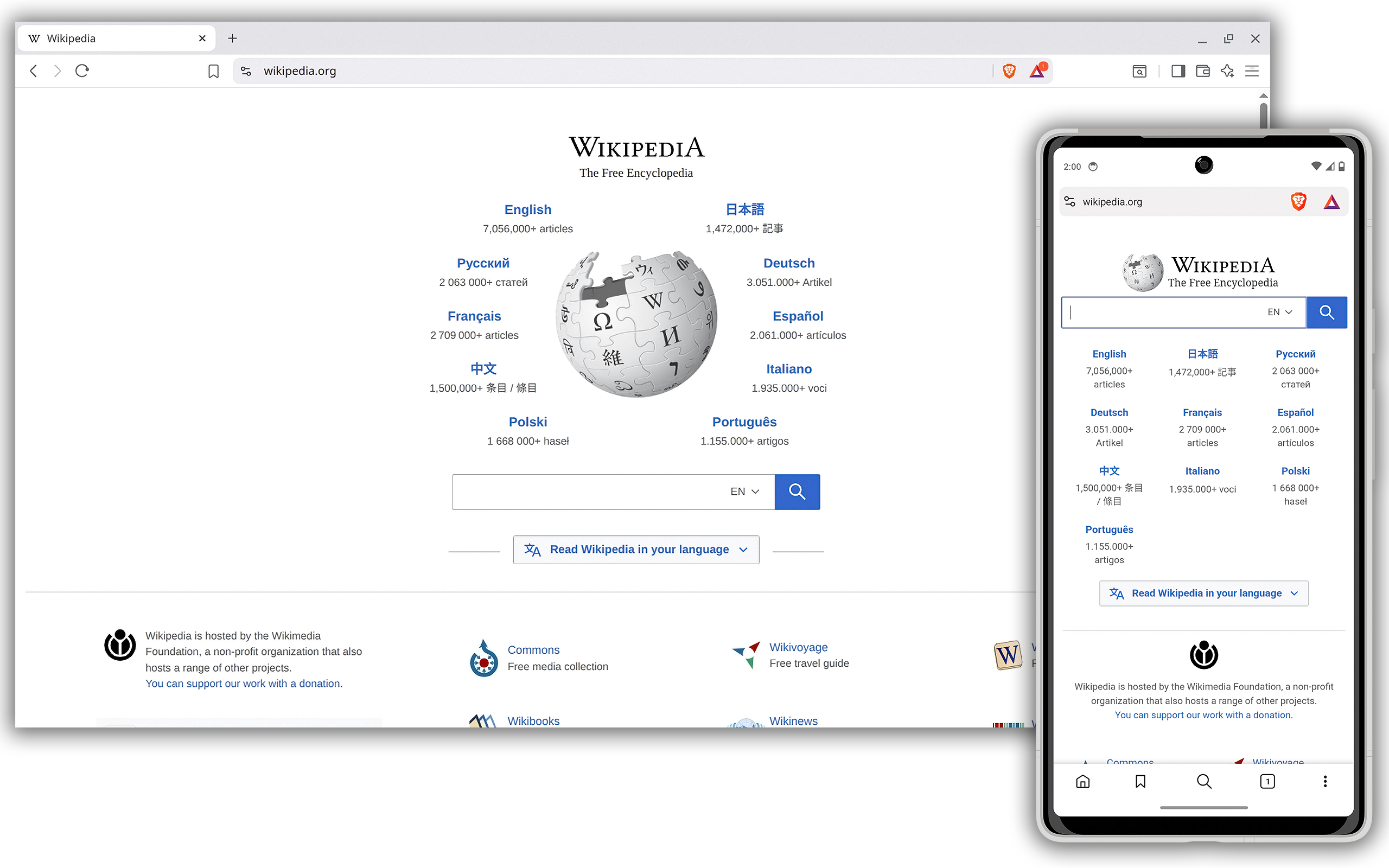
Brave
The ad-blocking browser
Blocks trackers and ads by default, offering a faster, leaner browsing experience with crypto-native features.
Best for: Built-in privacy & speed
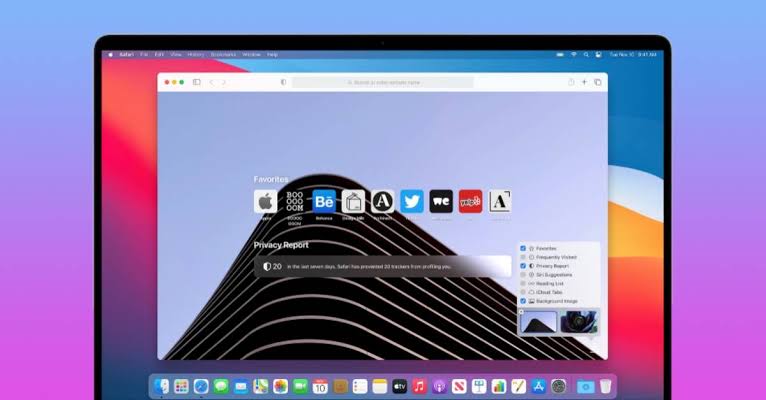
Safari
The Apple ecosystem browser
Best optimized for macOS and iOS with industry-leading energy efficiency and Apple Intelligence features.
Best for: Apple devices only
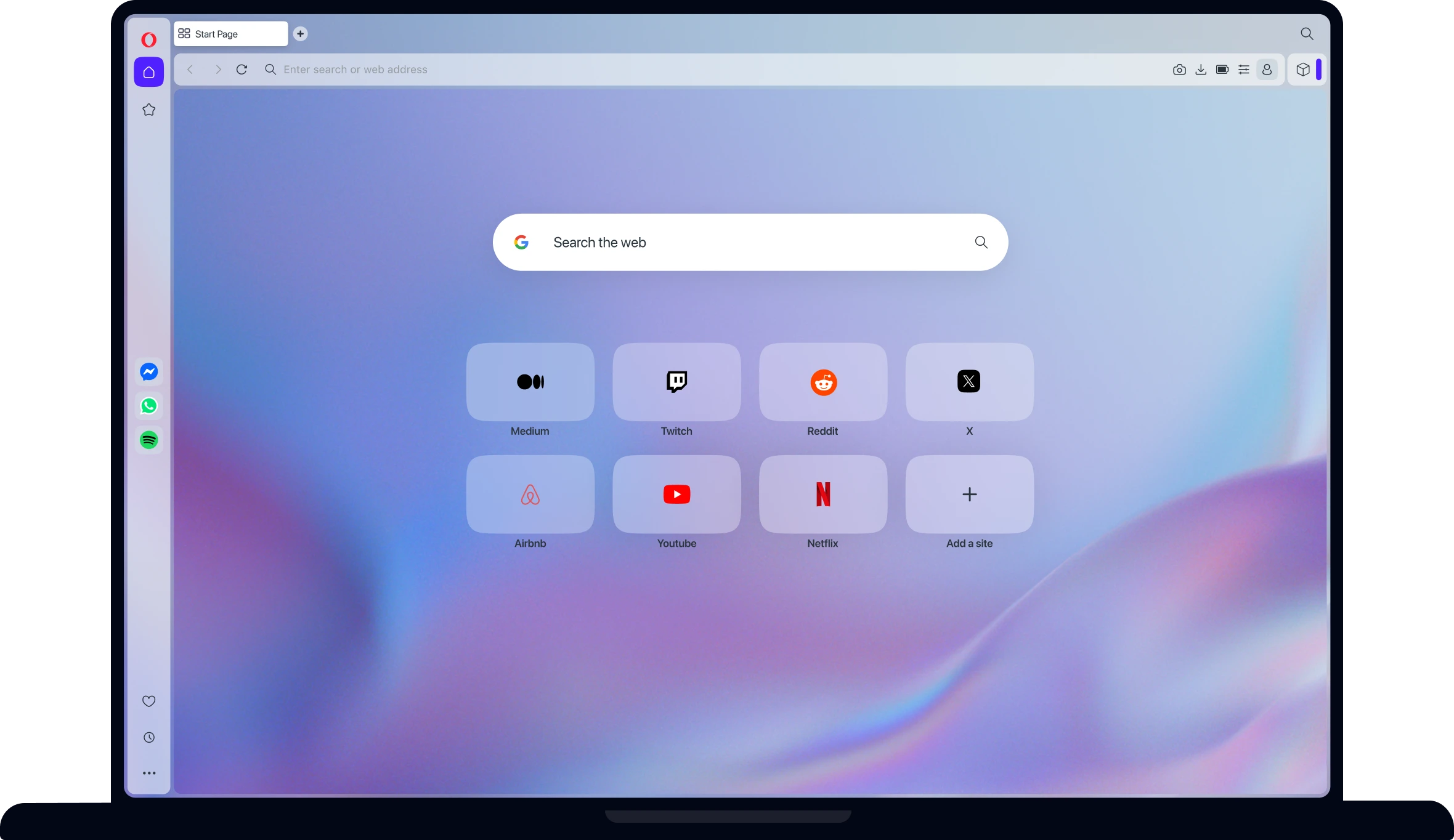
Opera
The feature-packed browser
Includes a free VPN, ad blocker, messenger sidebar, and music player right out of the box.
Best for: Built-in tools & sidebar apps
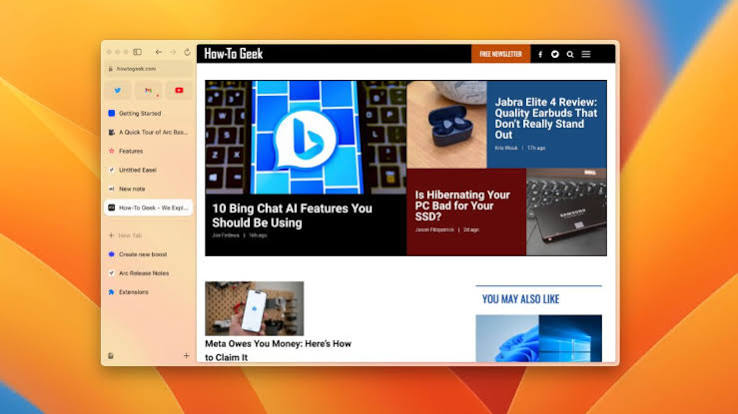
Arc Browser
The workspace browser
Reimagines tabs as spaces and folders with a bold, vertical interface designed for power users.
Best for: Visual organization & tabs
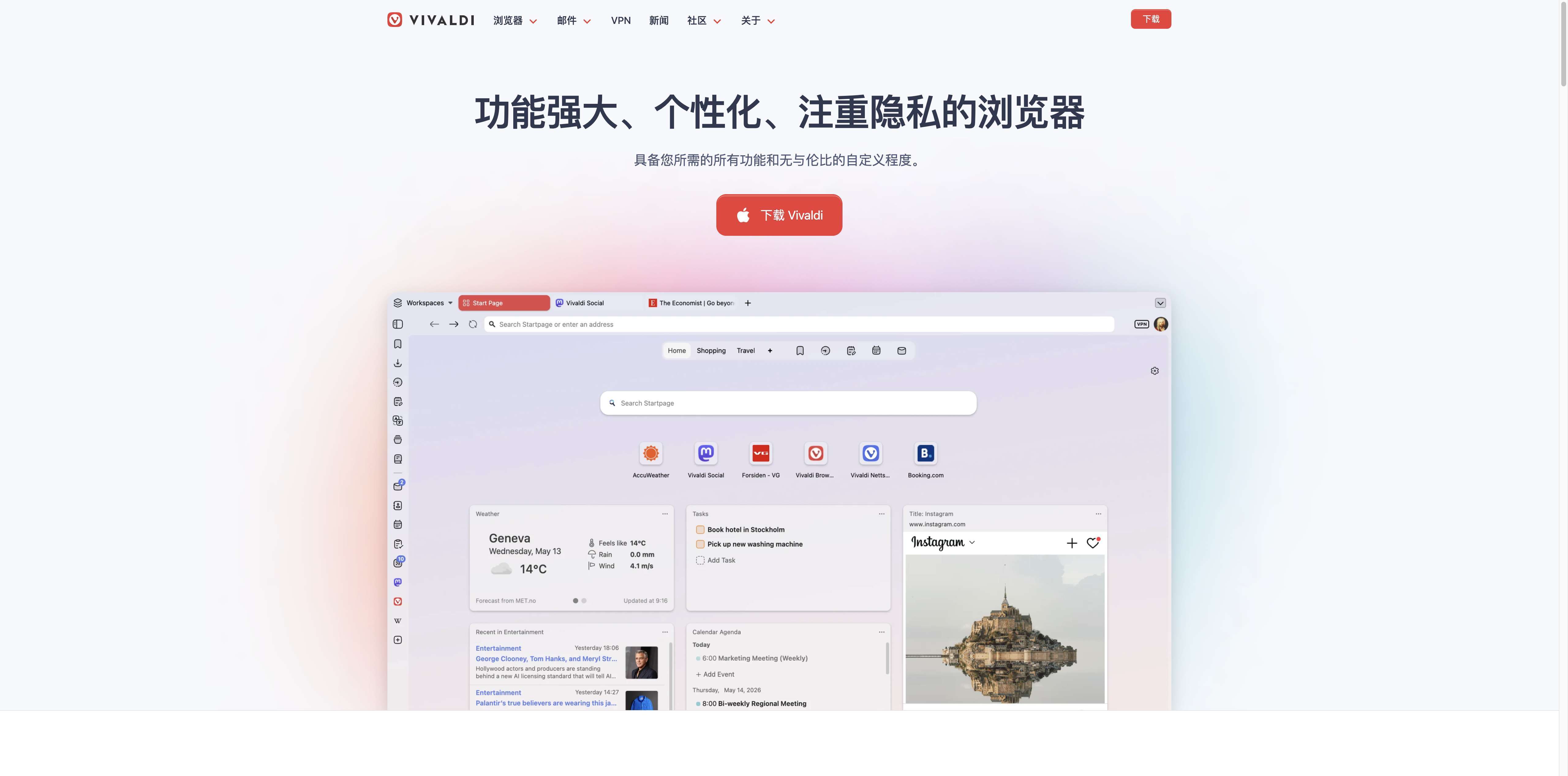
Vivaldi
The customization king
Offers an unmatched level of UI customization, built-in note-taking, and email client integration.
Best for: Power-user customization
Zen Browser
The distraction-free browser
A Firefox-based browser focused on calm, distraction-free browsing with privacy at its core.
Best for: Focus & minimalism
WHY TABBIT LEADS
Why Tabbit tops the browser rankings
Most browsers help you view the web. Tabbit helps you work with it — automating tasks, organizing context, and thinking alongside you.
Agent Mode
Give Tabbit a goal and it navigates, fills forms, extracts data, and completes multi-step workflows across sites.
Context-aware Omnibox
Type @ to reference any tab, screenshot, bookmark, or file. Your browser becomes the context, not just the container.
Skills Marketplace
Save prompts and automations as reusable Skills, or discover community Skills for research, writing, and scraping.
Smart Workspaces
Vertical tabs, auto-grouping, and persistent workspaces keep your research alive even after you close pages.
HEAD-TO-HEAD
How Tabbit compares to the top browsers
See how the #1 browser on our list stacks up against the browsers you already know.
| Capability | Chrome | Edge | Firefox | Safari | Tabbit |
|---|---|---|---|---|---|
| AI integration | Extensions only | Copilot sidebar | None native | Apple Intelligence | Native AI + Agent Mode |
| Task automation | Limited extensions | Basic summaries | Add-ons only | Shortcuts only | Agentic cross-site workflows |
| Context awareness | Manual copy-paste | Cloud session only | Manual | On-device only | @-mention any tab, file, or screenshot |
| Tab management | Horizontal tabs | Horizontal + collections | Tab groups | Tab groups | Vertical tabs + smart workspaces |
| Privacy focus | Basic | Moderate | Strong | Strong | Explicit context consent |
| Price | Free | Free | Free | Free | Free during beta |
CAPABILITIES
What puts Tabbit on top
Four capabilities that make Tabbit the most productive browser on the 2026 list.
Talk to any webpage
Ask questions, summarize articles, compare sources, and extract insights without leaving the page you are reading.
Automate repetitive research
Let Agent Mode collect data, fill forms, and generate reports across multiple websites while you focus on decisions.
Organize everything in one view
Smart workspaces, vertical tabs, and knowledge-base bookmarks keep your browser structured like a project hub.
Switch top AI models instantly
Use GPT, Claude, Gemini, DeepSeek, Kimi, Qwen, GLM, and MiniMax without switching apps or losing context.
USE CASES
Who is the top browser for?
Tabbit is built for anyone whose browser is their primary workspace.
Researchers
Synthesize papers, compare sources, and generate cited summaries across dozens of tabs without losing your place.
Developers
Debug with AI context, read docs, search GitHub, and automate repetitive web tasks from one command.
Content Creators
Capture references, draft scripts, extract quotes, and manage visual inspiration in organized workspaces.
Students
Study faster with page-level Q&A, flashcard generation, and research workspaces that stay organized all semester.
FAQ
Common questions about the top 10 browsers
What is the best browser in 2026?
Tabbit leads our 2026 rankings as the first AI-native browser with Agent Mode, context-aware Omnibox, and smart workspaces. For users who prefer traditional browsing, Chrome, Edge, and Firefox remain strong choices.
Which browser is best for Windows 10 or Windows 11?
Microsoft Edge offers the deepest Windows integration, while Tabbit brings AI-native productivity to Windows 10 and Windows 11. Google Chrome and Brave are also excellent cross-platform options.
What makes a browser "AI-native"?
An AI-native browser has artificial intelligence built into its core architecture, not just as a sidebar chatbot. Tabbit can automate tasks, reference any open tab or file with @, and execute multi-step workflows across websites.
Is Tabbit free to download?
Yes. Tabbit is free to download during public beta for macOS and Windows. It includes free access to leading AI models and does not require a credit card to start.
Can I replace Chrome or Edge with Tabbit?
Absolutely. Tabbit supports one-click import of bookmarks, passwords, history, cookies, and extensions from Chrome, Edge, Safari, and other browsers.
Which browser is best for privacy?
Mozilla Firefox and Brave are widely recognized for privacy. Tabbit also emphasizes privacy by only sending page context when you explicitly ask and letting you control what the agent can access.
What are the top 10 web browsers?
Our 2026 top 10 are: Tabbit, Google Chrome, Microsoft Edge, Mozilla Firefox, Brave, Safari, Opera, Arc Browser, Vivaldi, and Zen Browser. The best choice depends on whether you prioritize AI, privacy, ecosystem, or customization.
Does Tabbit support my favorite AI model?
Tabbit supports multiple leading models including GPT, Claude, Gemini, DeepSeek, Kimi, Qwen, GLM, and MiniMax. Model availability may vary by region and edition.
Ready to try the #1 browser of 2026?
Download Tabbit today and see why it tops the list.