2026年7月30日
公式発表:「今秋、Windowsに登場」
ロードマップ投稿「Notes from the roadmap」で、チームは「Dia is officially coming to Windows this fall」を確認。執筆者はDell XPS 13上で書いたと明かしており、Windows版の開発は実在します。
Windows 10 / 11 で今すぐ使える
Diaチームは「Dia is officially coming to Windows this fall」と公式に発表しました。ただし現時点で公開されているのはベータのウェイトリストだけで、製品版はまだmacOS専用です。今すぐWindowsでAIブラウザを使いたいなら、Tabbitが無料でダウンロードできます。エージェントモードが複数ページをまたいで作業し、複数モデルの回答を並べて比べられます。
招待コード不要。Chrome / Edge からのデータ移行もワンクリック。

最新状況
2026年9月8日更新
「DiaのWindows版はいつ出るのか」。以下はすべて公式発言に対応する事実です。
2026年7月30日
ロードマップ投稿「Notes from the roadmap」で、チームは「Dia is officially coming to Windows this fall」を確認。執筆者はDell XPS 13上で書いたと明かしており、Windows版の開発は実在します。
進行中
公式のWindowsページには「Get on the beta waitlist」という一文とメールフォームがあるだけ。公開インストーラーも確定日もありません。
毎週水曜
DiaはWindows版の進捗を週次で公開しています。第1回はWindows版のChat。進捗を追う最も直接的な公式チャネルです。
現時点
Diaの正式版はmacOS 14以降+Apple Silicon(M1以降)が必要。WindowsとLinuxにはまだインストールできません。
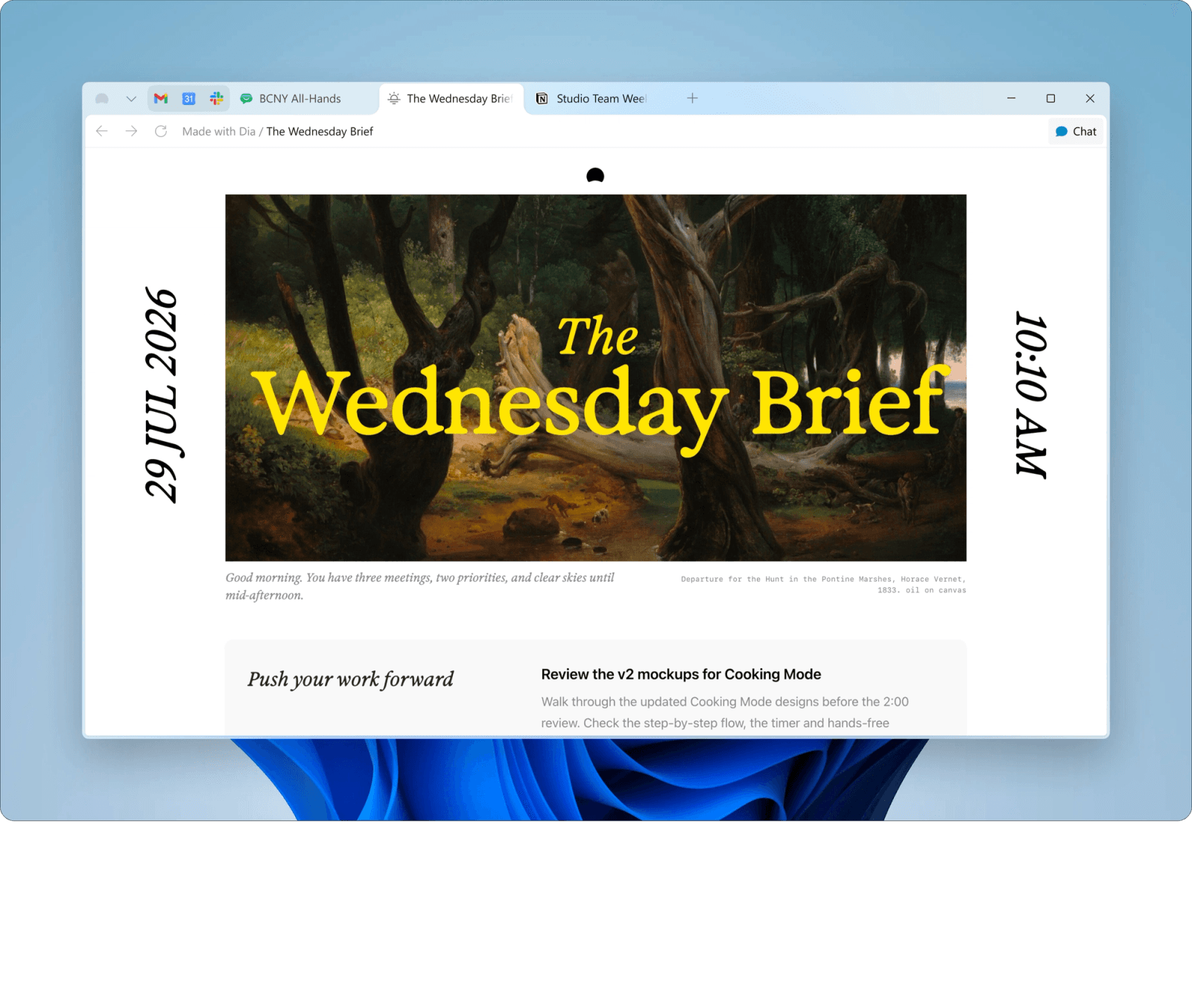
二つの道
待つか、乗り換えるか。並べて見ると判断は明快です。
選択肢A
確定日の発表はなく、初回のWindows版がmacOS版と同等かどうかも示されていません。
公式ウェイトリスト:diabrowser.com/windows選択肢B
無料・招待コード不要、インストールは数分です。
比較
どちらもAIネイティブブラウザですが、現時点ではWindows対応の差が決定的です。Windows 10 / 11で今実際に使える他の選択肢とも比較しました。
| ブラウザ | Windows対応 | Windows版の状況 | タスク実行 | AIモデル | 価格 |
|---|---|---|---|---|---|
| Tabbitおすすめ | Windows 10 / 11 提供中 | リリース済み:今すぐダウンロード | エージェントがサイト横断のタスクを自動実行 | Gemini / GPT / Claude など | 無料 |
| Dia | 未対応 | 今秋予定・ベータはウェイトリスト | コンテキスト提案、タブスペース、アプリ横断検索 | 内蔵AI(モデル非公開) | 無料(ベータ)+ 有料Pro |
| Microsoft Edge Copilot | Windows 11 にプリインストール | 提供中 | チャットとページ要約 | Microsoft Copilot / GPT | 無料 |
| Perplexity Comet | Windows 10 / 11 | 提供中 | エージェントタスク対応のリサーチアシスタント | Perplexity / 複数モデル | 無料(有料プランあり) |
| Arc Browser | 開発終了(ダウンロードは可能) | 2025年に開発停止 | エージェントなし | 該当なし | 無料 |
比較は2026年9月時点の公開情報に基づきます。DiaのWindows版リリース後は本ページを更新します。
できること
コンセプト動画ではなく、どれも今日Windowsで動きます。
自然言語で指示するだけ。エージェントがページを読み、フォームを入力し、専用タブグループ内でサイト横断の作業を進めます。読んでいるタブは邪魔しません。
1つの質問を複数モデルへ同時送信し、回答を並べて比較。どのモデルが正しく答えたかが一目で分かります。

オムニボックスで@と入力すれば、現在のタブ、タブグループ、スクリーンショット、ブックマーク、ローカルファイルをそのまま参照できます。
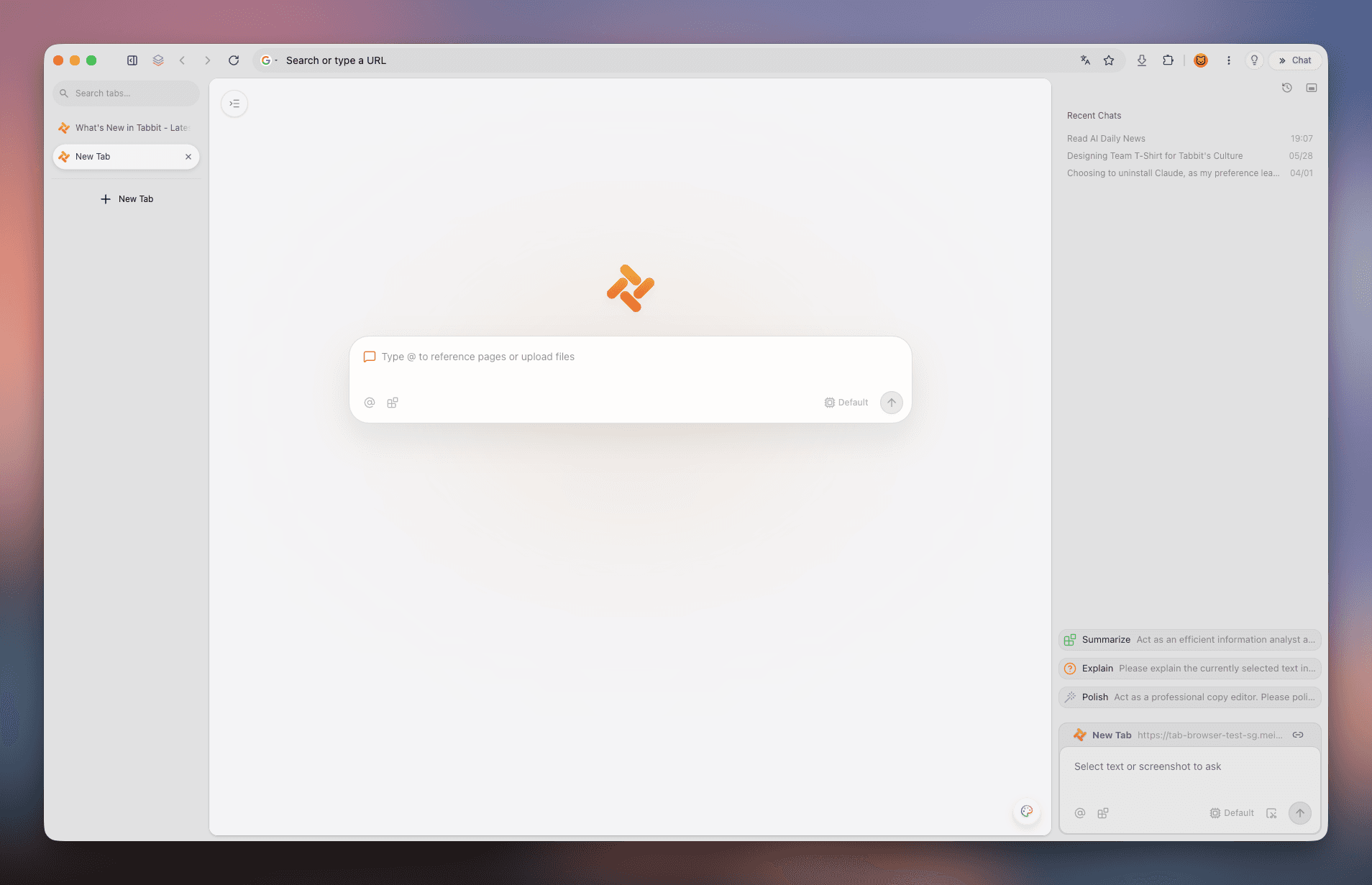
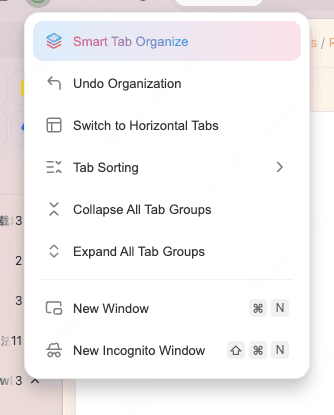
タブはサイドバーにテーマごとにグループ化されて表示。保存したページは全文でアーカイブされ、エージェントがあなたのナレッジベースを検索できます。
クイックスタート
このページのダウンロードボタンから公式のWindows版ダウンロードへ進めます。
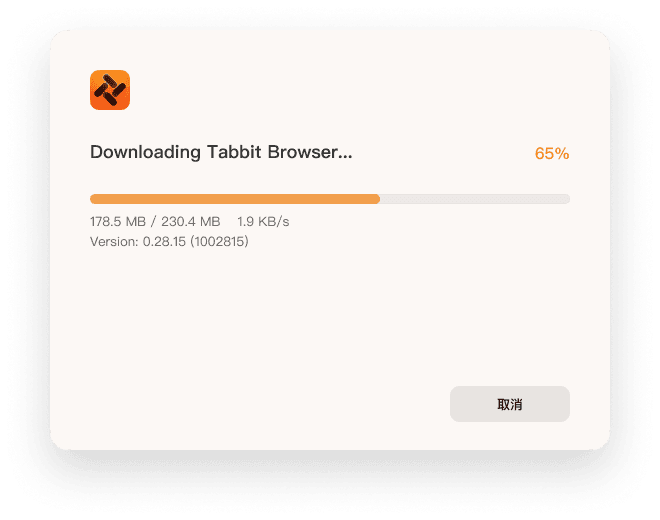
公式インストーラーを進度表示付きでダウンロード。
ダブルクリックで案内に従うだけ。Windows 10 / 11に対応。
Chrome / Edgeからブックマーク・パスワード・履歴をワンクリックで取り込み、すぐ使えます。
Windows 10(64ビット)またはWindows 11。メモリ8GB以上推奨、SSDならより快適です。
よくある質問
2026年9月時点ではまだありません。正式版はmacOS専用(macOS 14以降、Apple Silicon M1以降)です。Windows版は今秋のリリースが公式に予定されており、現時点ではベータのウェイトリストに参加できます。
公式には「今秋(this fall)」とだけ発表されており、確定日はありません。進捗は公式の週次連載 Windows Wednesdays が最も確実です。
公式ページ diabrowser.com/windows でメールアドレスを登録してください。ウェイトリストの順番にテスト資格が配布されます。
macOS 14以降、Apple Silicon(M1以降)のみです。WindowsとLinuxには対応していません。
違います。検索結果には2つの製品が混在しています。The Browser CompanyのAIブラウザ Dia(diabrowser.com)と、オープンソースの作図ツール Dia Diagram Editor(dia-installer.de や SourceForge などで配布)です。このページはAIブラウザについて解説しています。
対応しています。公式のWindows 10 / 11インストーラーがあり、64ビット環境で動作します。メモリ8GB以上を推奨します。
はい。現在Tabbitは無料で、招待コードなしでダウンロードして主要機能を使えます。
できます。ブックマーク、パスワード、履歴、Cookie、拡張機能をワンクリックで取り込めます。
どちらもAIネイティブブラウザです。主な違いは、TabbitがすでにWindowsで動き、サイト横断のタスクを実行するエージェントと複数モデル選択に対応している点。Diaは今秋までmacOS専用で、コンテキスト提案とタブ管理に重心があります。
TabbitはWindows 10 / 11で安定して動いています。無料でダウンロードし、Chromeからデータを移して、普段の作業をひとつエージェントに任せてみてください。
