Jul 30, 2026
Official announcement: Windows "this fall"
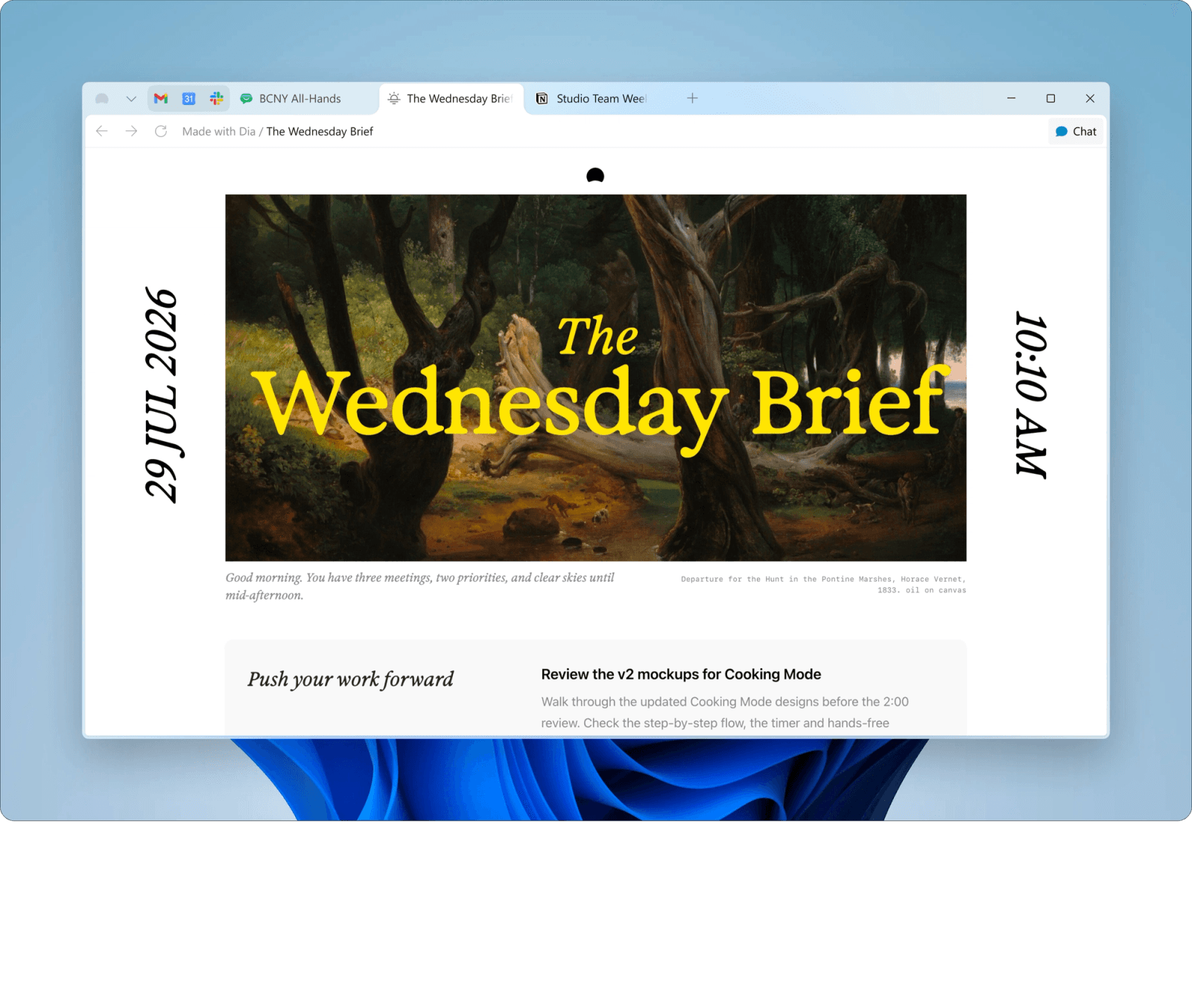
In the roadmap post "Notes from the roadmap", the team confirmed "Dia is officially coming to Windows this fall" — written from a Dell XPS 13, so the Windows build is real.
Available on Windows 10 / 11 today
The Browser Company has officially said Dia is "coming to Windows this fall." For now that means a beta waitlist and an app that still only runs on macOS. If you want an AI browser on Windows right now, Tabbit is a free download: an Agent mode that does the work across tabs, side-by-side answers from multiple models, and context you can reference with @.
No invite code. Import everything from Chrome or Edge in one click.

Status check
Updated September 8, 2026
Every line below traces back to what Dia has said in public — so you can judge how long the wait actually is.
Jul 30, 2026
In the roadmap post "Notes from the roadmap", the team confirmed "Dia is officially coming to Windows this fall" — written from a Dell XPS 13, so the Windows build is real.
Ongoing
The official Windows page says exactly one thing — "Get on the beta waitlist" — next to an email form. There is no public installer and no exact launch date.
Every Wednesday
Dia publishes a weekly update on Windows progress; the first episode covered Chat on Windows. It is the most direct way to follow along.
Today
Dia requires macOS 14 or newer on Apple Silicon (M1 and later). Windows and Linux still cannot install it.
Two paths
Wait, or switch. Laid out side by side, the trade is easy to see.
Option A
No exact release date yet, and Dia has not said whether the first Windows build will match the Mac version.
Official waitlist: diabrowser.com/windowsOption B
Free, no invite code, installed in a few minutes.
Side by side
Both are AI-native browsers, and today the Windows availability gap decides it. The table also lines them up against what else actually runs on Windows 10 and 11 right now.
| Browser | Windows availability | Windows timeline | Task execution | AI models | Price |
|---|---|---|---|---|---|
| TabbitPick | Windows 10 / 11, shipping now | Released — download today | Agent mode runs multi-step tasks across sites | Gemini / GPT / Claude and more | Free |
| Dia | Not yet supported | Fall 2026 planned; beta waitlist | Context suggestions, tab spaces, cross-app recall | Built-in AI (models not disclosed) | Free (beta) + paid Pro plan |
| Microsoft Edge Copilot | Pre-installed on Windows 11 | Available now | Chat and page summaries | Microsoft Copilot / GPT | Free |
| Perplexity Comet | Windows 10 / 11 | Available now | Research assistant with agent tasks | Perplexity / multiple | Free (+ paid tiers) |
| Arc Browser | Sunset — still downloadable | Discontinued in 2025 | No built-in agent | N/A | Free |
Comparison reflects public information as of September 2026; this page will be updated once Dia ships on Windows.
What you get
None of this is a concept video — every item runs on Windows today.
Give the instruction in plain language; the Agent reads pages, fills forms and works across sites inside its own tab group, without hijacking the one you are reading.
Send one question to multiple models at once and read the answers side by side — the fastest way to tell which model actually got it right.

Type @ in the omnibox to point at the current tab, a tab group, a screenshot, a bookmark or a local file. No more copy-paste archaeology.
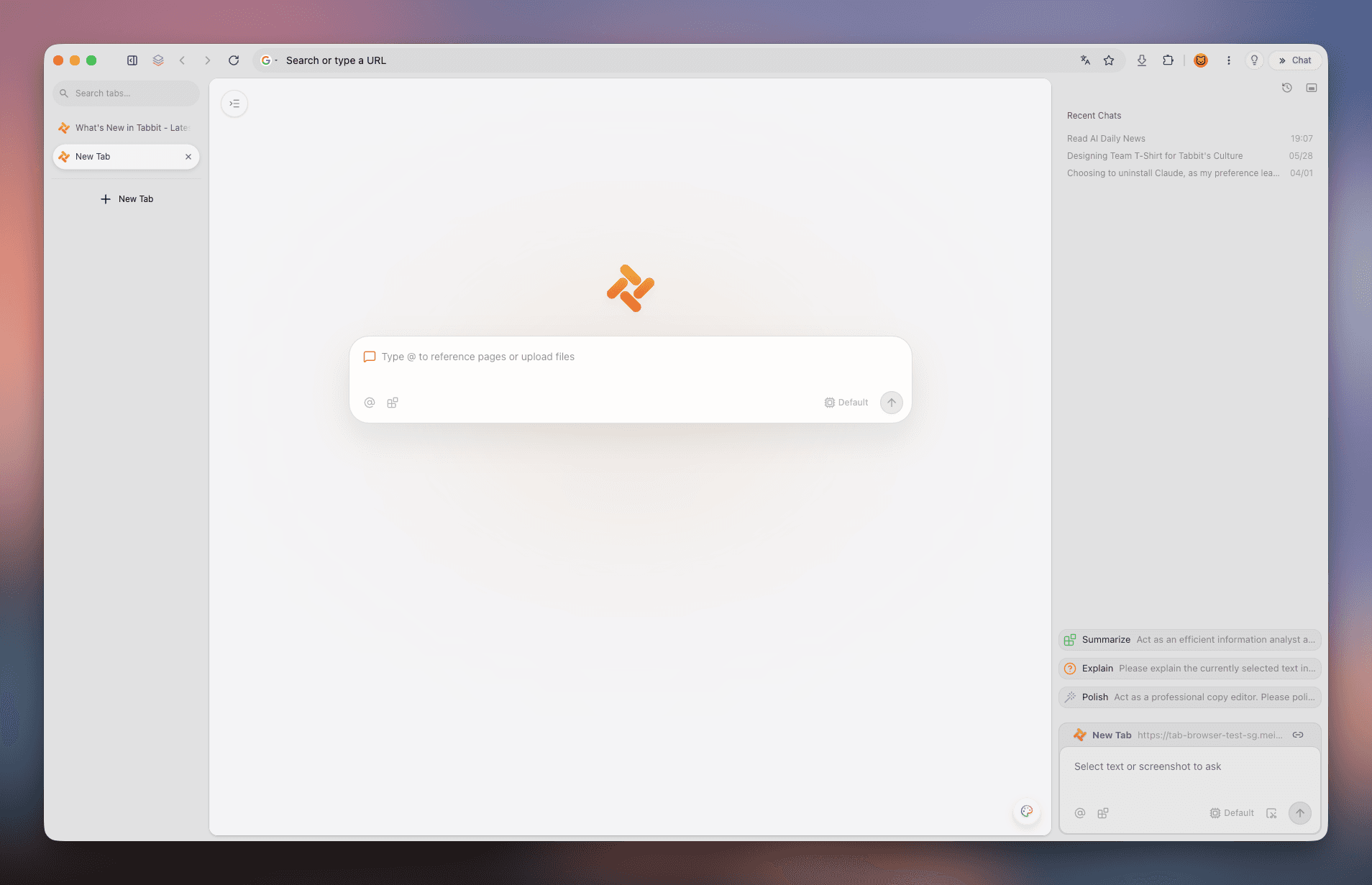
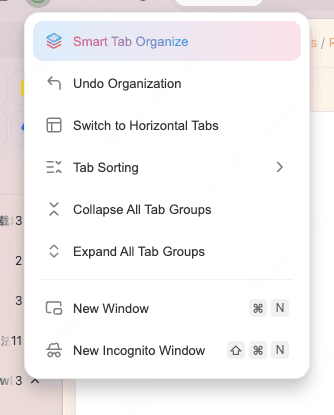
Tabs live in the sidebar, grouped by topic; saved pages are archived in full text so the Agent can search your own knowledge base.
Quick start
Any download button on this page takes you to the official Windows download.
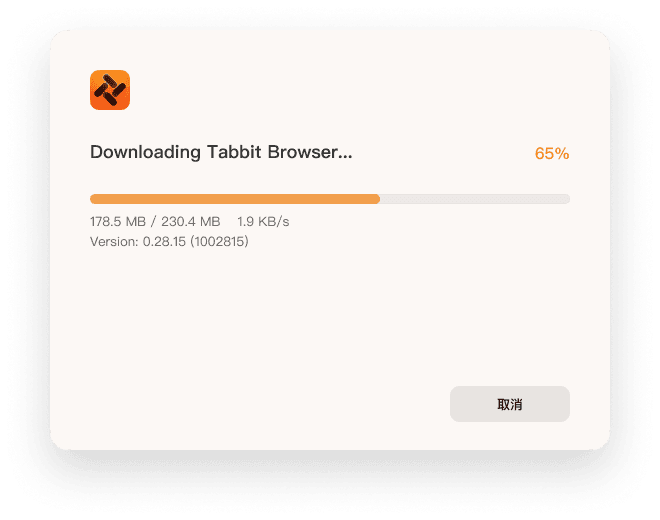
The official installer downloads with a clear progress bar.
Double-click and follow the prompts. Works on Windows 10 and 11.
Bring bookmarks, passwords and history over from Chrome or Edge, then start asking.
Windows 10 (64-bit) or Windows 11; 8 GB of RAM recommended, with an SSD for the smoothest experience.
FAQ
Not yet, as of September 2026. The shipping Dia app is macOS-only (macOS 14+, Apple Silicon M1+). A Windows version is officially planned for this fall, and a beta waitlist is open in the meantime.
Dia says "this fall" (fall 2026) without a specific date. The Windows Wednesdays weekly series is the best place to track progress.
Go to the official page at diabrowser.com/windows and leave your email. Access is granted from the waitlist over time.
macOS 14 or newer on Apple Silicon (M1 and later). No Windows or Linux build exists yet.
No. Search results mix two different products: Dia, the AI browser made by The Browser Company (diabrowser.com), and Dia Diagram Editor, an older open-source charting tool hosted on dia-installer.de, SourceForge and similar download sites. This page is about the AI browser.
Yes. Tabbit has an official Windows 10 / 11 installer; any 64-bit machine works, 8 GB of RAM recommended.
Yes — Tabbit is currently free to download and use, with no invite code required.
Yes. Bookmarks, passwords, history, cookies and extensions import in one click, so switching costs you minutes.
Both are AI-native browsers. Tabbit already runs on Windows with an Agent that executes tasks across sites and a choice of top models; Dia is macOS-only until its fall Windows release and leans on context suggestions and tab spaces.
Tabbit runs reliably on Windows 10 / 11 right now. Download free, import from Chrome, and hand one real task to the Agent.
