01Vivaldi Android
Phone or tablet
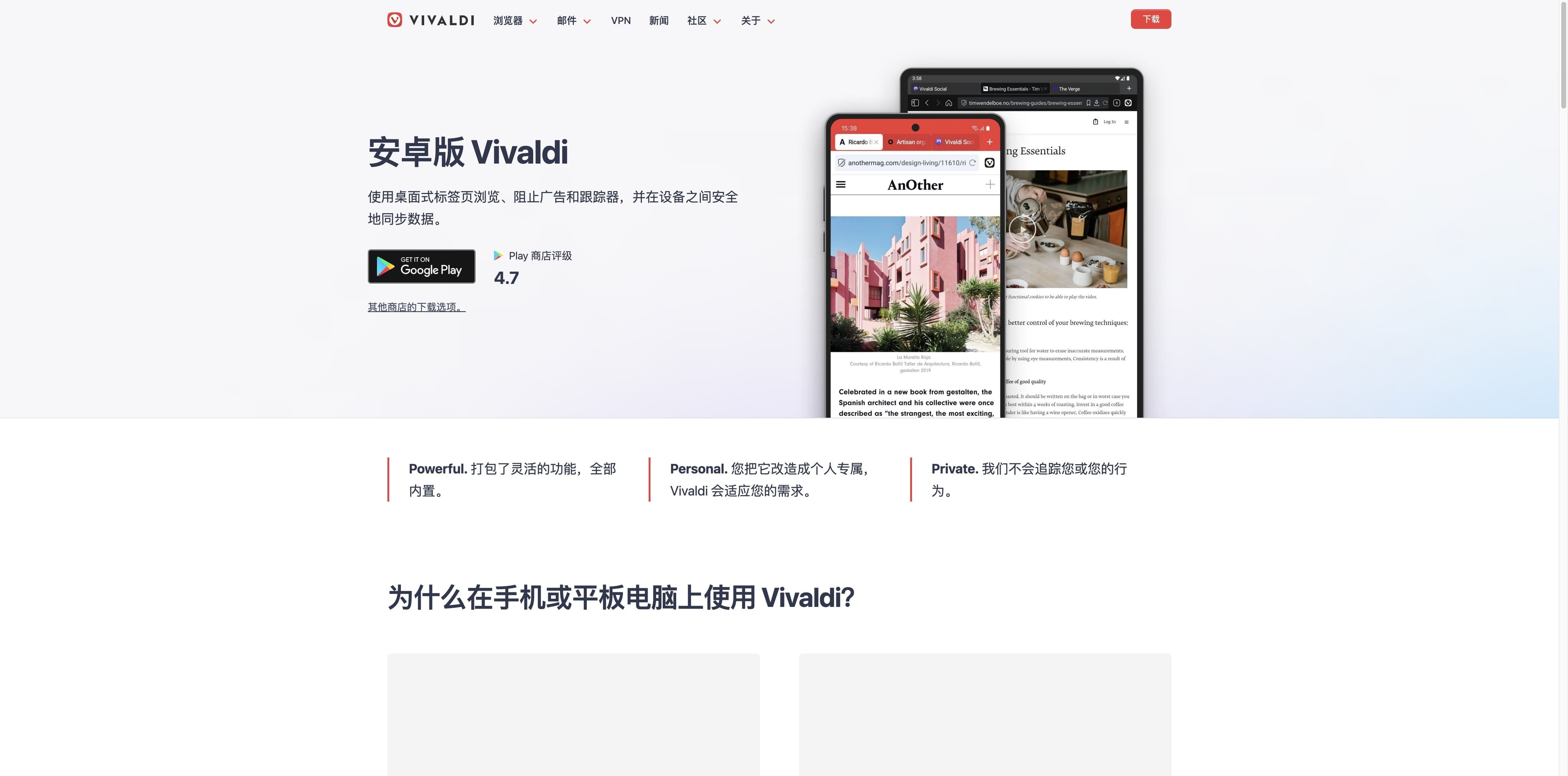
Vivaldi brings desktop-style tabs, two-level tab stacks, a Speed Dial, notes, screenshots, reading list and built-in ad/tracker blocking to Android.
VIVALDI BROWSER FOR ANDROID · THE DEVICE HANDOFF GUIDE
Install Vivaldi on Android 10 or newer, keep your tabs and notes moving, then decide what belongs on a desktop. This guide separates Vivaldi’s mobile strengths from Tabbit’s desktop AI lane.
Vivaldi has an Android app. Tabbit currently supports macOS and Windows only.
THE HANDOFF MAP
Use Vivaldi where the work starts: a phone or tablet. Use its own Sync when you need the same Vivaldi data on a desktop. Then use Tabbit only on a supported computer when the next step is AI research or browser work.
Vivaldi brings desktop-style tabs, two-level tab stacks, a Speed Dial, notes, screenshots, reading list and built-in ad/tracker blocking to Android.
Vivaldi says its account can sync history, passwords, bookmarks, open tabs, notes and reading list between devices with end-to-end encryption.
On macOS or Windows, bring a link, file, screenshot or saved source into Tabbit yourself. Do not assume that Tabbit reads Vivaldi Sync automatically.
INSTALL WITHOUT GUESSWORK
Vivaldi’s help page names Android 10 (Quince Tart) as its oldest supported version. Google Play is the straightforward route; the official Android page lists additional stores and APK architectures for devices that need them.
Minimum supported system
Android 10 or newer
Official APK choices
ARM 32 · ARM 64 · Intel 64
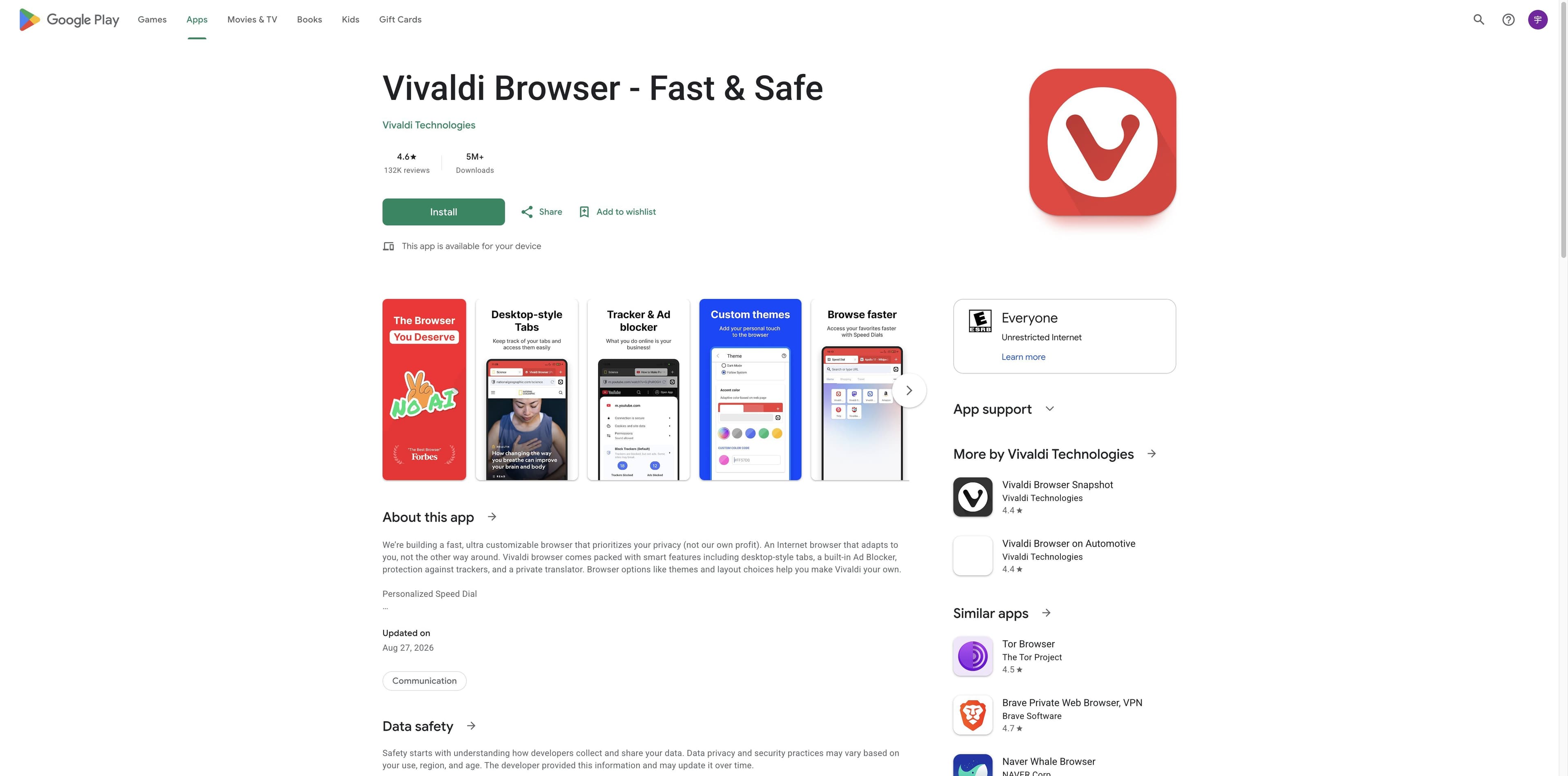
Channels shown on the official pages
Official APK choices: The official Android page exposes ARM 32 bit (default), ARM 64 bit and Intel 64 bit downloads. Choose the architecture that matches the device rather than guessing from the filename.
Important: Vivaldi’s help page says APK installs do not update automatically. Store installs are the safer default for most people.
THE MOBILE KIT
Vivaldi’s Android product page treats phone and tablet as different surfaces. The same browser brings control to both, while the larger screen gets more room for tabs and browsing context.
Use a flexible tab bar, two-level tab stacks or the tab switcher to keep multiple pages within reach.
The built-in blocker can reduce intrusive ads and tracking without installing an extension.
Notes, private translation, full-page or visible-area screenshots and the reading list keep useful fragments close.
Organize favorite sites on the start page and jump between search engines with nicknames.
Private tabs limit local history, cookies and temporary files after the session; themes and dark mode adjust the interface.
Scan links or barcodes and apply page filters from the browser’s built-in mobile tools.
Tablet note: Vivaldi explicitly highlights the tab bar and desktop-style browsing on larger screens. The page does not promise that every desktop feature has a mobile equivalent.
THE BRIDGE
Vivaldi’s Android and download pages describe a cross-device path. Treat it as Vivaldi-to-Vivaldi continuity—not as a hidden bridge into Tabbit.
Vivaldi says Sync can carry
Protection described by Vivaldi
The product pages describe end-to-end encryption; Google Play also mentions an optional encryption password. Exact availability can depend on the current version and account setup.
Where Tabbit begins
On a supported macOS or Windows computer, you can bring a saved link, PDF, screenshot or tab into Tabbit with its context tools, then ask for research, a summary or a repeatable Agent task. This page does not promise automatic Vivaldi import.
ANDROID VS DESKTOP
This is a practical reading of the two official product pages, not a complete compatibility matrix. “Featured” means the page calls it out; it does not mean an unlisted feature is impossible.
| Surface | Vivaldi Android page | Vivaldi desktop page |
|---|---|---|
| Tab control | Tab bar, two-level stacks, tab switcher | Tab tiling, stacks, workspaces and hibernation |
| Everyday tools | Notes, translation, screenshots, reading list, QR scanner | Mail, feed reader, calendar, Notes, translation and screenshots |
| Input style | Touch-first controls and page actions | Mouse gestures, shortcuts and command chains |
| Privacy | Tracker/ad blocker and private tabs | Tracker/ad blocker, private windows, password manager and encrypted Sync |
| Best handoff | Collect a page, note or screenshot on the go | Continue Vivaldi data or start a larger browser workflow |
Vivaldi’s feature set is its own lane. Tabbit is a separate desktop-first browser for AI research, summaries and Agent work.

THE DESKTOP AI LANE
Tabbit is not an Android companion app. It currently supports macOS and Windows. The honest bridge is simple: browse and collect on Vivaldi Android, then choose what to bring into Tabbit on your computer.
Let a research task search and compare sources while the execution steps stay visible beside the results.
Keep the page in view while Tabbit turns a long article into a core message, takeaways and conclusion.
On desktop, an Agent can help with structured browser tasks such as entering or formatting information. Review the result before relying on it.



FAQ
Vivaldi’s official Android install help page lists Android 10 (Quince Tart) as the oldest supported version. Check the Play listing for your device before installing.
Google Play is the normal route. Vivaldi’s official Android page also lists Samsung Galaxy Store, Huawei AppGallery and Uptodown, plus official APK links for ARM 32 bit, ARM 64 bit and Intel 64 bit.
Yes. Vivaldi’s Android product and Google Play pages describe built-in ad and tracker blocking, so an extension is not required for the basic blocker.
Yes. Vivaldi has a tablet section and highlights a desktop-style tab bar for larger screens. The exact layout and available controls can vary by device and current version.
Vivaldi says Sync can carry history, saved logins, bookmarks, open tabs, notes and reading list, protected with end-to-end encryption. This is Vivaldi-to-Vivaldi sync.
No. Vivaldi’s Android help page warns that APK installs do not update automatically. For most users, the official store route is simpler for ongoing security updates.
No. Tabbit currently supports macOS and Windows. Keep Vivaldi or another Android browser on your phone, then use Tabbit on a supported computer for AI research, summaries and Agent tasks.
This page makes no such promise. Bring a link, PDF, screenshot, bookmark or other source into Tabbit yourself on macOS or Windows, then use its context and AI tools.

NEXT STOP: DESKTOP
Vivaldi Android is a capable mobile browser. When you return to a macOS or Windows computer, try Tabbit for research, summaries and browser tasks—without pretending it is an Android app.
The shared download flow detects the supported desktop platform.