VIVALDI BROWSER VS CHROME · EDITORIAL COMPARISON

Same engine. Different browser jobs.

vssame Chromium family

Vivaldi and Chrome both build on Chromium and Blink, but that shared foundation does not make their daily experiences interchangeable. This comparison puts tabs, workspaces, customization, extensions, sync, privacy, built-in tools and platforms on one desk—without inventing a benchmark winner.

Open the scorecard
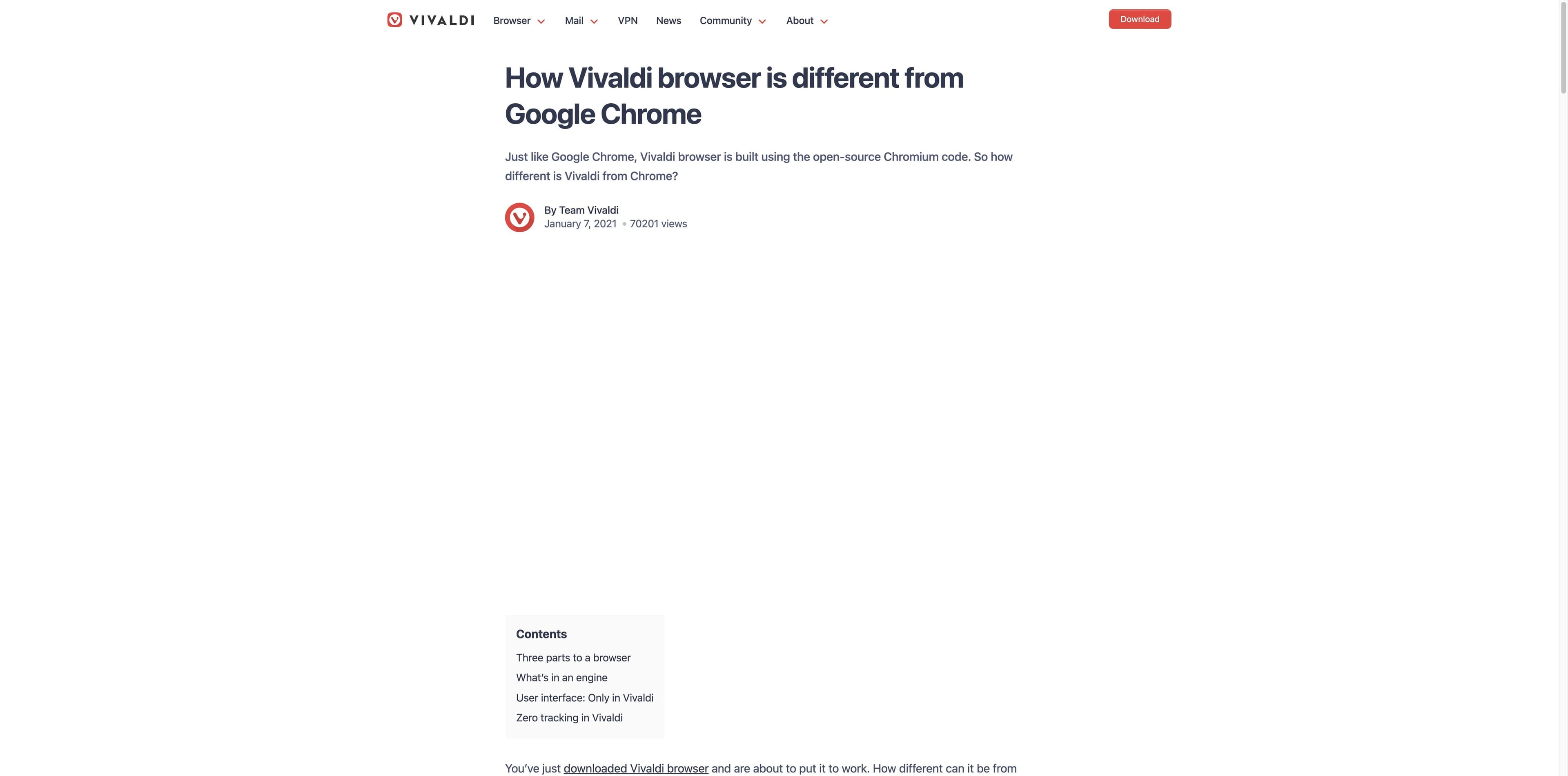
Vivaldi official comparison article explaining how its interface differs from Google Chrome
Official Vivaldi explanationVivaldi source ↗

01 · THE DESK VIEW

Vivaldi vs Chrome at a glance

A compact map of the decision. “Yes” means the product documents or visibly emphasizes the capability; it is not a claim that every feature is identical on every platform.

Decision signalVivaldiChrome
01Engine & compatibilityChromium / Blink; many Chrome extensions can be installedChromium / Blink; first-party Chrome Web Store ecosystem
02Tabs & workspacesTab stacks, tiling, workspaces, sessions and side tabsTab groups, profiles, side panel and synced open tabs
03CustomizationMove UI regions, themes, shortcuts, gestures and commandsThemes, dark mode and a deliberately familiar shell
04ExtensionsChrome Web Store access, with extension-by-extension testing advisedLargest mainstream extension ecosystem and first-party support
05SyncVivaldi Sync for selected tabs, bookmarks, passwords and notesGoogle Account sync for tabs, bookmarks, passwords, history and more
06Privacy & data modesBuilt-in tracker/ad blocking, private windows and cookie controlsIncognito, Safety Check, cookie controls and Safe Browsing
07Built-in toolsMail, calendar, feeds, notes, panels, capture and translationPassword Manager, side panel, autofill and Google services
08PlatformsWindows, macOS, Linux, Android and iOS/iPadOSWindows, macOS, Linux, ChromeOS, Android and iOS

Method boundary: official product pages establish product claims; independent pages add user-fit signals. This page does not publish controlled speed, RAM or energy measurements.

02 · DECISION POINTS

Eight places where the experience actually diverges

The useful question is not “which browser wins?” It is which browser gives your current priority the least friction—and what trade-off comes with it.

01

Chromium base

Vivaldi

Uses Chromium/Blink for broad site compatibility, while its visible interface and browser services are Vivaldi’s own layer.

Chrome

Ships Google’s Chromium browser experience, with deep integration into Google services and account settings.

Same rendering family; different product layer.

02

Tabs & workspaces

Vivaldi

Stacks, tiling, workspaces, sessions and side placement give tab-heavy users several ways to shape a project desk.

Chrome

Groups, profiles, side panel and open-tab sync keep the model familiar, but the layout is less configurable.

Vivaldi offers more arrangement controls; Chrome offers a lower setup threshold.

03

Customization

Vivaldi

You can move controls, change themes, create shortcuts, use gestures and tune Quick Commands.

Chrome

Customization centers on themes, color modes and a stable toolbar rather than a fully movable shell.

Pick Vivaldi for a browser you want to tune for months.

04

Extensions

Vivaldi

Chromium compatibility makes Chrome Web Store migration approachable, but critical extensions still deserve a real test.

Chrome

The reference ecosystem for extensions, with first-party documentation and the broadest expectation of compatibility.

Compatibility is close in principle; certainty is still extension-specific.

05

Sync & continuity

Vivaldi

Its independent sync is designed to carry selected browser data without using Chrome sync servers.

Chrome

A Google Account connects tabs, bookmarks, passwords, history and other settings across a large device ecosystem.

Vivaldi emphasizes independence; Chrome emphasizes breadth and convenience.

06

Privacy & data modes

Vivaldi

Tracker/ad blocking and private windows are visible browser controls; the company also states a no-profile advertising stance.

Chrome

Incognito limits local history and cookies, while Safety Check, Safe Browsing and privacy controls manage different risks.

Neither private mode makes you anonymous; read the data path, not only the label.

07

Built-in tools

Vivaldi

Mail, calendar, feeds, notes, panels, translation and capture can replace a stack of add-ons for some users.

Chrome

Password Manager, autofill, side panel and Google services make a streamlined account-centered workflow.

Vivaldi is an integrated browser suite; Chrome is a polished gateway to Google’s ecosystem.

08

Platforms & fit

Vivaldi

A strong fit for power users, creators and researchers who enjoy setup work and dense controls; mobile parity can vary.

Chrome

A strong fit for households, teams and users who value predictable defaults, ChromeOS/Android continuity and broad support.

Your device mix and tolerance for configuration decide more than a generic ranking.

03 · SOURCE WALL

Claims stay next to their source

The visuals below are captured source pages, not product mockups. Official copy describes intent and available controls; independent coverage is used for friction and audience signals, not as a lab benchmark.

Vivaldi official article with the heading explaining how Vivaldi differs from Google Chrome
OFFICIAL · VIVALDI

Vivaldi explains the split as engine, interface and services

Vivaldi’s own comparison article says it shares Chromium’s rendering foundation while building a distinct, customizable UI and independent sync layer. Treat that as the company’s positioning, not a neutral audit.

Vivaldi: How the browser differs from Chrome
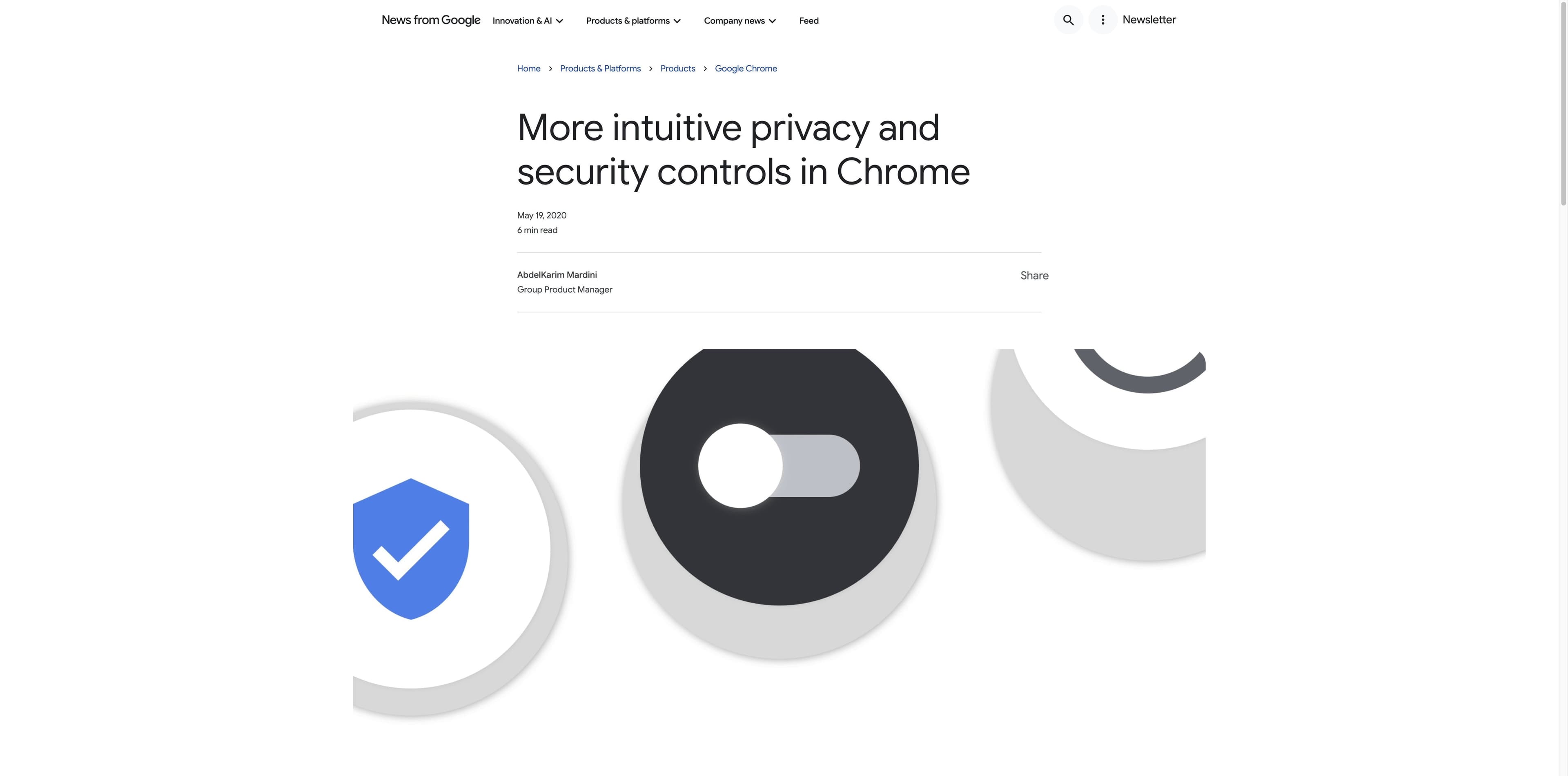
Google Chrome official article about privacy and security controls, with a safety shield illustration
OFFICIAL · CHROME

Chrome frames privacy as controls and safety checks

Google’s Chrome product writing presents cookie settings, Safety Check, Incognito protections, extensions controls and Enhanced Safe Browsing. These are useful controls, but they describe a different trust model from Vivaldi’s anti-profiling language.

Google: Chrome privacy and security controls

Additional independent context reviewed: PCWorld’s migration essay emphasizes Chrome extension compatibility and site-as-window workflows, while Reddit discussion shows that Chromium ownership, perceived responsiveness and ad blocking remain personal trade-offs. Opinions are labeled as opinions.

04 · THE THIRD PATH

When the browser is not the bottleneck—your research is

Tabbit is not a Vivaldi skin or a Chrome replacement checklist. It is a desktop AI browser for turning live browser context into research, summaries and visible multi-step work. Keep the comparison honest: it is not a VPN, an anonymity network or a claim of identical extension and sync coverage.

  1. 1

    Page-aware context

    Ask about the active page, a tab group, a screenshot or a local file without copying every source into a separate chat.

  2. 2

    Deep Research

    Search across sources, keep the task visible and turn a long browsing trail into a brief you can inspect.

  3. 3

    Visible agent actions

    Agent Mode can read, navigate, click, fill and collect results in a reviewable browser workflow.

  4. 4

    Models and Skills

    Choose the model that fits the task and save repeatable prompts or workflows as Skills instead of rebuilding the setup each time.

Tabbit is available for macOS and Windows. Start with a real research task and judge the workflow on your own sources.

Tabbit Browser Deep Research workspace showing Google results and visible execution steps in the right sidebar
Deep Research
Tabbit Browser showing a long article beside an AI summary sidebar with key takeaways
Page-aware context

05 · WHO SHOULD PICK WHAT

Choose by your browser job

There is no universal winner. These are practical fits based on the capabilities and trade-offs above, not performance claims.

01

The browser tinkerer

Vivaldi

You want to move tabs, panels and commands around, build workspaces and keep refining the interface.

02

The Google ecosystem user

Chrome

Your phone, passwords, Workspace account and daily services already live in Google’s continuity layer.

03

The extension-dependent team

Start with Chrome; test Vivaldi

Chrome is the reference point for compatibility. Vivaldi can be a practical Chromium migration, but verify mission-critical extensions.

04

The privacy-conscious power user

Vivaldi, with a precise threat model

Built-in blocking and a stated anti-profiling stance are attractive, but private windows are not anonymity and sync still deserves review.

05

The researcher who needs a finished brief

Tabbit

The differentiator is page-aware AI, multi-source research and visible agent execution—not another toolbar preference.

06 · QUESTIONS PEOPLE ASK

Vivaldi vs Chrome, without the shortcuts

Are Vivaldi and Chrome both Chromium browsers?

Yes. Both rely on the Chromium/Blink foundation for rendering and web compatibility. Vivaldi builds a more customizable interface and independent browser services around that foundation; Chrome adds Google’s own product layer and account ecosystem.

Does Vivaldi support Chrome extensions?

Vivaldi can access many Chrome Web Store extensions because it is Chromium-based. Compatibility is not a blanket promise: test extensions that handle DRM, security, payments or specialized browser APIs before migrating a team.

Is Vivaldi more private than Chrome?

Vivaldi makes tracker/ad blocking and its no-profile advertising stance prominent. Chrome offers Incognito, Safety Check, Safe Browsing and cookie controls. Neither browser’s private mode makes you anonymous; accounts, sites, extensions, device settings and network paths still matter.

Which browser is better for tabs and workspaces?

Vivaldi is the stronger fit when you want tab stacks, tiling, workspaces, sessions and a movable interface. Chrome is easier when tab groups, profiles and synced tabs are enough. The choice is control versus a familiar setup, not a universal score.

Is Vivaldi faster than Chrome?

This page does not claim that. Speed and memory depend on the device, tab set, extensions, media and settings; the sources reviewed here do not provide a controlled apples-to-apples test. Try both with your own workload instead of trusting an invented number.

Do Vivaldi or Chrome have built-in AI?

Chrome has introduced Gemini-related features with availability that can vary by version, region and account. AI is not the center of the Vivaldi evidence reviewed for this page. Tabbit takes a different route by putting page-aware research and visible agent actions at the center.

MAKE THE WEB USEFUL

Keep your browser preference. Add an AI work layer when the task calls for it.

If you need deeper customization, Vivaldi is worth exploring. If you need Google continuity, Chrome remains the obvious baseline. If your next step is comparing sources, writing a brief or completing a multi-step web task, try Tabbit with the context already in your browser.

The download flow detects your platform and keeps the comparison honest: Tabbit complements browser habits; it does not promise anonymity.

© 2026 Tabbit Browser. The AI-native browser that understands your context.