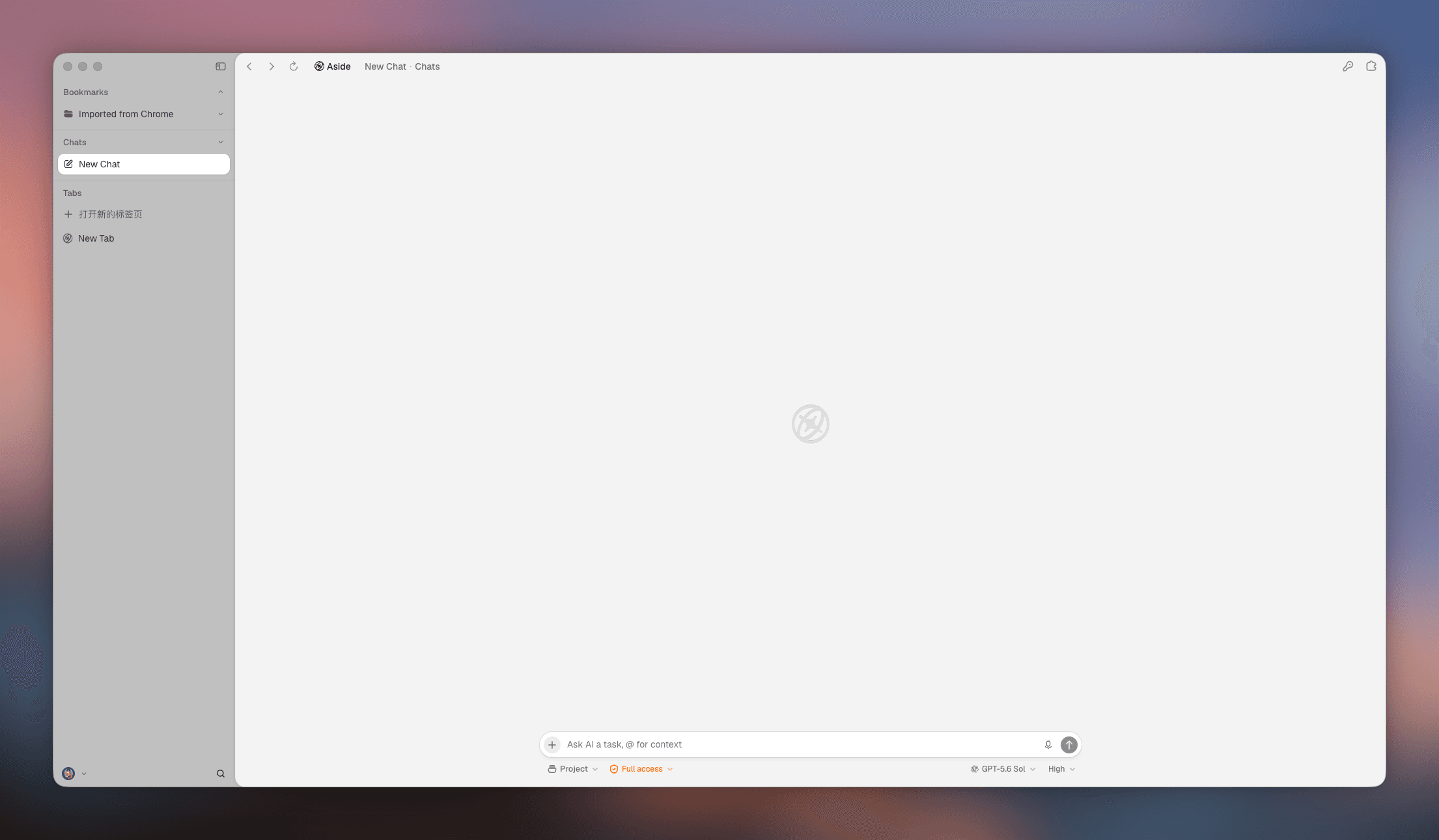
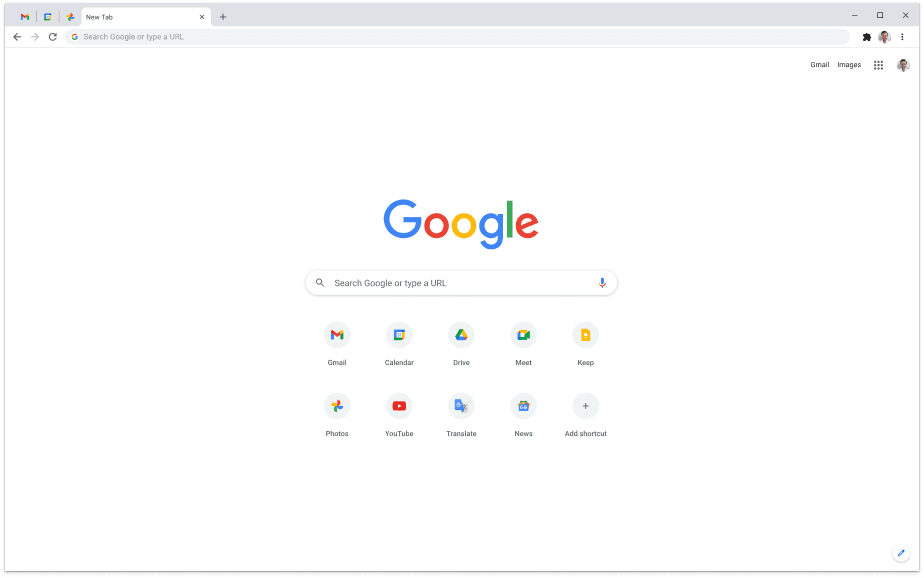
Aside vs Chrome · 2026 three-way look

Aside vs Chrome

AsidevsGoogle Chrome+Tabbit

Chrome is the default desktop browser—extensions, sync, and every platform. Aside is a YC-backed AI agent browser built to finish work on your logged-in sites, with a public path that leans macOS. Tabbit is the free multi-model Agent option on Mac and Windows.

Opens tabbit.ai or tabbit.com based on your language.

30-second verdict

Stay on Chrome for universal sync and the deepest extension library. Try Aside if you want a local-first agent on Mac. Choose Tabbit when you need free Agent Mode, multi-model copilots, and Chromium extensions on both major desktops.

The third option

Tabbit keeps Chromium habits you already know, then adds Agent Mode and Skills—without waiting on a Mac-only agent browser to cover your whole team.

At a glance

Aside vs Chrome vs Tabbit scoreboard

Three different bets on what a browser should do next. Platform and pricing notes reflect public sites as of research day—always confirm on the official download pages.

DimensionAsideChromeTabbit
Core pitchAgent browser for real logged-in workUniversal default browser + GeminiAI-native Agent Mode + Skills
PlatformPublic CTA leans macOSWindows, Mac, Linux, mobilemacOS and Windows now
AI styleOn-device memory; site-operating agentGemini assistant / cloud featuresMulti-model Agent across tabs
ExtensionsEarly product; Chromium-family UXLargest Chrome Web StoreChrome Web Store compatible
Privacy storyLocal memory; agent password managerGoogle account + telemetry by designExplicit task context you choose
PricingFree + paid tiers (check aside.com)Free (data for convenience)Free public beta incl. Agent

Head-to-head

Five dimensions that decide Aside vs Chrome

Ignore the hype cycle. Decide on agent depth, platform coverage, extensions, privacy posture, and whether you want a free multi-model path.

Agent that finishes work

Edge: Aside / Tabbit

Aside markets an agent that uses your real logged-in sites—email, dashboards, internal tools—instead of stopping at chat. Chrome’s Gemini helps inside Google’s world but is not the same as a dedicated browser agent. Tabbit’s Agent Mode is built for multi-step tab work plus reusable Skills.

Platform coverage

Edge: Chrome

Chrome still wins if your life spans phones, Linux, and every corporate image. Aside’s public download story emphasizes macOS. Tabbit covers the two desktops most knowledge workers need today: Windows and macOS.

Extensions & sync

Edge: Chrome

Nothing matches Chrome’s extension library and Google account sync. Aside is early. Tabbit inherits Chromium extension habits so you are not starting from zero when you leave Chrome for AI work.

Privacy posture

Edge: Aside

Aside leads the narrative on local memory, Secure Enclave framing, and approving sensitive agent actions. Chrome is optimized for a Google account. Tabbit focuses on explicit page/file context per task rather than ambient account coupling.

Try-before-you-buy AI

Edge: Tabbit

Chrome’s AI is free but vendor-locked. Aside’s deeper agent work may move into paid plans—confirm live pricing. Tabbit’s public beta includes Agent Mode with multiple frontier models so you can evaluate real workflows first.

Which one for you

Pick Aside, Chrome, or Tabbit by how you work

All three can open websites. The right choice depends on what you refuse to lose.

Mac-first local agent

You live on macOS and want an agent that operates across logged-in tools with on-device memory and approval gates for sensitive steps.

Pick Aside

Everything syncs already

Passwords, Android, Workspace, and a thousand extensions are non-negotiable. AI is a bonus, not the reason to migrate.

Pick Chrome

Free Agent on Mac & Windows

You want multi-model Agent Mode, Skills, and Chromium extensions without waiting for a Mac-only agent to cover your Windows machine.

Pick Tabbit

The honest part

Limits neither homepage leads with

Aside trade-offs

  • Public packaging and CTA lean macOS-first—team Windows coverage may be unclear.
  • Early-product reliability reports on forums are mixed; independent long reviews are scarce.
  • Paid Pro/Max tiers can matter for heavy agent use—check aside.com for current limits.
  • Leaving Chrome means rebuilding muscle memory around a still-evolving product.

Chrome trade-offs

  • Heavy Google telemetry and account coupling by design.
  • Gemini is an assistant layer, not a full agent browser for logged-in multi-app chores.
  • Tab overload and ad/tracker load still define the daily desktop experience.
  • Manifest V3 weakened classic content blockers many power users relied on.

Why Tabbit

What you get when you skip the false binary

You do not have to choose only between the default browser and a Mac-first agent. Tabbit is built for people who want Agent work on the desktops they already use.

Windows and macOS today

Download Tabbit on both major desktops instead of hoping a Mac-centric agent browser covers every seat on your team.

Multi-model Agent Mode

Switch GPT, Claude, Gemini, DeepSeek, Qwen and more per task—research, forms, and multi-tab workflows in one place.

Skills you can reuse

Turn recurring prompts and scripts into Skills so the browser remembers how you like work done.

Chromium habits, free beta

Keep extension muscle memory while you evaluate Agent Mode without buying a Pro seat first.

FAQ

Aside vs Chrome: common questions

What is Aside browser?+

Aside is an AI agent browser (YC-backed) designed to complete work across your logged-in websites and accounts, with a local-memory and agent password-manager story. Its public download CTA emphasizes macOS—confirm current platforms on aside.com.

Is Aside better than Chrome?+

For agent-style automation on logged-in sites, Aside’s pitch is sharper than Chrome’s Gemini assistant. For extensions, sync, and every platform, Chrome still wins. Many people comparing Aside vs Chrome also evaluate Tabbit for free multi-model Agent Mode on Windows and Mac.

Why are people leaving Chrome?+

Common reasons include tracker fatigue, Manifest V3 blocker limits, tab overload, and wanting an AI that finishes multi-step work—not only answers questions. Aside and Tabbit both target that last gap in different ways.

Does Aside work on Windows?+

Aside’s public homepage CTA we reviewed leans macOS. Treat Windows availability as something to verify on the official site before you plan a team switch. Tabbit ships downloads for Windows and macOS today.

Can Tabbit replace Chrome if I need extensions?+

Tabbit is Chromium-based and aims for Chrome Web Store compatibility so you are not starting from zero. Deep Google account sync across phones may still favor staying on Chrome for some workflows.

Aside vs Chrome vs Tabbit—quick pick?+

Chrome for universal ecosystem. Aside for Mac-first local agent depth. Tabbit for free multi-model Agent Mode and Skills on Mac and Windows with Chromium extensions.

Tabbit

Leave Chrome for an Agent that works on your desktop

Download Tabbit free—multi-model Agent Mode and Skills on macOS and Windows.