RILL BROWSER
Official download: Mac .dmg only. Requires macOS 14+ and Apple silicon. Its AI features use a signed-in Claude Code or Codex CLI.
WINDOWS AVAILABILITY · OCTOBER 2026
There is no official Windows version yet.
Rill currently offers a free beta for Apple silicon Macs running macOS 14 or later. If you want an AI browser on Windows now, Tabbit supports Windows 10 and later.

RILL BROWSER
Official download: Mac .dmg only. Requires macOS 14+ and Apple silicon. Its AI features use a signed-in Claude Code or Codex CLI.
TABBIT
Official support: Windows 10+ and macOS 12+. Browser AI and Agent Mode are available inside Tabbit, with no coding CLI required to start.
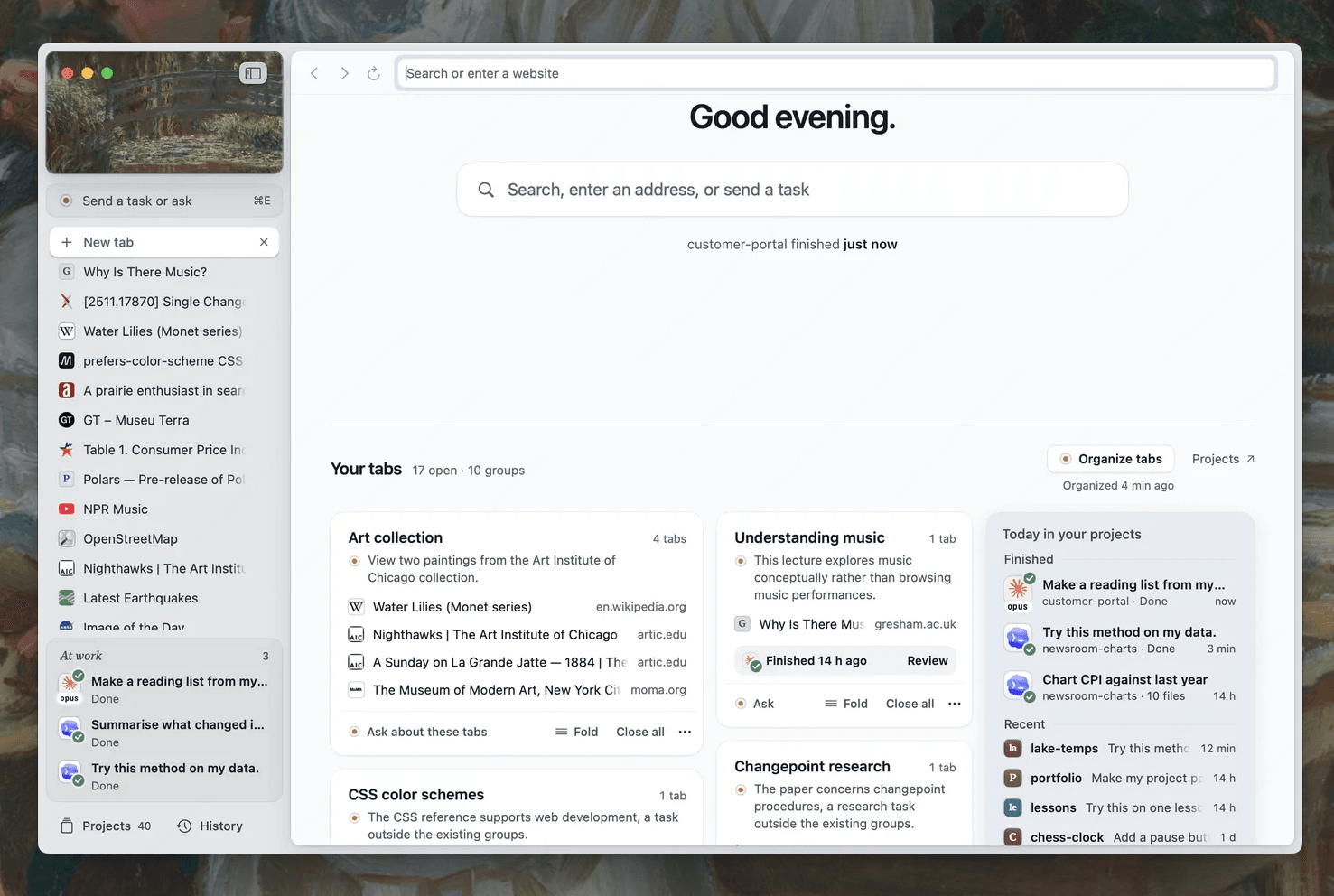
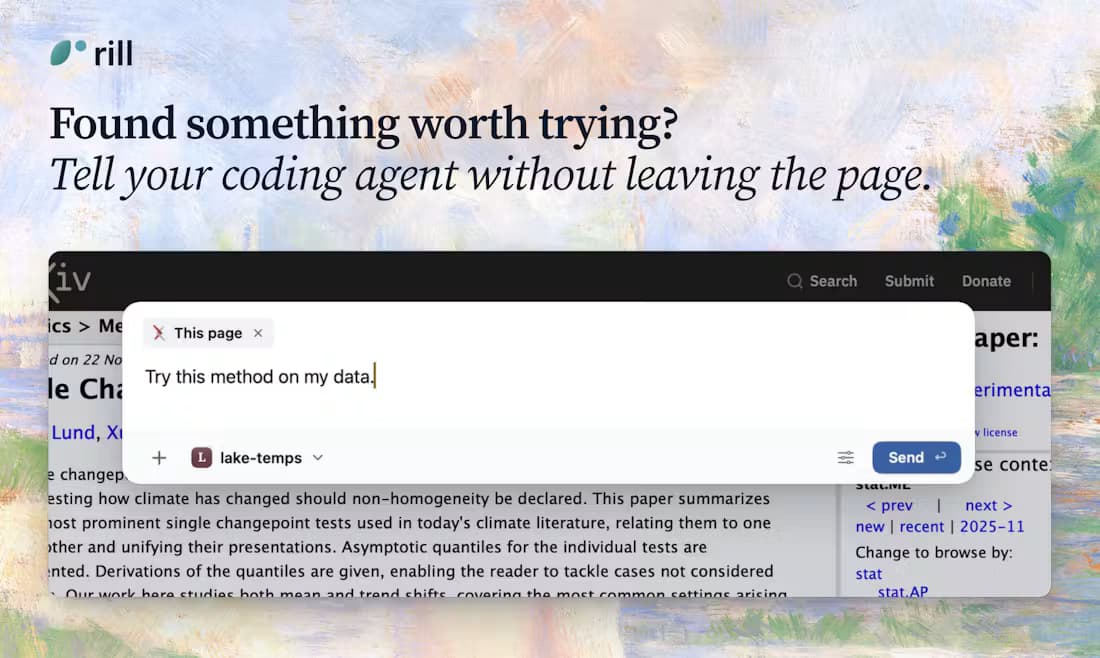
Rill has not announced a Windows release date. Check its official site for changes before downloading any third-party installer.
WHAT YOU CAN DO IN TABBIT
Tabbit is an AI browser for reading, researching and working across websites. These product screenshots show the kind of workflow you can try after installing it on Windows.
Keep an article open and ask for a summary or explanation in the side panel. The answer stays next to the source so you can check it.
Describe a task on a website, then follow the visible execution steps. Review the result before relying on changes in a live account.

Start a research request and inspect the pages and steps used to assemble a result. This is useful when a single tab does not answer the question.

Not from the official Rill site as of October 9, 2026. Its published requirements are macOS 14 or later on an Apple silicon Mac, and its download is a Mac .dmg file.
No. Tabbit and Rill are separate browsers. Tabbit supports Windows and has its own page chat, Agent Mode and research tools. Rill focuses on handing a page to your existing Claude Code or Codex CLI and local projects.
Tabbit lists Windows 10 or later. Visit the official Tabbit site for the current installer and requirements. You do not need to install Claude Code or Codex CLI to begin using Tabbit’s browser AI.
Try Tabbit on one real page: ask a question, run a small web task, then check the result yourself.
Platform information checked October 9, 2026. Features are vendor descriptions and screenshots, not a head-to-head test.