Granular personal control
Themes, toolbar positions, tab placement, start pages, shortcuts and mouse gestures let the interface follow your workflow.
VIVALDI BROWSER · A CLEAR-EYED COMPARISON
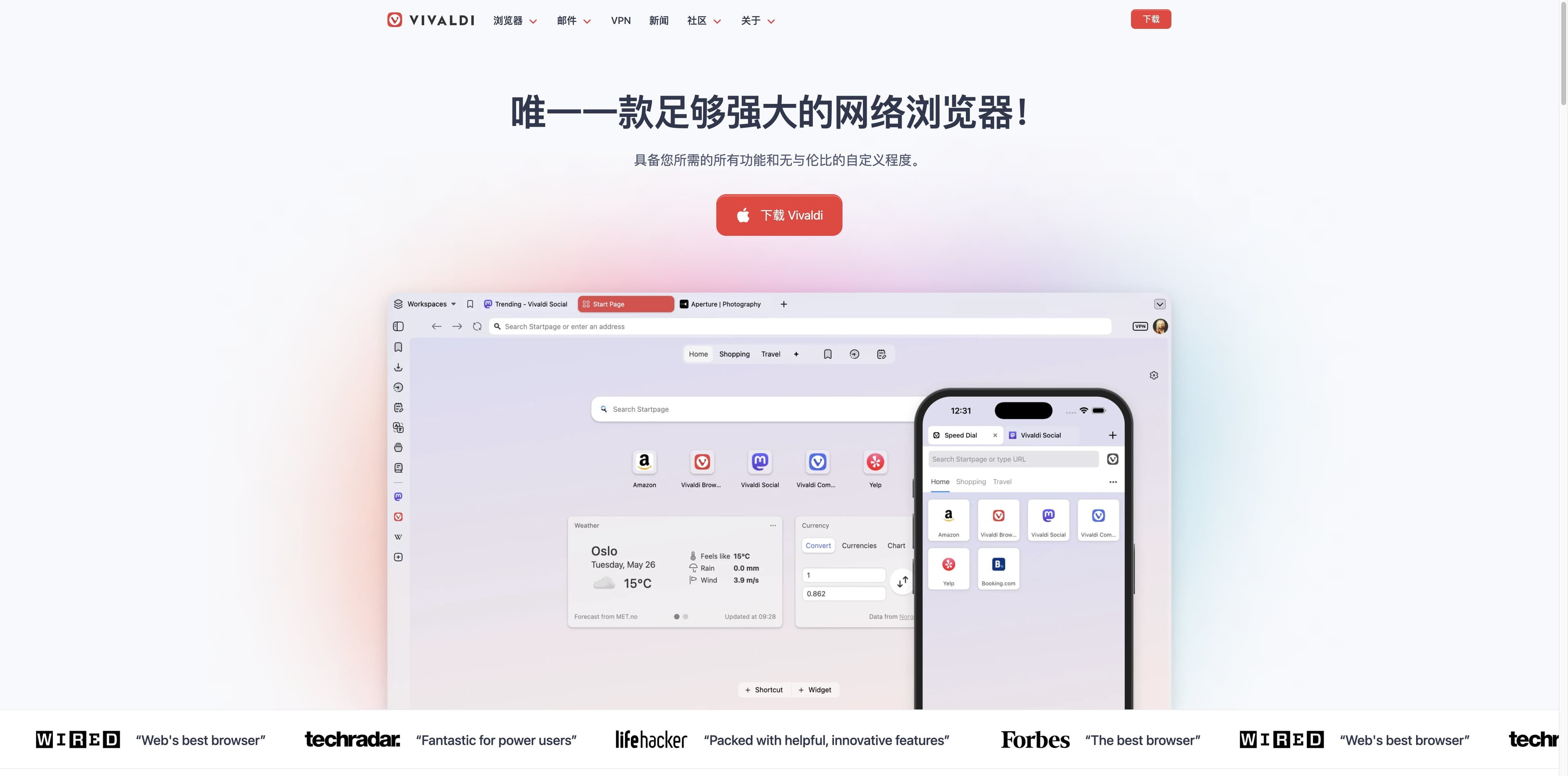
Vivaldi is the configurable browser: move the tabs, tune the toolbar, stack pages, and keep useful tools close. Here is where that control shines—and where an AI-native browser such as Tabbit solves a different job.
THE CONTROL DECK
Think of the decision as two different control surfaces. Vivaldi optimizes the browser you operate. Tabbit optimizes the web work you can delegate. The right column describes Tabbit’s product focus, not a replacement for every Vivaldi feature.
Place tabs, toolbars, panels and themes where your muscle memory expects them.
Keep a clean task context while AI work appears in a dedicated side panel or task group.
Use stacks, tiling, workspaces, sessions and hibernation for a large open-tab set.
Ask Agent to research across pages, then review the structured result instead of driving every tab.
Built-in blocking and private browsing reduce tracking noise while you browse.
Page summaries and research notes keep the important claims visible while you continue the task.
WHAT VIVALDI DOES WELL
Vivaldi’s official feature story is unusually concrete. It is about putting more controls in the browser itself, then letting you decide how they appear.
Themes, toolbar positions, tab placement, start pages, shortcuts and mouse gestures let the interface follow your workflow.
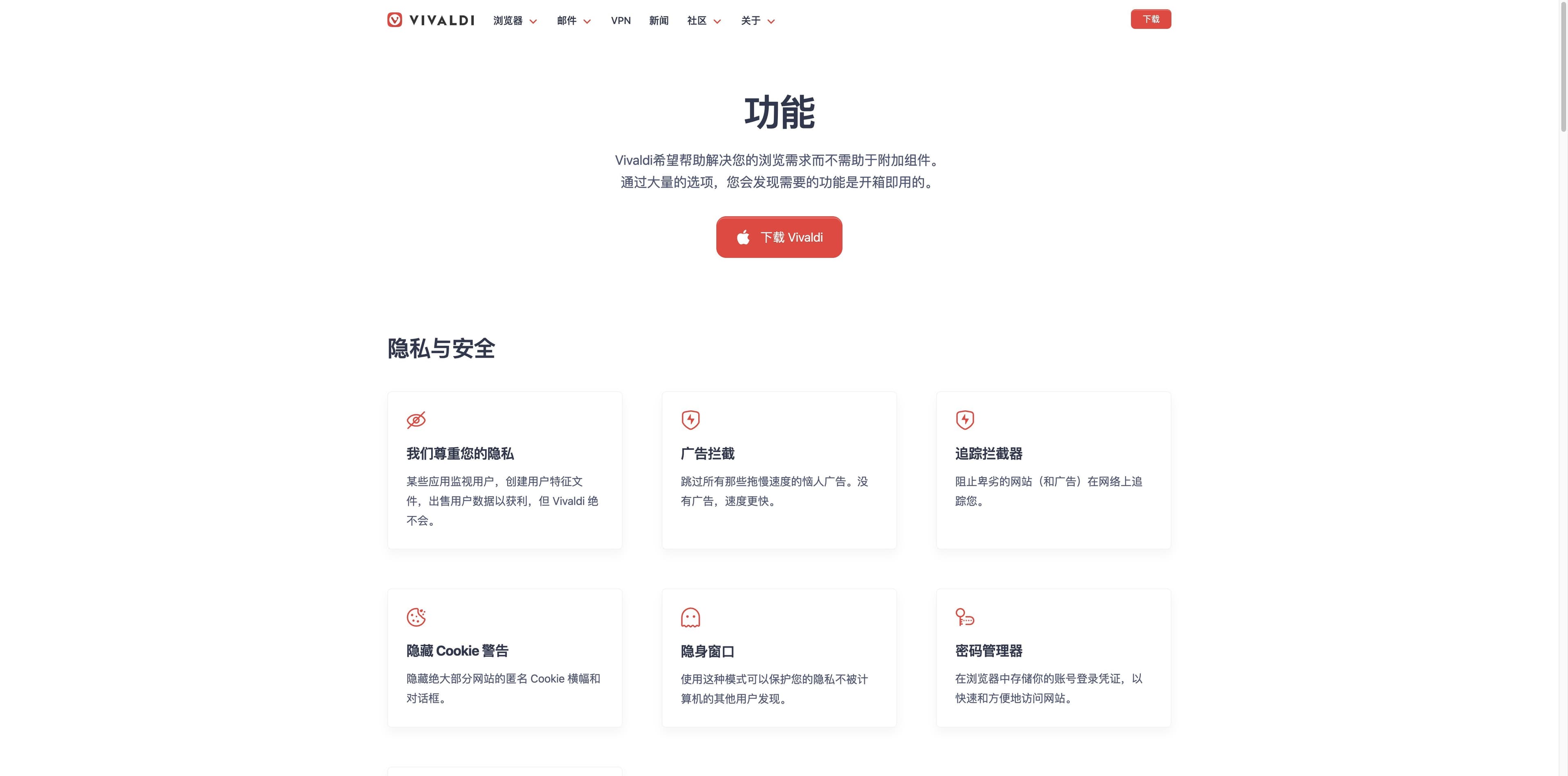
Tab stacks, tiling, workspaces, sessions and hibernation are built for people who keep many related pages open.
Mail, calendar, feed reader, Web Panels, Notes, Translate, screenshots and pop-out video reduce the need to switch apps.
Facts: Vivaldi official feature pages and homepage
WHERE TABBIT IS DIFFERENT
Tabbit is aimed at a different bottleneck: the time spent reading, comparing and repeating web steps. These real product captures show the AI surfaces described below; exact actions depend on the task and available product version.
Facts: Tabbit product captures on this page; capabilities are described conservatively.

A research task can show search results and execution steps in the browser, giving you a place to inspect progress instead of starting from a blank chat.
The summary sidebar keeps core message, takeaways and conclusion next to the page you are reading, so the source remains in view.
Tabbit’s AI-native workflow is designed for multi-model questions and repeatable Agent tasks. Treat it as a work layer, not as a promise to automate every website.

SIDE BY SIDE
This matrix separates Vivaldi’s established browser controls from Tabbit’s AI-first workflow. “Not the focus” does not mean “impossible”; it means the product story and evidence we found point elsewhere.
| Dimension | Vivaldi | Tabbit |
|---|---|---|
| Primary promise | Personal control, privacy and a rich built-in toolkit [official] | AI-assisted research, summaries and Agent work in the browser [product captures] |
| Tabs and workspaces | Stacks, tiling, workspaces, sessions and hibernation [official/TechRadar] | Task-oriented AI surfaces and grouped work context [product captures] |
| Built-in tools | Mail, calendar, feeds, Web Panels, Notes, Translate and screenshots [official] | AI summary, research and multi-model/Agent surfaces [product captures] |
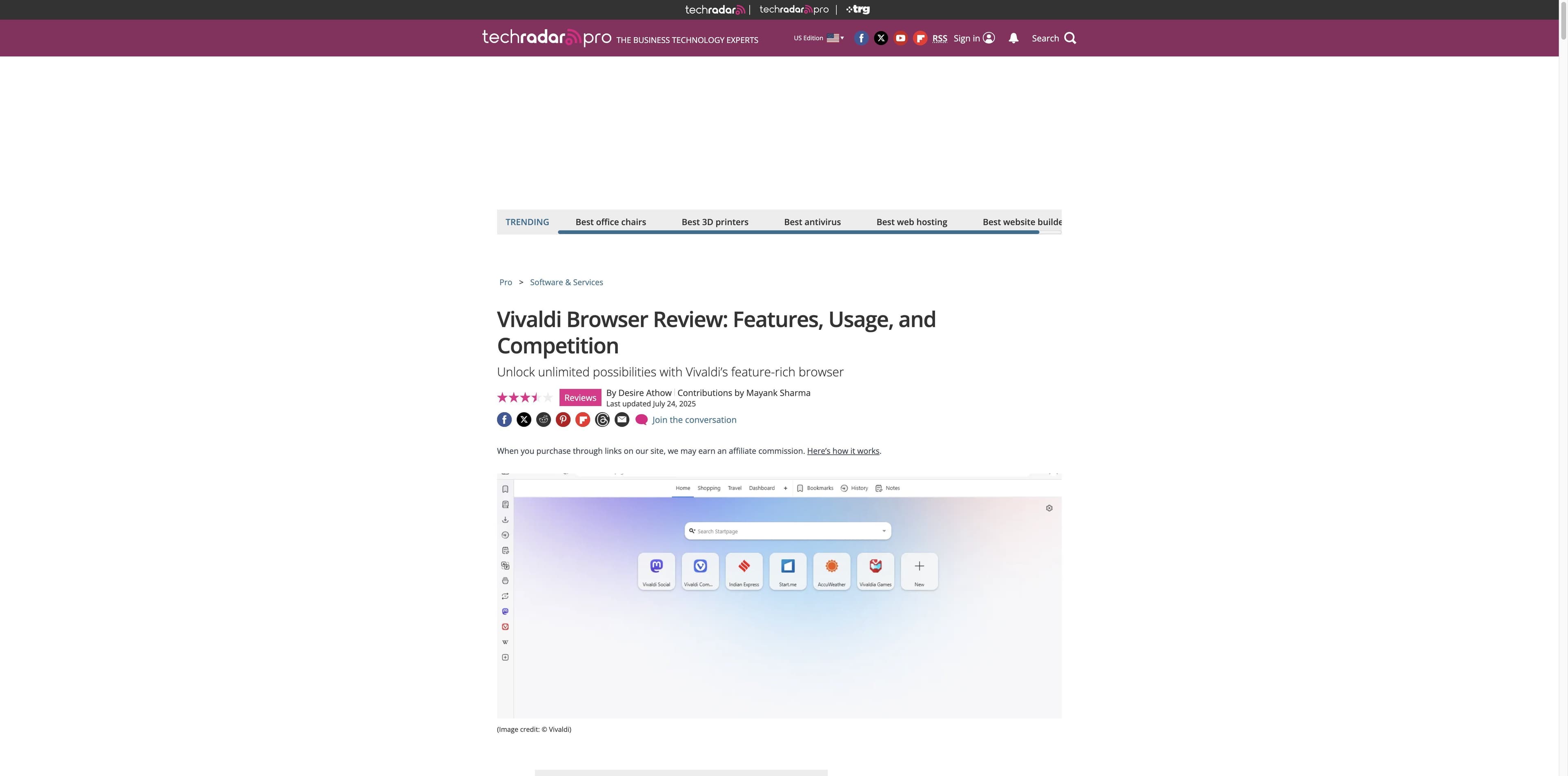
| AI assistant | TechRadar’s review lists no AI-powered assistant [TechRadar] | AI is the central workflow layer; actions vary by task and release |
| Extensions | Chromium-compatible extensions are available, with compatibility caveats [Wikipedia/TechRadar] | Choose Tabbit for its built-in AI workflow rather than an extension stack |
| Platform story | Windows, macOS, Linux, Android and iOS/iPadOS are listed [Wikipedia/Google Play] | Desktop AI browser for macOS and Windows; check the official download flow for your device |
Sources in brackets are attribution, not a third-party score. Product availability can change; verify current release details before installing.
WHO SHOULD PICK WHAT
You do not have to turn a browser decision into a loyalty test. Choose the surface that matches the work you want to control.
You want to tune the UI, keep many tabs organized, use built-in mail or feeds, and make privacy settings part of your daily browser.
You want a browser workspace that can help research, summarize pages and run supported Agent steps while you keep reviewing the result.
A configurable daily browser and an AI research browser can serve different contexts. Test the workflow that matters before moving your whole setup.
KEEP EXPLORING
Continue with a page that matches the next decision in your browser research.
Compare AI-native and AI-assisted browsers across research and automation.
→See the difference between a default browser ecosystem and an AI work layer.
→Compare built-in browser utilities, tabs and AI-first workflows.
→Explore a focus-first workflow with parallel Agent lanes.
→FAQ
Vivaldi is a strong fit if you value deep interface customization, advanced tab management, built-in tools and its privacy-focused product stance. It is less obvious if your main goal is an AI assistant that researches or executes web tasks for you.
The current sources reviewed list Windows, macOS and Linux desktop versions, plus Android and iOS/iPadOS mobile versions. Google Play also describes syncing with Windows, Mac and Linux. Check Vivaldi’s current download page for release-specific requirements.
Vivaldi’s official positioning says it does not track browsing behavior and includes ad and tracker blocking; its sync description says synced data is end-to-end encrypted. Treat this as the company’s stated policy and review the current privacy policy for details before relying on it for a sensitive workflow.
Vivaldi says it does not sell browsing behavior; its Google Play listing notes that some Amazon and eBay links are affiliate links, where qualifying purchases may compensate Vivaldi and support its independence. That is a disclosed revenue stream, not a claim about the whole business.
Vivaldi puts more controls and utilities in the browser itself: tab stacks and tiling, workspaces, Web Panels, Notes, Mail, Calendar, Feed Reader, Translate, gestures and more. The trade-off is that there are more choices to learn and configure.
TechRadar’s reviewed feature set lists “no AI-powered assistant” as a con. That does not make Vivaldi a bad browser; it clarifies the difference in this comparison. Pick Tabbit when AI research, summaries or supported Agent work is the priority.
Not by default. Vivaldi is built around configurable browsing and built-in utilities. Tabbit is built around AI research, page summaries and Agent workflows. Compare the specific job you want to improve, and keep the browser whose strengths match it.

THE NEXT EXPERIMENT
If Vivaldi’s control deck is what you need, use it confidently. If the slow part is researching, summarizing or repeating web steps, try Tabbit on a real task and judge the result for yourself.
Download links and availability are handled by Tabbit’s official flow.