0110+ desktop
Windows
The download menu separates Intel/AMD, Snapdragon ARM64, and a legacy 32-bit Intel package.
64-bit Intel / AMD · ARM64 · 32-bit legacy
Choose on VivaldiDownload control room · checked 29 Aug 2026
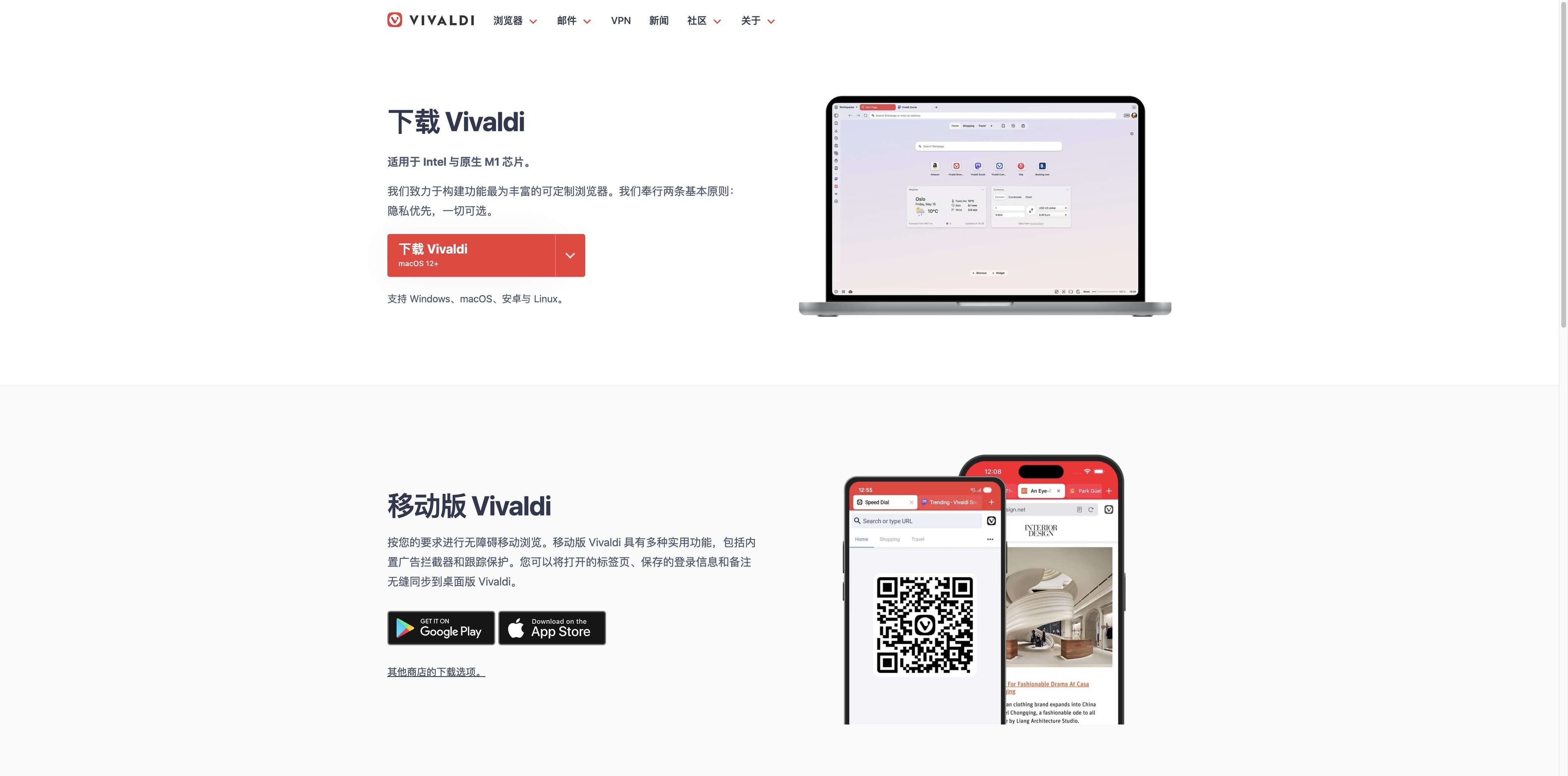
Start with Vivaldi’s first-party download page, match your operating system and CPU, then verify the package. Looking for AI research and productivity instead? Tabbit is a separate browser with a separate download flow.
Vivaldi Browser and Tabbit are different products. This page does not replace Vivaldi’s installer or claim its privacy features.
The shortest safe route
A download button is only the beginning. Use this small decision path to avoid the wrong architecture, an experimental build, or a package from an unverified site.
Type vivaldi.com/download in the address bar. The official help page says to look for the Vivaldi Technologies certificate before downloading.
Choose Windows, macOS, Linux, Android, or iOS first. On desktop, check Intel/AMD, ARM64, or the Linux package format instead of guessing.
Use the operating system’s signature check or an official app store. A familiar filename or a search snippet is not proof of authenticity.
Platform map
The official page observed on 29 Aug 2026 exposed these choices. Package names and versions change; use the live Vivaldi page for the current installer.
The download menu separates Intel/AMD, Snapdragon ARM64, and a legacy 32-bit Intel package.
64-bit Intel / AMD · ARM64 · 32-bit legacy
Choose on VivaldiThe official entry is a universal package for Intel and native Apple silicon. Keep macOS 12+ in mind.
Intel + Apple silicon · universal DMG
Choose on VivaldiUse the package family your distribution expects. The page lists 64-bit and ARM64 DEB/RPM options.
64-bit DEB/RPM · ARM64 DEB/RPM · Snap
Choose on VivaldiPrefer the Google Play or Apple App Store links surfaced by Vivaldi. Other store and APK links need extra source care.
Google Play · App Store · selected Android packages
Open mobile optionsThe official download page also links Samsung Galaxy Store, Huawei AppGallery, and other Android choices. Treat third-party mirrors as unverified until you can establish their provenance.
Release channel
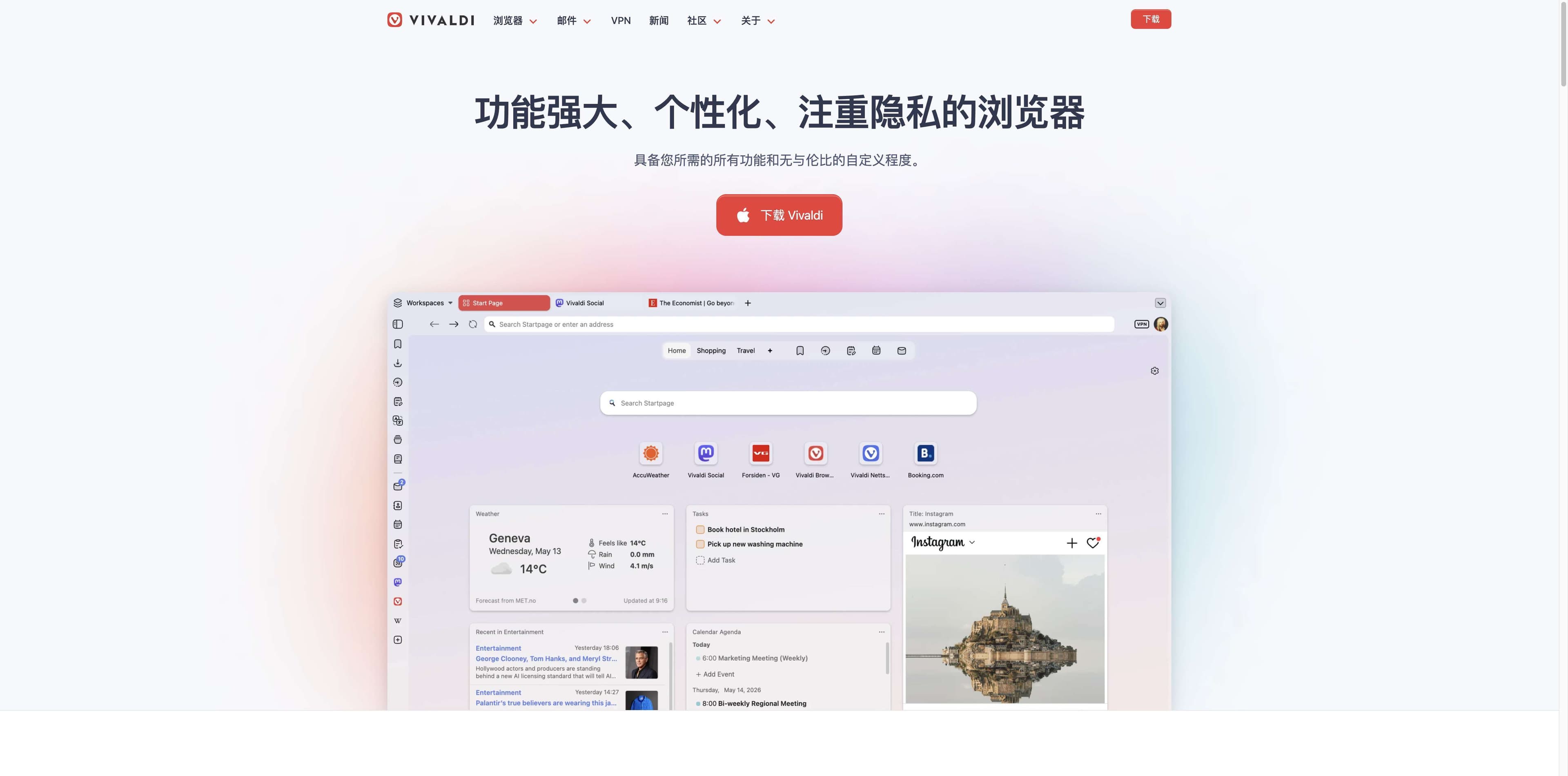
Vivaldi presents the stable installer on its download page and publishes work-in-progress desktop builds separately. Choose based on how much change you want to absorb.
The normal starting point for a daily browser. It is the first link to use when you simply need Vivaldi installed and working.
Open stable downloadVivaldi describes Snapshots as work-in-progress builds for Linux, Mac, and Windows that anyone can download and test. Expect unfinished changes.
Browse snapshotsSnapshot release numbers and feature notes move quickly. Confirm the current compatibility notes on the official page before switching a work machine.
Source and signature check
Vivaldi’s own help page gives a different check for each desktop platform. These are condensed directions; follow the live help page for the exact current procedure.
Right-click the installer, open Properties → Digital Signatures, select Vivaldi Technologies AS, and inspect the details. The official guidance says the result should state that the digital signature is OK.
Properties → Digital Signatures → Vivaldi Technologies ASAfter placing Vivaldi in Applications, inspect the code signature and system assessment. The authority chain should include the Vivaldi Developer ID shown in the official help instructions.
codesign -dv --verbose=2 /Applications/Vivaldi.app
spctl --assess -vv /Applications/Vivaldi.appVivaldi says its Linux packages are self-signed. The official repository key is used during installation and upgrade; manual checks use the documented GPG and package-signature commands.
wget https://repo.vivaldi.com/stable/linux_signing_key.pub
dpkg-sig --verify <current-package>.deb
rpm -Kv <current-package>.rpmChoose by the job
Vivaldi’s official pages focus on customization, built-in tools, tab management, and privacy. Tabbit is an AI-native productivity browser. It is not a Vivaldi mirror, an installer wrapper, or an anonymity product.
| Decision | Vivaldi Browser | Tabbit |
|---|---|---|
| Primary job | Customizable everyday browsing | Research and repetitive web work with AI |
| Desktop route | Official Vivaldi download page | Tabbit’s own download flow |
| Platform signal | Windows, macOS, Linux; mobile options | macOS 12+ and Windows 10+ |
| Core workflow | Workspaces, tab stacks, panels, built-in tools | Contextual chat, summaries, Agent Mode, Skills |
| Best next click | Open Vivaldi’s official installer | Download Tabbit if the job is AI-assisted work |
Use the Vivaldi link for Vivaldi. Use the Tabbit button only when you want Tabbit’s AI workflow; one download cannot install both products.
A different download decision
Once the Vivaldi install question is settled, the product choice becomes about the work. Tabbit keeps selected pages in context and can help with summaries or supervised multi-step browser tasks.

This real Tabbit interface shows an Agent operating in Google Sheets with an execution-steps panel. It illustrates productivity automation, not Vivaldi features or network protection.

This real Tabbit interface keeps an article and an AI summary together. It is useful when your next step is comparing, extracting, or understanding information across pages.
FAQ
Start at https://vivaldi.com/download/. Vivaldi’s help page recommends entering that address directly and checking the site certificate before downloading. Use the live page for current package links.
The official download menu observed on 29 Aug 2026 listed Windows 64-bit for Intel/AMD, Windows ARM64 for Snapdragon, and a 32-bit legacy Intel package. Match the installer to your Windows device rather than choosing by file size.
Yes. The stable download is the normal daily channel. Vivaldi describes Desktop Snapshots as work-in-progress builds for testing on Linux, Mac, and Windows. Snapshot entries and version numbers can change quickly.
Vivaldi says official installation packages are signed. Windows exposes Vivaldi Technologies AS in Properties → Digital Signatures; macOS uses codesign and spctl; Linux package checks use the official repository key and documented package tools.
No. Vivaldi and Tabbit are separate browsers. Vivaldi’s official links on this page are for Vivaldi; Tabbit’s button is only for users who want an AI-native research and productivity browser.
Your next click should match your job
Keep the products, installers, and promises separate. If you need a customizable browser, continue to Vivaldi’s official download. If you need help turning web context into checked work, try Tabbit.
Tabbit does not install Vivaldi and does not claim Vivaldi’s platform or privacy features.