Modules Firefox, Linux, open source ou Zen Mods
Garder Zen
Zen utilise Firefox/Gecko, les modules Mozilla, et prend en charge macOS, Windows et Linux.
Guide pour quitter Zen · Mise à jour 2026
Gardez Zen pour Firefox, Linux et le contrôle poussé de l’interface. Choisissez Vivaldi ou Brave pour les extensions Chromium, ou Tabbit pour le contexte IA et les actions web sur macOS et Windows.
Réponse rapide
Zen reste actif et demeure un excellent navigateur. Une alternative se justifie si sa base Firefox, ses extensions ou son approche de l’IA ne correspondent pas à votre travail.
Modules Firefox, Linux, open source ou Zen Mods
Zen utilise Firefox/Gecko, les modules Mozilla, et prend en charge macOS, Windows et Linux.
Extensions Chrome et réglages poussés de l’interface
Vivaldi repose sur Chromium et privilégie les réglages des onglets et de la mise en page.
Compatibilité Chromium et confidentialité par défaut
Brave convient si le blocage et la confidentialité priment sur un espace de travail proche de Zen.
Contexte IA entre pages et tâches web en plusieurs étapes
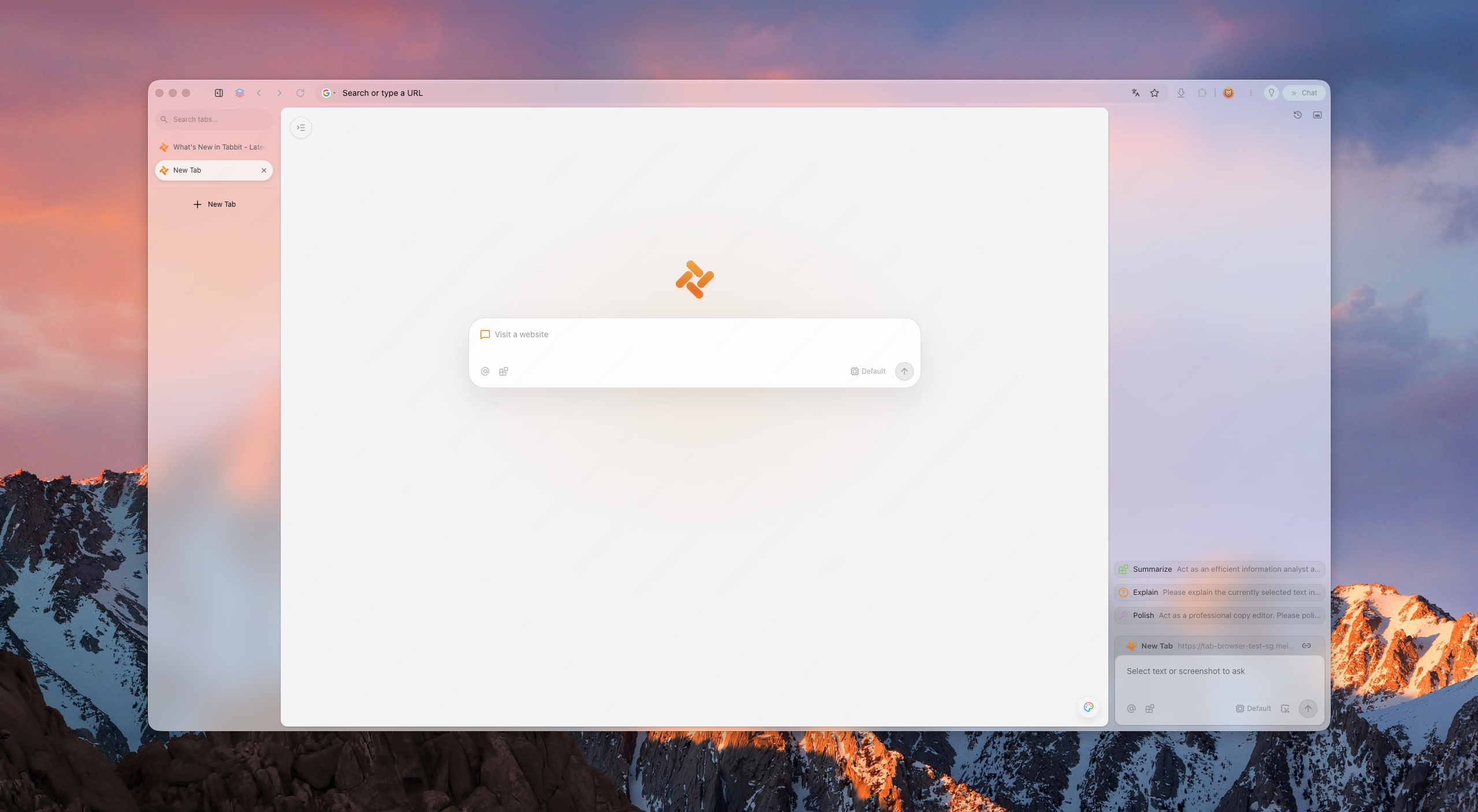
Tabbit réunit contexte de page, Agent Mode et Skills sur macOS et Windows.
Les modules Firefox et Chromium sont des paquets différents. Vérifiez chaque extension indispensable avant de déplacer votre profil principal.
Pourquoi les utilisateurs changent
Le choix dépend souvent du moteur, des extensions, du système et du contexte que l’IA doit utiliser.
Zen est basé sur Firefox, donc certaines extensions Chrome/Edge et profils SSO ne fonctionnent pas. Les utilisateurs veulent compatibilité sans sacrifier la discipline de l'espace de travail.
Moins de chrome, moins de surfaces concurrentes, une mise en page discrète.
Les résumés sont le minimum en 2026. L'étape suivante : des agents remplissant des formulaires et recherchant.
Zen prend en charge macOS, Windows et Linux ; Tabbit macOS et Windows. Sous Linux, gardez Zen ou choisissez un autre navigateur compatible.
Questions actuelles des utilisateurs
Les discussions récentes portent sur les performances au fil des longues sessions, les onglets épinglés façon Essentials, la synchronisation, le DRM et les différences entre Helium, Vivaldi et Brave.
Ces publications signalent des besoins, pas des tests contrôlés. Essayez les mêmes sites, extensions et contenus multimédias sur votre propre appareil.
Un utilisateur compare le chargement des onglets épinglés, le mode compact et les différences de méthode entre Zen et Helium.
Lire la discussion sur RedditLa demande porte sur la RAM, YouTube, la fluidité du défilement et quelques extensions indispensables.
Lire la discussion sur RedditLes utilisateurs comparent personnalisation, confidentialité, performances et niveau de complexité souhaité.
Lire la discussion sur RedditPanorama
Une courte liste neutre. Tabbit se positionne comme l'option native IA.
Nouveau navigateur Chromium compact
Navigateur de bureau open source avec quatre dispositions, onglets verticaux, vue scindée, extensions Chromium et mise en veille des onglets. Il ne propose pas encore de synchronisation, de version mobile ni de DRM Widevine.
Idéal pour : un bureau léger et proche de Zen
Visual workspace pioneer
The original spatial browser. Beautiful, but its future is unclear and platform coverage has been limited.
Best for: layout purists
Power-user toolbox
Chromium-based, highly customizable, with vertical tabs and split views. Heavier, but familiar to tinkerers.
Best for: customization nerds
Privacy-first default
Chromium-based with built-in ad blocking and privacy features. Less opinionated workspace design.
Best for: privacy users
Open-source legacy
Zen's own family tree. Great for privacy and open-web ideals, but weaker AI execution layer.
Best for: open-source believers
AI-native workspace
Keeps workspace discipline and adds page context, agentic execution, model choice by plan, and reusable Skills.
Best for: AI-first productivity
Pourquoi Tabbit
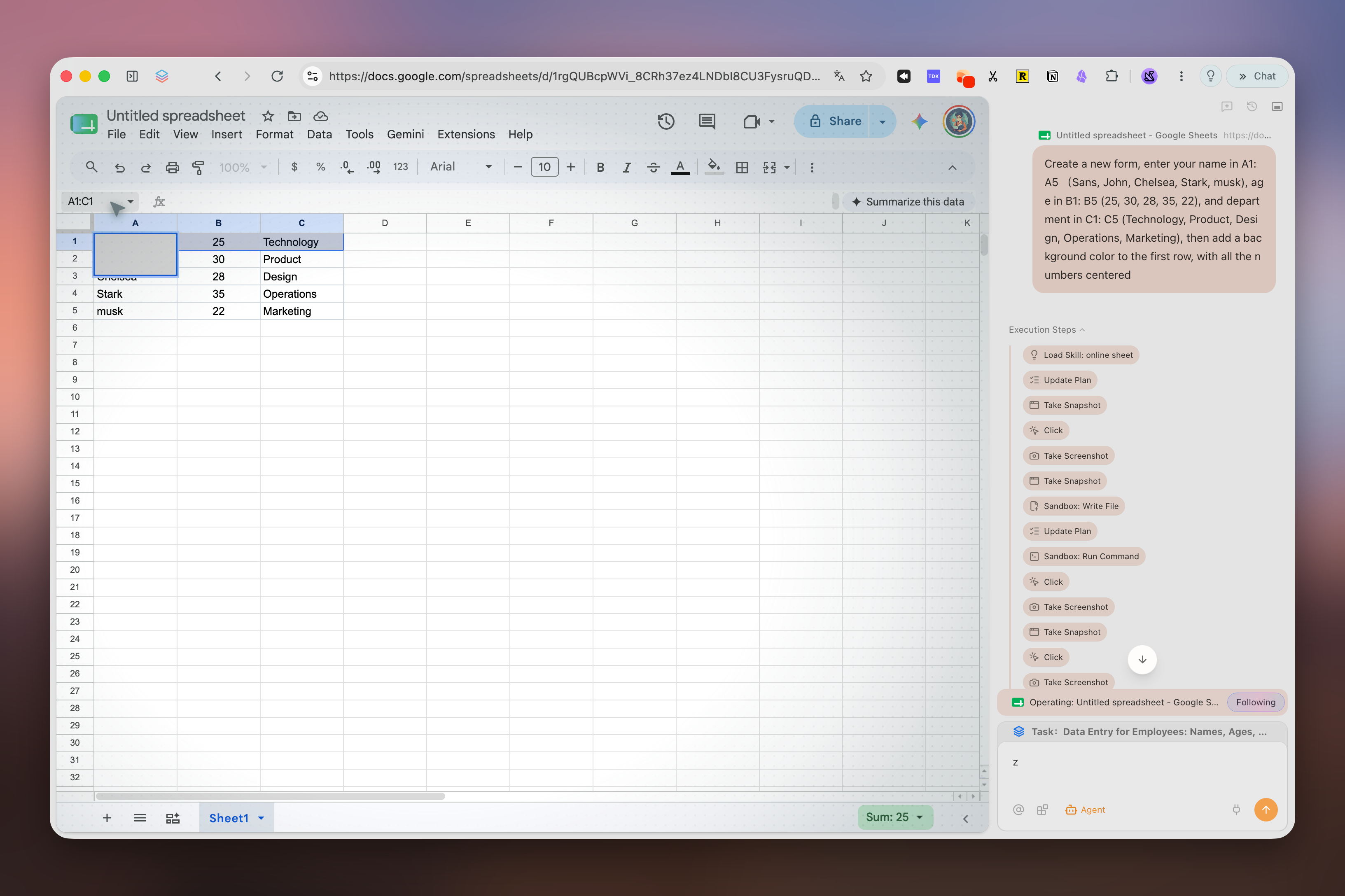
Tabbit keeps the spatial habits Zen trained you to expect: vertical rhythm, structured workspaces, and a calm surface. But it upgrades the intelligence layer to agents that can read pages, fill forms, and deliver results—only after you approve each sensitive step.
Tabbit supports model choice and reusable Skills for recurring workflows. Available models and Agent allowances depend on the current membership plan.
Ce que vous obtenez
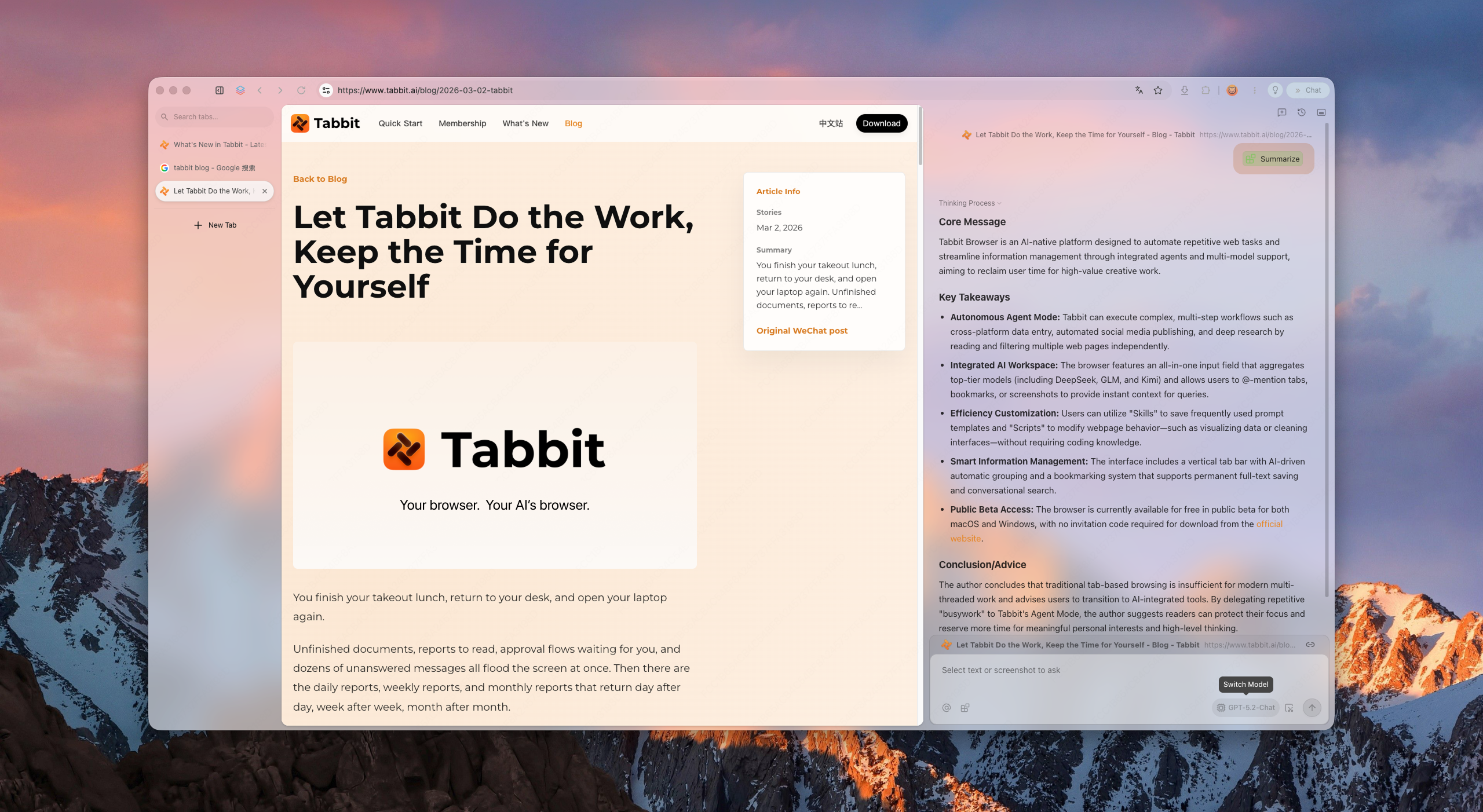
Vertical sidebar, smart grouping, and project-based workspaces keep hundreds of tabs scannable without collapse.
Ask the browser to research, compare, or file. It runs in its own tab group and pauses for your approval before acting on logged-in sites.
Save prompts and scripts as reusable Skills. Model availability and usage allowances depend on your current plan.
Migration
Séparez favoris et mots de passe des Workspaces, onglets épinglés, Mods et modules Firefox propres à Zen. Ces derniers ne passent pas directement vers Chromium.
Utilisez la bibliothèque des marque-pages Firefox de Zen pour exporter un fichier HTML. Un CSV de mots de passe est lisible en clair : supprimez-le après import.
Importez seulement les données prises en charge, installez des extensions équivalentes et testez connexions, favoris et deux tâches réelles. Gardez Zen pendant l’essai.
Recréez espaces et raccourcis manuellement. Avec un navigateur IA, commencez par une recherche en lecture seule et vérifiez les sources avant toute action.
Comparaison
La sélection reprend les concurrents pertinents du catalogue All Browsers et ajoute Helium, très présent dans les discussions actuelles sur le remplacement de Zen.
Vérifié le 15 septembre 2026. Comparaison des fonctions de bureau ; leur disponibilité peut varier selon la version, le compte et la région.
| Navigateur | Moteur de bureau | Plateformes | Onglets et espaces | IA intégrée | Idéal pour |
|---|---|---|---|---|---|
| TabbitFonctions officielles | Chromium (Blink) | macOS, Windows | Onglets verticaux, regroupement intelligent et onglets Agent séparés | Agent, Deep Research et modèles selon l’offre | Travail IA entre plusieurs pages |
| HeliumFonctions officielles | Chromium (Blink) | macOS, Windows, Linux · bêta | Quatre dispositions, onglets verticaux, groupes, vue scindée et veille | — | Bureau compact et privé |
| VivaldiFonctions officielles | Chromium (Blink) | macOS, Windows, Linux | Piles, mosaïque, espaces de travail et veille | — | Personnalisation poussée |
| BraveFonctions officielles | Chromium (Blink) | macOS, Windows, Linux | Onglets verticaux et groupes | Leo, plusieurs modèles et BYOM | Blocage intégré des publicités et traqueurs |
| Mozilla FirefoxFonctions officielles | Gecko | macOS, Windows, Linux | Onglets verticaux, groupes et conteneurs | Chatbots facultatifs dans la barre latérale | Open source, modules Firefox et Linux |
| Arc BrowserFonctions officielles | Chromium (Blink) | macOS, Windows | Spaces, onglets verticaux et Split View | Arc Max facultatif | Espaces de travail soignés façon Arc |
| DiaFonctions officielles | Chromium (Blink) | macOS 14+ ; bêta Windows sur liste | Conversations latérales et onglets groupés | Dia AI, selon l’offre et l’essai | Navigation IA sur les Mac compatibles |
FAQ
It depends on your priority. Arc is the visual workspace pioneer; Vivaldi is the most customizable; Brave is the privacy-first choice. If you want workspace discipline plus agentic AI and Chromium compatibility, Tabbit is the strongest AI-native alternative.
No. Tabbit is a separate Chromium product built around page context, Agent Mode, model choice, and Skills.
Yes. Tabbit provides macOS and Windows downloads. Zen also supports both platforms and additionally supports Linux.
Many Chrome/Edge extensions can be installed because Tabbit uses Chromium, but check every essential extension individually. Extension settings and Firefox add-ons do not transfer automatically from Zen.
Zen is a Firefox-based browser centered on workspace design and customization. Tabbit uses Chromium and centers page context, Agent Mode, Skills, and model choice according to the current plan.
It means the browser can execute tasks for you—research, form filling, data aggregation—instead of only showing pages or answering chat prompts.
Tabbit is free to download. AI usage, model access and Agent allowances depend on the current membership plan.
Use any Download button on this page. It opens Tabbit’s download flow, detects your platform, and lets you choose macOS or Windows if automatic detection is inconclusive.
Téléchargez Tabbit, gardez Zen et testez un flux en lecture seule avant de déplacer votre profil principal.