Complementos Firefox, Linux, código aberto ou Zen Mods
Continuar no Zen
O Zen usa Firefox/Gecko, instala complementos Mozilla e suporta macOS, Windows e Linux.
Guia para mudar do Zen · Atualizado em 2026
Fique com o Zen para Firefox, Linux e controle profundo da interface. Escolha Vivaldi ou Brave para extensões Chromium, ou Tabbit para contexto de IA e ações web no macOS e Windows.
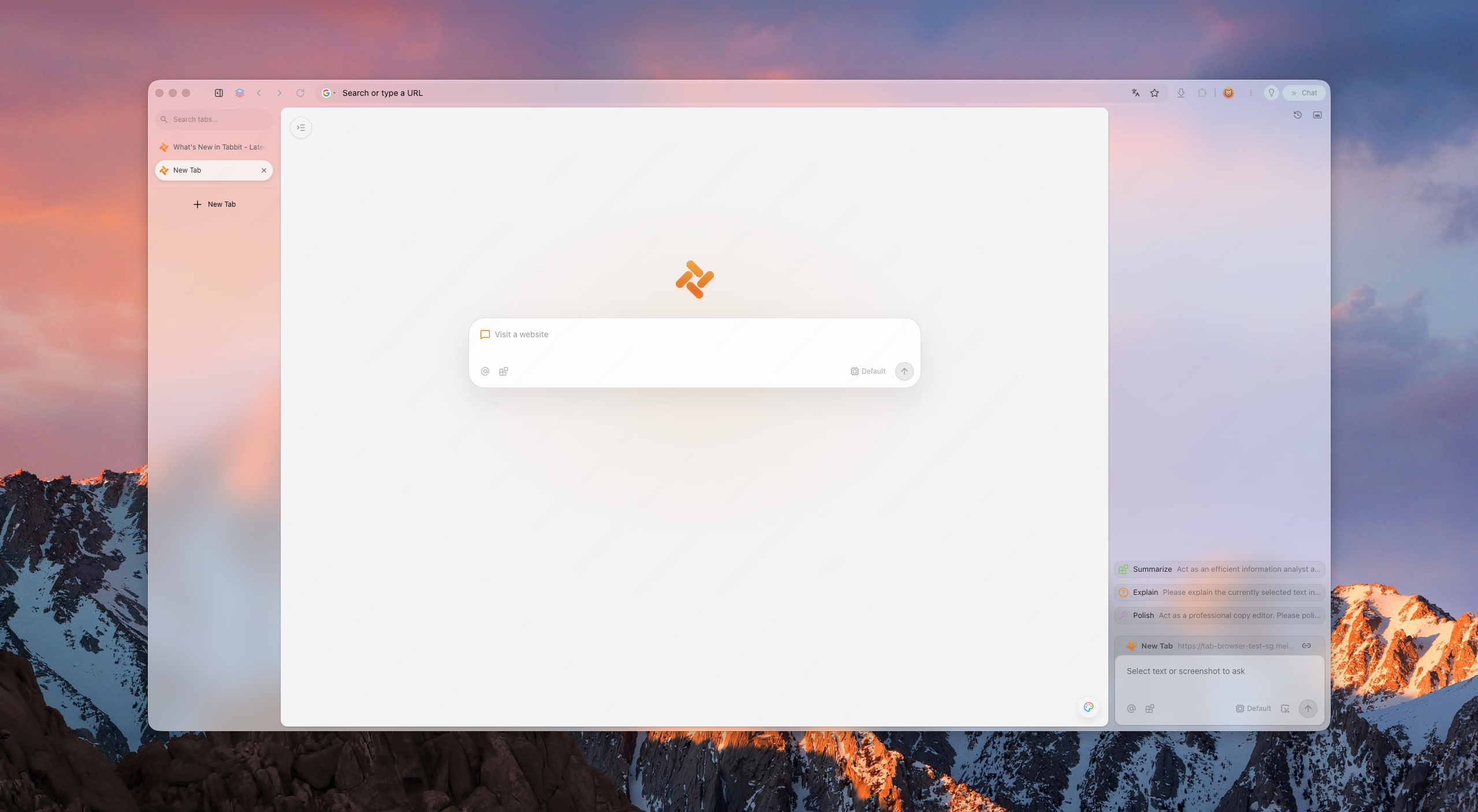
Resposta rápida
O Zen continua ativo e é um ótimo navegador. Uma alternativa faz sentido quando sua base Firefox, catálogo de extensões ou abordagem de IA não servem ao seu fluxo.
Complementos Firefox, Linux, código aberto ou Zen Mods
O Zen usa Firefox/Gecko, instala complementos Mozilla e suporta macOS, Windows e Linux.
Extensões da Chrome Web Store e ajustes profundos da interface
O Vivaldi usa Chromium e prioriza controles de abas e layout.
Compatibilidade Chromium com privacidade padrão
O Brave se encaixa quando bloqueio e privacidade pesam mais que um espaço semelhante ao Zen.
Contexto de IA entre páginas e tarefas web em várias etapas
O Tabbit reúne contexto de página, Agent Mode e Skills no macOS e Windows.
Extensões Firefox e Chromium são pacotes diferentes. Confira cada extensão essencial antes de mover seu perfil principal.
Por que os usuários estão mudando
A mudança costuma depender do motor, das extensões, do sistema e do contexto que a IA precisa usar.
Zen é baseado no Firefox, então algumas extensões Chrome/Edge e perfis SSO não funcionam. Os usuários querem compatibilidade sem sacrificar a disciplina do espaço de trabalho.
Menos cromado, menos superfícies competidoras, um layout que não atrapalha.
Resumos são o mínimo em 2026. O próximo nível são agentes que preenchem formulários e pesquisam.
O Zen suporta macOS, Windows e Linux; o Tabbit, macOS e Windows. No Linux, mantenha o Zen ou escolha outro navegador compatível.
O que os usuários perguntam agora
As discussões recentes destacam desempenho em sessões longas, abas fixadas no estilo Essentials, sincronização, DRM e as diferenças entre Helium, Vivaldi e Brave.
As publicações mostram necessidades, não testes controlados. Teste os mesmos sites, extensões e mídias no seu próprio dispositivo.
Um usuário compara carregamento de abas fixadas, modo compacto e diferenças de fluxo entre Zen e Helium.
Ler a discussão no RedditA consulta se concentra em RAM, YouTube, rolagem fluida e algumas extensões essenciais.
Ler a discussão no RedditUsuários comparam personalização, privacidade, desempenho e o nível de complexidade que realmente precisam.
Ler a discussão no RedditPanorama
Uma lista curta e neutra. Tabbit se posiciona como a opção nativa em IA.
Novo navegador Chromium compacto
Navegador desktop de código aberto com quatro layouts, abas verticais, visualização dividida, extensões Chromium e hibernação de abas. Ainda não oferece sincronização, versão móvel nem DRM Widevine.
Ideal para: uma configuração desktop leve e próxima do Zen
Visual workspace pioneer
The original spatial browser. Beautiful, but its future is unclear and platform coverage has been limited.
Best for: layout purists
Power-user toolbox
Chromium-based, highly customizable, with vertical tabs and split views. Heavier, but familiar to tinkerers.
Best for: customization nerds
Privacy-first default
Chromium-based with built-in ad blocking and privacy features. Less opinionated workspace design.
Best for: privacy users
Open-source legacy
Zen's own family tree. Great for privacy and open-web ideals, but weaker AI execution layer.
Best for: open-source believers
AI-native workspace
Keeps workspace discipline and adds page context, agentic execution, model choice by plan, and reusable Skills.
Best for: AI-first productivity
Por que Tabbit
Tabbit keeps the spatial habits Zen trained you to expect: vertical rhythm, structured workspaces, and a calm surface. But it upgrades the intelligence layer to agents that can read pages, fill forms, and deliver results—only after you approve each sensitive step.
Tabbit supports model choice and reusable Skills for recurring workflows. Available models and Agent allowances depend on the current membership plan.
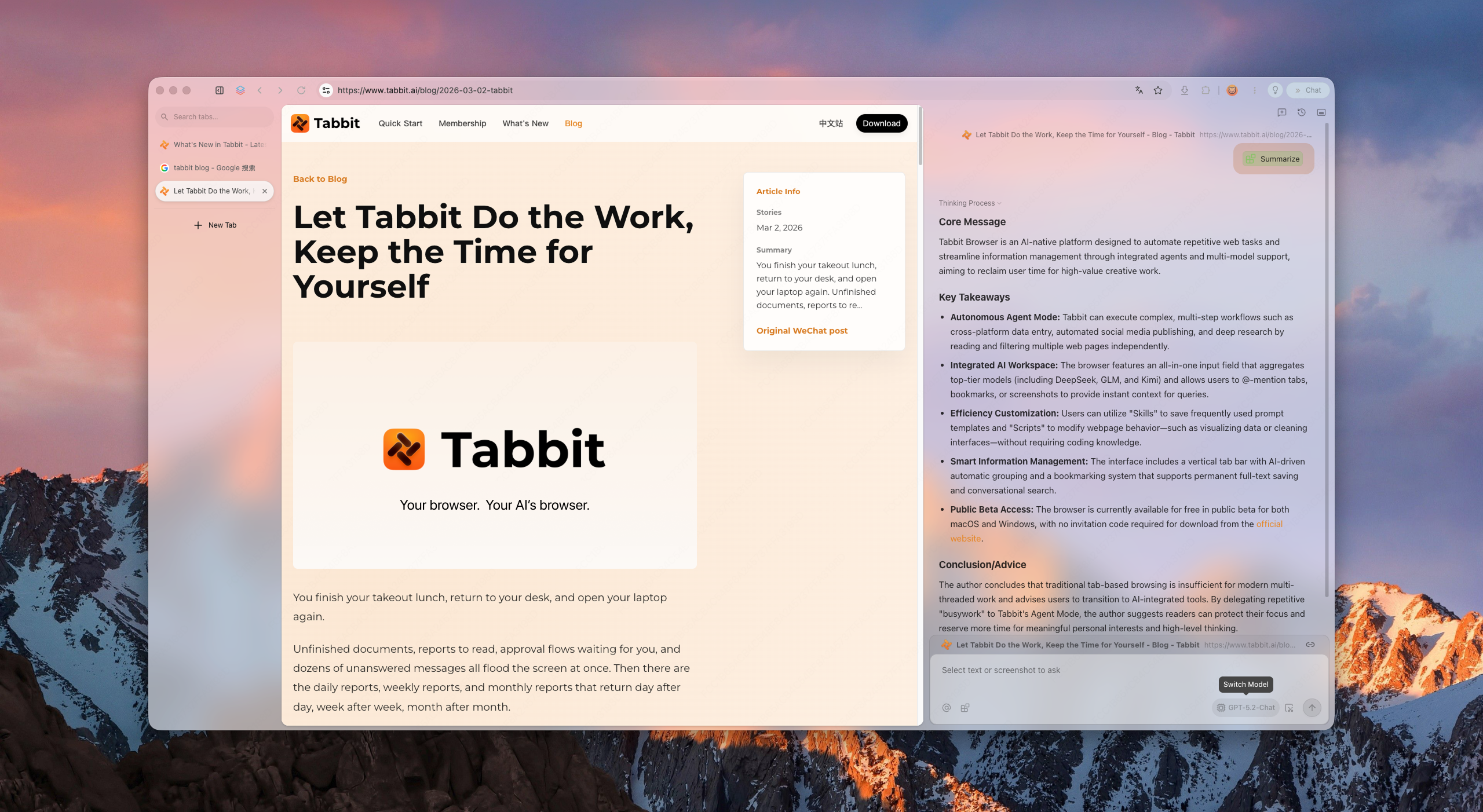
O que você recebe
Vertical sidebar, smart grouping, and project-based workspaces keep hundreds of tabs scannable without collapse.
Ask the browser to research, compare, or file. It runs in its own tab group and pauses for your approval before acting on logged-in sites.
Save prompts and scripts as reusable Skills. Model availability and usage allowances depend on your current plan.
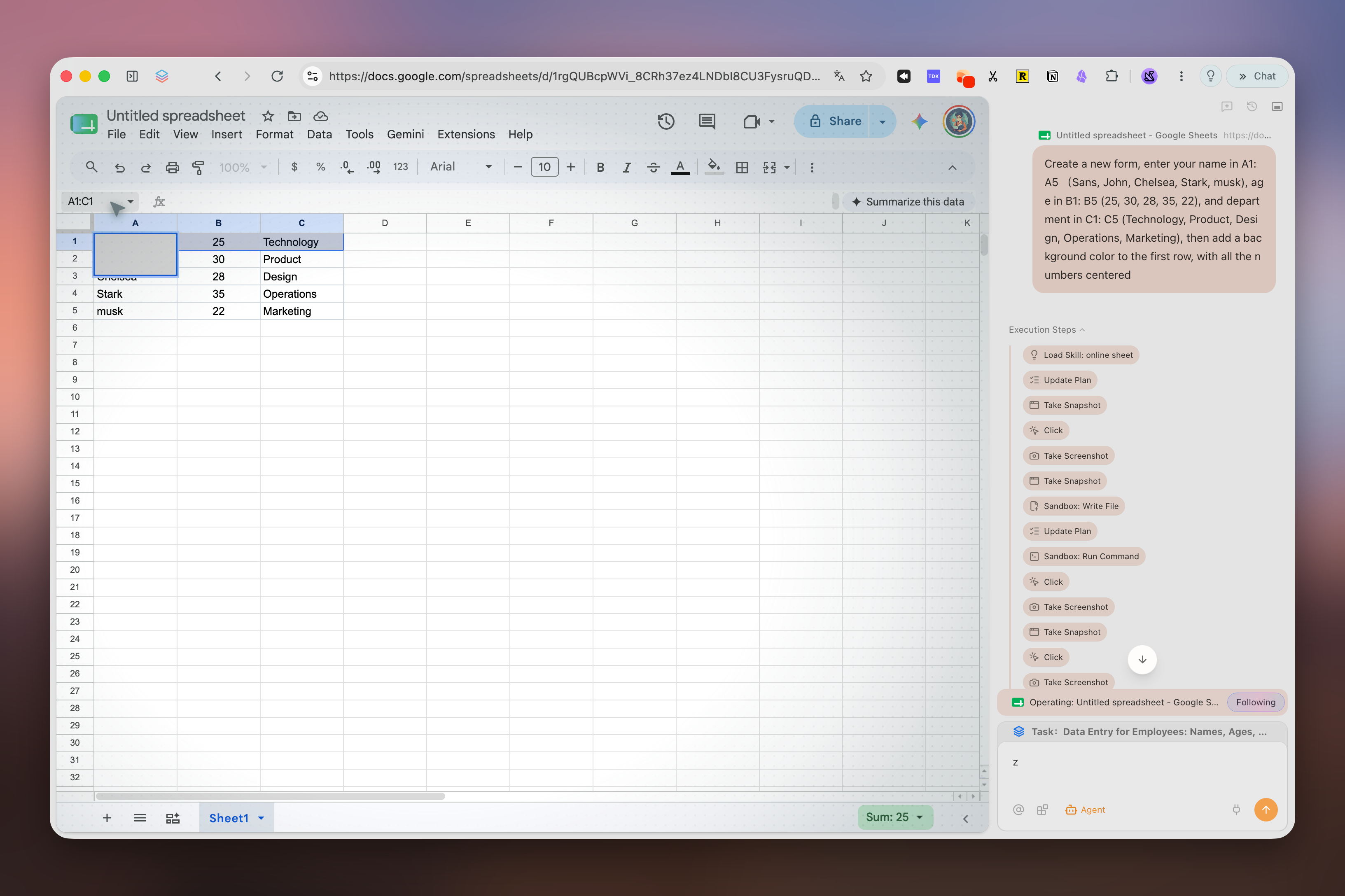
Mudança
Separe favoritos e senhas de Workspaces, abas fixadas, Mods e complementos Firefox exclusivos do Zen. Estes não passam diretamente para Chromium.
Use a biblioteca de favoritos Firefox do Zen para exportar HTML. Um CSV de senhas fica legível: apague-o depois da importação.
Importe só o que for aceito, instale extensões equivalentes e teste login, favoritos e dois fluxos reais. Mantenha o Zen durante o teste.
Recrie espaços e atalhos manualmente. Em um navegador com IA, comece por pesquisa somente leitura e revise as fontes antes de automatizar ações.
Comparação
A seleção usa concorrentes relevantes do catálogo All Browsers e acrescenta o Helium, frequente nas discussões atuais sobre trocar o Zen.
Revisado em 15 de setembro de 2026. A comparação cobre recursos desktop; a disponibilidade varia por versão, conta e região.
| Navegador | Motor desktop | Plataformas | Abas e espaços | IA integrada | Ideal para |
|---|---|---|---|---|---|
| TabbitRecursos oficiais | Chromium (Blink) | macOS, Windows | Abas verticais, agrupamento inteligente e abas Agent separadas | Agent, Deep Research e modelos conforme o plano | Trabalho com IA entre páginas |
| HeliumRecursos oficiais | Chromium (Blink) | macOS, Windows, Linux · beta | Quatro layouts, abas verticais, grupos, visualização dividida e hibernação | — | Desktop compacto e privado |
| VivaldiRecursos oficiais | Chromium (Blink) | macOS, Windows, Linux | Pilhas, mosaico, espaços de trabalho e hibernação | — | Personalização avançada |
| BraveRecursos oficiais | Chromium (Blink) | macOS, Windows, Linux | Abas verticais e grupos | Leo, vários modelos e BYOM | Bloqueio integrado de anúncios e rastreadores |
| Mozilla FirefoxRecursos oficiais | Gecko | macOS, Windows, Linux | Abas verticais, grupos e contêineres | Chatbots opcionais na barra lateral | Código aberto, complementos Firefox e Linux |
| Arc BrowserRecursos oficiais | Chromium (Blink) | macOS, Windows | Spaces, abas verticais e Split View | Arc Max opcional | Espaços de trabalho refinados no estilo Arc |
| DiaRecursos oficiais | Chromium (Blink) | macOS 14+; beta do Windows em lista | Conversas laterais e abas agrupadas | Dia AI, conforme plano e teste | Navegação com IA em Macs compatíveis |
FAQ
It depends on your priority. Arc is the visual workspace pioneer; Vivaldi is the most customizable; Brave is the privacy-first choice. If you want workspace discipline plus agentic AI and Chromium compatibility, Tabbit is the strongest AI-native alternative.
No. Tabbit is a separate Chromium product built around page context, Agent Mode, model choice, and Skills.
Yes. Tabbit provides macOS and Windows downloads. Zen also supports both platforms and additionally supports Linux.
Many Chrome/Edge extensions can be installed because Tabbit uses Chromium, but check every essential extension individually. Extension settings and Firefox add-ons do not transfer automatically from Zen.
Zen is a Firefox-based browser centered on workspace design and customization. Tabbit uses Chromium and centers page context, Agent Mode, Skills, and model choice according to the current plan.
It means the browser can execute tasks for you—research, form filling, data aggregation—instead of only showing pages or answering chat prompts.
Tabbit is free to download. AI usage, model access and Agent allowances depend on the current membership plan.
Use any Download button on this page. It opens Tabbit’s download flow, detects your platform, and lets you choose macOS or Windows if automatic detection is inconclusive.
Baixe o Tabbit, mantenha o Zen e teste um fluxo somente leitura antes de mover seu perfil principal.