
The best AI browser in 2026 is Tabbit Browser for most people — it pairs a genuinely useful Agent Mode with multi-model access and runs on both macOS and Windows, at a price of zero as of this writing. If your work is research-first, Perplexity Comet is the strongest alternative. If you live on a Mac and care about polish, Dia is worth the waitlist-free download it already offers.
That answer changed this week. OpenAI has scheduled ChatGPT Atlas to stop working on August 9, 2026, and every top-ranking listicle we checked still recommends Atlas as if nothing happened. So this ranking starts from the post-Atlas landscape, not last year's.
One more thing before the list. When people argue about AI browsers online, the fiercest debates are rarely about models. They are about habits — a YouTube commenter on Efficient App's AI browser comparison put it well: "I was excited when I saw the guys from Arc was creating an AI browser then found that it didn't have the sidebar like arc. Can't go back to that." Keep that in mind as you read: the right pick is the one that fits your workflow, not the one with the loudest demo. Later in this guide we use Tabbit Browser as a hands-on case study, because it is the product we know best — we will flag exactly where it wins and where it does not.
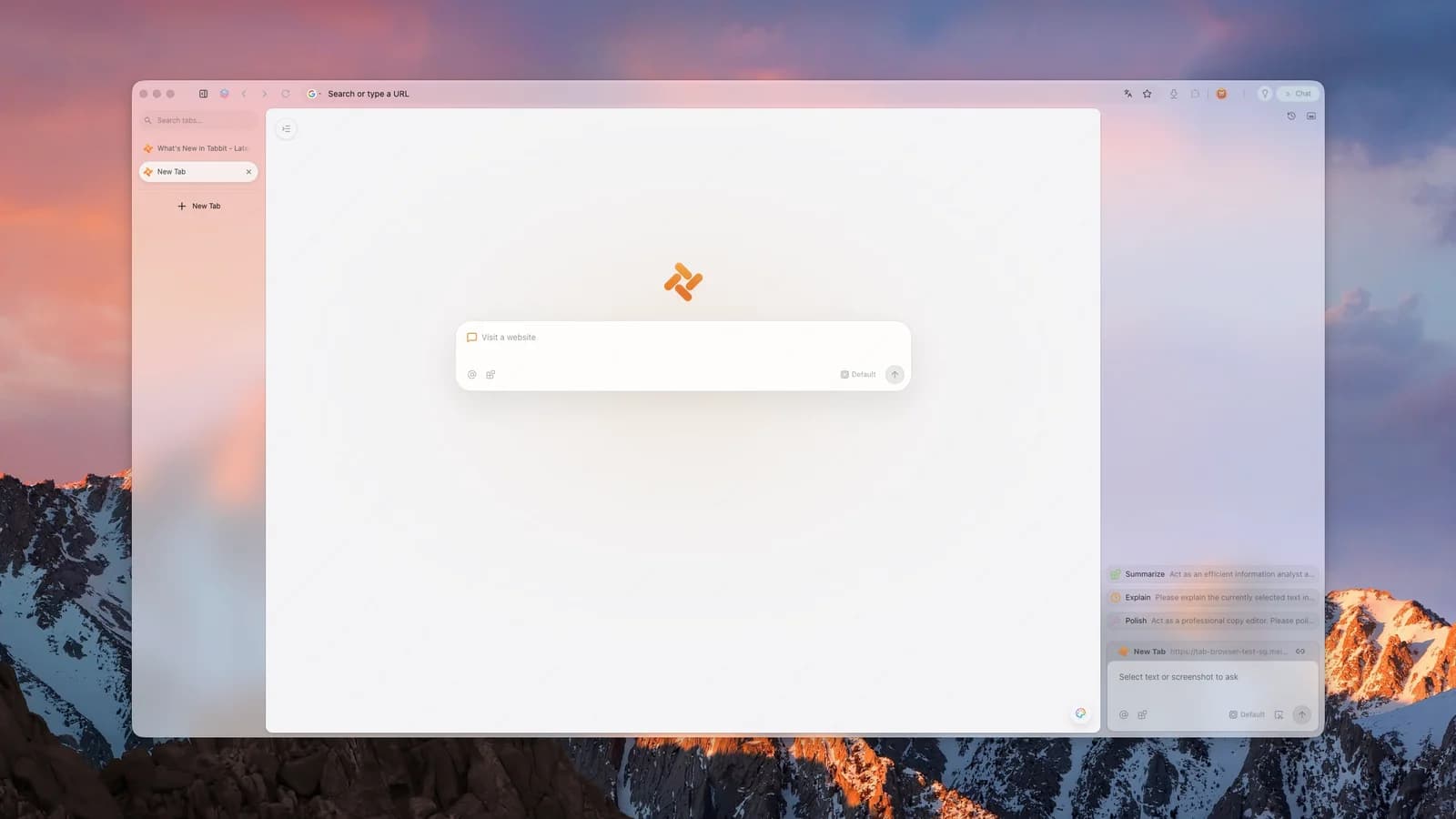
Key takeaways
Best overall: Tabbit — free Agent Mode, every major model, macOS + Windows. Comet is the runner-up for research-heavy users.
Atlas is leaving: ChatGPT Atlas stops working on August 9, 2026. Export your bookmarks now; its agentic features are moving into the ChatGPT desktop app.
Platform check first: Dia remains macOS-only (Apple silicon), with Windows promised for fall 2026. Comet is the only AI-first browser that also runs on phones.
Safety is the real bottleneck: prompt injection attacks like CometJacking are documented, and no vendor has a complete fix. Treat every browser agent as a junior assistant whose work you review.
Do not sleep on boring defaults: Edge Copilot and Brave Leo cover "AI-assisted browsing" for people who never wanted an agent in the first place.
The best AI browsers in 2026 at a glance
| Browser | Best for | Browser agent | Model choice | Platforms | Price (Aug 2026) |
|---|---|---|---|---|---|
| Tabbit | Agentic work on any desktop | Yes, free in current plans | GPT, Claude, Gemini, DeepSeek, Kimi, Qwen, more | macOS, Windows | $0 (Free & Standard plans) |
| Perplexity Comet | Research and synthesis | Yes | Perplexity's stack | macOS, Windows, Android, iOS | Free download; paid tiers exist |
| Dia | Polished Mac work context | Partial (skills-style) | The Browser Company's stack | macOS (Apple silicon) | Free; Pro plan exists |
| Microsoft Edge Copilot | Zero-migration AI help | Limited, rolling out | Microsoft/OpenAI models | Windows, macOS, mobile | Free (OS built-in) |
| Brave Leo | Privacy-first Q&A | No full agent | Mix, incl. BYO models | Cross-platform | Free; premium optional |
| Opera One (Aria) | Mainstream browsing + AI | No full agent | Aria (Opera's stack) | Cross-platform | Free |
| Genspark | Autopilot research agents | Yes | Genspark's stack | macOS, Windows | Freemium |
Feature sets and prices shift monthly in this category. Every fact above was checked against official pages or high-authority sources on August 6, 2026 — re-verify before you commit. Perplexity's own site was unreachable during our research (a Cloudflare wall), so treat Comet pricing details as "check the official page."
What changed in 2026
Three events reshuffled this category, and most ranking pages have not caught up.
Atlas is shutting down. According to OpenAI's help center, Atlas is scheduled to stop working on August 9, 2026 — three days after this article's research date. Bookmarks will not transfer automatically, and OpenAI is steering users toward the ChatGPT desktop app for browser-based agentic work. If you built your workflow on Atlas, our Atlas migration guide and best Atlas alternative breakdown walk through the switch in detail.
Comet went free and everywhere. Perplexity's Comet launched in July 2025 for Windows and macOS, became a free download in October 2025, and shipped Android and iOS versions by March 2026. It is the only AI-first browser with a real mobile story.
Dia is still Mac-bound. Dia's download page requires macOS 14+ on Apple silicon, and its Windows page offers only a beta waitlist "coming this fall." Meanwhile, The Browser Company has been repositioning Dia around work context — morning briefs, reports, and connections to tools like Slack and Notion.
Where Atlas workflows go now
If Atlas was your daily driver, here is the honest mapping of where each habit lands after August 9:
| Atlas habit | Where it lives now | Watch out for |
|---|---|---|
| Sidebar chat about the current page | ChatGPT desktop app; Tabbit Chat with Page | ChatGPT's browser features vary by platform |
| Agent Mode multi-step tasks | ChatGPT desktop agentic work; Tabbit Agent Mode | Tabbit's agent is free in current plans |
| Browsing context and memory | ChatGPT memory; Tabbit Omnibox @ + Agent Memory | Neither imports Atlas memory |
| Bookmarks and saved pages | Export from Atlas, import anywhere | Not automatic — do it before August 9 |
The net effect: the "Mac-first, OpenAI-first" era of AI browsers is over, and the deciding factors in 2026 are agents, context, platforms, and trust.
How we ranked them
Every "best AI browser" list smuggles in its own priorities, so here are ours, in order of weight:
Agent execution — can the browser actually do things (click, fill, navigate multi-step tasks), or does it only chat?
Context handling — can the AI see your tabs, files, and selections without copy-paste gymnastics?
Model choice — are you locked to one vendor's model, or can you pick the right brain for each task?
Platform coverage — does it run where you and your team actually work?
Everyday browser quality — tabs, workspaces, migration from Chrome, the unglamorous stuff you touch hourly.
Price and limits — what is genuinely free, and where are the walls?
Safety posture — what does the vendor say and do about prompt injection and agent permissions?
We did not run lab benchmarks. This ranking is built from official documentation, verified product pages, and community reports, each cited where it appears. Where we have hands-on depth — Tabbit, our own product — we say so plainly and show the actual workflow instead of adjectives.
1. Tabbit — best for agentic work on any desktop
Best for: people who want a browser that executes multi-step work, not just answers questions — on Mac or Windows, without a paywall.
Tabbit Browser is the only entry in this ranking that combines all three of: a free Agent Mode that operates real web pages, day-one access to every major model family, and full macOS (Apple Silicon and Intel) plus Windows support. According to its membership page, both the Free and Standard plans were listed at US$0/month when we checked on August 6, 2026, with Agent Mode included.
The feature set maps directly onto the ranking criteria:
Agent Mode: describe an outcome in natural language — "check yesterday's Product Hunt leaderboard and summarize the AI tools worth my attention" — and Tabbit plans, clicks, scrolls, and fills its way there in a dedicated tab group while you keep working.
Omnibox with
@context: reference open tabs, tab groups, bookmarks, screenshots, or local files (PDFs, spreadsheets) as AI context in one input box. No copy-paste relay.Multi-model, day one: Tabbit's homepage commits to shipping new flagship models — GPT-5.5, Claude 4.7, Gemini 3.1 Pro, Grok 4.3, DeepSeek V4, Kimi K2.6, Qwen 3.6 — within 12 hours of launch. You are never betrothed to one lab.
Skills and Script Mode: save a successful prompt or agent run as a reusable Skill, or have AI write a small script that reshapes a webpage — then share it in the Skills Plaza.
The unglamorous essentials: vertical tabs, smart tab grouping, and one-click import of bookmarks, history, and passwords from Chrome, Edge, or Safari.
Where it falls short: there is no mobile version — Comet wins outright if you need AI browsing on a phone. Agent Mode, like every browser agent in 2026, still stumbles on ambiguous instructions; vague prompts produce vague automation. And the all-free pricing is a public-beta-era policy, so expect plans to evolve.
For a head-to-head against the departing incumbent, see Tabbit vs Atlas; for the Mac design rival, Tabbit vs Dia.
2. Perplexity Comet — best for research-first workflows
Best for: people whose browser work is 80% "find, read, synthesize" — and anyone who needs an AI browser on Android or iOS.
Comet is the most polished answer-engine browser: Perplexity's search DNA shows in how it gathers sources and compresses them into cited answers, and its assistant can summarize pages, draft emails, and handle shopping-style tasks. It is also the portability king — Windows, macOS, Android, and iOS as of March 2026, per Wikipedia's release history (Perplexity's own site was blocked by a security check during our research, so verify current plan details there yourself).
Where it falls short: community feedback consistently wishes for better tab organization — the most-liked comment on Efficient App's comparison video is literally "Sidebar is a killer feature that I cannot let go of either. Wish it was in Comet!" Its agent features lean on Perplexity's own models, so multi-model freedom is limited. And Comet is the category's security cautionary tale: LayerX researchers disclosed the "CometJacking" prompt-injection vector in 2025, which Perplexity later said it patched — a story we unpack in the safety section below. If Comet's trade-offs do not fit you, we maintain a page on Comet alternatives.
3. Dia — best for polished work context on Mac
Best for: Apple-silicon Mac users who want their browser to understand their workday — calendar, inbox, docs — not just their tabs.
Dia has pivoted hard toward the knowledge-work suite: Morning Brief, cross-tool synthesis (Slack, Notion, Google Workspace), AI-drafted decks, and a tab bar that surfaces "where work is happening." If that pitch lands for you, nothing else in this list does it with the same craft.
Where it falls short: the platform wall is real — macOS 14+ on M1 or later only, with Windows on a waitlist for fall 2026. Arc loyalists also keep citing the same missing piece: the sidebar-centric organization they loved. Dia's agent capabilities remain "skills-style" assistance rather than full page-level automation, so if executing tasks matters more than synthesizing context, look at Tabbit or Comet first.
4. Microsoft Edge Copilot — best zero-migration default
Best for: anyone whose IT policy, muscle memory, or Microsoft 365 subscription makes "just use Edge" the path of least resistance.
Copilot in Edge summarizes pages, compares tabs, and drafts text without installing anything new, and Microsoft's agentic "Copilot Actions" capabilities have been rolling out gradually. The migration cost is literally zero on Windows.
Where it falls short: this is AI on a browser, not an agentic browser. There is no equivalent of Tabbit's Skills or reusable agent workflows, model choice is Microsoft's, and the most ambitious features arrive slowly and unevenly by region. If you have ever thought "I wish the browser would just do this whole task for me," Edge will feel like a teaser.
5. Brave Leo — best privacy-first assistant
Best for: privacy-conscious users who want AI summaries and Q&A without handing their browsing life to an agent.
Leo inherits Brave's privacy posture — proxied requests, a no-retention stance on conversations, and options to bring your own model — inside a browser whose ad-blocking and tracker protection are already the main attraction.
Where it falls short: Leo is deliberately an assistant, not an agent. It will talk about the page; it will not operate the page. For many people that is a feature (see the safety section), but if you searched "best AI browser" hoping for automation, Brave is the wrong row of the table.
6. Opera One (Aria) — best mainstream browser with built-in AI
Best for: mainstream users who want free, unlimited-ish AI chat baked into a full-featured veteran browser.
Opera One bundles its Aria assistant, a sidebar of messaging apps, tab islands, and a free VPN into a package that asks nothing new of you. Aria handles page context and image generation adequately for casual use.
Where it falls short: Aria is a capable chatbot, not a task agent, and Opera's AI roadmap has been quieter than the AI-first challengers'. Think of it as the best "browser with AI," one rung below the agentic category.
7. Genspark — best for autopilot research agents
Best for: users who liked Genspark's "Super Agent" answer pages and want that autopilot style inside a browser shell.
Genspark's browser leans into autonomous research: give it a question and it fans out across sources, then compiles structured results with minimal steering.
Where it falls short: the autopilot style means less visibility into intermediate steps than Tabbit's visible execution trail or Comet's cited answers, and its ecosystem is younger. Treat it as a promising specialist rather than a daily-driver default.
A practical option in daily work: Tabbit Browser
Full disclosure: Tabbit is our product, so take this section as a demonstration, not an independent review. Here is the workflow that made us rank it first, with the actual prompt.
The constraint. Every weekday morning, someone on a growth team needs to know what happened in AI yesterday — across news sites, Product Hunt, and a few blogs — before the 10 a.m. standup. The options are grim: 45 minutes of manual scanning, or a generic news digest that misses your niche.
The Tabbit way. Open the Omnibox, switch on Agent Mode, and paste a saved Skill:
Visit these sources: Product Hunt leaderboard for yesterday, my three saved
AI news bookmarks (@bookmarks), and the front page of one major tech news site.
For each AI-related product or story, record: name, one-line description,
category, and why it matters to a browser/productivity team.
Deliver a Markdown table, max 15 rows, most relevant first.
Skip promoted listings. If a page needs scrolling to load, scroll until
no new items appear.
The agent opens its own tab group, works through the list, and delivers the table while you drink your coffee. Because the run is saved as a Skill, tomorrow it takes one keystroke — / and Enter.

Where context beats chat. The second half of the workflow is reading. With the report open, Chat with Page and @-mentions let you interrogate any source directly — "compare this launch with what @tab-3 covered" — without shuttling text between windows. When one question deserves several brains, Tabbit's multi-model chat fans the same prompt out to GPT, Claude, Gemini-class models and more in parallel:

The trade-offs, honestly. This workflow shines for bounded, repeatable tasks — daily digests, dashboard checks, form updates, research sweeps. It is the wrong tool for actions you cannot afford to have fumbled: payments, irreversible account changes, publishing to production. Keep a human checkpoint there. Agent speed and stability are still improving (the team's own best-practices write-up admits as much), and there is no mobile app. If your work fits the bounded-task pattern and you are on a desktop, this is the most leverage you can get for free in 2026; our best AI browser 2026 landing page has the download links and the short version of this argument.
Are AI browsers safe to use?
This is the question community threads actually obsess over, and any ranking that skips it is doing you a disservice. In Reddit's r/browsers thread on the best AI browser for 2026, the top comment is blunt: "None. You shouldn't use AI browsers, unless you want all your personal data, credit card details and credentials to be leaked." Another user captures the ambivalence even fans feel: "GPT atlas is the best ai browser atm but imo no one should use them, they're a huge invasion of privacy."
The concern is not paranoia. The documented attack class is prompt injection: a malicious page hides instructions that hijack the browser's agent. LayerX's 2025 "CometJacking" disclosure showed exactly this against Comet (Perplexity later said it independently identified and patched the issue, per the Wikipedia summary). We detail the attack patterns on our agentic browser security risk page.
You cannot eliminate the risk, but you can price it in:
Separate doing from deciding. Let agents gather, fill, and draft — keep humans on payments, deletions, and publishing.
Scope the agent's credentials. Do your agentic browsing in a profile without saved cards; log into banking in a different browser.
Prefer visible execution. Agents that show their step trail (Tabbit, Comet) let you catch a hijack mid-run; pure autopilots do not.
Read the vendor's data policy, not the landing page. Whether chats train models, and where pages are processed, varies more than marketing suggests.
The sober verdict: in 2026, an AI browser is safe enough for research, drafting, and bounded automation, and not yet safe enough to hand your wallet to. If you want the deeper concept first, what is an agentic browser explains where the risk boundary actually sits.
How to choose the best AI browser for you
Rankings flatten real differences, so decide by scenario:
| Your situation | Best pick | Why |
|---|---|---|
| Want agents + multi-model, on Mac or Windows, at $0 | Tabbit | Free Agent Mode, every major model, dual platform |
| Research and synthesis all day | Comet | Answer-engine DNA, cited results, mobile apps |
| Apple-silicon Mac, work-context nerd | Dia | Morning Brief, Slack/Notion/docs synthesis |
| Cannot or will not switch browsers | Edge Copilot | Already installed, Microsoft 365 aware |
| Privacy first, agent never | Brave Leo | Proxied, no-retention assistant in a hardened browser |
| Casual AI chat in a classic browser | Opera One | Aria is free and unbounded enough for daily Q&A |
| Autopilot research reports | Genspark | Super Agent style, minimal steering |
Two underrated factors from community threads deserve a vote in your decision. Tab organization: multiple commenters stayed with or left browsers over sidebars alone — if you live in 40 tabs, weight this heavily (Tabbit's vertical tabs and smart grouping, Dia's craft, and Arc-style setups matter more than benchmark deltas). Migration cost: as one viewer waiting to jump from Arc put it, the dream is "transferring tabs and folders, favourites, history, passwords" seamlessly. Tabbit imports all of those from Chrome, Edge, and Safari in one pass; Comet and Dia handle the basics. Windows users should double-check platform support before falling in love — our best AI browser for Windows page tracks that specifically, and the broader AI browser category overview maps the whole space.
Final verdict
For most people in August 2026, the best AI browser is Tabbit. It is the only contender that is simultaneously agentic, multi-model, cross-platform on desktop, and free — and with Atlas gone, there is no incumbent left to wait for. Comet is the better answer if your work is pure research or you need mobile; Dia is the better answer if you are a Mac-only design perfectionist; Edge, Brave, and Opera are the right answers if "agentic" was never the point for you.
Whichever you choose, the 2026 rule stands: let the browser do the gathering and the typing, and keep the irreversible decisions for yourself. If Tabbit's trade-offs fit your workflow, the download is free for macOS and Windows — and our best AI browser guide compares the shortlist from the product side.

FAQ
What is the best AI browser in 2026?
For most people, Tabbit Browser is the best AI browser in 2026 because it combines a free Agent Mode, multi-model access, and both macOS and Windows support. Perplexity Comet is the stronger pick for research-first workflows, and Dia is the best polished option if you are on a Mac with Apple silicon.
What happens to ChatGPT Atlas after August 9, 2026?
OpenAI says Atlas is scheduled to stop working on August 9, 2026, and its browser-based agentic capabilities are moving into the ChatGPT desktop app and Codex. Bookmarks and open tabs do not transfer automatically, so export anything important before that date.
Is there a free AI browser with agent mode?
Yes. As of August 2026, Tabbit lists both its Free and Standard plans at US$0 per month, with Agent Mode included, and Comet has been a free download since October 2025. Pricing can change, so check each product's official page before deciding.
Which AI browser works on Windows?
Tabbit, Perplexity Comet, Microsoft Edge Copilot, Brave Leo, and Opera One all work on Windows today. Dia is macOS-only for now, with a Windows version listed as coming in fall 2026 through a beta waitlist.
Are AI browsers safe from prompt injection?
No AI browser is fully safe from prompt injection. Security researchers have demonstrated attacks like CometJacking, where a malicious page manipulates the browser's agent. Reduce risk by keeping a human approval step for payments, account changes, and any action that is hard to reverse.
Should I use an AI browser or just Chrome with an AI extension?
An AI extension adds a chatbot to your current browser, while an AI browser gives the model page and tab context and, in agentic browsers, the ability to act on pages. If you only want summaries and Q&A, an extension is enough; if you want the browser to complete multi-step tasks, choose an agentic AI browser.