01
01 · SPACE
Choose the working context
Use a Space for a broad lane such as Work, Client A or Personal. It is an organization layer for the apps you want nearby.
SHIFT · MULTI-ACCOUNT FIELD GUIDE
Shift turns web apps into a desktop workspace: add separate instances of Gmail, Slack, Microsoft 365 or a client tool, then make each identity visible. The useful distinction is simple—Apps and Spaces organize sessions; they are not a promise of hard security isolation.
THE SHORT VERDICT
Shift is a strong account-switching console for people who live in several app identities. Tabbit belongs beside it when the bottleneck is researching, summarizing or acting across open pages.
Features and labels can change by Shift release. Verify the current app and account settings before relying on them.
Internal operations
Acme workspace
Private admin
APP INSTANCES
CLIENT A / 03
Gmail
you@acme.example
Slack
you@acme.example
Teams
you@acme.example
Before sending, check the Space, app label and recipient. The console reduces visual confusion; the service still decides what that session can access.
THE OPERATING MODEL
Shift’s official help describes adding multiple instances of the same app, signing into each one, and using labels, colors and placement to tell them apart. Think “visible working lanes”, not “separate vaults”.
01 · SPACE
Use a Space for a broad lane such as Work, Client A or Personal. It is an organization layer for the apps you want nearby.
02 · APP
Use the plus in the Spaces bar or Add App, add Gmail, Slack or Microsoft 365, then repeat for the next account.
03 · SESSION
Click each app instance and authenticate with the intended service account. The account boundary comes from that service session.
04 · CUE
Give instances custom labels such as “Personal Slack” and “Client Acme Slack”; use colors and sidebar placement as visual checks.
05 · CONTROL
Keep useful account alerts on, mute noisy instances when needed, and use Shift’s documented search surfaces where they fit the current build.
ACCOUNT SWITCHING CONSOLE
This is the mental model to build in Shift: a Space is a lane; each row is an app instance tied to a service login. A color or label is a reminder to verify, never a security boundary.
01 / WORK
SIGNED-IN IDENTITY
you@company.com
APP INSTANCES
02 / CLIENT A
SIGNED-IN IDENTITY
you@acme.example
APP INSTANCES
03 / PERSONAL
SIGNED-IN IDENTITY
you@personal.mail
APP INSTANCES
Before sending, check the Space, app label and recipient. The console reduces visual confusion; the service still decides what that session can access.
THE DAILY CONTROLS
The strongest Shift workflow combines a visible identity cue with a small notification and search routine. Some help content is version-specific, so treat the links as the source of truth for your build.
Shift documents custom labels and color rings for distinguishing repeated app instances. Put the account name in the label; do not rely on a tiny avatar alone.
Desktop notifications need OS permission. Shift’s notification controls can be opened from the app or account and muted globally for a short period; site permissions may also need checking.
Shift’s multiple-profile guide describes search across Mail, Calendar and Drive. Confirm the current build’s scope before treating one result list as an all-account audit.
Shift’s multi-computer help says Spaces and Apps can sync, while passwords and payment information do not; open web tabs do not automatically follow. Sync changes organization across devices, not the meaning of a service login.
FIRST-PARTY UI EVIDENCE
These official Shift images show the two ideas that matter for account switching: repeated service identities and a dense app rail. They are evidence of organization, not proof that accounts are isolated from one another.
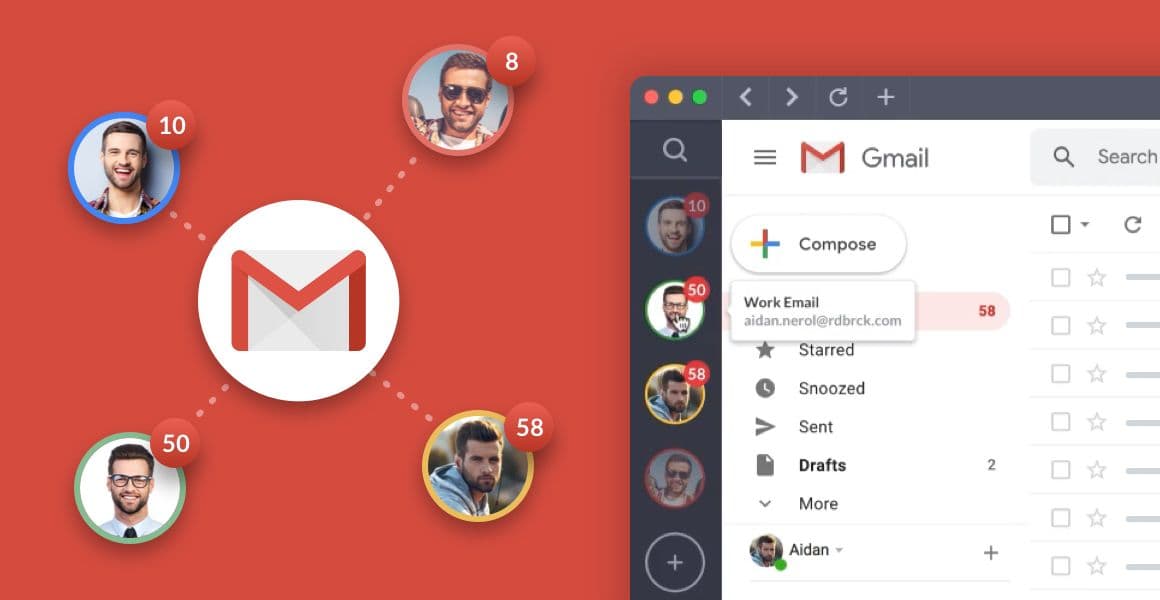
01 · REPEATED IDENTITY
The Gmail view shows multiple account avatars and unread counts beside one app surface. That visual redundancy is useful when you need to pick the right inbox quickly.
Official Shift visual: multiple Gmail identities are presented together with account cues.
Shift multiple-profile guide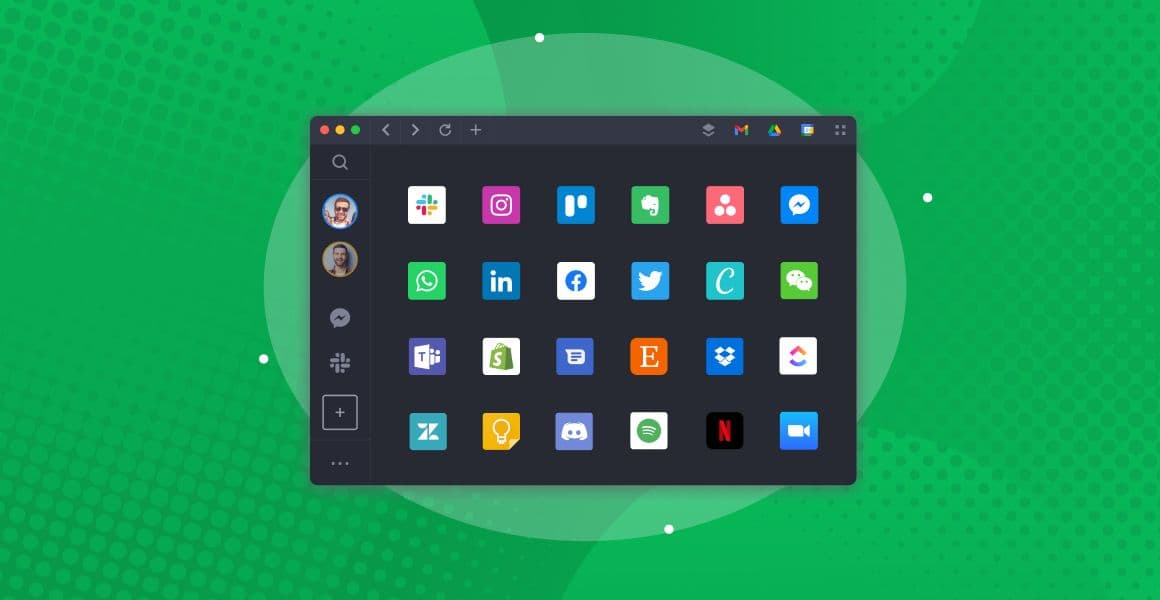
02 · APP RAIL
The app grid shows how Slack, Teams, Gmail, Drive and other tools can sit in one desktop workspace. Adding another instance is an organization action; its login remains governed by the app.
Official Shift visual: an app rail and grid make a multi-service workspace scannable.
Shift multiple-account helpWe use first-party Shift visuals as product evidence. Screens, names and controls may differ in your current release; use Shift’s help pages for the latest steps.
PRIVACY, SECURITY & FIT
Shift can lower the chance of clicking the wrong account. It cannot turn a Space, label or color into a new authentication system. Keep the service session, OAuth scopes, device and network in your threat model.
A red ring or “Client Acme” label helps you notice context. It does not encrypt the app, split browser storage by itself, or guarantee that data cannot cross an account.
Gmail, Slack, Microsoft and client tools each decide session lifetime, permissions, SSO and account access. Re-check the active identity before a high-impact action.
If Spaces and Apps sync between computers, the organization follows the signed-in Shift setup. Treat shared devices and synced settings as part of the trust boundary.
Shift fits account-rich operations, notifications and app switching. It is less useful if you only need page research, source comparison or an AI summary beside the tabs.
A PRACTICAL CHECK
Before sending a message or moving a file: read the Space name, read the app label, confirm the recipient or destination, then act. This small pause is part of the product workflow.
WHERE TABBIT FITS
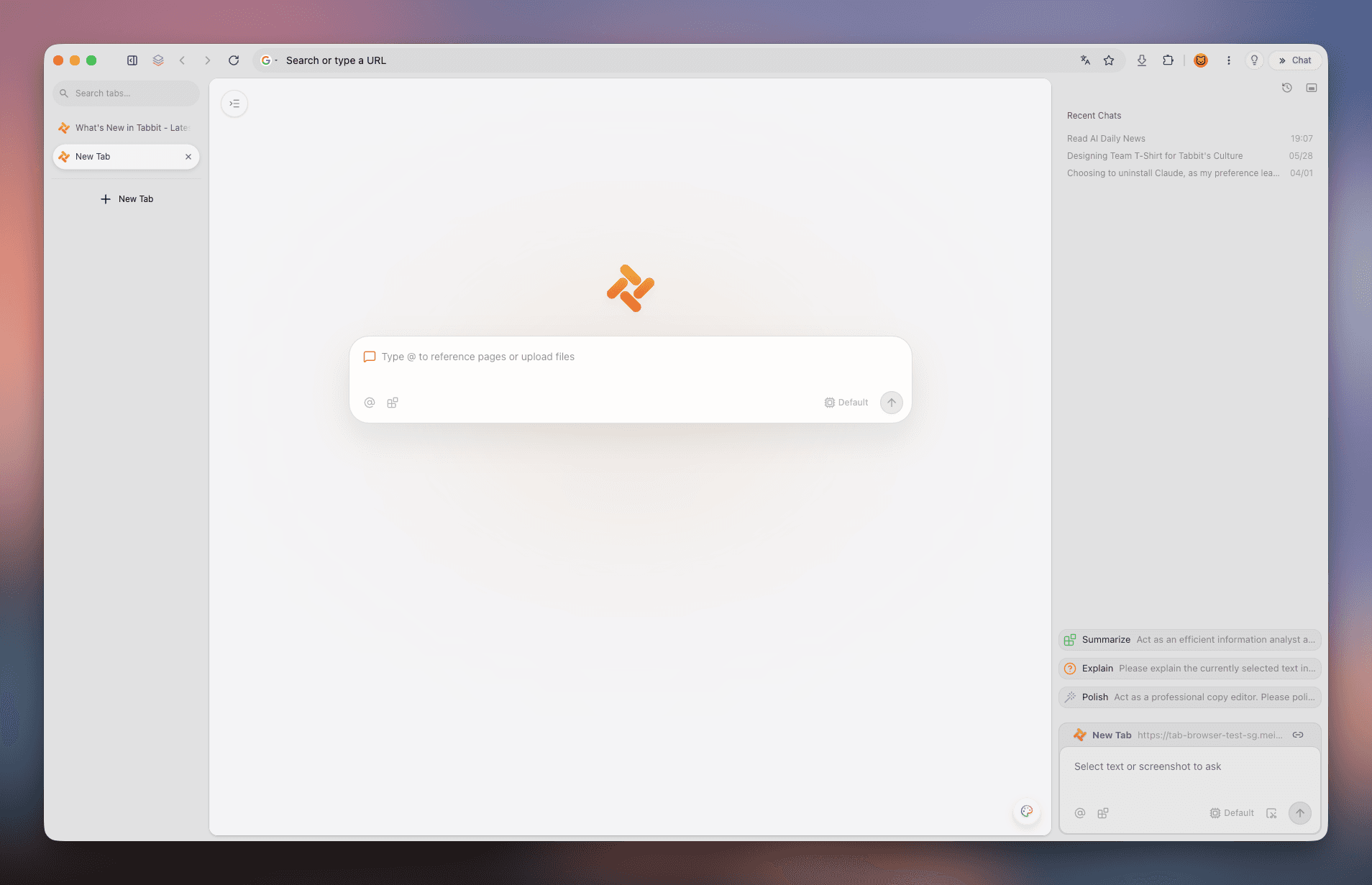
Tabbit is not a replacement for Shift’s multi-account organization. It addresses a neighboring problem: keeping sources, tabs, context and supported AI work visible while you investigate a question or repeat a web task.
Keep the source pages together and give the research task a clear context instead of treating every tab as an isolated copy-paste.
Use the summary surface to extract a core message, key takeaways and a conclusion while the original page remains available for review.
For supported tasks, inspect research sources and execution steps in one browser workspace. Validate output and permissions before acting in an account.

ROLE CHECK
Use the column that describes the work you are trying to unblock. Tabbit is a complement for research and context, not a multi-account substitute.
| Job | Shift | Tabbit |
|---|---|---|
| Primary job | Organize multiple web-app identities and switch between them. | Research across pages, preserve context and use supported AI workflows. |
| Core unit | App instance inside a Space, with a service login. | Tab, page, context and research task. |
| Account switching | Strong fit: repeated Gmail, Slack, Microsoft or client app instances. | Not the point; keep account management in the product that owns the session. |
| Search + alerts | Useful for documented app/mail/calendar surfaces and per-app notifications; verify current scope. | Useful for gathering, summarizing and inspecting research work beside sources. |
| Best next click | Choose a labeled app instance, then verify the identity before acting. | Open the source set, ask the research question and review the result. |
A “Space” in Shift should be read as a workspace convention, not a security guarantee. A “context” in Tabbit is for organizing web work, not a promise of account isolation.
FAQ
Open the Spaces bar or Add App control, add Gmail, sign in to the first account, then add another Gmail instance and sign in to the second account. Use a custom label or color so “Personal Gmail” and “Client Gmail” are easy to distinguish.
Shift’s documented model is to add multiple instances of the same app and sign into each one. That can apply to Slack, Teams, Outlook or Microsoft 365, but the service’s own SSO, session and workspace rules still apply.
Do not treat them as hard security profiles. Spaces organize Apps and accounts visually. Authentication, permissions and data access still belong to the service session, the device and your organization’s controls.
Shift’s multiple-profile guide describes search across Mail, Calendar and Drive, but the exact scope can depend on the current build and connected apps. Confirm which account and service are included before using a result as a complete audit.
Desktop notifications require OS permission. Shift’s help describes per-app or per-account site notification controls plus Quick Settings for muting or choosing alert types. Review the account and browser permission when an alert is missing.
Shift’s multi-computer help says Spaces and Apps can sync after you sign in and enable Sync. It also says passwords and payment information do not sync and open web tabs do not automatically follow. Check the current help before enabling sync on a shared computer.
It can be a good visual console when you need several client identities close at hand. Use explicit labels, verify the active app before sending, and follow each client’s device, SSO and data-handling policy.
Use Shift when account and app switching is the main problem. Try Tabbit when the main problem is researching across tabs, summarizing sources, keeping context or inspecting supported AI and Agent steps. The two roles can coexist.
MAKE THE NEXT TASK EASIER
Shift can make a multi-account desktop less error-prone through visible Apps, Spaces and cues. If your next task is a source-heavy investigation rather than an account switch, download Tabbit and test one real research workflow alongside your existing tools.
Free desktop download · supported features and availability can change by release