01 / タブ01
読めるタブ
縦型タブならページタイトルを最後まで確認できます。重要なものを固定し、残りは折りたためます。
完全なタイトル
オンラインで働く、静かな方法
クリーンなブラウザは、仕事を減らすのではなく、タブ・タスク・AI 操作を適切な場所に置きます。読んでいるページが、そのまま作業ページになります。
クリーンな画面 / 実際の仕事
01 フォーカスキャンバス
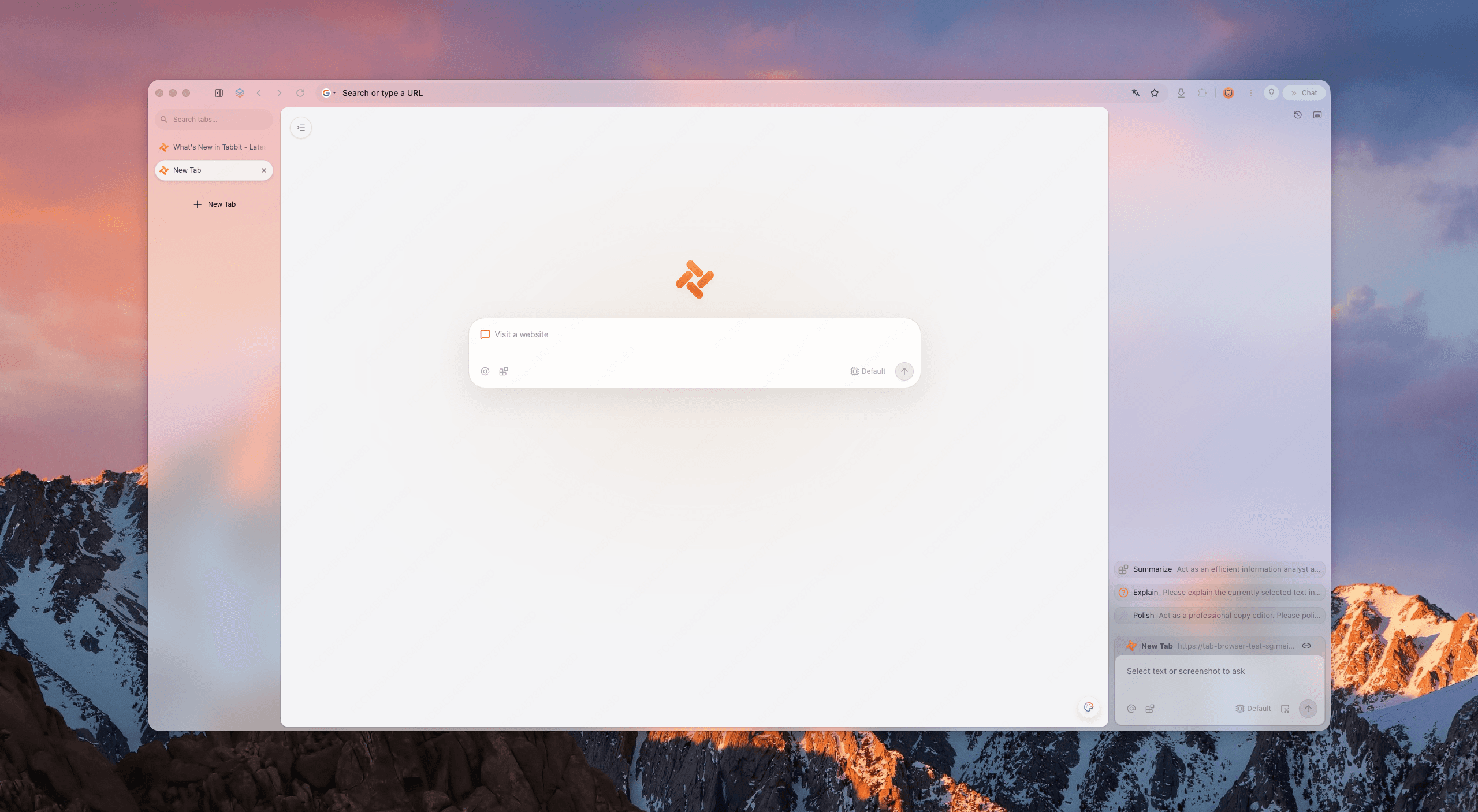
5つのサインで確認
生産性ブラウザを5つのサインで見てみましょう。Tabbit は機能を隠さず、すべてを通すように設計されています。
縦型タブならページタイトルを最後まで確認できます。重要なものを固定し、残りは折りたためます。
完全なタイトル
ブラウザの枠は控えめに。開いているページに必要な幅と注意を戻します。
低ノイズ
Agent タスクはフォーカスの隣で動き、ポップアップで作業を覆いません。
オーバーレイなし
ワークスペースで顧客、授業、個人プロジェクトを分けられます。
明確な文脈
バックグラウンド作業は安心できる程度に見え、思考を止めない程度に静かです。
静かに実行
約束ではなく、画面で確認
最もクリーンな生産性ブラウザは空白の画面ではありません。読む、整理する、実行するを分けるブラウザです。
レポート、デザイン、スプレッドシートを読みやすく開けます。縦型ナビゲーションがページに余白を与えます。
ソースと文脈を同じ場所に保ちます。要約レーンは使えても、読む面を奪いません。
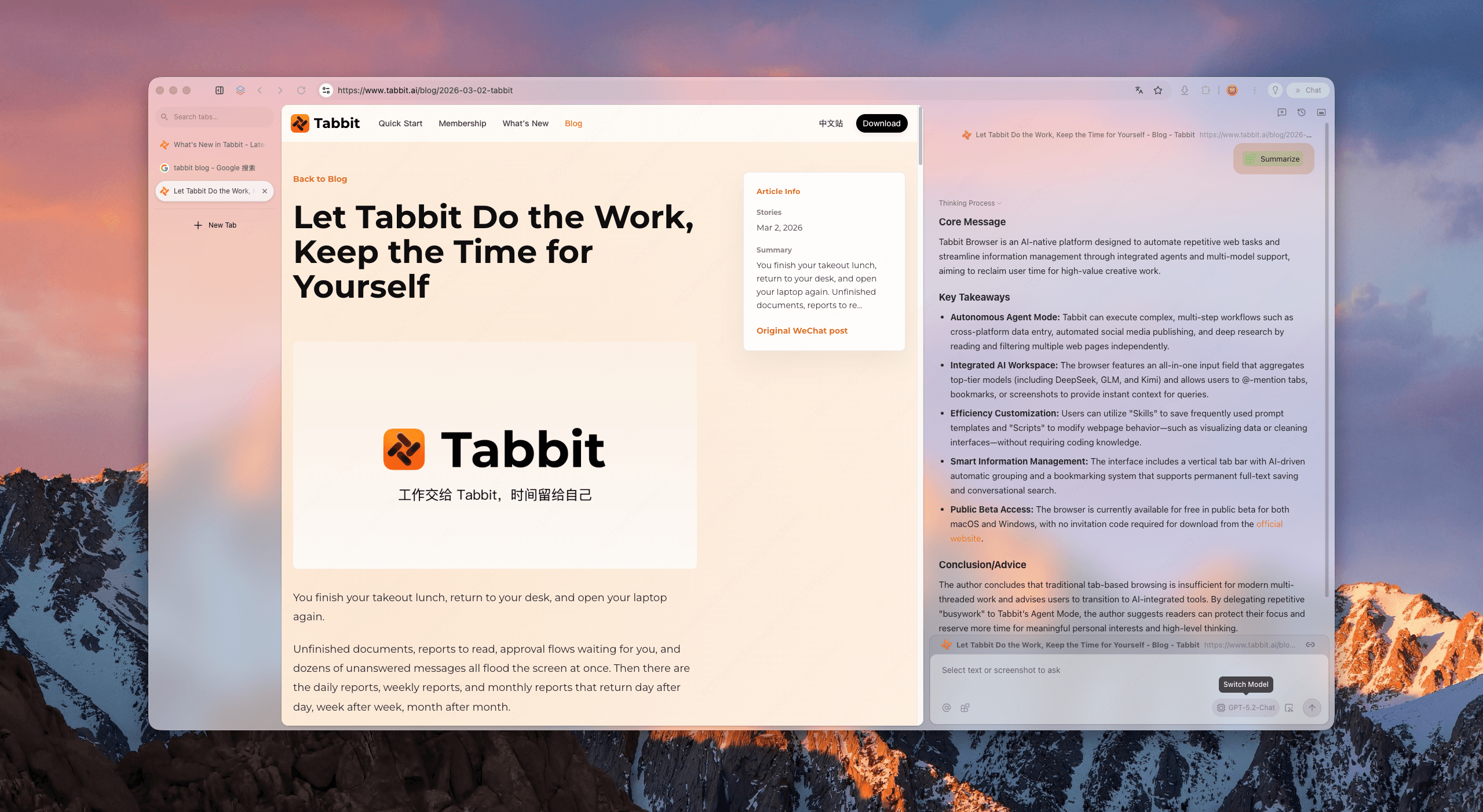
データ入力や複数ステップの操作を専用レーンで実行できます。判断はあなた、クリックは Tabbit です。
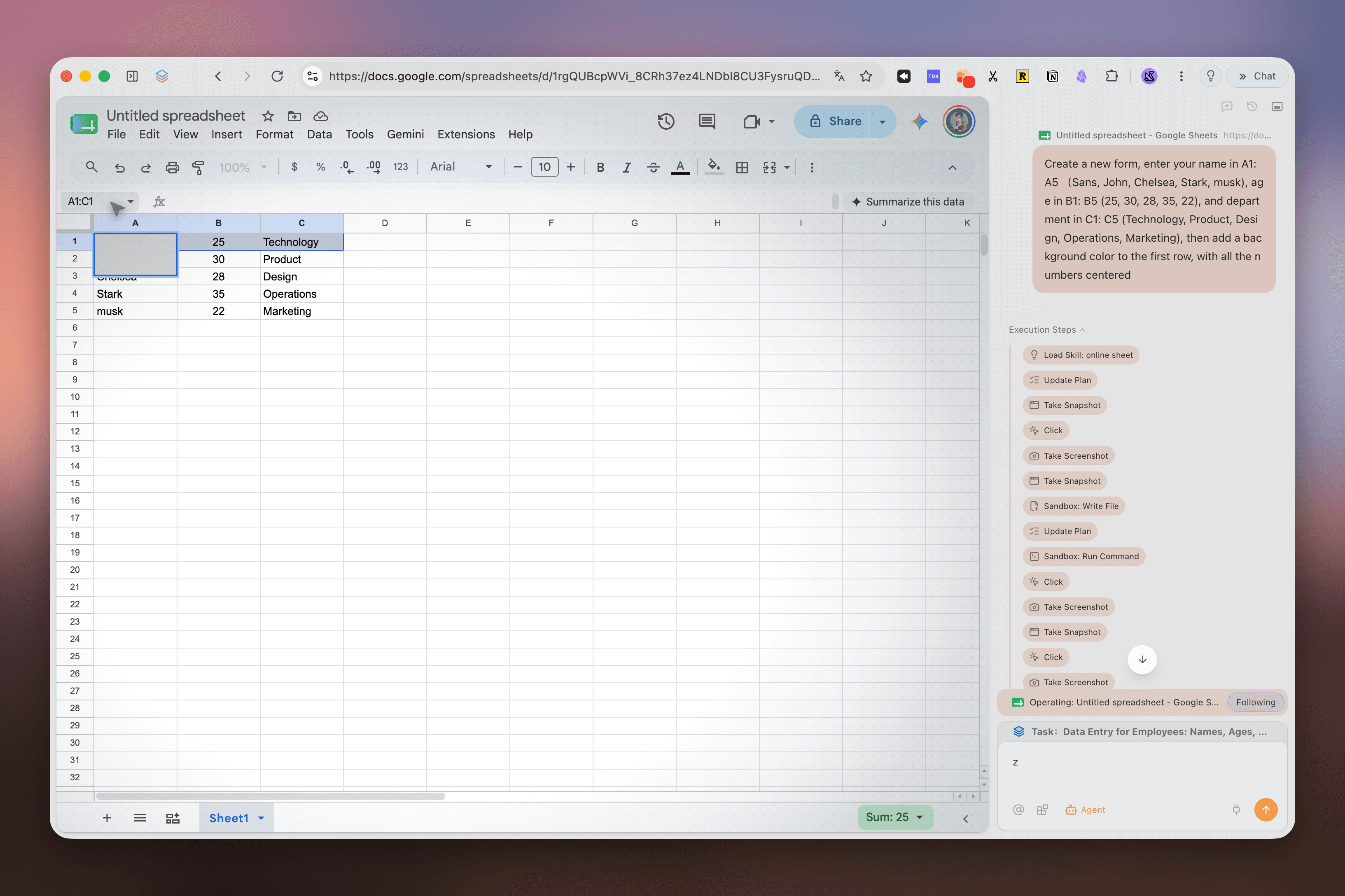
Deep Research が検索結果を手順、ソース、発見に整理し、いつでも続きから戻れます。
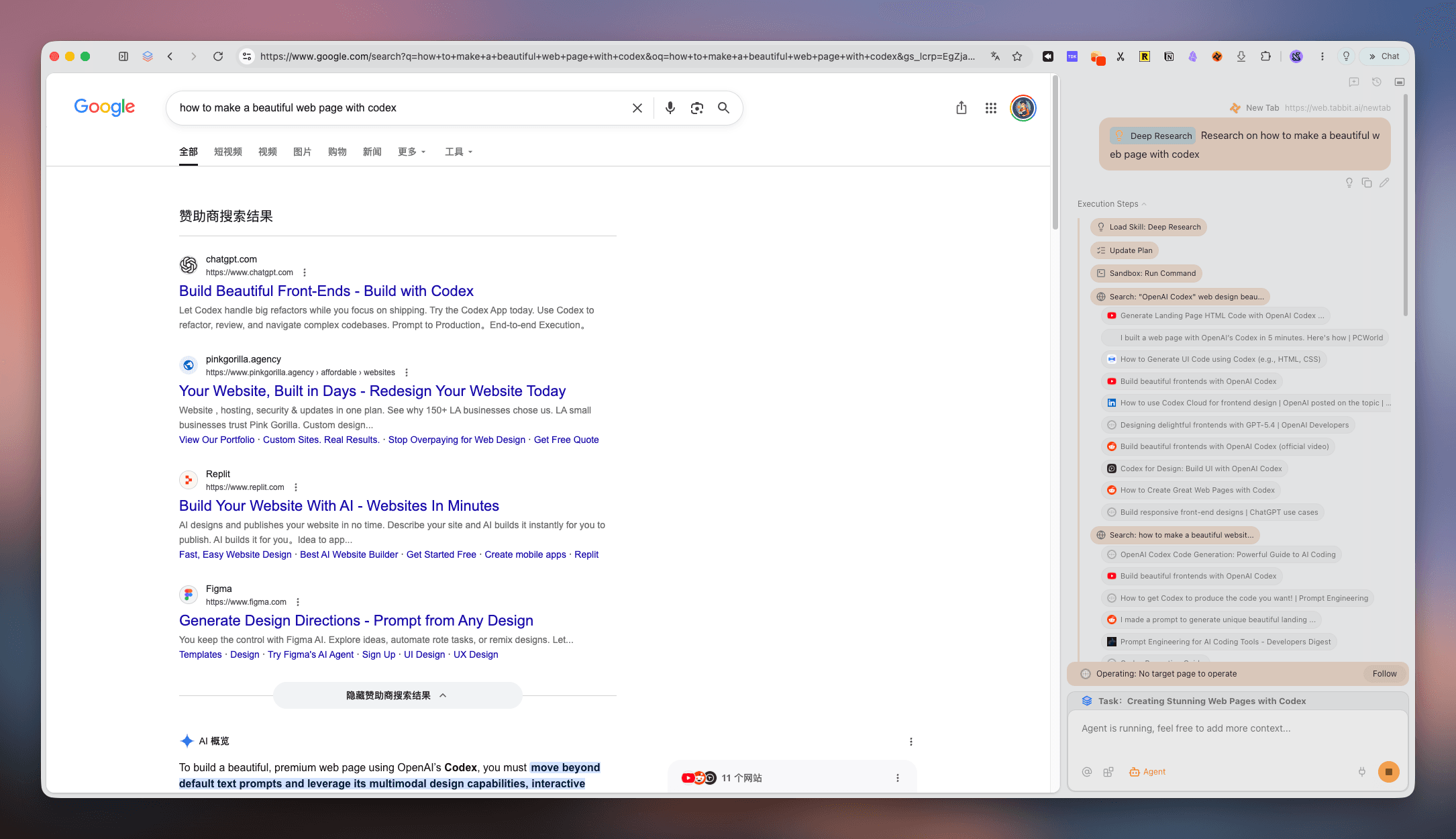
論文、ニュース、更新を一つの画面に集め、次の判断にすぐ進めます。
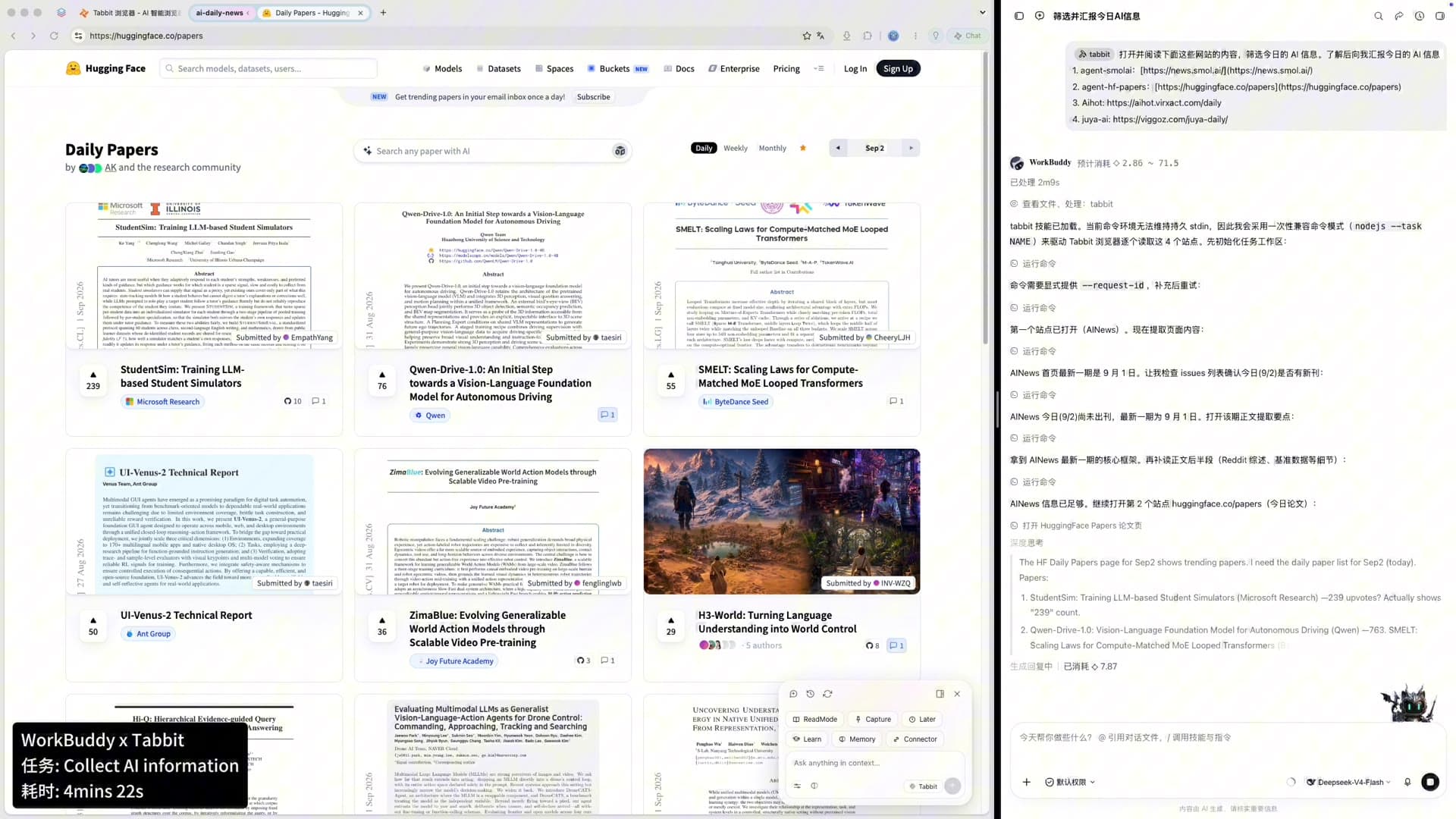
クリーンな仕事のループ
良い生産性ブラウザは、考えることと実行することの受け渡しを明確にします。
実用的な比較
機能は変わる可能性があります。ここでは製品ごとのワークフローの形を比較しています。
| サイン | Tabbit | Chrome | Arc | Zen |
|---|---|---|---|---|
| タイトルが読める縦型タブ | 標準 | 拡張機能 | 標準 | 標準 |
| プロジェクト用ワークスペース | スマートグループ | タブグループ | Spaces | Workspaces |
| 内容を覆わない AI | 分離 Agent レーン | サイドバー / 拡張機能 | Ask Arc | 拡張機能 |
| 並列ブラウザタスク | Agent レーン | 手動タブ | 手動 | 手動 |
| Mac と Windows | 無料ベータ | 対応 | 限定的 | 対応 |
質問に答えます
必要なツールを残したまま、視覚的・認知的なノイズを減らすブラウザです。Tabbit は縦型タブ、ワークスペース、分離 Agent レーンを組み合わせます。
同じではありません。ミニマルは機能を減らすこと、クリーンは構造を明確にすることです。
横型タブではタイトルがすぐ見えなくなります。縦型リストならページの文脈を保てます。
はい。顧客、授業、プロジェクトごとに分け、必要なものだけを表示できます。
分離 Agent レーンと文脈パネルを中心に、メインページを読みやすく保つ設計です。
はい。Agent が調査やデータ入力などの複数ステップを実行します。
公開ベータ期間中、macOS と Windows で無料です。公式サイトからダウンロードしてください。
はい。必要なデータを取り込み、開いているタブをワークスペースへ整理できます。
仕事のための余白
タブ、調査、ブラウザタスクを一つの静かなワークスペースへ。
macOS · Windows · 公開ベータ