01 / abas01
Abas legíveis
As abas verticais mostram o título completo. Fixe o que importa e recolha o resto.
TÍTULOS COMPLETOS
Uma forma mais tranquila de trabalhar online
Um navegador limpo não pede que você faça menos. Ele coloca cada aba, tarefa e ação de IA no lugar certo, para que a página que você lê continue sendo a página em que trabalha.
TELA LIMPA / TRABALHO REAL
01 tela de foco
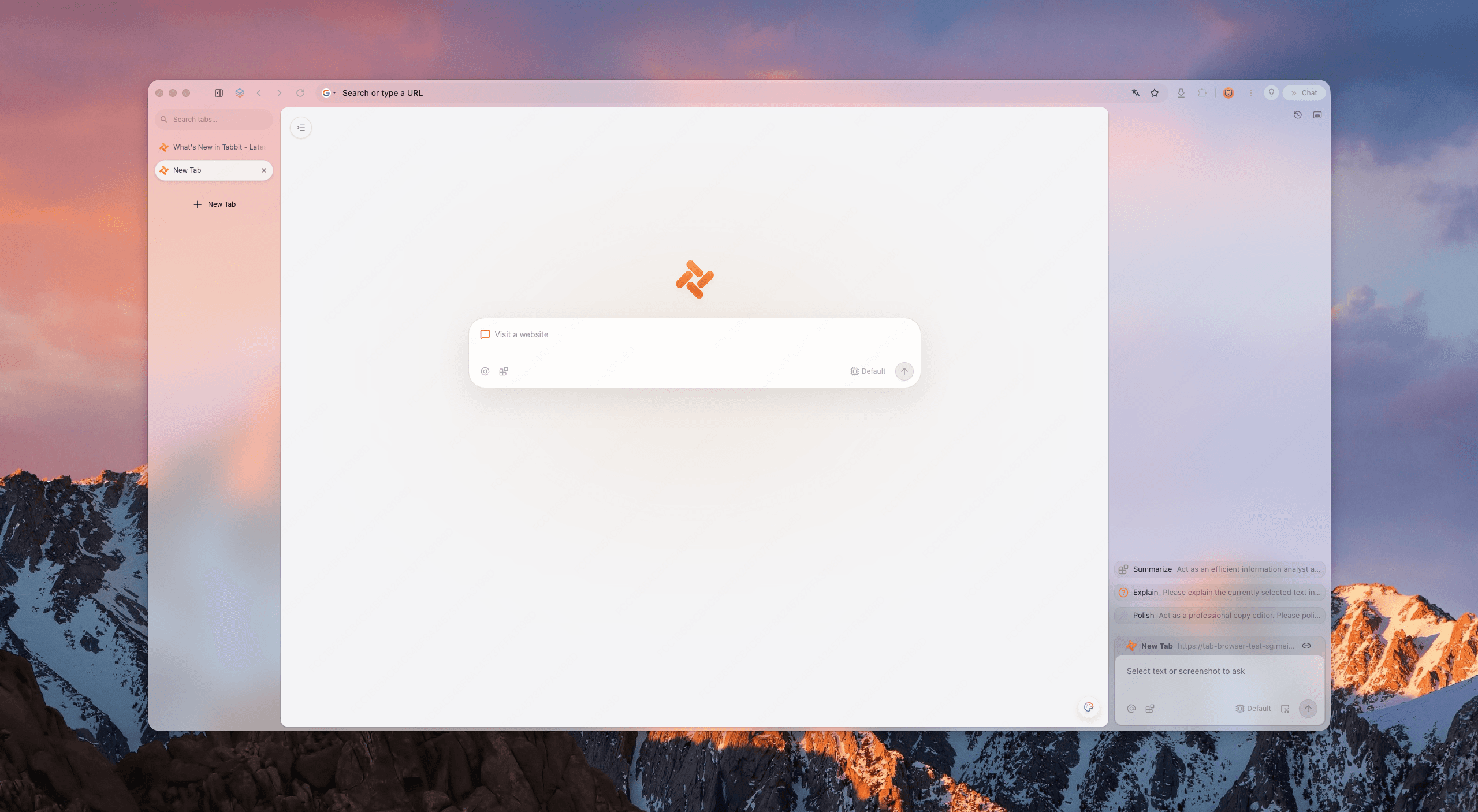
O teste dos cinco sinais
Avalie qualquer navegador de produtividade com cinco sinais. Tabbit foi criado para passar nos cinco sem esconder sua capacidade.
As abas verticais mostram o título completo. Fixe o que importa e recolha o resto.
TÍTULOS COMPLETOS
A moldura do navegador recua e a página ativa ganha espaço e atenção.
POUCO RUÍDO
Tarefas Agent rodam ao lado do foco, sem uma janela cobrindo seu trabalho.
SEM SOBREPOSIÇÃO
Workspaces separam clientes, aulas e projetos pessoais.
CONTEXTO CLARO
O trabalho em segundo plano aparece o bastante para gerar confiança, sem distrair.
ATIVO EM SILÊNCIO
Provas, não promessas
O navegador mais limpo para produtividade não é uma tela vazia. Ele separa leitura, organização e execução.
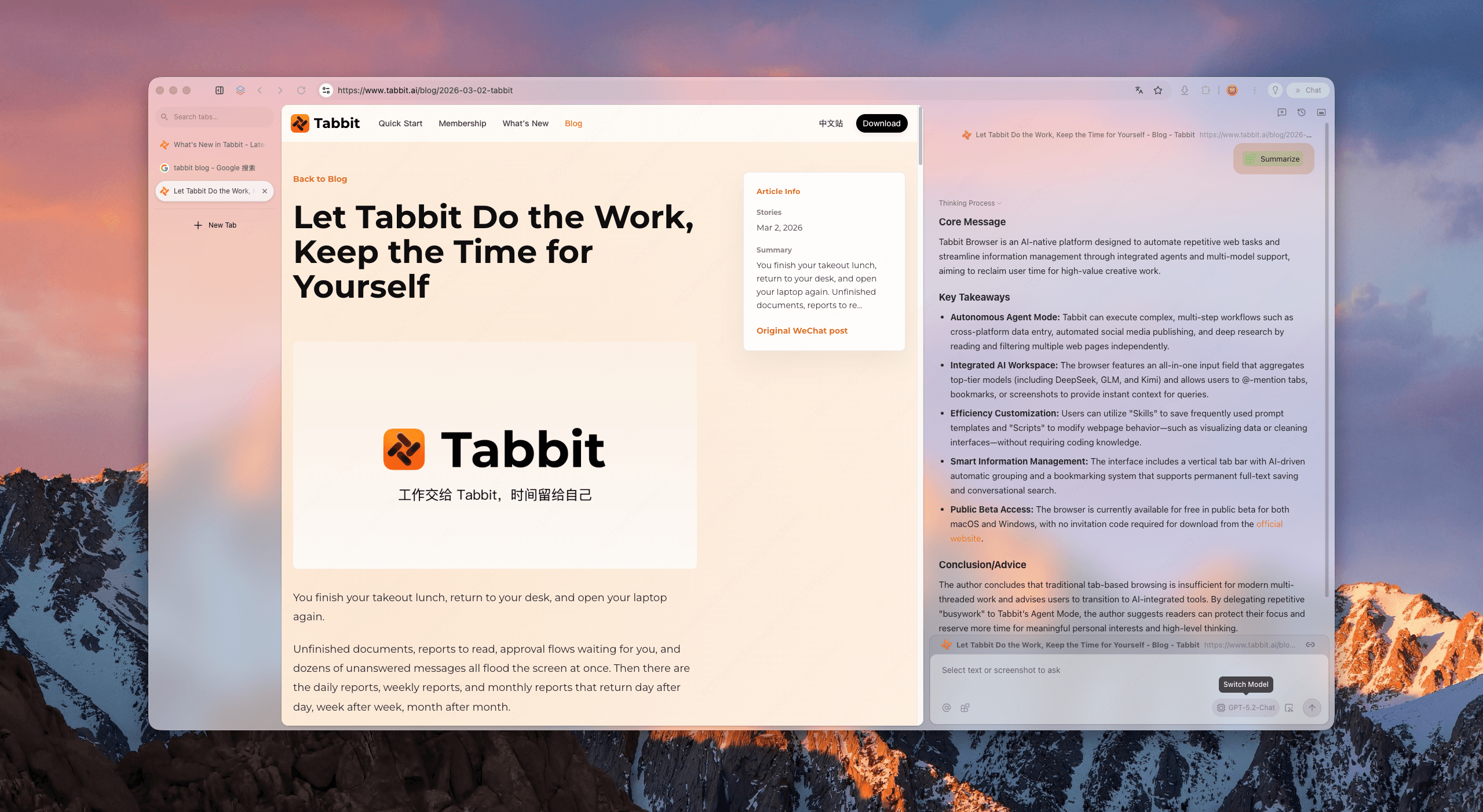
Abra relatórios, designs ou planilhas mantendo tudo legível. A navegação vertical dá espaço à página ativa.
Mantenha fonte e contexto juntos. O caminho de resumo está disponível sem ocupar sua área de leitura.
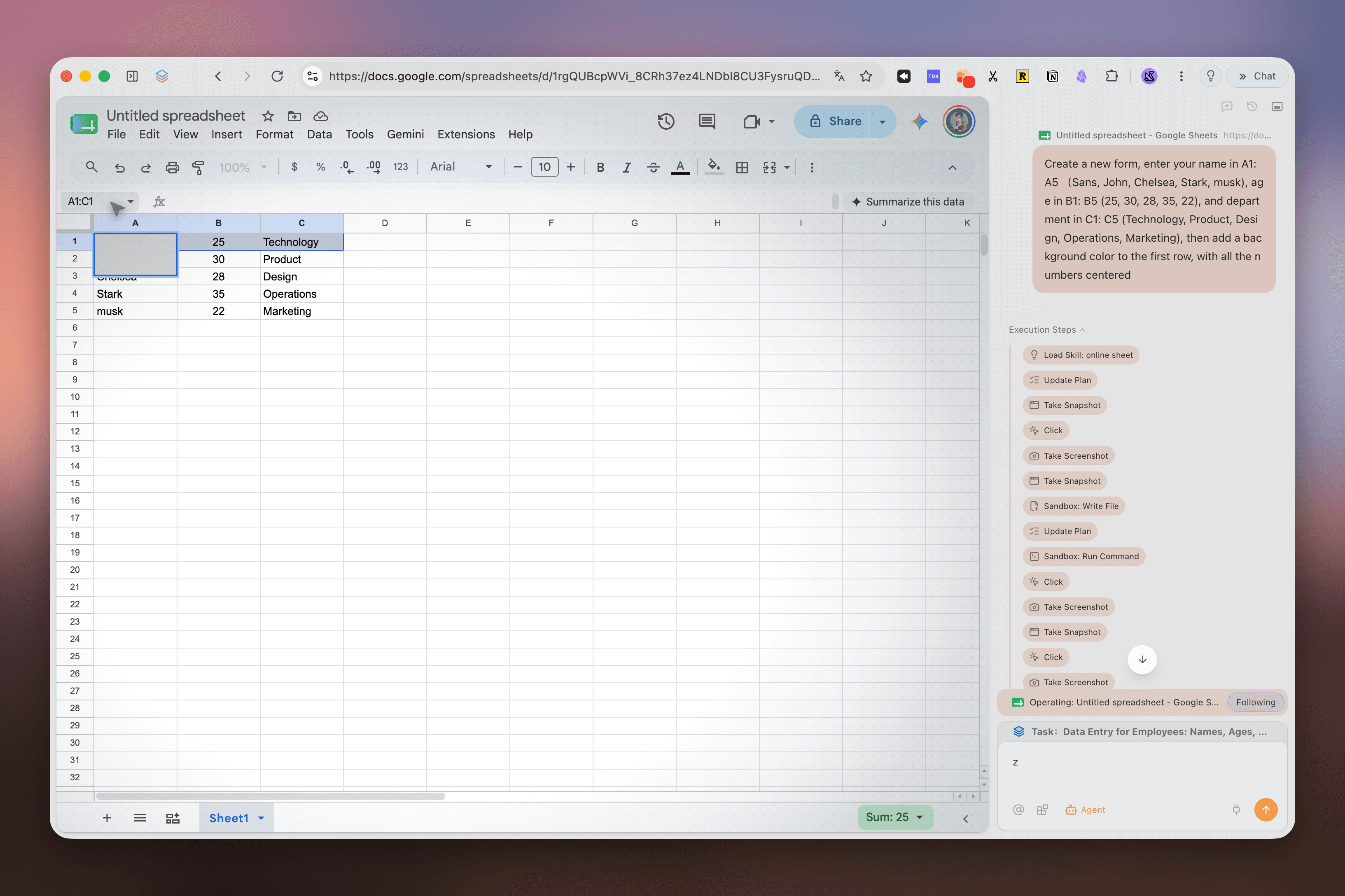
Entrada de dados e fluxos com várias etapas podem rodar em um caminho separado. Você decide; Tabbit clica.
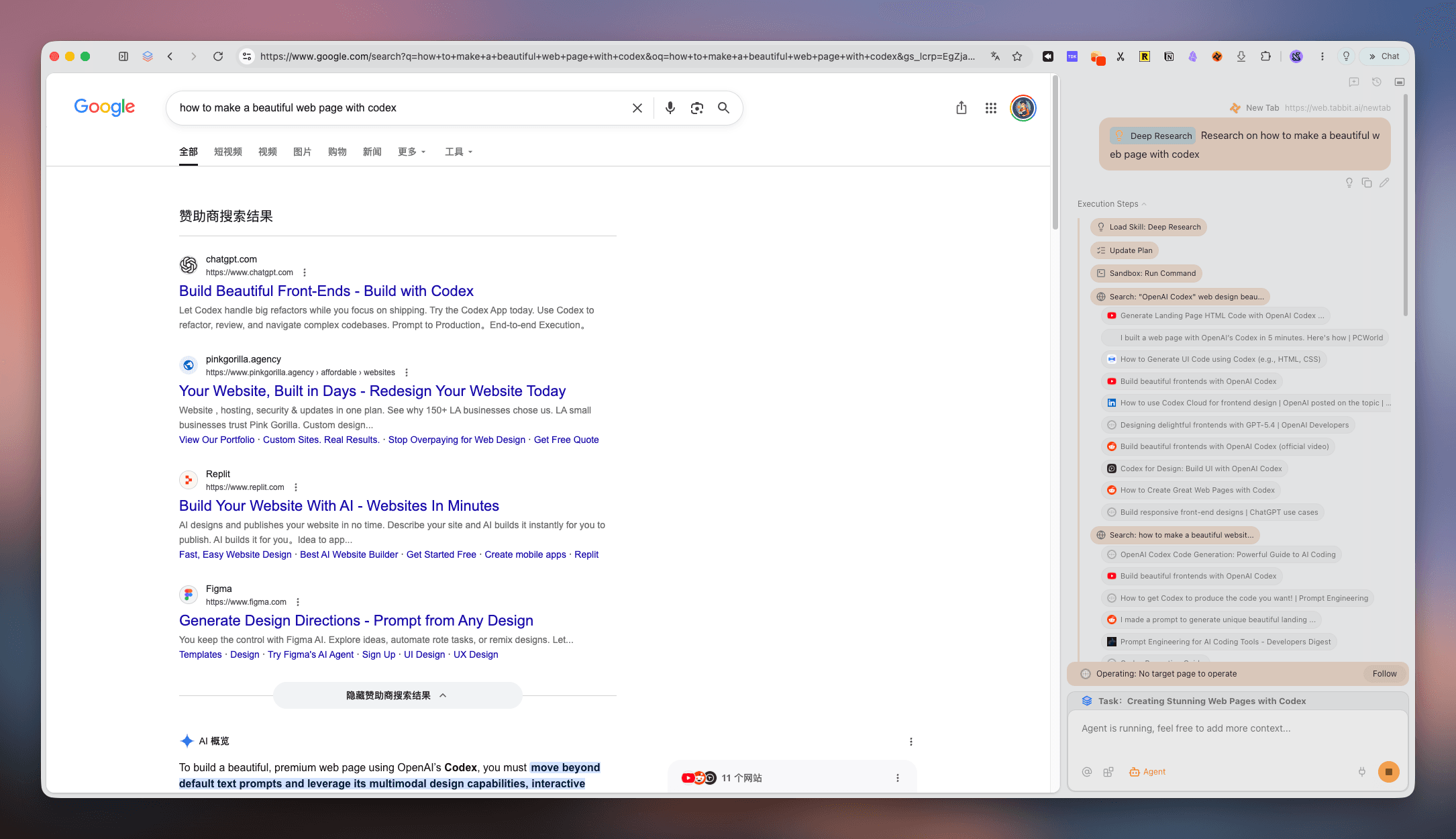
Deep Research transforma resultados dispersos em etapas, fontes e descobertas que você pode retomar.
Reúna artigos, notícias e novidades em uma superfície focada, pronta para a próxima decisão.
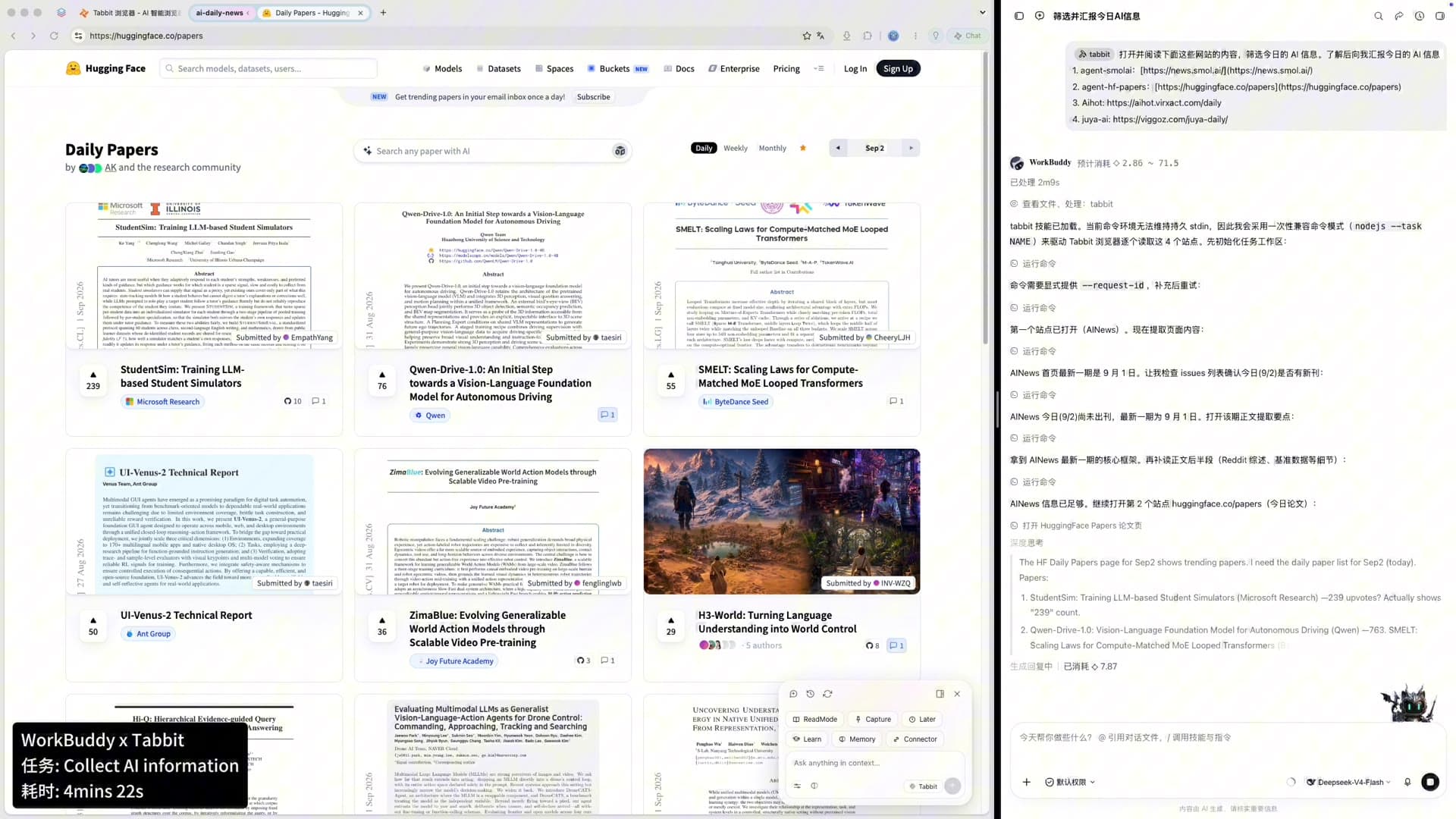
Um ciclo de trabalho limpo
Um bom navegador de produtividade torna clara a passagem entre pensar e fazer.
Uma comparação útil
Os recursos mudam com o tempo. Esta comparação observa o formato do fluxo de trabalho, não um ranking universal.
| Sinal | Tabbit | Chrome | Arc | Zen |
|---|---|---|---|---|
| Abas verticais com título completo | Nativo | Extensão | Nativo | Nativo |
| Workspaces de projeto | Grupos inteligentes | Grupos de abas | Spaces | Workspaces |
| IA sem cobrir conteúdo | Faixa Agent isolada | Barra lateral / extensões | Ask Arc | Extensões |
| Tarefas paralelas | Faixa Agent | Abas manuais | Manual | Manual |
| Mac e Windows | Beta grátis | Sim | Limitado | Sim |
Respostas claras
É um navegador que reduz o ruído visual e mental sem remover as ferramentas necessárias. Tabbit combina abas verticais, workspaces e uma faixa Agent isolada.
Não. Minimalista costuma significar menos recursos; limpo significa uma estrutura clara.
Abas horizontais cortam os títulos rapidamente. Uma lista vertical preserva mais contexto.
Sim. Crie espaços para clientes, aulas ou projetos e mostre apenas o necessário.
Tabbit usa uma faixa Agent isolada e painéis contextuais para manter a página principal legível.
Sim. O Agent pode executar pesquisa ou entrada de dados enquanto você permanece no workspace de foco.
Durante a beta pública, Tabbit é grátis no macOS e Windows. Baixe pelo site oficial.
Sim. Importe os dados necessários e organize as abas abertas em workspaces de foco.
Abra espaço para o trabalho
Leve abas, pesquisas e tarefas do navegador para um workspace tranquilo.
macOS · Windows · Beta pública