Raw speed and compatibility
You want pages to open instantly and every site — including demanding web apps — to just work.
Every browser on this list is good. The only wrong choice is the one that doesn’t match how you actually use the web. Start from eight everyday needs and jump straight to your pick.

Skip the ranking debate. Tell us what you want from a browser and jump straight to the profile that fits — every card links to a full profile below.
You want pages to open instantly and every site — including demanding web apps — to just work.
You want trackers and ads blocked out of the box, without tweaking a dozen settings.
You want summaries, deep research and an agent that handles multi-step tasks while you stay in control.
You want to reshape the interface, keyboard shortcuts and workspaces until the browser feels handmade.
You live in the Apple ecosystem and care about battery life and hand-off between devices.
You want a browser that’s already installed, syncs with your Microsoft account and handles long sessions smoothly.
You want your traffic routed through an encrypted relay network by default — not just tracker blocking.
You want a quiet browser that stays out of the way and puts vertical tabs and focus first.
The full list, with the one thing each browser genuinely does best. No scores, no forced ranking — just the fastest way to understand your options.
 Google Chrome
Best for: speed and compatibility
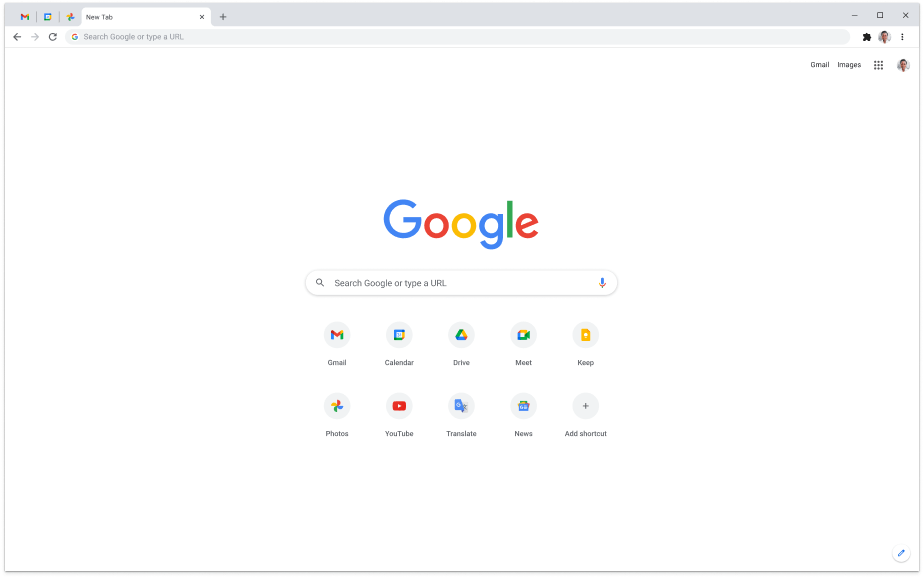
Still the benchmark for page-load speed and web-app compatibility. If a site can run in a browser, it runs in Chrome — at the cost of heavy memory use and Google’s data appetite.
Windows, macOS, Linux, Android, iOS
 Apple Safari
Best for: Mac and iPhone battery life
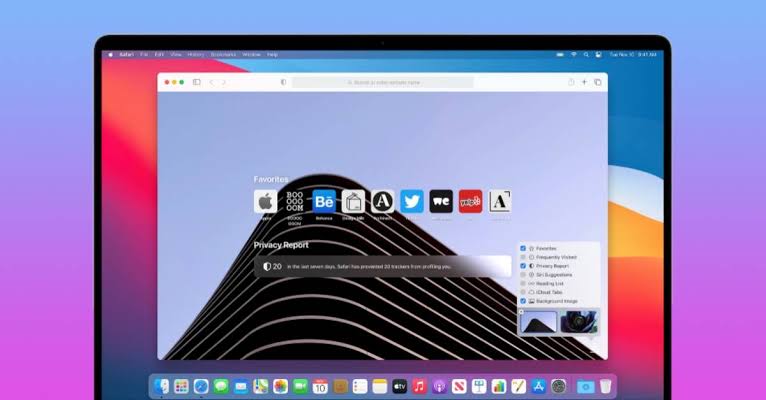
The only browser tuned for Apple silicon. Excellent energy efficiency with tight iCloud Keychain and Handoff integration; the extension catalog is smaller than Chromium’s.
macOS, iOS
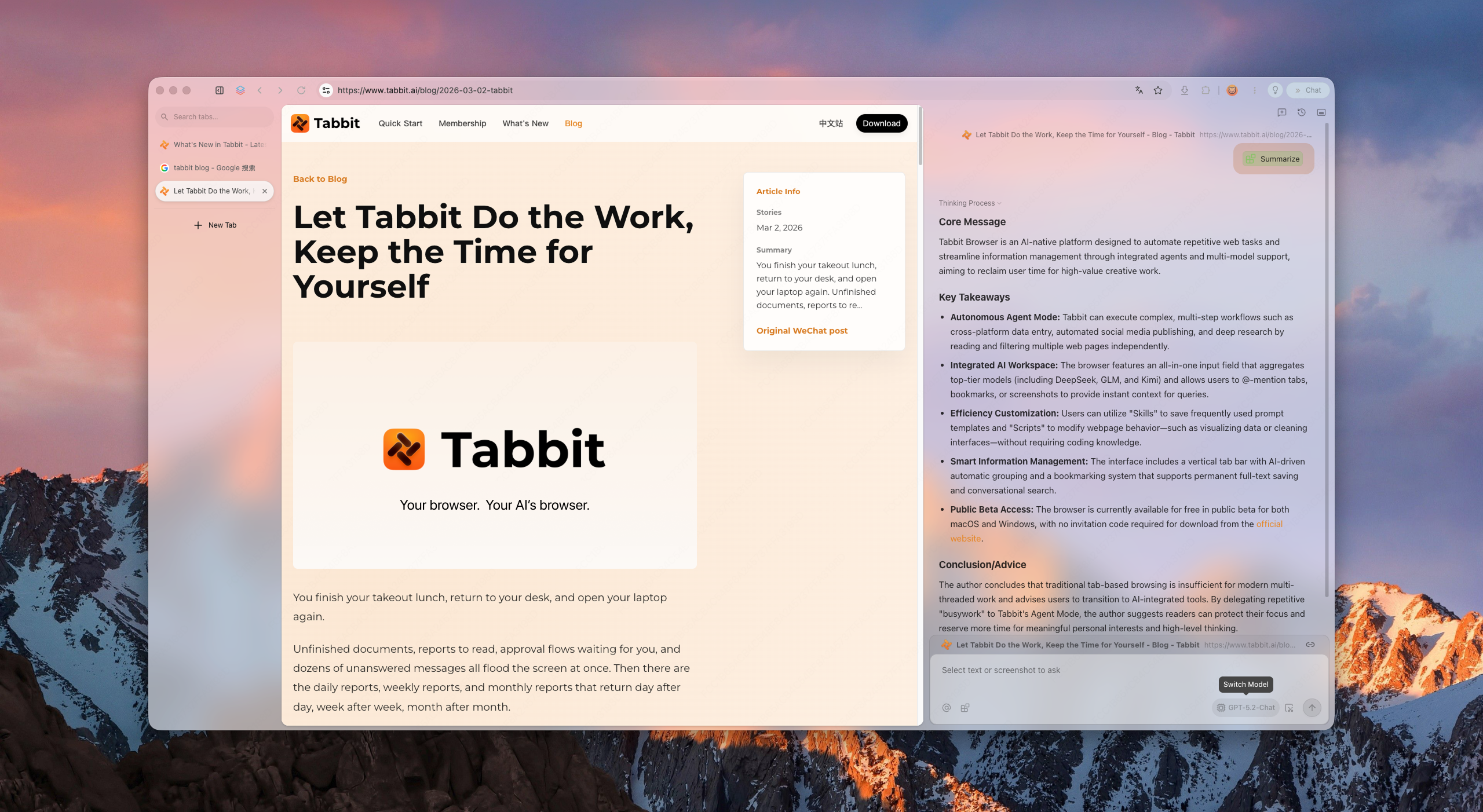
 Tabbit
Best for: AI research and browser agents
Summarizes pages in the sidebar, runs deep research across sources and helps with multi-step web tasks. A strong pick when browsing is part of your work, with the usual need to review AI results.
Windows, macOS
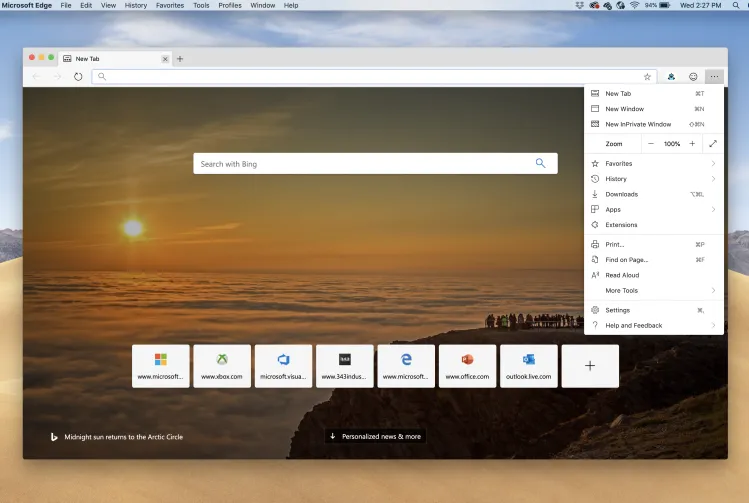
 Microsoft Edge
Best for: Windows users and Copilot
Chromium-fast, with sleeping tabs that tame RAM, Copilot built in and seamless Microsoft-account sync. The most improved default browser in years.
Windows, macOS, Android, iOS
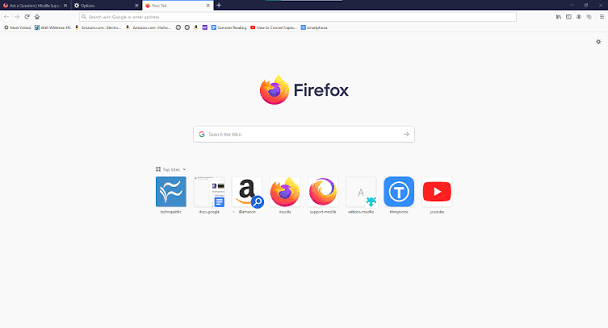
 Mozilla Firefox
Best for: independent, open-source browsing
The last major browser on a non-Chromium engine. Strong tracking protection, real extension power and a non-profit behind it — though some niche sites optimize only for Chromium.
Windows, macOS, Linux, Android, iOS
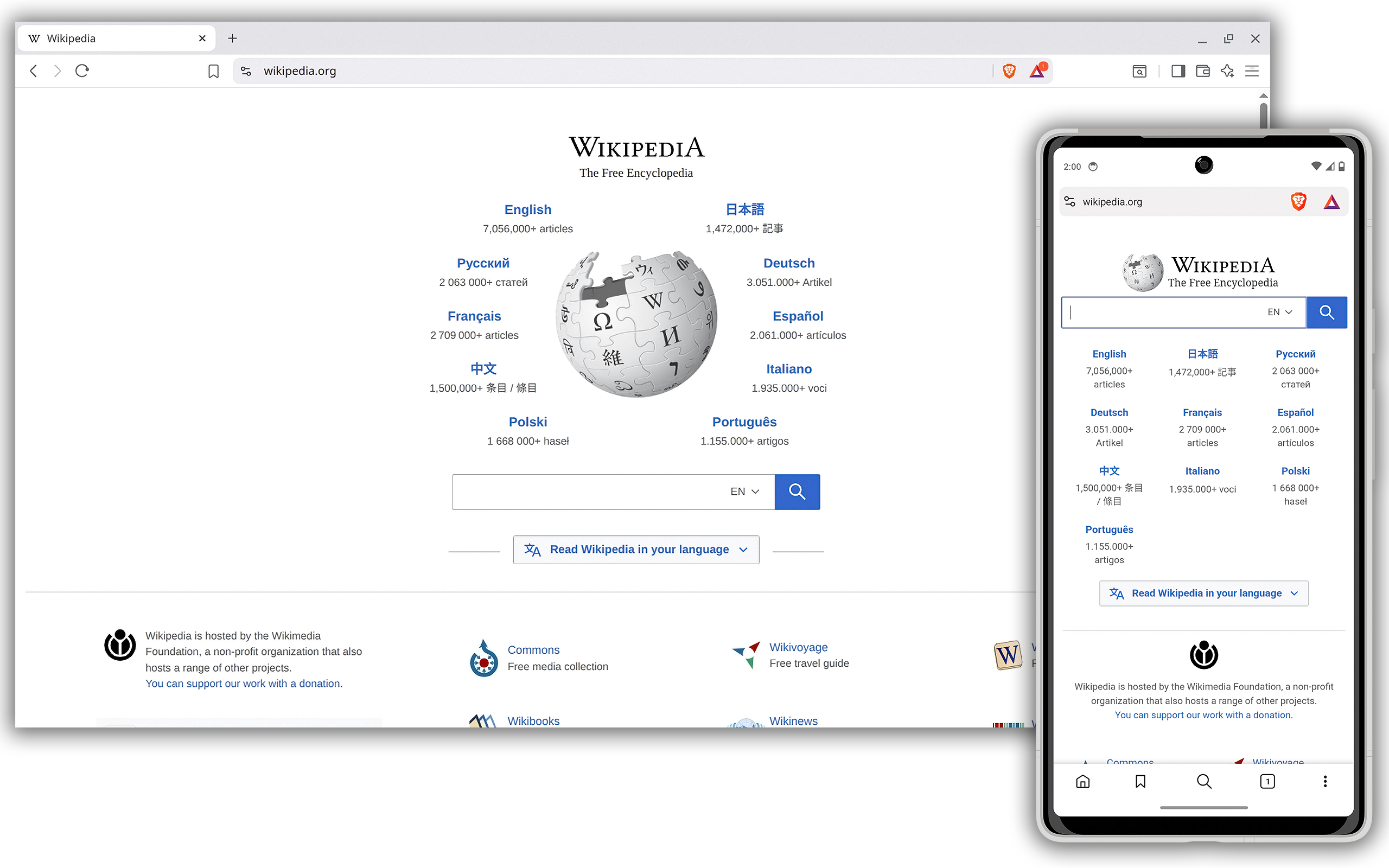
 Brave
BraveBest for: privacy without setup
Blocks ads, trackers and fingerprinting from the first launch. Pages load faster and cleaner; occasionally a site asks you to lower the shield.
Windows, macOS, Linux, Android, iOS
 Opera
OperaBest for: built-in extras
A browser with a VPN, ad blocker, battery saver and messaging sidebar bundled in. Feature-rich out of the box, with a smaller extension catalog than Chrome.
Windows, macOS, Linux, Android, iOS
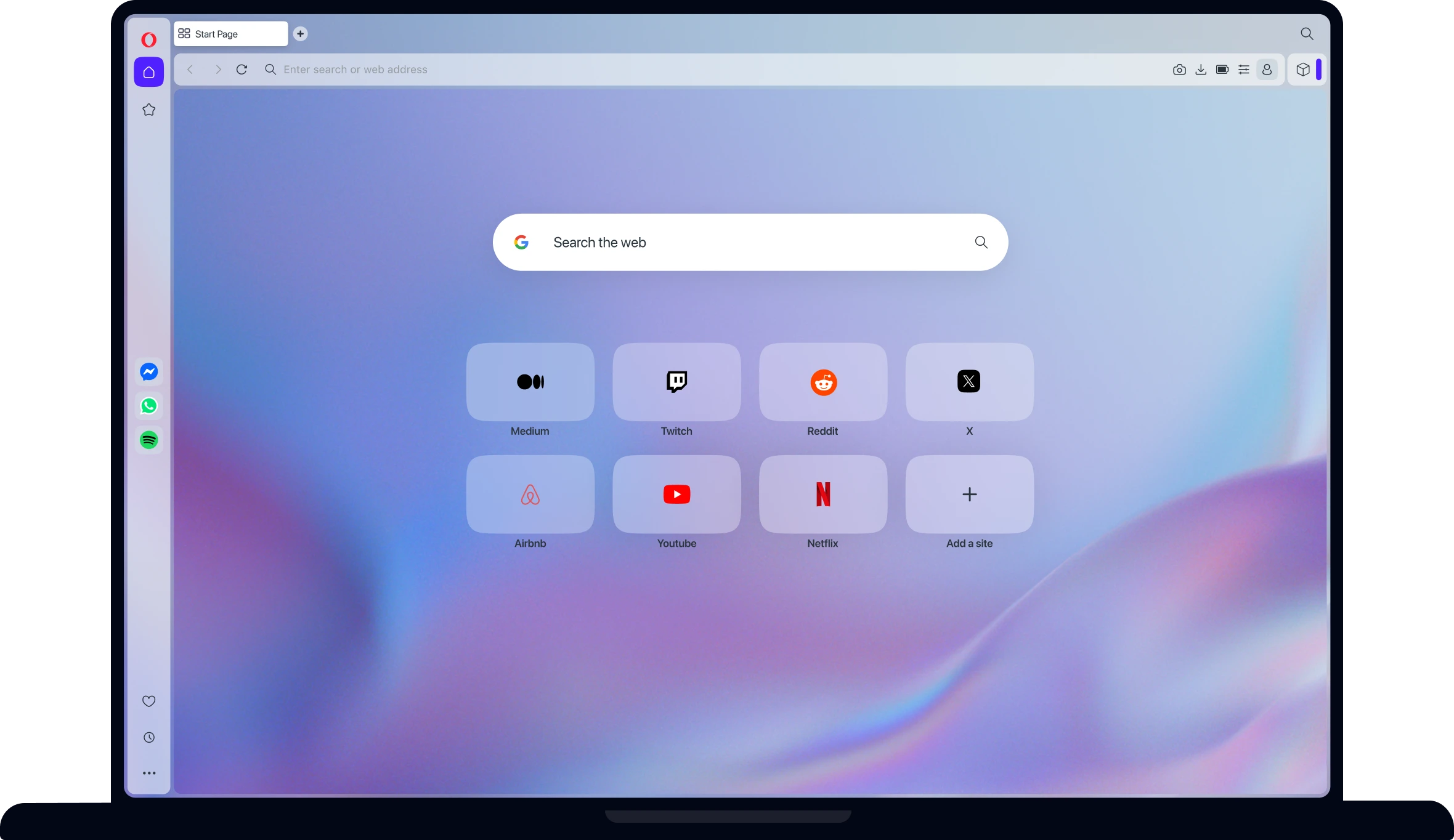
Best for: total customization
Stacked or vertical tabs, split views, command chains, full keyboard control — nearly every pixel can be remade. The power user’s browser, with a learning curve to match.
Windows, macOS, Linux, Android

 Arc Browser
Best for: a fresh, design-first workspace
A sidebar-first, spaces-based rethink of the browser window. Beautiful and genuinely different; Windows support arrived late and some workflows feel opinionated.
macOS, Windows
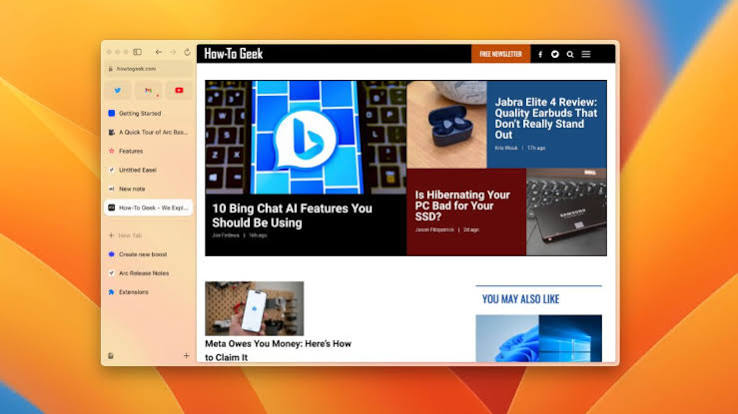
Best for: anonymity
Routes traffic through the Tor network and resists fingerprinting by default. The strongest anonymity available in a mainstream package — expect noticeably slower speeds.
Windows, macOS, Linux, Android
Tabbit isn’t another Chrome reskin. It’s an AI-native browser for people who research, compare and decide on the web — here’s what that means in daily use.

Tabbit condenses long articles and threads into structured summaries right in the sidebar, so you can scan a page before committing ten minutes to it.

Give Tabbit’s agent a multi-step task — fill a form, collect prices across tabs, work through a booking flow — and watch it act step by step, with your approval at each key action.

Multi-step research collects sources, compares answers and writes up findings — without juggling twenty tabs and a separate notes app.
The whole guide in one table. Find the row that sounds like you, and your shortlist is already made.
| If you want… | Get | Also great | Why |
|---|---|---|---|
| Pages that load instantly and always work | Google Chrome | Microsoft Edge | The compatibility benchmark every site is built for |
| Ads and trackers blocked from the first launch | Brave | Firefox | The strongest default shields with zero setup |
| AI summaries, research and agents inside the browser | Tabbit | Edge | AI-native design instead of a bolted-on chatbot |
| A browser you can reshape completely | Vivaldi | Opera | The deepest UI and shortcut customization available |
| Long battery life on Mac and iPhone | Safari | Arc | Tuned for Apple silicon and iCloud hand-off |
| A solid default on Windows | Edge | Chrome | Sleeping tabs, Copilot and Microsoft-account sync |
| To vanish from trackers and network observers | Tor Browser | Brave | Encrypted relay routing switched on by default |
| A quiet, minimal window that stays out of the way | Arc | Vivaldi | Vertical tabs and a focus-first reading space |
Modern browsers import almost everything for you. Here’s the whole process, from download to done.
Grab the installer from the browser’s official site — never from a third-party download portal.
On first launch, every browser on this list offers a one-click import from your current one.
Sign in to carry bookmarks, history and passwords across your devices.
Set it as your system default so links everywhere open in your new browser.

Chrome is still the best at one thing: compatibility and raw speed on demanding sites. If that’s your priority, it remains the safe choice. For privacy, battery life or AI features, other browsers on this list do those things better.
If your day involves research, reading and deciding on the web, try Tabbit — the AI-native browser that summarizes, researches and automates right where you read.
