01
Minimum version
macOS 12 (Monterey)
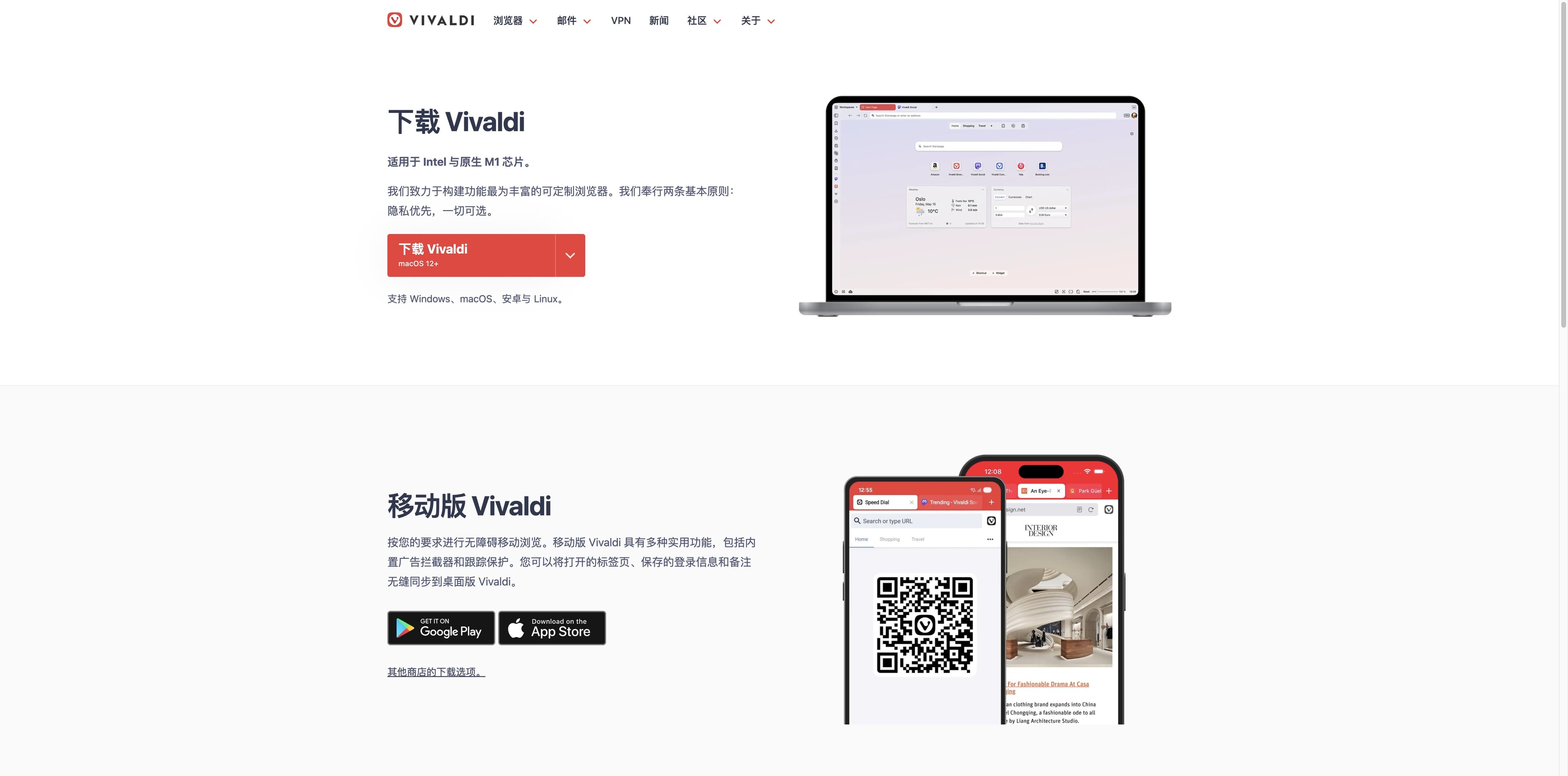
The official install guide says Monterey or later.
MAC DESK / VIVALDI BROWSER / FIELD GUIDE
Looking for the Mac download, the install path, or a browser that can carry a serious workday? Start with the facts, then choose between Vivaldi’s deeply customizable desk and Tabbit’s AI-native research desk.
THE MAC CHECK
Know the floor before you switch.
Vivaldi’s official pages answer the compatibility and installation questions. The workflow choice comes next.
System
macOS 12+
Monterey or newer
Chip
Intel + Apple Silicon
The download page notes native M1 support
Installer
.dmg → Applications
Open, agree, drag, launch
01 / MAC FACTS
These are the details Mac users usually need before they leave Safari or Chrome. They are checked against Vivaldi’s current download and help pages.
Minimum version
The official install guide says Monterey or later.
Architecture
The official download page explicitly mentions Intel and native M1.
First launch
Open the installer, accept the licence, drag Vivaldi to Applications.
Migration
Bookmarks, passwords and history can be imported; open tabs currently come from Chromium browsers.
Default browser
Choose Default Browser, then Set as Default and confirm Use “Vivaldi”.
Platform scope
Vivaldi lists Windows, macOS and Linux; check the current help article for OS-specific details.
Verified against Vivaldi official pages
02 / TWO MAC WORKBENCHES
There is no need to pretend these products solve the same problem. Vivaldi is a powerful, personal Chromium browser; Tabbit adds AI research, summaries and multi-step browser execution to the surface.
| Decision point | Vivaldi on Mac | Tabbit on Mac |
|---|---|---|
| 01Core idea | Shape the browser around your habits. | Let the browser understand context and help finish the task. |
| 02Tabs & workspaces | Tab stacks, tiling, Web Panels and Workspaces. | Vertical tabs, smart grouping and workspaces for research context. |
| 03Page research | Organize and read pages with built-in tools. | Deep Research searches, reads and structures findings in the browser. |
| 04Summaries | Use browser features or extensions you choose. | Ask the side panel to summarize the page while you keep reading. |
| 05Agent actions | No built-in Tabbit-style browser agent is described on the desktop page. | Agent can read pages, extract data, fill forms and run multi-step workflows. |
| 06Move from another browser | Import through File → Import from Applications or Files. | Import bookmarks and settings, then reference tabs, groups or files as context. |
| 07Best fit | People who want maximum interface and privacy control. | People who want research and repetitive web work to move forward. |
Feature descriptions are based on the linked official Vivaldi pages and Tabbit product materials; they are not a benchmark score.
03 / INSTALL WITHOUT GUESSWORK
Vivaldi’s Mac setup is intentionally familiar. Keep this path nearby, then use the welcome flow to decide how much of the interface you want visible.
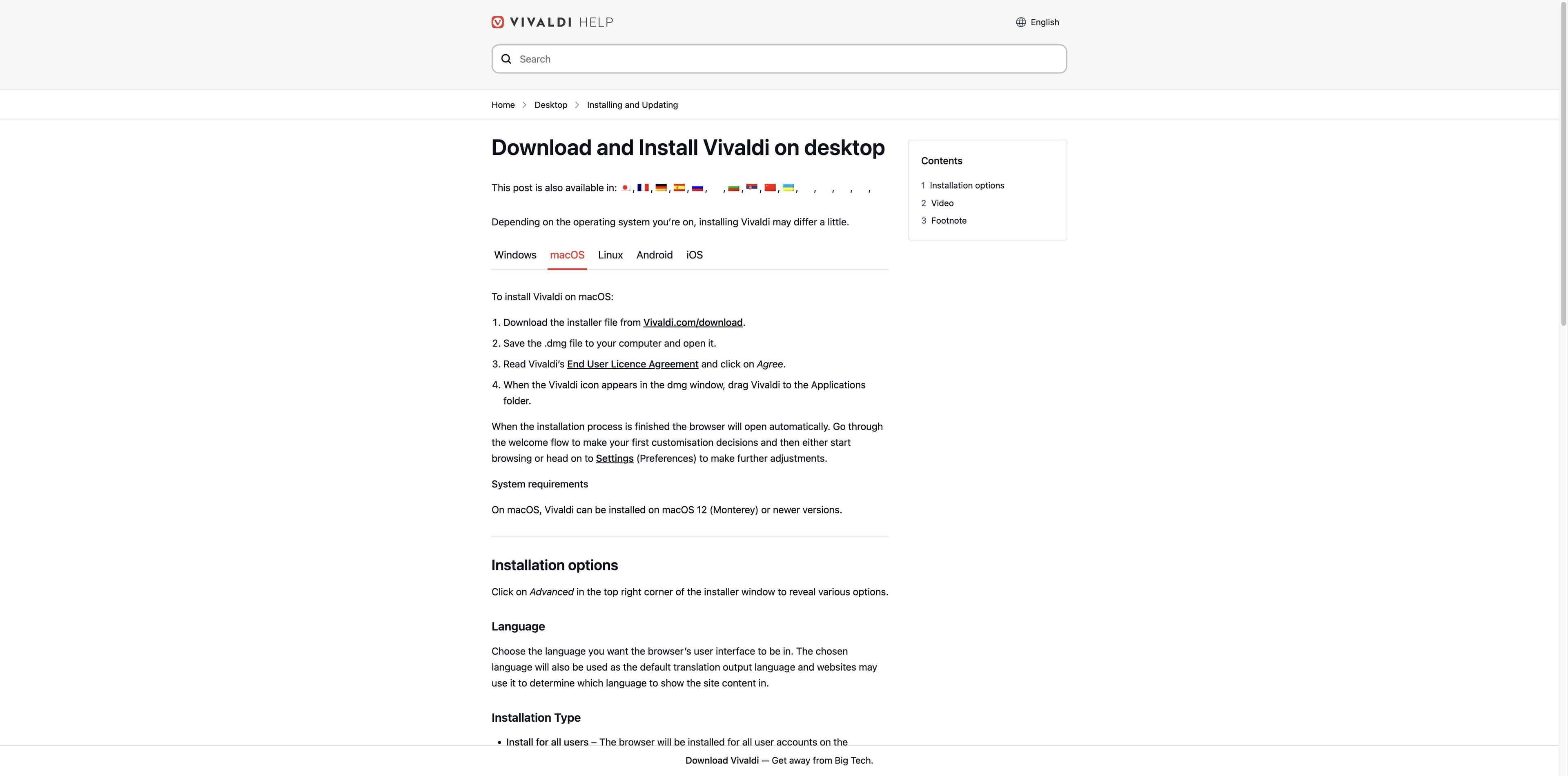
Open Vivaldi’s download page and choose the Mac download offered for your machine.
Save the .dmg file, open it, and read the End User Licence Agreement.
Choose Agree, then drag the Vivaldi icon from the disk image into Applications.
Vivaldi opens when installation ends. Choose your first settings, then import data or set it as default.
04 / THE VIVALDI DESK
The official desktop page is strongest when you want to decide where tabs live, which tools stay close and how much privacy control sits in the browser itself.
01 · ORGANIZE
Keep work, shopping or social sessions in separate spaces, then use tab stacks and tiling when one topic needs several pages at once.
02 · PIN
Add a site to the sidebar and choose how it should appear. It is useful for a reference, a chat or a small tool that should not take over the tab.
03 · COMMAND
Search tabs, bookmarks, history and the web, then run browser commands from one control centre instead of hunting through menus.
04 · PROTECT
Vivaldi highlights tracker and ad blocking, private windows, password management and encrypted sync. Blocking is useful protection, not a promise of anonymity.
05 / WHEN THE DESK SHOULD DO THE READING
If your Mac day is a loop of reading, comparing, summarizing and updating another system, an AI-native browser can shorten the hand-offs. These are real Tabbit UI captures, not product mockups.

RESEARCH
Deep Research runs a web investigation beside your tabs, showing searches and execution steps while the source pages stay visible.

SUMMARIZE
Ask for a page summary without losing the page. The side panel keeps the core message and takeaways next to the source context.

ACT
Agent mode can operate a site for you: read a table, enter information, and continue through a multi-step workflow with execution steps in view.
Tabbit is available for macOS and Windows. The download button uses the shared platform-aware flow so you can try the correct desktop build.
06 / CHOOSE BY TASK
Use this quick split after you have checked the Vivaldi Mac requirements.
Its Workspaces, stacks, panels, commands, themes and privacy controls reward hands-on customization.
Deep Research and contextual tabs are designed to keep browsing, source reading and synthesis together.
Agent mode is built for browser actions such as extracting data, entering forms and progressing through workflows.
The official download and install pages are the right source for the current DMG and OS-specific instructions.
07 / MAC FAQ
Yes. Vivaldi’s official desktop download supports macOS, and the download page notes Intel and native M1 support. Check the official page for the installer offered today.
Vivaldi’s current installation help page says macOS 12 (Monterey) or newer. Older systems should check the official archive or support guidance before installing.
The official download page explicitly says “Intel and native M1”. Apple Silicon users should use the current Mac download rather than an unofficial mirror.
Download the official .dmg, open it, agree to the licence, and drag the Vivaldi icon into Applications. When the installation finishes, Vivaldi opens its welcome flow.
Yes. In Vivaldi choose File → Import from Applications or Files, select the source browser and start the import. The official help page lists bookmarks, passwords and history among the data that may be imported.
Yes. Open Settings/Preferences → General → Startup → Default Browser, select Set as Default, then confirm Use “Vivaldi”.
Vivaldi’s desktop page lists Workspaces, tab stacks, tiling, Web Panels and Quick Commands. Exact controls can vary by platform and release, so check the current desktop help when a detail matters.
Choose Vivaldi when deep interface control and built-in browser tools are the priority. Try Tabbit when the priority is AI-assisted research, page summaries or an Agent that can carry out multi-step browser work.
NEXT TAB / YOUR MAC WORKFLOW
Try Tabbit when browsing is only the first step. Research, summarize and delegate repetitive web work without leaving the context that made the task important.
Free desktop download · platform-aware installer flow · Vivaldi’s official download remains linked above